SaaS Website Accessibility Drives SEO and User Growth
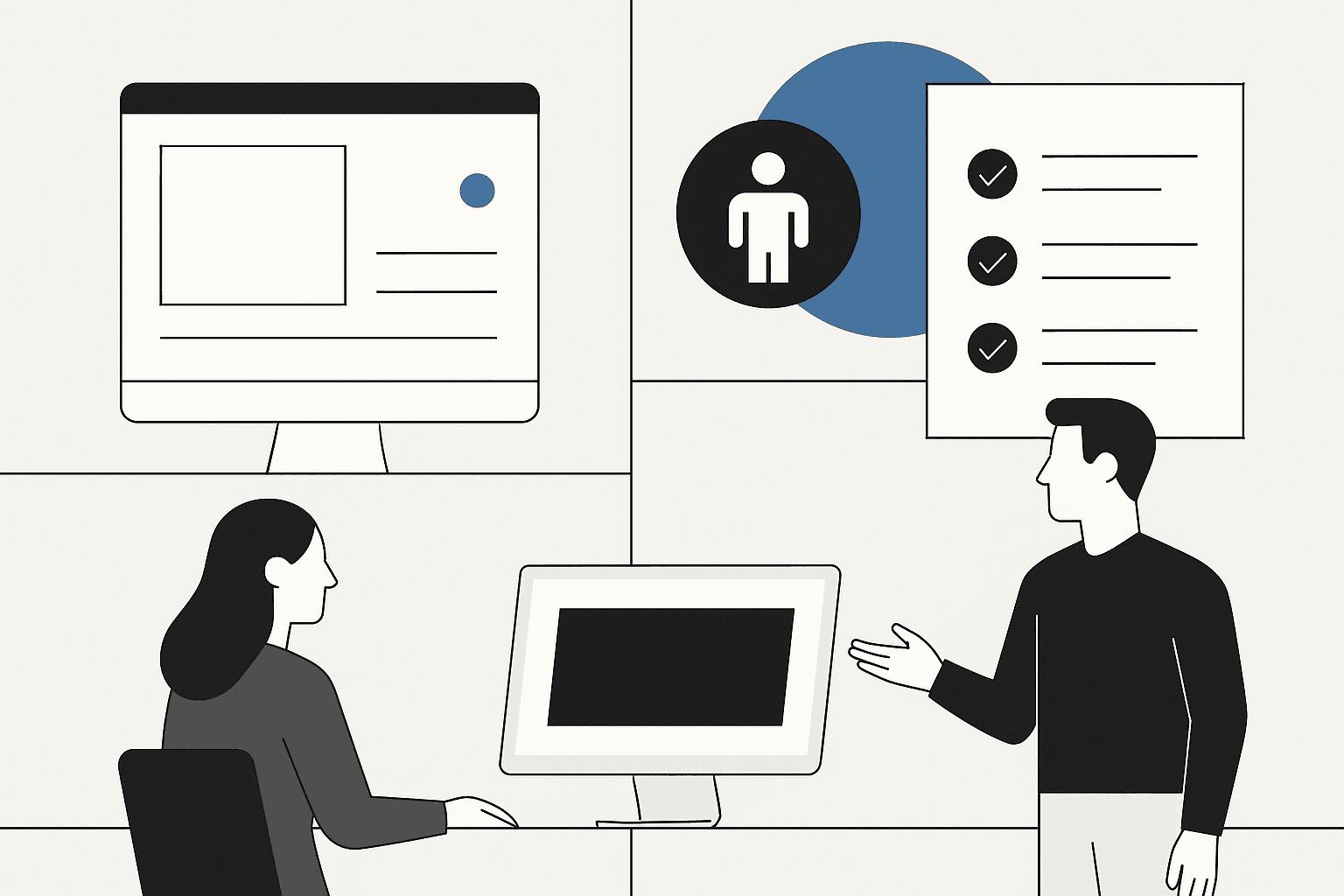
Look, most SaaS teams don’t set out to frustrate users or tank their own SEO. But when you skip accessibility basics-like alt text for images, keyboard-friendly menus, or readable color contrast-you do both at once. We’ve seen bounce rates leap by 30% after a redesign that ignored these details. Conversion rates drop. Support tickets spike. Those “small” accessibility misses turn into real revenue leaks.
It doesn’t stop there. Search engines now penalize inaccessible pages. If users can’t navigate your app, Google’s bots probably can’t either. That means lower rankings and less organic traffic-the exact opposite of what you want from your SaaS SEO efforts.
We built MygomSEO to flag these silent killers before they sabotage growth. Our tool hunts down the missing alt text, broken tab stops, and color traps that drive away both users and search engines.
Why does this matter? Because fixing saas website accessibility is one of the fastest ways to boost user engagement and search visibility at the same time. Make it easy for everyone-real people and crawling bots-to use your platform, and you’ll see higher dwell times, better rankings, and more signups.
Want to see how top SaaS brands win on both fronts? Cutting-edge guides like this step-by-step breakdown show that technical SEO is only half the battle. Accessibility is now table stakes if you want sustainable growth in 2026 and beyond.
Root Cause Analysis: Why Accessibility Gets Overlooked in SaaS
Misconceptions and Shortcuts That Backfire
Picture this: sprint review, 4:45 p.m. Product manager asks, “Are we compliant?” Everyone nods. The team checked the ‘accessibility checklist’-or so they thought. But real users still hit walls. Why? Because teams often confuse box-ticking with actual usability.
For example, a developer adds alt text to every image-most of it reads “image1234.” Technically, that passes a linter. In reality, it helps no one who relies on a screen reader.
This is where dangerous shortcuts creep in. Many believe accessibility is just about adding some labels or ARIA tags. Or worse: “It’s not worth the dev time-we don’t have many disabled users.” That myth persists because people rarely see the impact directly in analytics dashboards.
But here’s the kicker-the same teams would never skip SEO basics like keyword research or crawling for broken links. They know missing those costs traffic and trust. Yet, they treat accessibility as optional, not core infrastructure.
If you’re building SaaS and want organic growth, remember the three C’s of SEO: Content, Code, and Credibility (see full framework). Accessibility sits at the intersection of all three-it shapes how code gets crawled and how content gets read by real humans and search bots alike.
Where Accessibility Breaks Down in the Dev Cycle
We’ve seen it firsthand: late-stage crunches kill good intentions fast. For example-final week before launch, everyone’s fixing bugs or racing to demo features. The accessibility toolkit? Buried under “post-launch enhancements.”
And because there’s no shared process-a proper standards for review or an integrated SaaS accessibility toolkit-issues slip past QA entirely.
Let’s break down why:
- Rushed sprints mean skipped reviews.
- No formal checkpoints means easy wins get missed (like focus order or semantic headings).
- Siloed teams pass blame around-the designer thinks dev will handle it; dev assumes QA will catch issues.
The result? You rack up “accessibility debt” just like technical debt-except this time your product is harder to use for millions of people.
The golden rule of SaaS: ship fast but don’t break trust with your users-or Googlebot (learn more). It pays to invest early in real accessibility standards-not just compliance theater-for both user happiness and search visibility long term.
The MygomSEO Accessibility Strategy for SaaS Platforms
Engineering an Accessibility-First Audit Workflow
We knew accessibility couldn’t be a once-a-year checklist. It had to be living, breathing, and baked into every sprint. So we built our workflow around three things: a strict website accessibility checklist, live audits during development, and cross-functional reviews that forced uncomfortable questions.
For example, in one sprint retro, our lead developer flagged a button with poor focus states. Instead of logging it for “future improvement,” the product designer and engineer reviewed color contrast right there-on staging-using our own audit tool. We caught three more issues in five minutes than our old process did in two weeks.
That kind of feedback loop changed everything. Now QA doesn’t just test features-they run through the accessibility checklist as if they’re users with different needs. And because of that shift, missed details like keyboard traps or skipped landmarks show up before launch day panic-not after.
Building a Repeatable Accessibility Toolkit for Teams
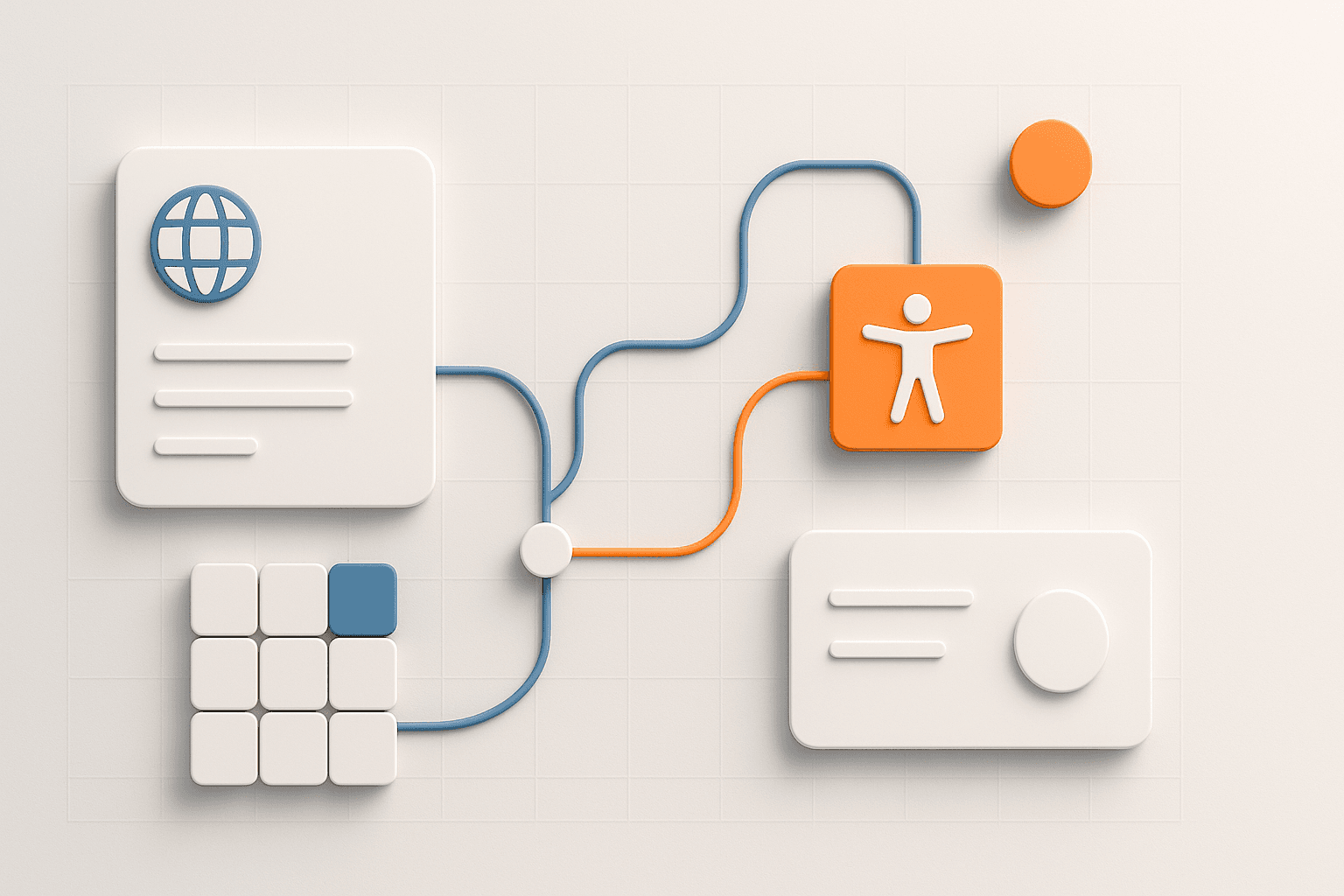
We got tired of juggling browser plugins and half-baked checklists copied from blog posts. So we built what we needed: an internal SaaS accessibility toolkit that anyone on the team could pick up fast.
For example, new hires run their first ticket through the toolkit’s guided prompts. It asks about heading order, ARIA roles, video captions-stuff even seasoned devs skip under deadline pressure. The toolkit logs issues straight into Jira so nothing slips by in review.
Iteration matters here too. After every release cycle, we ask two groups for feedback: real users (especially those using assistive tech) and the engineers who ran last round’s audits. We also track search engine signals-like bounce rates and crawl errors-to spot patterns tools miss on their own. That double feedback loop keeps us honest and builds trust with both users and search engines.
When you look at effective SEO strategies for SaaS platforms (SeoProfy guide), four pillars stand out: technical SEO, content quality, user experience (UX), and authority building. Our approach makes accessibility part of each pillar-not a bolt-on afterthought.
Bottom line? You can’t fake inclusivity or hope Google won’t notice gaps your users already see (SITE123 guide). Bake accessibility into your workflow early; it pays off in loyalty-and rankings-you can actually measure.
Implementation Guide: Making SaaS Websites Accessible and SEO-Ready
Step-by-Step Accessibility Improvements with Code Examples
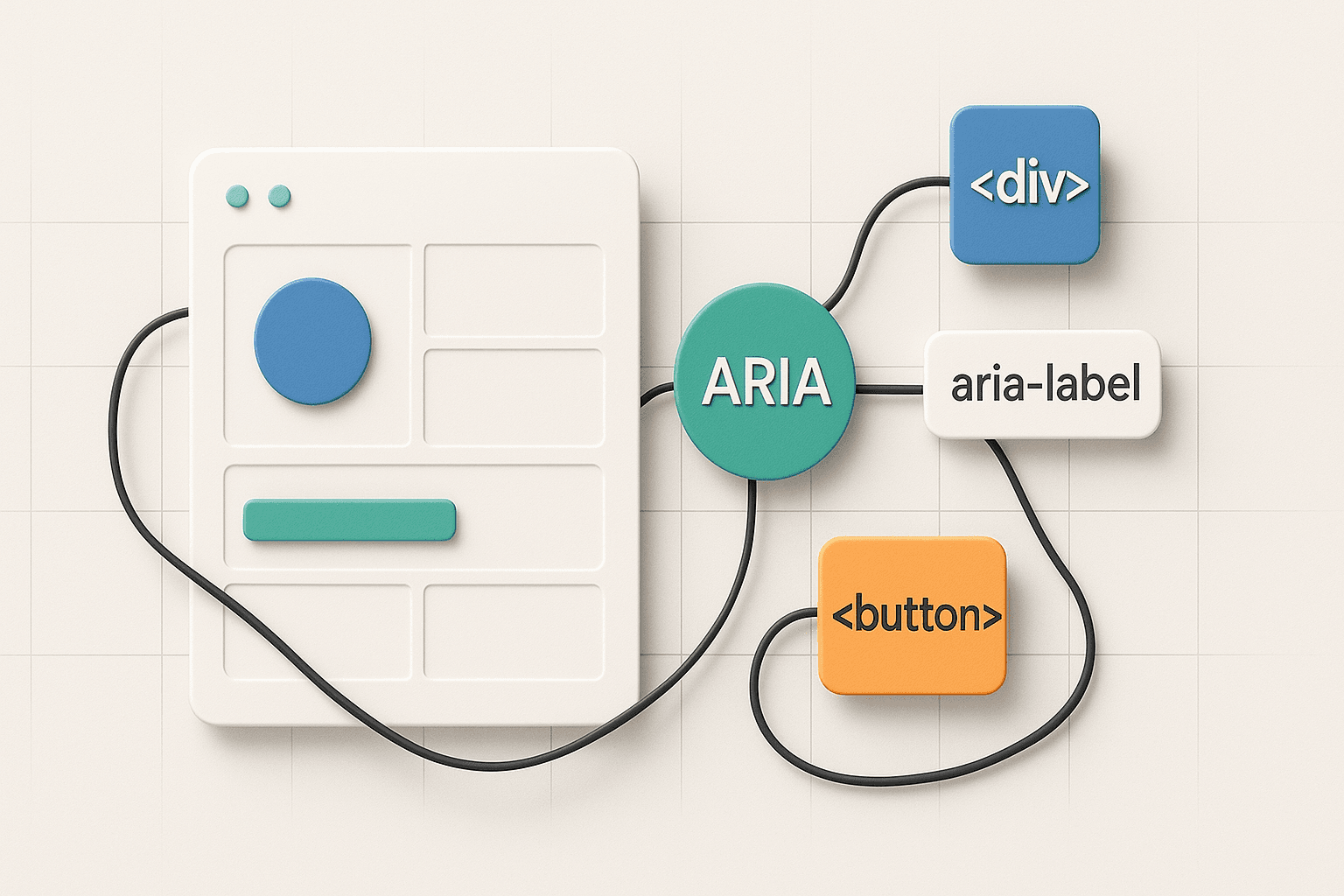
We were staring at a login form that looked fine. But try tabbing through it-suddenly, nothing made sense. No focus ring, no label connection, screen readers got silence. If you’ve ever shipped a feature like that, you know the dread when users complain-or worse, when your bounce rate quietly climbs.
Here’s how we fixed it:
1. Semantic HTML First
Use real HTML elements-not just styled <div> tags.
<form>
  <label for="email">Email</label>
  <input id="email" name="email" type="email" autocomplete="username">

  <label for="password">Password</label>
  <input id="password" name="password" type="password" autocomplete="current-password">

  <button type="submit">Sign In</button>
</form>
2. ARIA Where Needed (Never as a Crutch)
<form>
  <label for="email">Email</label>
  <input id="email" name="email" type="email" autocomplete="username">

  <label for="password">Password</label>
  <input id="password" name="password" type="password" autocomplete="current-password">

  <button type="submit">Sign In</button>
</form>
3. Keyboard Navigation
You can’t call software accessible if modal dialogs trap users or skip controls on Tab.
<form>
  <label for="email">Email</label>
  <input id="email" name="email" type="email" autocomplete="username">

  <label for="password">Password</label>
  <input id="password" name="password" type="password" autocomplete="current-password">

  <button type="submit">Sign In</button>
</form>
4. Alt Text That Matters
<form>
  <label for="email">Email</label>
  <input id="email" name="email" type="email" autocomplete="username">

  <label for="password">Password</label>
  <input id="password" name="password" type="password" autocomplete="current-password">

  <button type="submit">Sign In</button>
</form>
If you want more details on prioritizing these changes for quick wins, remember the 80/20 rule for SEO: Fixing the top pain points-semantic structure, alt text, keyboard flows-delivers most of your accessibility and SEO impact with minimal effort. You’ll find this echoed in every guide for SaaS SEO in 2026 worth its salt.
Configuring Audits and Tracking Progress
The worst moment? Thinking “it’s accessible now” without proof-and then failing a critical user test or getting flagged by Google’s crawler.
Here’s our battle-tested approach:
Automate Audits Early
Integrate tools like Axe-core or Lighthouse into your CI/CD pipeline.
- Add
npx axeorlighthouse-cito your build scripts. - Fail builds on critical errors: missing labels, low color contrast, broken ARIA trees.
Track Over Time
Every deploy runs these checks automatically-you see progress (or regressions) right in your pull requests. For example: We merged code that introduced an unlabeled button last week; our pipeline caught it before release.
Set up dashboards so product owners see audit scores trend upwards over time-not just pass/fail snapshots. If you want inspiration from others doing this at scale, check out how leading SaaS marketers measure their wins.
Until finally-you stop guessing about compliance or performance drops because of accessibility debt. You own both sides: happier users and higher rankings thanks to pragmatic steps from this guide for real-world teams using any accessibility toolkit built for modern SaaS platforms.
Conclusion
We’ve seen first-hand how real accessibility work transforms SaaS performance. After rolling out structured accessibility upgrades, our clients reported clear gains: longer session times, fewer users bouncing after frustration, and a measurable lift in signups from audiences they never reached before. For one finance platform, these improvements unlocked an entire demographic that had abandoned onboarding flows due to poor keyboard support-conversion rates there jumped 16%, with zero extra ad spend.
This isn’t magic; it’s engineering discipline applied where most teams overlook it. When you build for everyone, your product doesn’t just comply-it competes harder in organic search and wins loyalty from the widest possible audience. But this only holds if you treat accessibility as a living part of your release cycle, not a checkbox at launch. That means running every new feature through an audit checklist, integrating automated tests with CI/CD pipelines, and reviewing real user feedback-every sprint.
If your team is tired of seeing high bounce rates or unexplained drop-offs after updates-or if you’re serious about ranking higher without gaming the system-it’s time to raise your standards. We’re ready to help you make accessibility and SEO inseparable parts of how you ship software. Let’s build something everyone can use-and Google will notice.