SEO Security Best Practices Every Developer Needs to Know
A single vulnerability can tank your Google rankings overnight. That’s not fear-mongering-it’s reality. Security breaches don’t just damage user trust or expose sensitive data. They hit where it hurts: your search engine visibility. Google is ruthless with hacked or compromised sites, often stripping them from results or dropping them to page five obscurity. The message is clear: ignoring SEO security best practices isn’t just risky-it’s business sabotage.
Why does this matter now? Cyber attacks are evolving fast. Attackers often target known SEO weaknesses-think outdated plugins, weak admin panels, or sloppy redirect logic. Exploiting these gaps isn’t just about stealing data; it’s about hijacking your rankings, redirecting traffic, and spreading malware under your domain name. According to experts, compromised websites are among the first to feel Google’s penalty hammer-and recovery is slow, expensive, and never guaranteed [source].
If you’re a developer, technical marketer, or SaaS operator, you can’t afford to treat SEO and security as separate silos. The modern web is a battleground where technical SEO and cybersecurity are tightly linked [source]. In this guide, you’ll learn the critical SEO security best practices every developer needs to know-from patching plugin vulnerabilities to hardening your site against SEO spam attacks.
Ready to see how even a small oversight can crater your organic traffic? Or how simple changes can keep both users and search engines on your side? Let’s break down what really works-and what’s putting your site at risk right now.
Selection Criteria for SEO Security Best Practices
Evaluation Metrics: Impact, Feasibility, and Scalability

High-impact practices sit at the intersection of technical rigor and fast wins. MygomSEO zeroes in on measures that developers can slot into their workflow with minimal friction-think robust HTTP headers or automated vulnerability scans. For example, implementing Content Security Policy (CSP) is like adding a firewall to your essential website’s front door: simple for most teams, yet a powerful defense.
Scalability matters. A solution that works for a five-page portfolio must also scale across SaaS platforms with thousands of URLs. That’s why every recommended practice gets weighed for its ability to keep your site secure as traffic-and complexity-grows. Actionable changes trump theoretical advice; if it doesn’t fit into a CI/CD pipeline or an SMB budget, it’s out.
Who Needs These Practices Most
Technical marketers pushing site migrations, SaaS operators managing user data, and developers wrangling APIs all depend on these best practices to protect the integrity of your digital presence. The four pillars of SEO-technical structure, content relevance, user experience, and authority-are only as strong as their weakest security link.
For more context on combining cybersecurity with SEO fundamentals, see A Complete Guide to Cybersecurity SEO Services or Balancing SEO and Cybersecurity.
1. Enforce HTTPS and Secure All Data Transfers
Why HTTPS Is Non-Negotiable

The golden rule of SEO? Trust is everything. Google treats HTTPS as a ranking signal, but it's about more than search position-it's about safeguarding user trust and site integrity. When your website security is lax, every data packet becomes a liability. For example, transmitting login credentials or form inputs over HTTP is like shouting passwords across a crowded room-anyone can listen in.
Developers and SaaS teams handling SEO dashboards process sensitive analytics, audit logs, and API tokens daily. Insecure data transfers risk leaking not just user data but also proprietary SEO insights to attackers-a nightmare scenario for any business. Even major platforms have been burned by insecure endpoints or mixed-content issues that quietly undercut both security posture and crawlability [source].
Best Implementation Steps
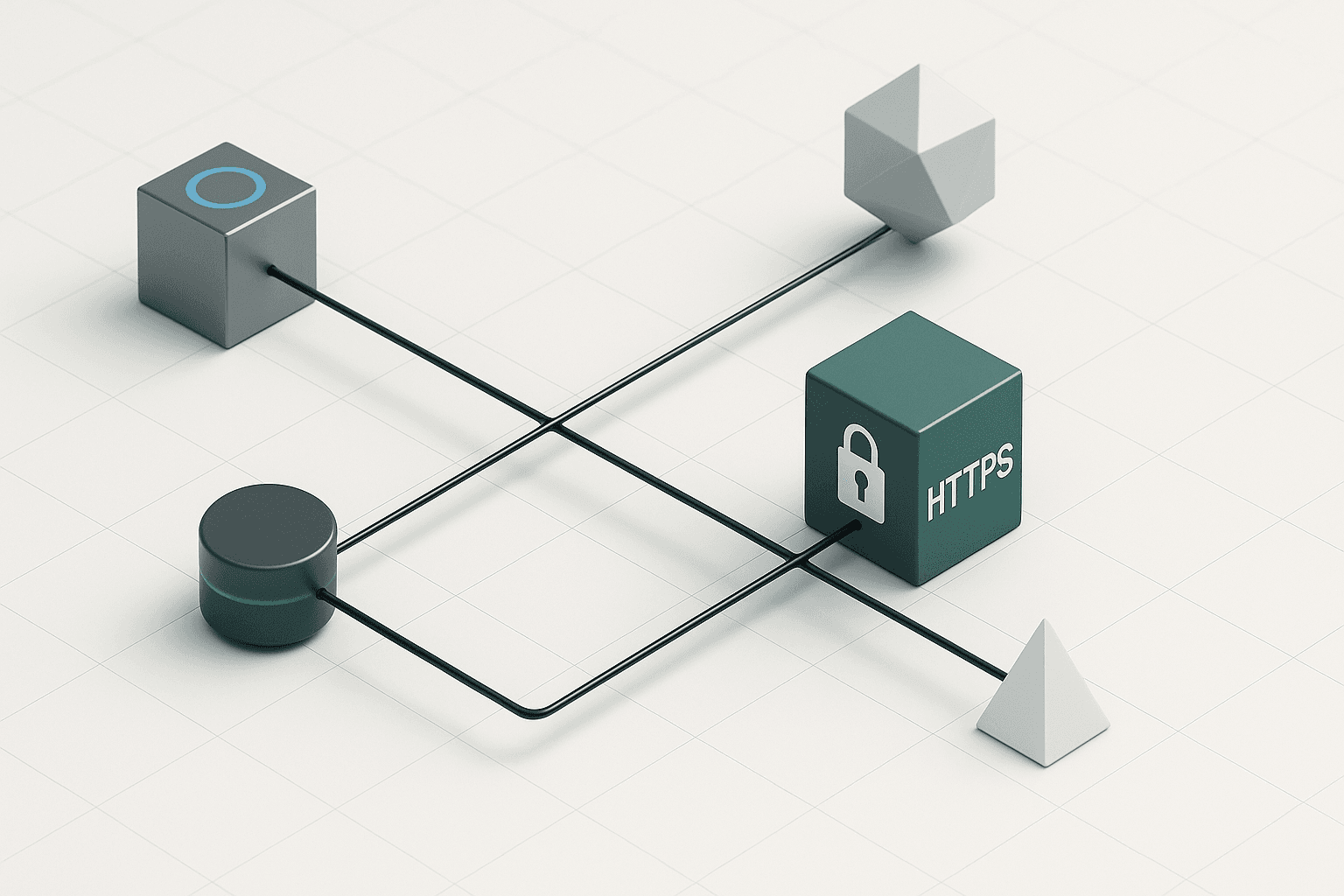
Locking down your stack with HTTPS isn't optional-it's foundational engineering hygiene. Start by issuing certificates from trusted authorities like Let's Encrypt or DigiCert. Automate certificate renewals using tools such as Certbot or ACME clients; forgetting to renew means instant SEO losses and browser warnings.
Scan your site for mixed content (HTTP assets on an HTTPS page). Chrome’s DevTools makes this easy-broken padlocks signal trouble fast. For example, one overlooked image served via HTTP can break the secure chain, leaving users exposed and Google unimpressed.
Enforce HSTS (HTTP Strict Transport Security) headers to block protocol downgrades. Set up automated monitoring for expired certificates or accidental HTTP exposure; even brief lapses can hurt rankings and reputation [source].
The bottom line: On your path to technical SEO excellence, securing every byte in transit is one of the most critical-and easily automated-steps you can take today.
Harden CMS and Plugin Security for SEO Integrity
Common Vulnerabilities in CMS Platforms

Content management systems like WordPress, Joomla, and Drupal power most SMB websites. Their popularity makes them prime targets for attackers. For example, a single outdated theme or default admin account can open the door to privilege escalation or cross-site scripting (XSS). Attackers love these flaws because they often go unnoticed until real damage is done.
The essential website security fix? Regular audits of core files and permissions. Developers should disable unused modules and restrict admin access by IP or role-based controls. This blocks common exploits before they start. Skipping these steps leaves a site wide open-like locking your front door but leaving the windows up.
Pros:
- Proactive hardening reduces risk surface
- Limits attacker movements inside your stack
Cons:
- Time-intensive if you manage dozens of sites
- Over-restricting roles can slow content teams
Best For: Teams running public-facing platforms with frequent contributors.
SEO Risks from Outdated or Insecure Plugins
Plugins add features fast-but also introduce vulnerabilities just as quickly. Insecure plugins can inject malicious content that search engines index. For example, a compromised contact form plugin might stuff hidden spam links into your pages. That’s an instant ticket to ranking drops or even blacklisting by Google.
A common SEO mistake: outsourcing plugin updates to non-technical staff who miss subtle warnings or fail to check developer reputation. Instead, treat plugins like dependencies in code: lock versions, monitor changelogs, and audit regularly using automated tools built for essential website security.
Pros:
- Stops malware before it infects live content
- Maintains clean sitemaps for crawling
Cons:
- Fewer plugins mean fewer features out of the box
- Auditing every plugin takes discipline
For more on this intersection of cybersecurity and SEO best practices, see A Complete Guide to Cybersecurity SEO Services and SEO And Cybersecurity: Ensuring Safe Web Experiences.
If you need quick wins: audit existing plugins now and set stricter install policies going forward. The right seo fixes today save months of cleanup tomorrow.
Implement Secure Technical SEO Audits and Monitoring
Automated Tools for Detecting SEO Security Issues
Automated SEO audit tools do more than check meta tags-they can surface hidden security threats undermining your rankings. These platforms scan for misconfigured headers, open directories, exposed admin panels, and even JavaScript vulnerabilities that can lead to search engine penalties.
For example, a SaaS operator running weekly audits might spot an X-Frame-Options misconfiguration before it lets in clickjacking bots. Tools like MygomSEO or Sitebulb flag these issues instantly-no manual digging required.
Key benefit: Early warning for technical flaws impacting both website security and SEO performance.
Use case: A fast-growing e-commerce site uses automated scans to catch risky HTTP response headers after a new deployment. This keeps their checkout flow-and Google rankings-safe from exploits.
Pros
- Fast detection of complex misconfigurations
- Reduces human error during technical reviews
- Integrates with CI/CD for zero-day alerting
Cons
- May miss subtle business logic vulnerabilities
- Too many false positives without tuning
Best For: Teams needing continuous monitoring without heavy manual effort.
Read why combining cybersecurity checks with SEO audits is essential.
Monitoring for Unusual SEO Activity
Ongoing monitoring catches what static audits miss: unauthorized content changes, sketchy crawler patterns, or sudden traffic spikes from unknown referrers. Think of it like setting up motion sensors across your digital storefront.
For example, if a competitor injects spammy links at 2AM or a bot army scrapes your pages, good monitoring will flag this within minutes-not days.
Set up alerts for key events:
- Unexpected changes to robots.txt or sitemap.xml
- New backlinks from blacklisted domains
- Sharp drops in organic rankings overnight
Key benefit: Real-time defense against stealth attacks targeting your search visibility.
Pros
- Immediate notification of suspicious activity
- Helps prevent reputation damage before it escalates
Cons
- Requires careful tuning to avoid alert fatigue
Best For: Sites where ranking volatility means lost revenue-think SaaS apps or high-volume publishers.
Explore best practices for balancing SEO and cybersecurity.
The most effective SEO tactic? Proactive auditing paired with agile monitoring-a double lock on the front door that keeps your hard-earned rankings secure.
Conclusion
Securing your SEO stack isn’t just a best practice-it’s mandatory if you want sustainable rankings and user trust. Today’s search landscape punishes neglect as much as poor optimization, making cybersecurity inseparable from technical SEO. Developers, marketers, and SaaS operators can no longer treat security as an afterthought or “layer on” for compliance.
The real value lies in building resilient systems: encrypt every interaction, lock down code dependencies, audit content integrity relentlessly, and deploy automated defenses before attackers find the cracks. Small teams and growing businesses don’t need enterprise budgets-they need smart controls that scale with their ambitions. Start by shoring up the basics: validate inputs everywhere, monitor for stealthy changes to your site content or metadata, and act fast when something looks off.
In an environment where a single vulnerability can tank months of hard-earned visibility, proactive defense is non-negotiable. Prioritize transparency in your process-know what runs on your site and who has access at all times. If you’re deliberate about these fundamentals now, you’ll sidestep both security disasters and costly recoveries later.
Bottom line: treat security as integral to your SEO strategy-not a bolt-on-and you’ll outpace competitors still playing catch-up when the next wave of threats hits.