How to Build a Daily SEO Rank Tracking Workflow That Drives Real Action

Daily seo rank tracking shows you what moved today, not last week. If you wait on slow reports, you miss wins, losses, and easy keyword opportunities.
That lag costs you. Rankings shift daily, competitors push new pages live, and small drops can turn into traffic losses fast. According to an n8n automation workflow, you can review ranking performance across 6 months, but the real edge comes from seeing changes as they happen.
This guide shows you how to set up tracking, automate updates, and turn ranking data into smarter SEO moves. You will follow a simple setup-to-action workflow built for lean marketing teams that need clear signals, fast decisions, and less manual reporting.
Prerequisites and SEO Tools You Need
Pick the keywords worth tracking
Start with 20 to 100 keywords. Focus on terms tied to revenue, product pages, and core content. Do not track everything. For example, skip broad informational terms like "what is SEO" if they don't lead to conversions. Instead, track buyer-intent terms like "enterprise SEO platform pricing." Track the terms that support a sale, a demo request, or a high-value visit.
For example, a SaaS team might track “crm pricing,” “sales pipeline software,” and “crm migration checklist.” Each term should map to one page and one goal. One keyword, one destination, one reason to care. That keeps daily keyword data clean and useful.
Gather the pages and locations you want to monitor
List the exact URL for each keyword. Then add the locations and devices that matter. If you sell in three cities, track those cities. If most buyers convert on mobile, include mobile first.
At this point, your spreadsheet should include keywords, URLs, locations, device targets, and priority labels. Use labels like high, medium, and low. You should now have a file ready to import into your tracking software or other seo tools. For example, if “roof repair chicago” points to your homepage, fix that before launch.
Choose a simple reporting owner and schedule
Assign one owner. Pick one reporting day. Keep it boring on purpose. A shared sheet and one weekly review beat a messy system nobody checks.
For daily seo rank tracking, you only need a few core seo tools. Use rank tracking software, a spreadsheet, and a workflow option like n8n. If you need tool ideas, Zapier’s rank tracker guide compares practical options.
Research from 10 Best Rank Trackers for Accurate SEO Data in 2026 shows 80% as a key benchmark in the category.
Verify that every keyword maps to one clear page and one business goal before proceeding. At this point, your keyword rank setup is ready.
Step 1 Set Up Daily SEO Rank Tracking Software
Create your project and add your domain
Create a new project inside your tracking software. Enter your full domain, then choose the search engine you want to monitor. Most teams start with Google in their main market.
Next, add the exact site version you want tracked. For example, use your preferred canonical domain, not both www and non-www. If your tool asks for visibility settings, enable daily updates and baseline reporting. You should now see an empty project ready for keyword data.
If you need a tool, start with one that supports daily refreshes, tagging, and competitor views. Zapier's review of rank trackers highlights tools built for keyword monitoring, reporting, and automation needs across team sizes (The 12 best rank tracker tools | Zapier). For a flexible setup, this n8n workflow shows how daily seo rank tracking can run automatically with DataForSEO and Google Sheets.
Import your keyword list and segment it
Upload your keyword file in CSV format. Match each column to the right field, such as keyword, target URL, tag, and priority. Keep naming clean so your filters work later.
Assign segments before the first crawl starts. Tag terms by page type, funnel stage, or business line. For example, label one group “product,” another “blog,” and another “comparison.” This turns a flat list into a useful dashboard.
Add a priority label to your most important daily keyword groups. That helps you review revenue terms first each morning. At this point, your dashboard should group keywords by tag and show the first keyword rank baseline as data arrives. Verify that filters return the right pages before proceeding.
Set location device and competitor tracking
Set your tracking location with precision. Choose country, city, or ZIP-level targeting based on your business model. A local dentist needs city data. A SaaS brand may only need country-level results.
Choose desktop, mobile, or both. Do not merge them into one view. Mobile and desktop rankings often differ, so separate views keep your reports useful. Then add a small competitor set for side-by-side comparisons.
Start with three to five direct competitors. Add domains that target the same terms, not brands you only admire. For example, if you sell accounting software, track the sites ranking for your product pages today. According to SEO Project Management: Choosing The Best Software In 2026, some advanced SEO tools reach $199 per month, so choose features you will actually use.
The best rank tracking software is the one your team will maintain daily. Look for reliable updates, clean tagging, device tracking, and competitor reporting. Structured workflows matter as much as the tool itself, much like a strong Software Engineer process.
At this point, confirm at least 90% of imported keywords are active and mapped to the correct target pages. You should also see a baseline dashboard grouped by priority, tags, device, and location. Verify that your daily seo rank tracking setup reflects real search conditions before moving on.
Step 2 Automate Daily Keyword Checks With SEO Automation
Turn on daily updates and alert thresholds
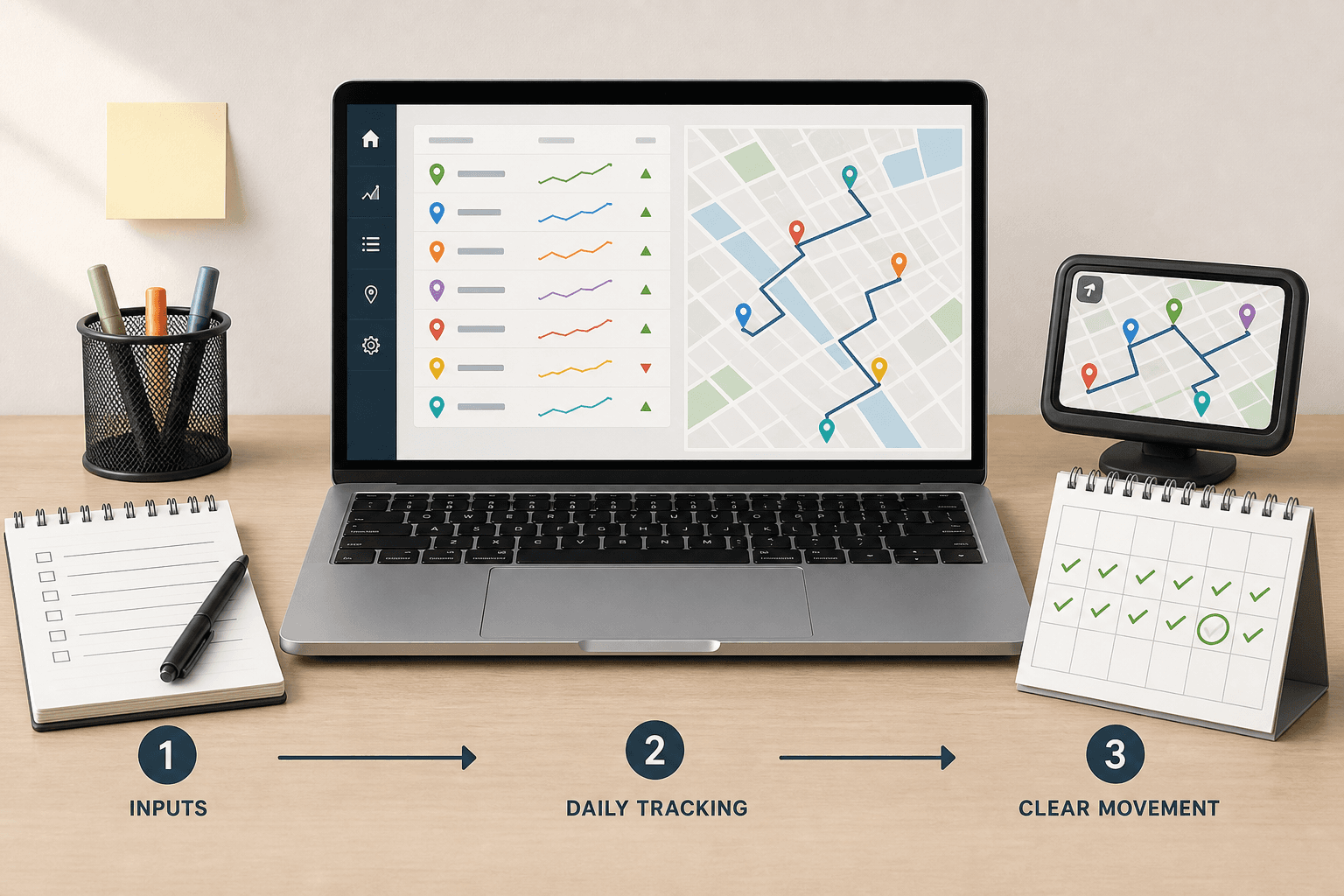
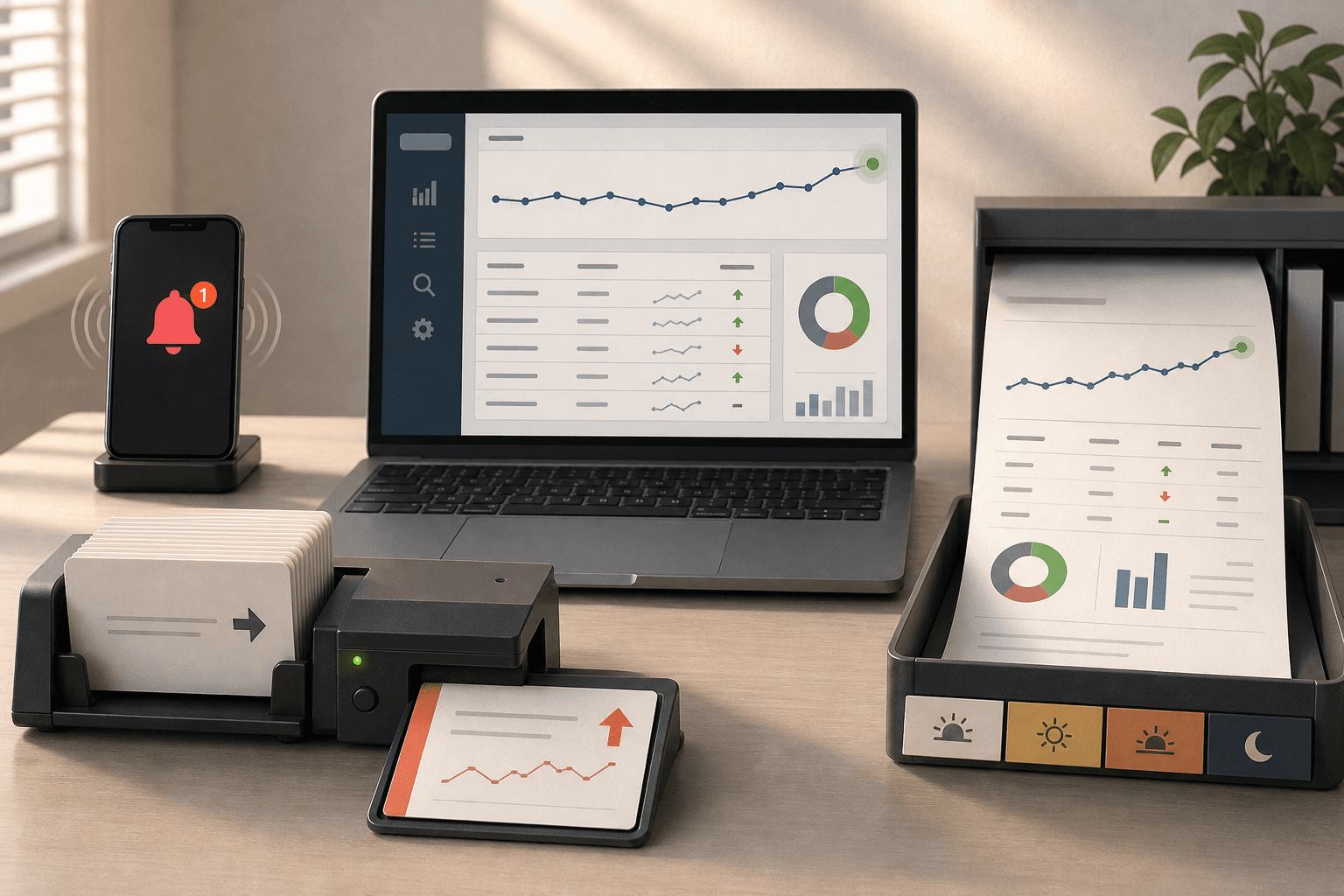
Open your rank tracking software and find the scheduling settings. Set keyword refreshes to run every day at the same time. Then create alert rules for meaningful movement, such as a drop of three positions for priority terms or a jump into the top 10.
Next, choose where alerts should go. Send urgent changes to Slack if your team works there. Send email if one owner reviews SEO each morning. For example, a product page that drops from position 4 to 9 should trigger a quick review, not wait for a weekly meeting.
If you want a flexible workflow, use an automation template like Track daily SEO rankings with DataForSEO and Google Sheets | n8n workflow template. Some teams also compare tools before building alerts. According to The 12 best rank tracker tools | Zapier, AccuRanker starts at $129 per month for 1,000 keywords.
You should now have scheduled checks and alerts for big moves. Verify that a test keyword change triggers the right message before proceeding.
Build a report your team will actually read
Create one short daily summary. Keep it focused on action. Your report should show winners, losers, new top 10 terms, and pages that need review.
Include only the fields your team will use. Start with keyword, current rank, change, target page, and priority tag. Then add one plain language note, such as “blog post fell after title update” or “service page moved up on mobile.”
Send the report to one place. Slack works well for fast scans. Email works better for leadership updates. For example, if your growth lead opens the report at 9 AM, they should know the day’s SEO story in under five minutes.
At this point, your seo automation should produce one readable summary each day. Verify that your team can scan it quickly without opening three other dashboards.
Track brand non brand and ai search patterns
Split your keywords into clear groups. Use brand, non brand, and intent tags inside your rank tracking software. This helps you see whether gains come from demand you already own or from searches you still need to win.
Then create a separate view for ai search patterns. Track keywords that trigger AI Overviews or other answer features if your tool supports that view. If not, tag those queries manually and review them together.
For example, your brand terms may stay stable while non-brand terms slip. That signals a content or competition issue. If AI search visibility drops on comparison pages, review structure, headings, and direct answers. Two common questions arise at this stage: Can you automate SEO rank tracking? Yes, and you should. How accurate is daily rank tracking? It is directionally strong when your settings stay consistent across device, location, and search engine.
You should now receive one daily summary with clear movement and review targets. Verification checkpoint: if alerts catch meaningful drops and the report takes under five minutes to review, automation is working.
Conclusion
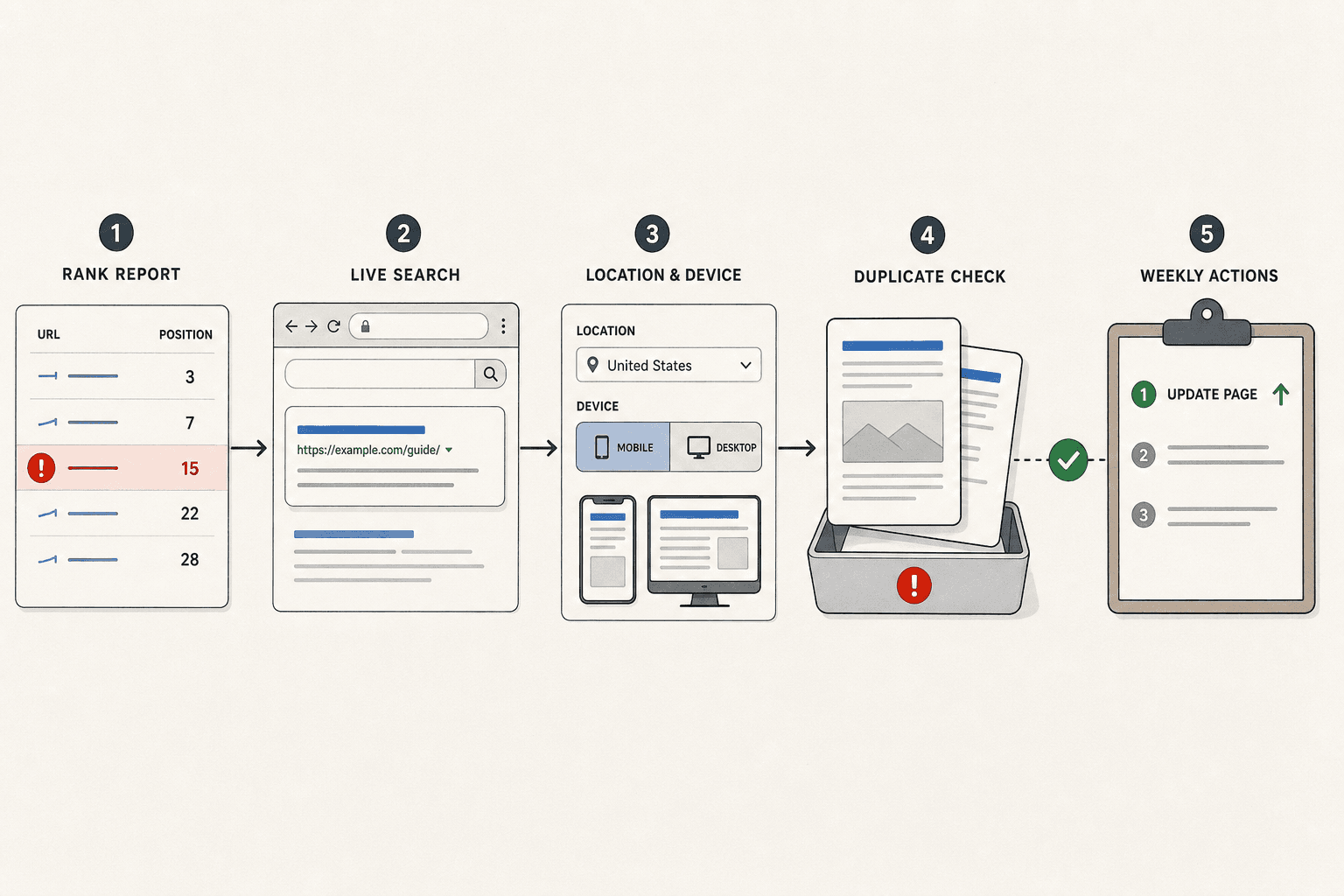
Your job here is not to stare at ranking charts. Your job is to validate what changed, fix bad inputs, and turn movement into action. When a keyword looks off, compare it with live search. When results feel inconsistent, check location and device settings. When reports feel noisy, remove duplicates and catch cases where two pages fight for the same term. That cleanup work keeps your tracking honest.
This is also where weak workflows usually break. Teams collect rank data, but they never pressure test it. Then they chase the wrong page, miss cannibalization, or waste time reacting to false drops. You avoid that by treating verification as part of the process, not an extra task. Clean data gives you cleaner decisions.
At this point, your daily seo rank tracking process should feel boring in the best way. Reports arrive on time. Outliers get checked fast. Page mismatches get flagged early. Weekly priorities become easier to set because the signal is clearer. You are no longer guessing why visibility moved. You are reading the pattern, checking the cause, and choosing the next update with intent.
The practical takeaway is simple:
- Validate unusual ranking changes before acting.
- Fix tracking issues that distort the report.
- Turn real movement into a short weekly task list.
- Update the page with the clearest upside first.
You should now have a trusted workflow your team can use every week. The checkpoint is straightforward. If your team can explain why rankings changed and name the next page to improve, the system is doing its job. If they cannot, go back and tighten the inputs until the story becomes clear.
That is the real value of daily seo rank tracking. It helps you move faster without getting sloppy. It gives your team a tighter loop between search performance and page updates. And it makes SEO easier to manage when time is tight and priorities change fast.
Keep the process lean. Protect data quality. Act on patterns, not panic.
The teams that win here are not the ones with the biggest reports. They are the ones that review, verify, and update consistently.
Want a simple way to keep workflows organized and shareable? Try n8n Free to explore workflow automation tools that help you build, export, and share rank tracking processes with your team.