The 10-Point Technical SEO Checklist Every Agency Should Use Before Client Delivery
Picture launching a client website only to discover it's invisible to Google - missing from search results despite weeks of work. This nightmare scenario happens when agencies skip critical technical checks. A technical SEO checklist prevents these disasters and forms the backbone of every high-performing website. According to SEMrush, 27% of websites fail critical technical SEO checks, leaving massive ranking potential untapped.
A strong technical seo checklist ensures that sites are built to be found, indexed, and trusted by both users and search engines. This guide covers the four essential steps every agency should take before delivering a site to clients. Each item is drawn from industry best practices and expert audits, giving teams a practical, reliable roadmap for technical SEO success. Read on to discover the steps that separate future-proof websites from invisible ones.
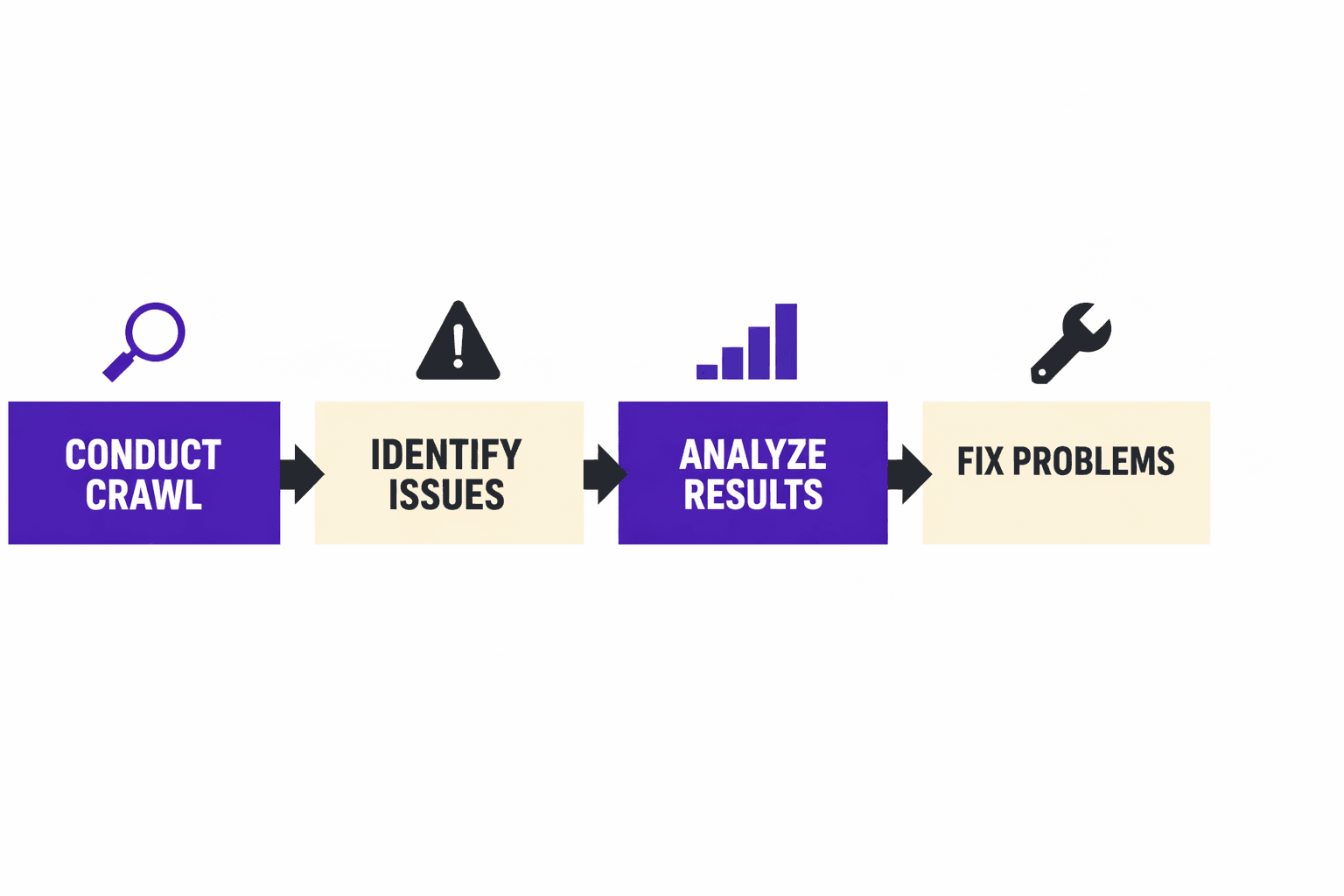
Conduct a Site Crawl with Free SEO Audit Tools
Choosing the Right SEO Audit Tool
Selecting the right seo audit tool free of cost is essential for a reliable technical SEO checklist. Among the most trusted third-party options, tools like Screaming Frog and Sitebulb stand out for their fast scans with clear, actionable reports. For example, Screaming Frog provides a visual map of site structure, while Sitebulb flags critical errors and sorts them by priority. MygomSEO, our own tool, also offers these capabilities with a focus on prioritized error reporting. Each tool checks for crawl issues, such as 404 errors, redirect loops, and orphaned pages.
-Pros- Free versions available for small sites
- Fast, repeatable scans
- Detailed technical error breakdowns
-Cons- Free tiers may limit crawl size
- Advanced features often require paid upgrades
Best for agencies needing quick, reliable insights without upfront costs. For a deeper dive into crawl errors and their pitfalls, see Why Your SEO Audit Tool Lies About Crawl Errors (And How to Get the Truth).
Interpreting Crawl Results
The next step on the technical SEO checklist is interpreting the crawl data. Focus on issues like broken links, duplicate content, and missing alt tags. For example, a single broken link can disrupt user journeys and waste crawl budget. According to SEMrush, 52% of websites analyzed had broken internal links - an issue that can tank user experience and SEO.
Review error reports and prioritize fixes. Start with high-impact problems, such as robots.txt blocks or missing canonical tags. Addressing these early can prevent costly ranking drops. For a practical example of turning technical issues into opportunities, visit 404 Pages That Convert: Turning Errors into SEO Opportunities.
For a visual walkthrough of this process, check out this tutorial from WsCube Tech:
Optimize Site Speed and Core Web Vitals
Why Core Web Vitals Matter
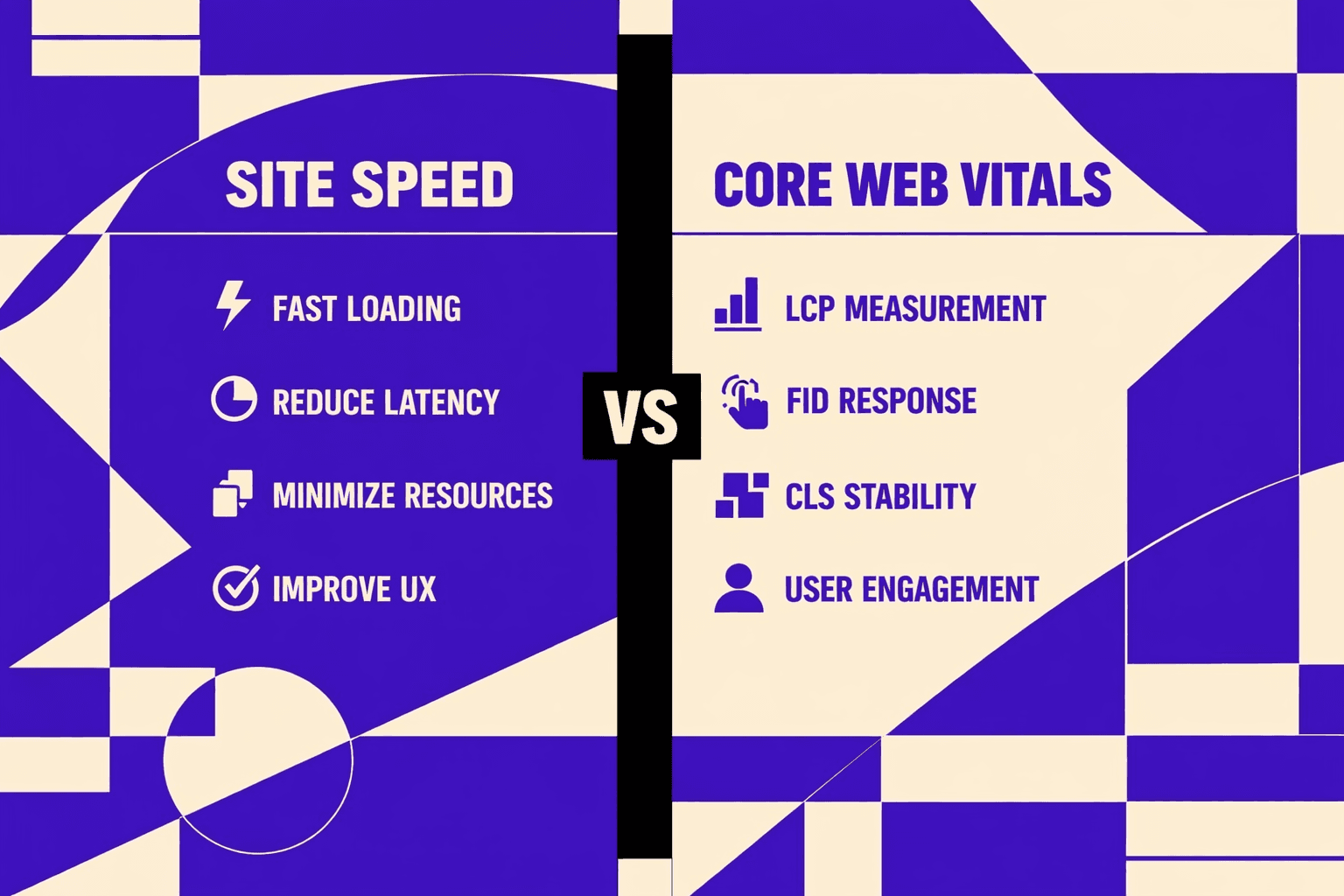
Running a core web vitals check is now a required step in any technical seo checklist. Google measures loading speed, interactivity, and visual stability as ranking factors. A slow or unstable site can push a page down in results, even if the content is strong. For example, if a homepage shifts while loading, users may click away before engaging. Research from Rule Your Kingdom shows that 96% of people use online search to find businesses, so even minor delays can lead to big traffic losses.
Site speed also impacts conversion rates. Studies show that users expect pages to load almost instantly. If a site lags or responds slowly, visitors often leave before interacting. A technical seo checklist should always include a core web vitals check to avoid these pitfalls and maintain competitiveness.
Tools to Check and Improve
Checking core web vitals is simple with the right seo audit tool free options. Google PageSpeed Insights is the industry standard for checking Core Web Vitals. It tests for three main metrics: Largest Contentful Paint (LCP), First Input Delay (FID), and Cumulative Layout Shift (CLS). Each metric impacts rankings and user satisfaction.
For example, an agency preparing a client site can run PageSpeed Insights to flag any weak spots. Tools like Lighthouse or WebPageTest provide deeper diagnostics for developers, while Chrome’s built-in dev tools allow instant checks during builds. According to CognitiveSEO, using the right tools can cut audit time by 90%, freeing up resources for improvements.Pros:- Free and widely accessible
- Industry-standard metrics
- Real-time developer tools availableCons:- Can be overwhelming for non-technical users
- Recommendations may require development resources
Professionals use these tools to spot image bloat, script delays, and layout issues before launch. This step is critical for agencies delivering finished sites. For more strategies on technical optimization, see What's the Real ROI of a Free Technical SEO Audit?.
Ensure Mobile-Friendliness and Responsive Design
Testing Mobile Usability
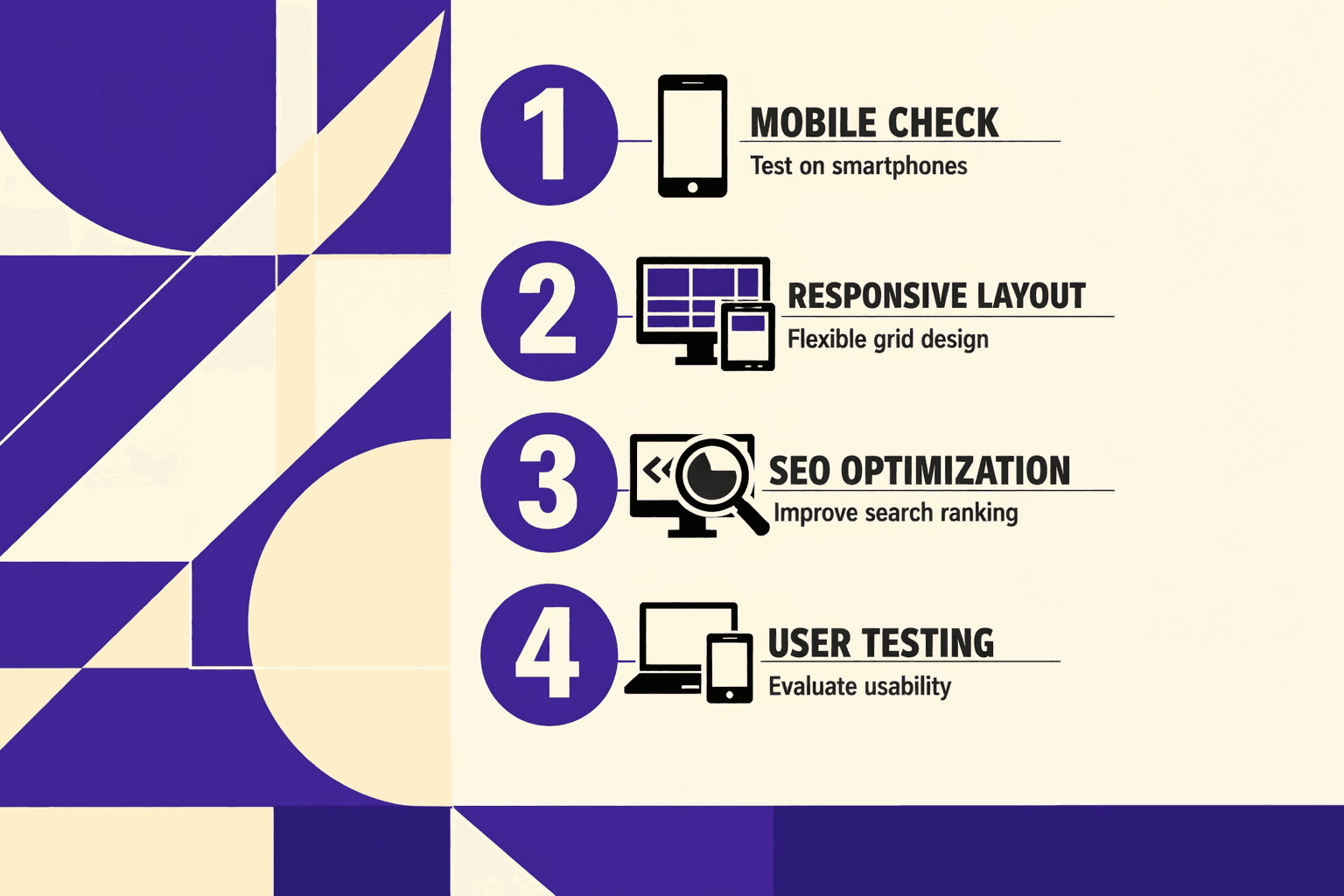
Mobile usability testing is essential for any seo technical check. The fastest way is with Google’s Mobile-Friendly Test. Enter a URL and get instant feedback on mobile issues. For example, the tool highlights if text is too small or touch elements are too close together.
This process uncovers problems early. According to SEMrush, 69% of reviewed domains had at least one mobile usability error. Agencies should run this check before client handoff. It ensures the site meets today’s user and search standards.
This tool pinpoints issues that impact both SEO and user satisfaction, making it ideal for launch reviews, redesigns, or routine technical audits.
Common Mobile SEO Issues
Most mobile SEO issues fall into three categories: touch target spacing, readable font sizes, and proper viewport settings. For instance, links too close together frustrate users and get flagged in any core web vitals check. Small fonts or missing viewport meta tags lead to poor readability and layout problems.
Research from SEMrush shows that 41% of websites struggle with mobile configuration errors. Fixing these issues is critical for passing any technical SEO checklist and preventing ranking drops.
For more on technical errors impacting SEO, see Why Your SEO Audit Tool Lies About Crawl Errors (And How to Get the Truth).
Fix Crawl Errors and Indexation Issues
Crawl errors and indexation issues can block search engines from discovering or ranking key pages. Every technical SEO checklist must address these problems to ensure content reaches its audience.
Identifying Crawl Errors
Google Search Console is the top resource for spotting crawl errors and indexation gaps. For example, a sudden spike in 404 errors or reports of blocked resources signal urgent problems. Using a seo audit tool free can also help flag redirect loops or inaccessible files. According to SEMrush, 70% of sites miss critical technical elements, often because crawl errors go unnoticed.
- Pros:
- Google Search Console is free for all verified sites.
- Error reports offer direct links to affected URLs.
- Cons:
- Some issues require deeper manual review (e.g., soft 404s or JavaScript errors).
- Data may lag by 24-48 hours.
For more on why crawl reporting tools sometimes mislead, see Why Your SEO Audit Tool Lies About Crawl Errors (And How to Get the Truth).
Solving Indexing Problems
Once errors are found, act fast. Remove or fix 404s, update redirect chains, and unblock key resources in robots.txt. Submit an updated sitemap in Search Console to help search engines discover changes. Research from SEMrush shows that regular technical fixes can boost crawl efficiency up to 5X.
- Pros:
- Faster indexation means new content appears in search sooner
- Prevents wasted crawl budget on dead or duplicate URLs
- Cons:
- Overly strict robots.txt rules can accidentally block valuable pages
For extra guidance, see The One Technical Setting Most Developers Forget That Kills Indexing.
A complete technical SEO checklist always includes crawl and index checks. They are foundational for a healthy, discoverable site.
Conclusion
A robust technical SEO checklist empowers agencies to deliver sites that perform, scale, and rank reliably. Each step, from conducting comprehensive audits to refining site architecture, addresses a core aspect of discoverability and user experience. By implementing systematic checks, agencies can confidently prevent errors that often go unnoticed but have a lasting impact on both search visibility and user retention.
Focusing on comprehensive site crawls, Core Web Vitals optimization, mobile-friendliness, and fixing crawl errors means every page serves a purpose and is accessible to both search engines and visitors. These practices don't just address today's SEO standards - they future-proof digital assets against evolving algorithm changes and user expectations.
Staying proactive with technical SEO is an ongoing process. The most effective teams treat it as a continuous quality assurance cycle rather than a one-time launch task. For agencies seeking a deeper dive or custom recommendations, Learn More to explore how expert guidance can elevate your next project.