0
Scans run
Real audits completed
Mygom.tech
Kaunas, LT
© 2025
v1.0 Beta
One AI agent that posts, writes, and grows your brand - so you can stop doing marketing and start scaling.
7 days free · No credit card
Social posts, blog articles, SEO audits, keyword tracking, backlinks, publishing. You're doing it all by hand. Your agent does it while you sleep.
Posting to social takes hours every week
It creates posts in your voice, schedules at the best time, and publishes to LinkedIn, Instagram, Facebook, X, and TikTok. You approve when you want to.
Broken pages tank your visibility overnight
40+ checks on every page — speed, meta tags, broken links, security. It finds problems before Google does and tells you exactly what to fix.
Writing content consistently is exhausting
It researches topics, writes SEO articles in your voice, generates images, and publishes to your CMS. A full content pipeline, hands-free.
You don't know which keywords are slipping
Position drops, competitor movement, new opportunities — your agent spots changes daily and tells you what to do next.
Lost backlinks disappear without warning
It monitors your entire link profile. When a valuable backlink breaks or a toxic one appears, you get a message — not a surprise.
You can't be everywhere your customers search
Google, ChatGPT, Perplexity, Instagram, LinkedIn — your agent puts you where your customers are looking, across every channel.
Stop copying and pasting between tabs. Your agent writes it once and pushes it to every social platform and CMS you use.
.png&w=3840&q=75)









Create posts in your voice, schedule at the best time, and publish to LinkedIn, Instagram, Facebook, X, and TikTok.
Learn more→Every number below is a real count from our database, updated every five minutes. No testimonials. No case studies. Just what the free scanner has done.
Updated Thu, 08 Oct 2026 04:44:19 GMT
Full access for 7 days.
Zero commitment.
Everything included in each plan at a glance
| Feature | Starter $49/mo | Growth $99/mo | Scale $179/mo |
|---|---|---|---|
| AI | |||
| AI Agent messages | 15/mo | 50/mo | 150/mo |
| AI image generation | Unlimited | Unlimited | Unlimited |
| Brand voice learning | |||
| Extra message credits | Purchasable | Purchasable | Purchasable |
| Social Media | |||
| Platform connections | 3 | 5 | Unlimited |
| Compose & schedule | |||
| Per-platform customization | |||
| Carousels, reels, stories, threads | |||
| First comment (LinkedIn/IG) | |||
| Social analytics | |||
| Best-time-to-post heatmap | |||
| Follower growth tracking | |||
| Posting frequency analysis | |||
| SEO | |||
| Website audit (all checks) | |||
| Scheduled auto-scans | Weekly only | Any frequency | Any frequency |
| Keyword tracking | 100 keywords | 300 keywords | 500 keywords |
| Keyword sync | Weekly | Daily | Daily |
| Keyword boost (purchasable) | |||
| Backlink monitoring | Current status | Full history + daily | Full history + daily |
| Content analyzer | |||
| Google Search Console | |||
| Content | |||
| Article generation | 30/mo | Unlimited | |
| Article credits (purchasable) | |||
| CMS auto-publishing | 13+ platforms | 13+ platforms | |
| Content calendar (articles) | |||
| Content calendar (social) | |||
| Support & Extras | |||
| Support level | Priority | Dedicated | |
| API access | Coming soon | ||

Technical seo audit work is where organic growth usually gets won or lost. Pages can be well written, but if search engines cannot crawl, index, and trust the site, rankings stall. That is the problem this article solves. It breaks technical SEO into seven checks that matter most for small teams that need fast wins, not enterprise-level complexity. Each check uses the same lens: what to review, why it matters, what tools to use, and what to fix first. Readers will learn how to spot crawl issues, index bloat, weak internal linking, broken page experience signals, and other hidden blockers that stop traffic from growing. The outline also adds a practical angle many listicles miss: prioritization. Instead of dumping a giant seo audit checklist on the reader, it shows which fixes deserve immediate action based on impact and effort. That makes this piece a better fit for founders, lean marketing teams, and operators who want results without wasting weeks in spreadsheets.

Daily seo rank tracking helps you catch ranking changes before they become traffic problems. It shows you what moved, what stalled, and where to focus next without guessing. If you run marketing for a small team or startup, that speed matters. You do not need a huge SEO stack or a complicated workflow. You need a clean setup, the right keywords, and a simple reporting loop your team will actually use. In this guide, you will set up daily seo rank tracking from scratch. You will choose the right tool, organize your keyword list, connect your target pages, automate alerts, and verify that your reports are accurate. You will also learn how to turn rank data into weekly actions instead of collecting dashboards nobody reads. By the end, you should have a repeatable system that saves time, surfaces quick wins, and supports smarter SEO decisions every day.
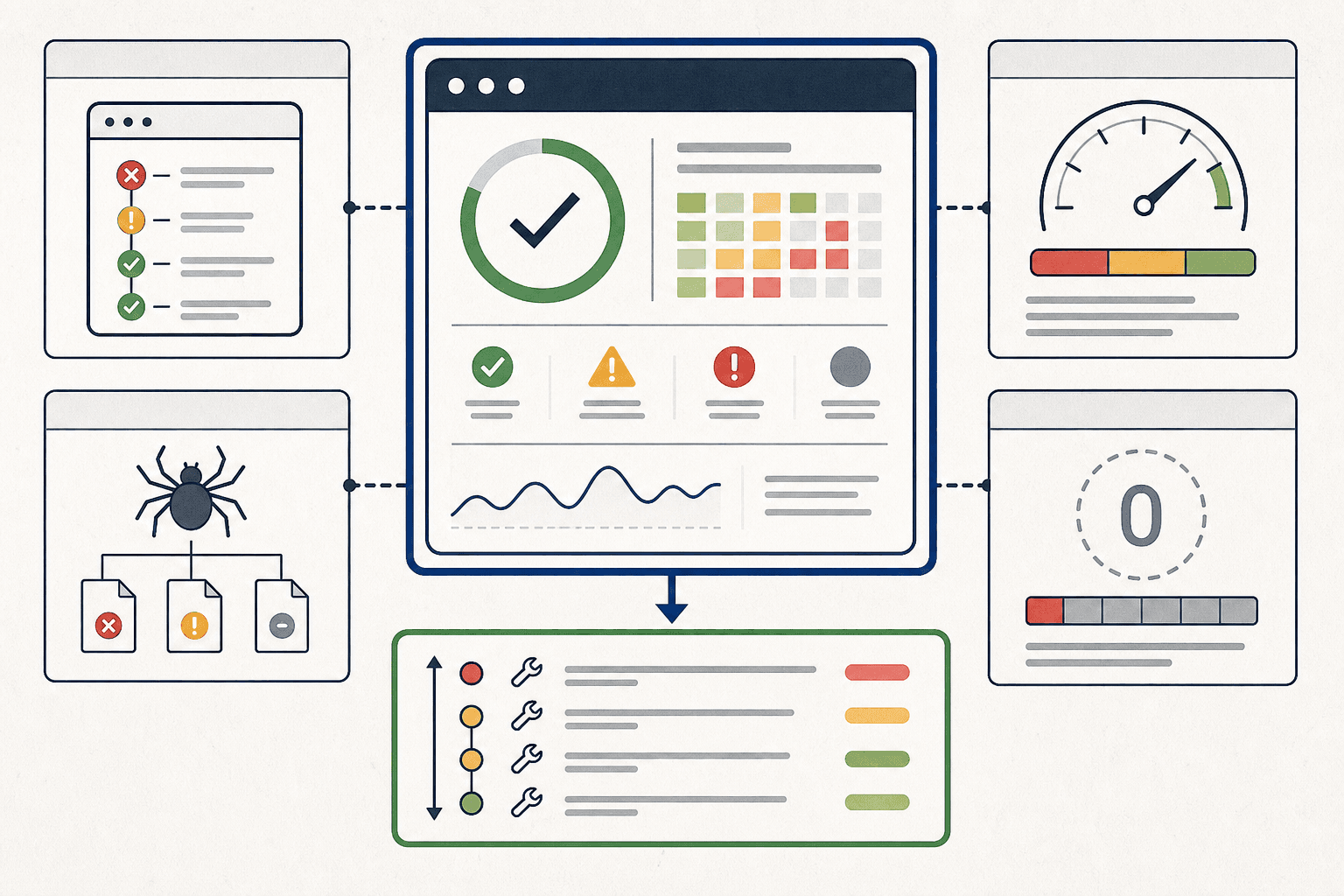
Finding a reliable seo checker free tool sounds easy. It is not. Most free options look helpful until they hide limits, gate core data, or flood teams with noise. That wastes time fast. This list cuts through that. It compares nine widely used free SEO tools using the same criteria: audit depth, backlink data, ease of use, free plan limits, and real value for small teams. The goal is simple. Help marketers and founders pick the right tool without testing everything themselves. Some tools are better for quick technical checks. Others win on backlinks, content ideas, or search visibility tracking. A few only make sense as lightweight add-ons. This outline is built for quick scanning and better decisions. Readers will see the strongest pick first, a top alternative in the middle, and a smart runner-up at the end. Then a side by side comparison makes the final choice even easier.