How to Monitor Backlinks in 2026: The Complete Step-by-Step Guide
What if your rankings slip before you notice a single lost link? A backlink monitor tracks links pointing to your site, so you catch new, lost, or risky changes fast. That matters because most teams check too late, after traffic drops or a key page stalls. According to How to Monitor Backlinks in 2026, 92% of authoritative links can disappear over time, which makes reactive SEO a bad bet. This guide shows you how to set up monitoring, verify it works, and respond to alerts without wasting hours. You will also build a simple weekly workflow for a lean team. Keep reading, and you will turn backlink tracking from a messy chore into a sharp growth system.
Prerequisites for Backlink Tracking Setup
Tools and accounts you need
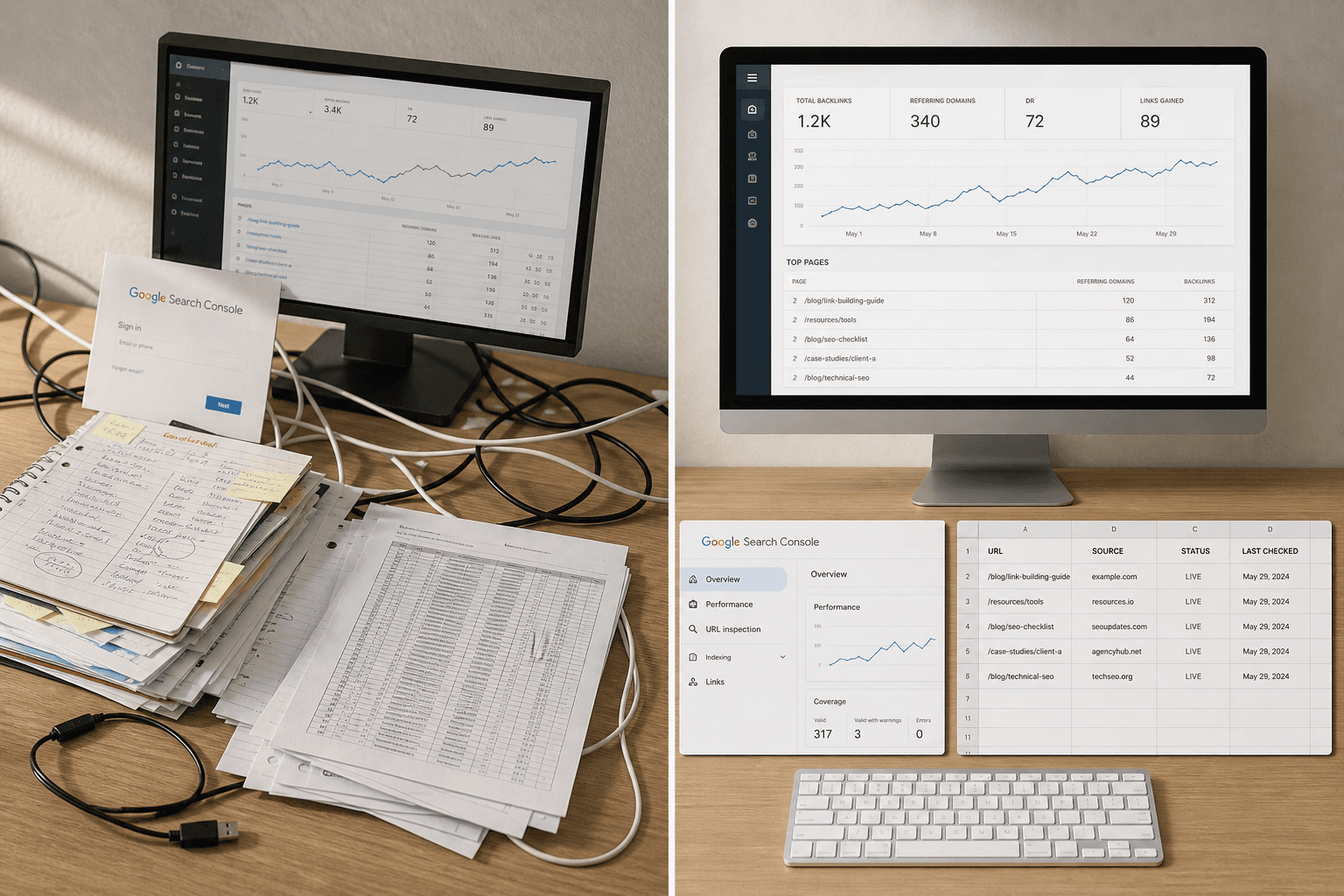
Start with three basics. First, pick one backlinks tool that shows new and lost links. For example, Ahrefs, SEMrush, or Moz Pro all track link changes and send alerts when domains are gained or lost. Second, confirm access to Google Search Console for your domain. Third, create a shared sheet or dashboard your team can update.
For example, your sheet can track URL, page owner, baseline links, and notes. That gives you one place to review your link profile. According to Uprankly, some backlink platforms start at $129, so choose one tool and avoid overlap.
Pages and metrics to collect before you start
List the pages on your site that matter most. Include product pages, service pages, and high-intent blog posts. Next, add the top backlinks pointing to each page and the keywords those pages support.
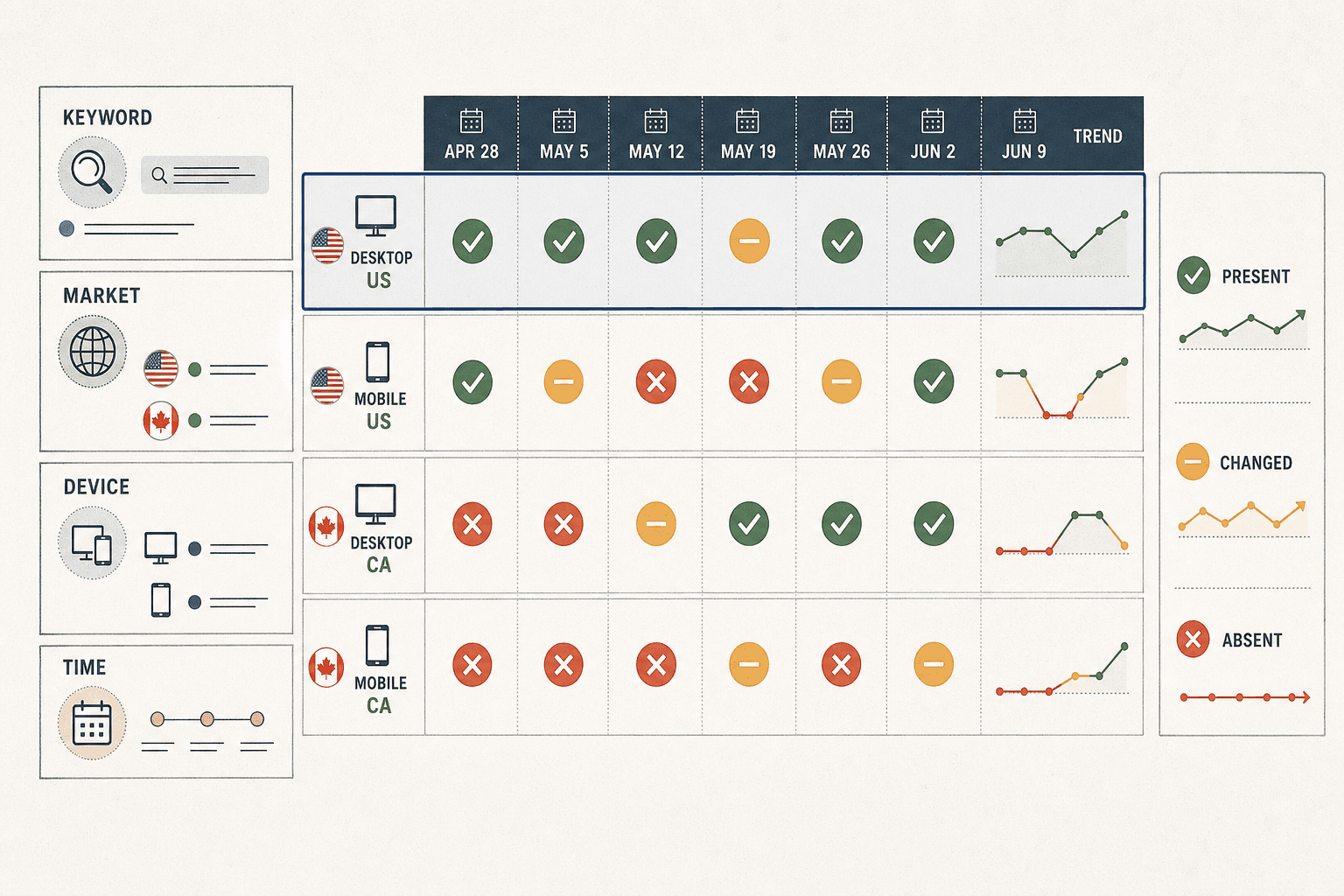
Then define your weekly checks. Monitor new links, lost links, anchor text, referring domains, and link growth. This keeps your tracking focused. It also shows whether strong links still support the right pages on your site.
What success looks like before Step 1
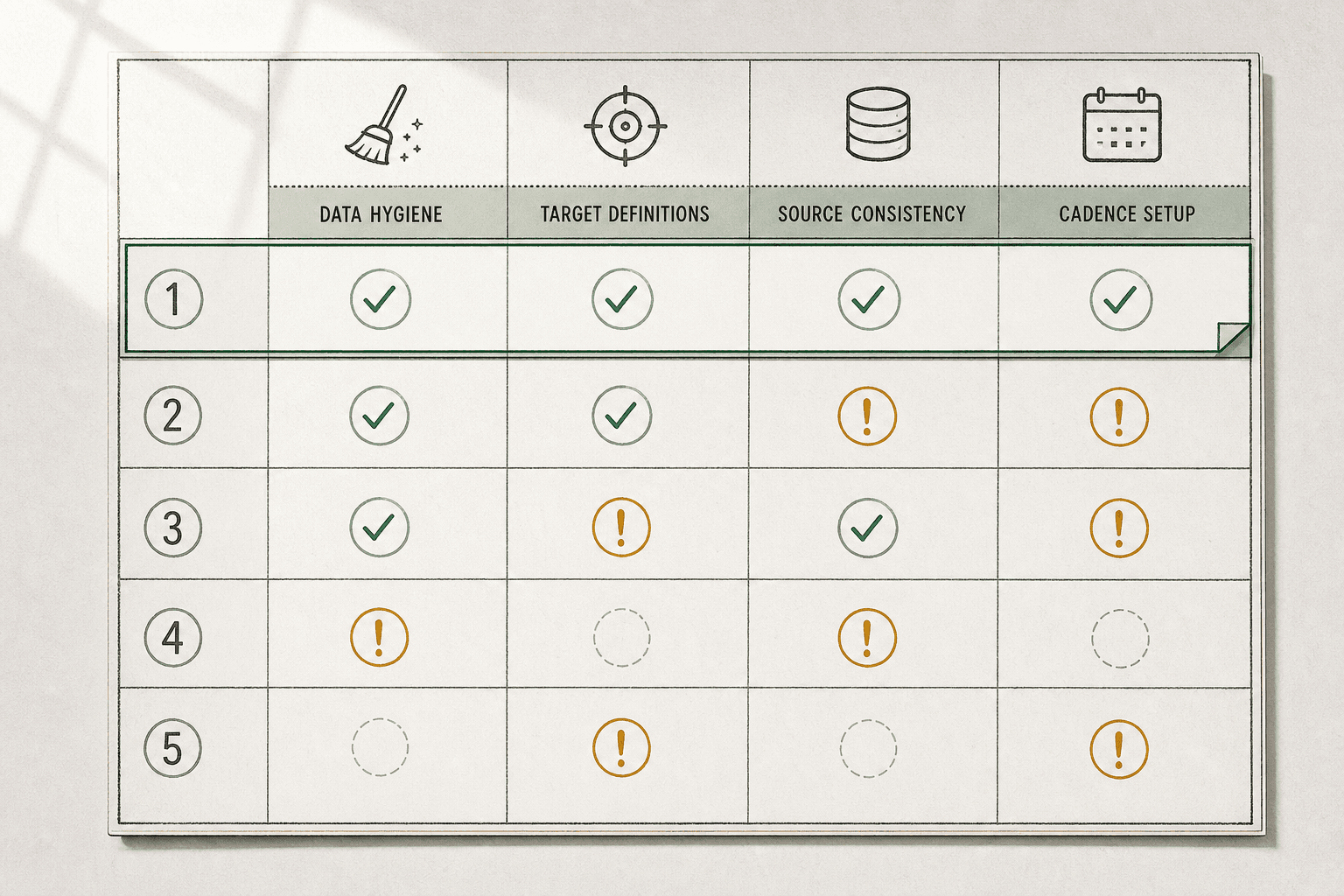
Set a clear finish line before you begin. You should have one shared file, a short page list, and a baseline count for each URL. Your backlink monitor should feel more like a flight checklist than a messy inbox.
You should now see saved priority URLs, owners, and baseline link counts. Verify that each page has a keyword target and at least one current backlink note. At this point, your team can review changes weekly without guessing.
Step 1 Build Your Backlink Monitor Framework
Choose the pages and domains to watch
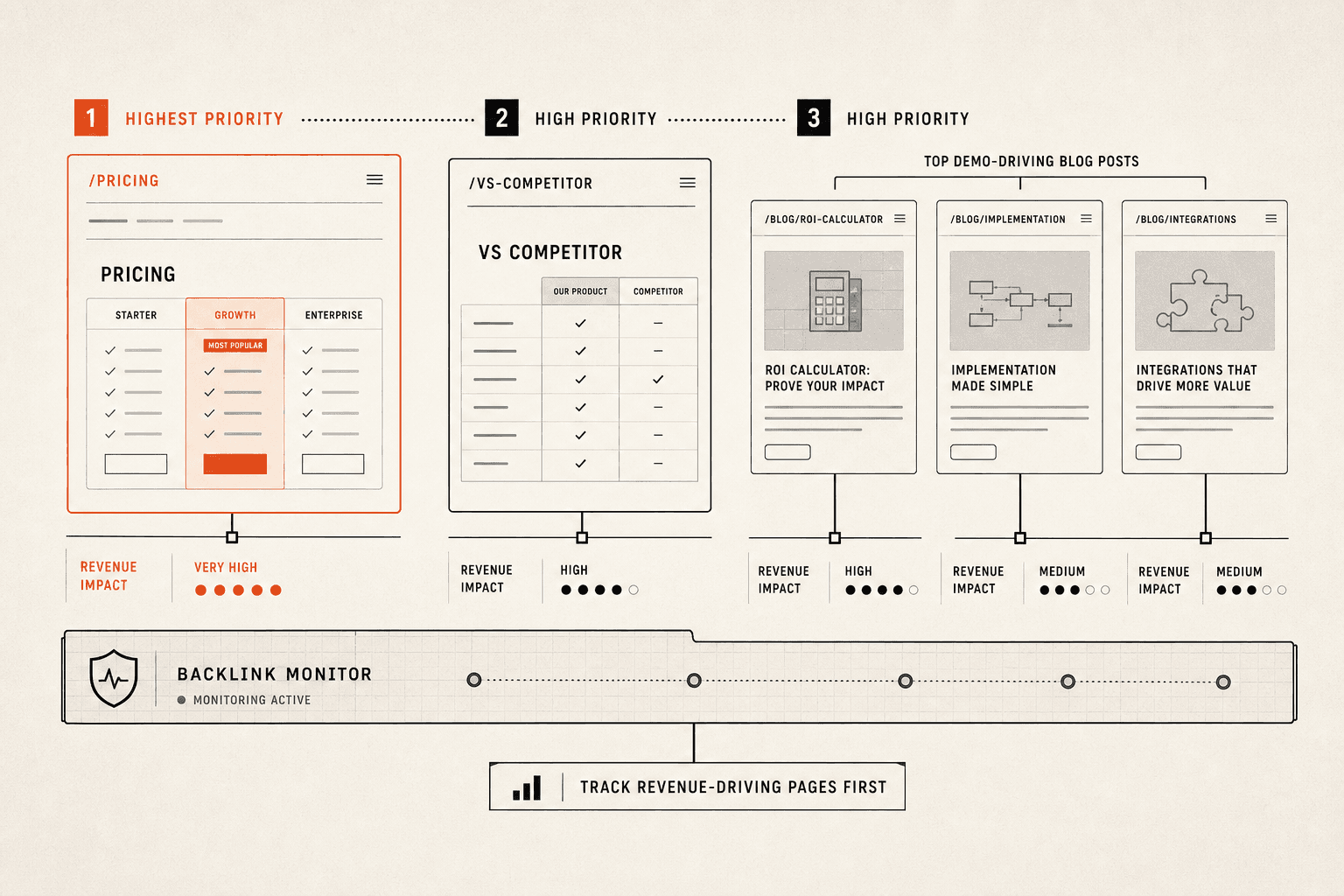
Group your tracked URLs by business value. Start with homepage links, product pages, revenue pages, and recent campaign URLs. For example, if your pricing page drives demos, watch every domain pointing to that page before you watch an old blog post.
Then group the domains that matter most. Include partner sites, publishers, directories, affiliates, and sites from active PR or content campaigns. This helps you spot which links support real growth and which ones add noise.
If your backlinks tool charges for broad tracking, keep this first list tight. According to How to Monitor Backlinks in 2026, pricing can start around $139 per month. You should now have a short watchlist tied to pages on your site that affect pipeline, sales, or signups.
Verify that each tracked URL has a clear business reason before proceeding.
Set baseline numbers for your link profile
Record the numbers you will compare every week. Capture referring domains, total live links, top anchor text patterns, and links pointing to your highest-value URLs. This gives you a clean baseline for your link profile before changes start rolling in.
Use one row per page in your sheet. Add columns for URL, page type, referring domains, total backlinks, top anchors, and priority notes. For example, your product comparison page row might show: URL: /product-comparison | Page Type: Product | Referring Domains: 18 | Total Backlinks: 44 | Top Anchors: 'BrandName comparison' (12), 'best project management tools' (6) | Priority: High.
Also note where links come from. A backlink audit should show whether links come from relevant industry sites, broad directories, or unknown blogs. At this point, your baseline should show what is normal for each page, not just the site as a whole.
Verify that your sheet shows tracked pages, current counts, and top anchor themes.
Define alert rules that match real SEO risk
Set alerts for changes that need action. Track new backlinks, lost backlinks, sudden anchor text shifts, and spikes from weak or unrelated domains. These are the moves that can change rankings fast.
Use simple thresholds first. For example, alert when a priority page loses two linking domains, when brand anchors drop sharply, or when five new low-quality domains appear in one week. This answers a core question: how do you monitor backlinks effectively? You monitor changes against a known baseline, page by page.
A strong backlink profile review also checks link quality, source relevance, anchor text, and which domains are pointing to your money pages. You should now have a monitor structure tied to business pages, not vanity metrics. At this point, you should see a baseline sheet with tracked pages, link counts, and alert thresholds.
Step 2 Set Up a Backlink Monitor and Alerts
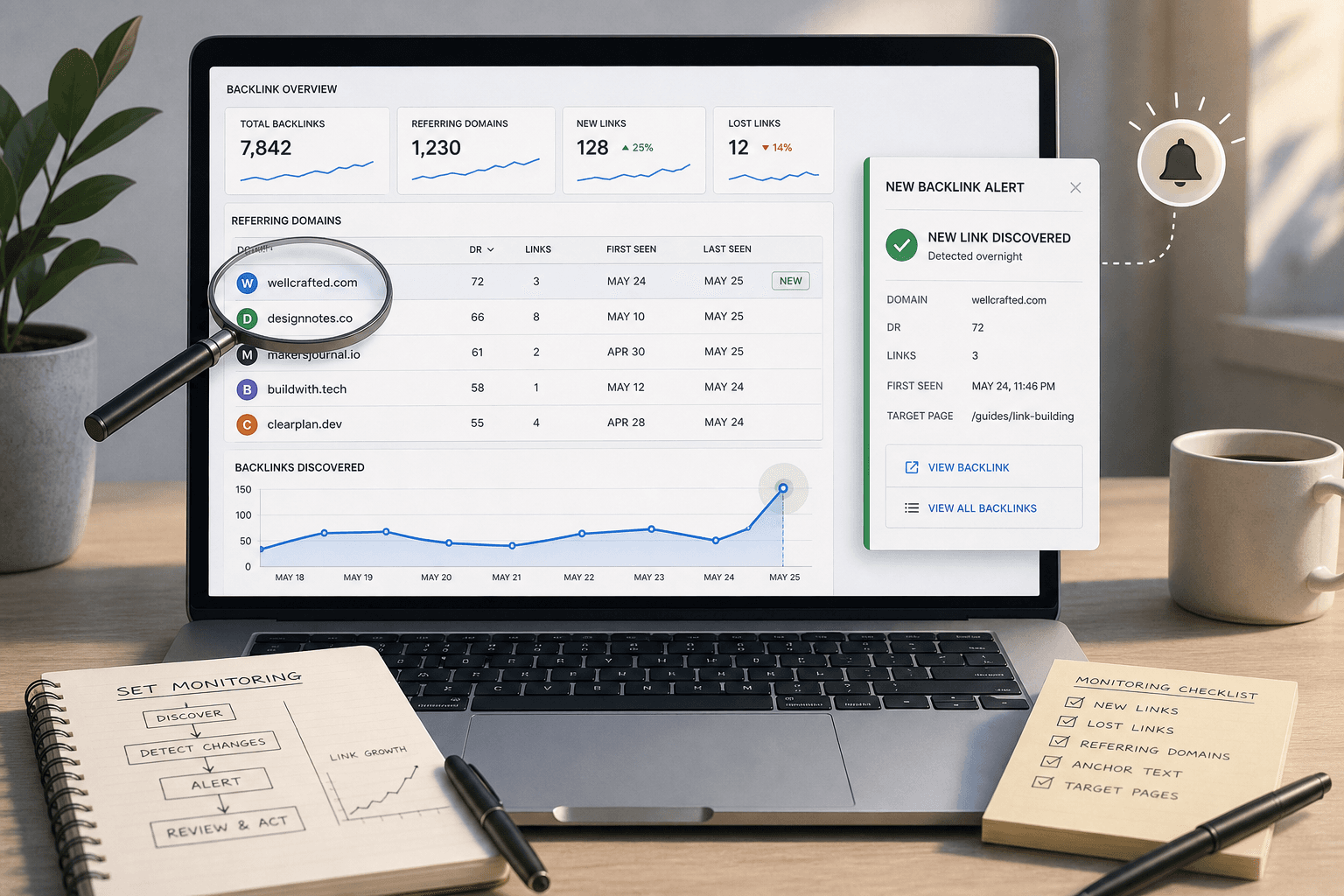
1. Connect your backlinks tool and import targets
Open your backlinks tool and add your main domain first. Then load your priority subfolders and key pages. For example, add /blog/, /features/, and your top demo page. This gives your backlink monitor a tighter scope from day one.
Next, import targets in small groups. Start with revenue pages, launch pages, and recent content campaigns. If your tool supports tags, label each URL before you save it. You should now see tracked targets queued for backlink tracking inside the dashboard.
Verify that each target shows the correct status. Check that the crawl started and the URLs match your list. If a page is missing, add it now before alerts go live. At this point, your tool should be collecting fresh link data.
2. Create daily or weekly alerts
Turn on alerts for three events first. Use new links, lost links, and unusual link growth. Send them to email, Slack, or both. This removes the need for manual digging every morning.
Choose alert timing based on page value. Monitor core money pages daily. Review brand mentions and lower-risk content weekly. For example, if your pricing page loses two strong links, you want that notice fast.
Most teams can automate backlink tracking with no custom build. A good backlinks tool already handles the checks, compares changes, and pushes alerts. According to How to Monitor Backlinks in 2026, some monitoring options start around $25, which makes automation easier to justify for lean teams.
Run one test alert before you move on. Trigger a sample notification if your tool allows it. If not, wait for the first sync and confirm a real alert lands in the right inbox or channel. If you don't receive alerts within 48 hours, check your notification settings and verify your email isn't filtering them to spam. You should now have automated notifications working.
3. Organize reports for easy review
Create report segments that match how your team works. Group links by campaigns, brand mentions, and core pages on your site. This cuts noise and helps you spot changes that matter. A messy report hides risk.
Use short names and fixed rules for every segment. For example, create one view for product launches, one for thought leadership, and one for homepage mentions. Add filters for referring domain, destination URL, and date found. You should now have cleaner reports with fewer distractions.
Set one review rhythm and keep it simple. Check daily alerts in 2-3 minutes each morning, then spend 15-20 minutes reviewing grouped reports once a week. If you need a guide to link cleanup later, these segments will save time because the context is already there. Research from 17 Best Backlink Monitoring Tools (2026) | Uprankly Blog also highlights alerting and reporting as core features across backlink monitor platforms.
Your expected result is clear. Fresh data starts populating, and alerts arrive without extra work. Verify that you received a test alert or can see new backlink tracking data in the dashboard before proceeding.
Conclusion
Your job in this final step is to verify signal before you react. Check whether fresh links fit the page they support. Look at lost links and ask whether they hit pages that drive traffic, leads, or revenue. Review anchor text patterns and confirm they still look natural across your link profile, not forced or over-optimized.
Then go one layer deeper. Scan low-quality domains that started pointing to your site. Flag suspicious bursts in backlink tracking, especially when many links appear at once with thin context. Review weak pages on external sites that link to you, because some links add little value and some deserve a closer look. You do not need a full forensic review every week. You do need enough pattern recognition to know when to investigate further.
A light monthly audit keeps that process tight. Compare link growth month over month. Review referring domain quality, not just raw counts. Check whether your strongest links still support the right pages on your site. Then look for shifts across key pages, such as one campaign page gaining traction while a priority product page stalls. That view turns scattered alerts into a usable operating rhythm.
The outcome is simple. You know which links to keep, reclaim, ignore, or investigate. Your reporting gets sharper because it moves from passive updates to action-first decisions. Instead of dumping numbers into a slide deck, you can show what changed, why it matters, and what happens next. That is how you monitor backlinks without drowning in vanity metrics.
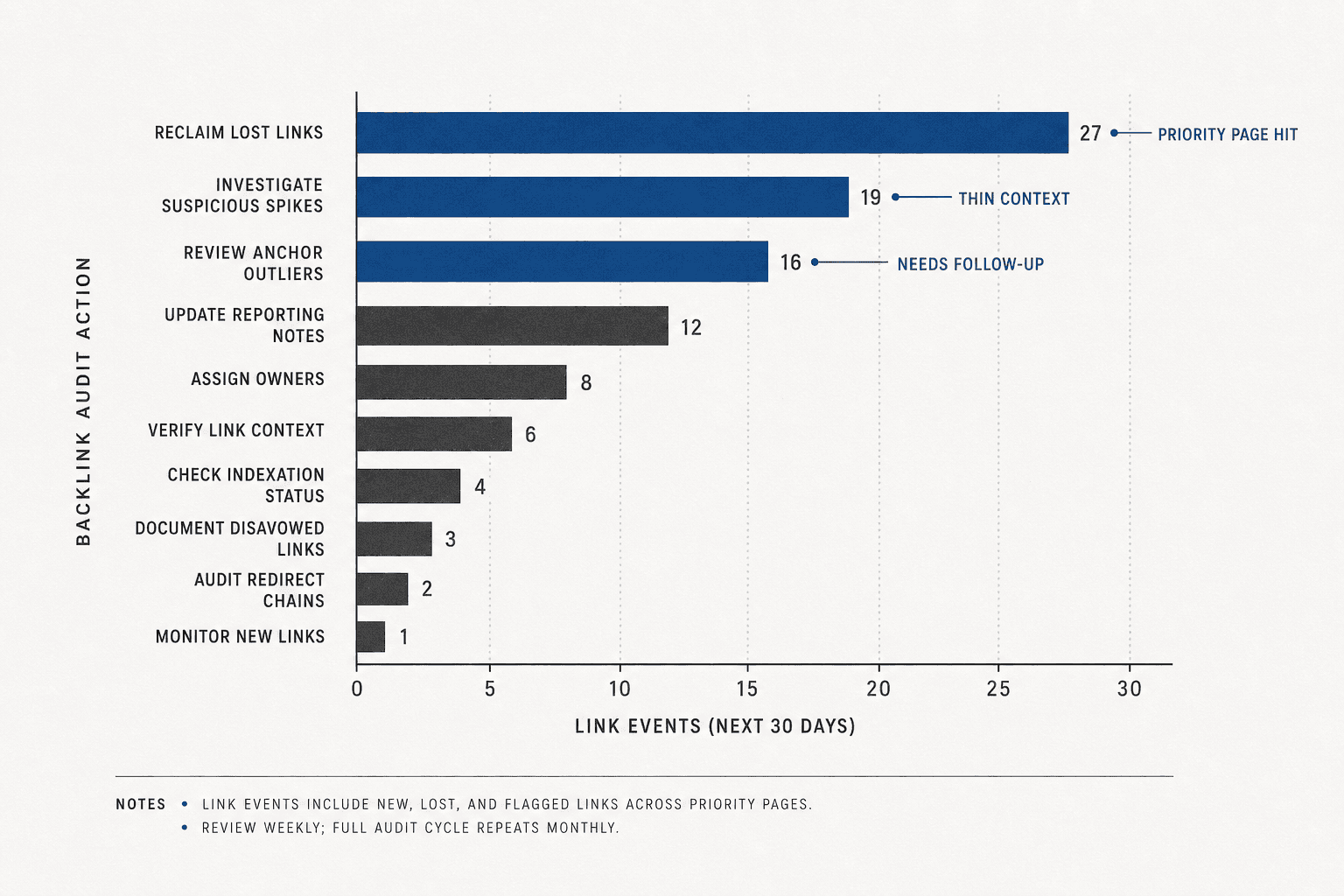
Use a short action list to stay honest. Keep it focused on the next 30 days.
- Reclaim lost links that affected priority pages.
- Investigate suspicious domains or odd link spikes.
- Review anchor text outliers across top URLs.
- Update reporting notes for wins, risks, and gaps.
- Assign outreach, cleanup, and follow-up owners.
At this point, your backlink monitor workflow should produce a clear list of outreach, cleanup, and reporting tasks for the next month. Verify that each task ties to a page, a link event, or a domain-level issue before you proceed. If it does not connect to a real SEO priority, cut it.
Schedule your first monthly audit now. Block 30 minutes at the start of each month to compare link growth, review domain quality, and check whether your strongest links still support priority pages. Use the five-item action list above to assign tasks and track completion. Keep the process lean. Keep the review cadence consistent. Keep your focus on link quality, not dashboard theater.
The teams that win with backlink tracking are not the ones with the biggest reports. They are the ones that spot changes early and respond with intent.
Want a simple way to keep your backlink data shareable and organized? Try It Free to start tracking link changes across your entire team.