The 4 Technical SEO Checks Every Developer Should Automate
SEO automation is the fastest way to stop rankings from slipping between releases. It means running repeatable, code-driven SEO checks on every deploy, not quarterly audits.
Modern sites change daily - templates, routing, scripts, and data layers shift fast. Manual spot checks miss regressions in indexing and performance. According to Jairo Guerrero's Post - LinkedIn, crawlers can see 0% usable content when rehydration delays render an empty tag.
This list ranks seven automation workflows and shows how to implement each one. It also calls out clear tradeoffs, so teams ship fixes faster without adding headcount. Recommendations follow practical criteria used by professional SEO and web teams, including speed, coverage, and failure noise.
How This SEO Automation List Was Evaluated
1. Evaluation criteria used for every workflow
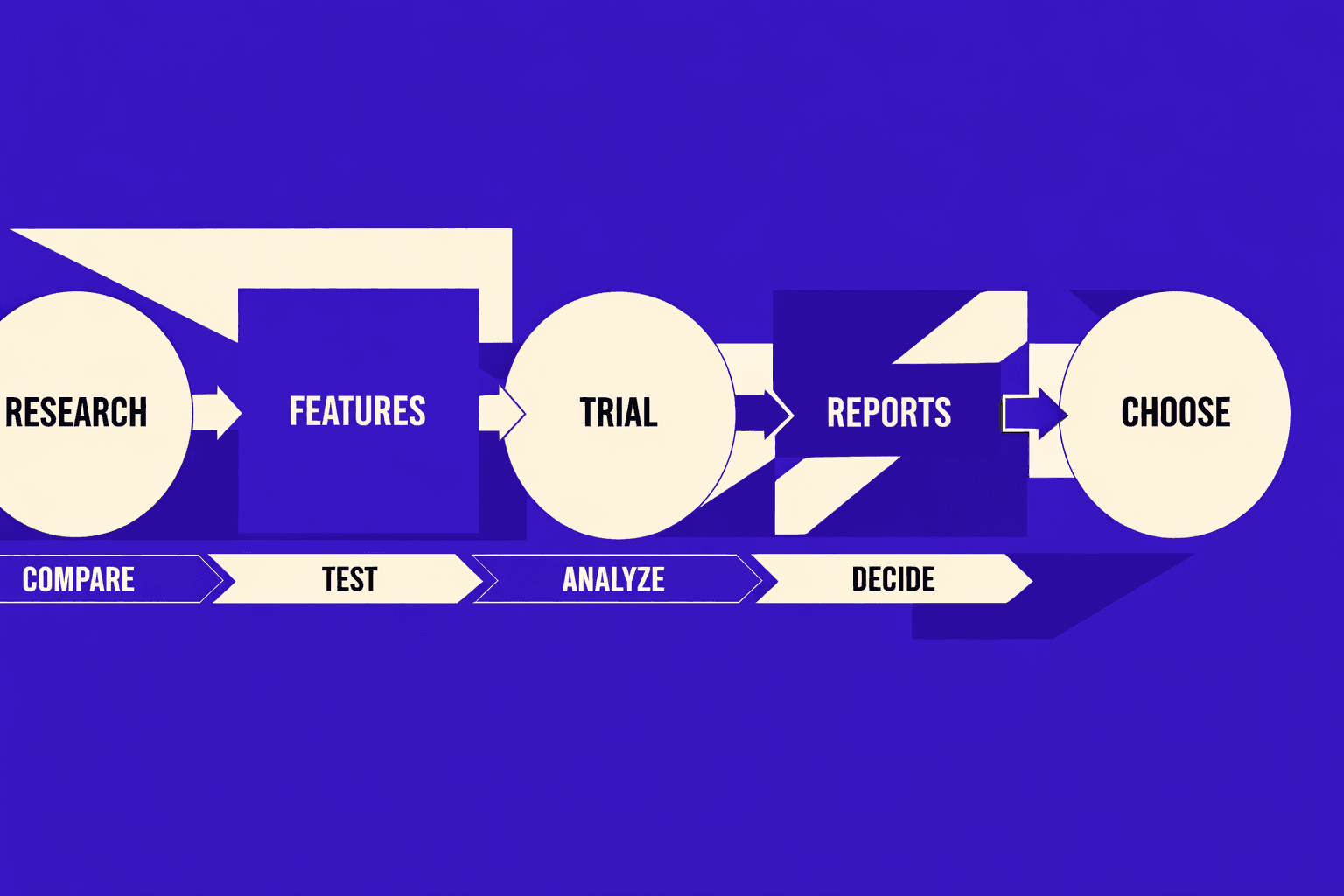
Each workflow earned a rank using the same five checks. The ranking considers five factors: time saved per week, setup effort to reach the first alert, ongoing maintenance cost per release, accuracy risk and false-alarm rates, and scalability across multiple sites.
Priority went to workflows tied to crawlability, indexation, speed, and visibility change. For example, a broken robots rule blocks crawling fast. A nightly crawl plus Search Console alerts catches it. That saves hours of manual triage. It also shortens revenue loss windows.
Guardrails mattered more than fancy features. According to Types and Purpose of Technical SEO Audits - Four Dots, redirect mapping aims for 100% coverage. Automation was scored higher when it enforced coverage. A good seo audit tool should fail builds on gaps.
2. What should not be automated
Seo automation is safest when it detects, not decides. Think of it like a spell-checker: it can flag potential issues, but a human should review tone and intent. Brand voice choices should stay manual. For example, deciding whether to use "best" versus "top-rated" requires understanding your audience's expectations and competitive positioning. Intent nuance also needs human judgment.
Automate detection and triage instead. Queue pages with thin copy, mixed intent, or cannibalization. Then route to owners for review. This aligns with the “activity levels” framing in Jairo Guerrero's Post - LinkedIn.
3. Minimum stack for reliable automation
A reliable baseline stack stays small. It needs rank tracking automation, Search Console alerts, and SEO reporting automation. It also needs a scheduled crawler, plus GitHub Actions.
According to technical SEO research from Semrush, specific optimizations like image compression and server response time improvements can significantly boost site speed. That raises the bar for monitoring (Full Technical SEO Checklist (from Start to Finish) - Semrush). A free seo checker free can validate quick fixes. A deeper technical seo audit should run weekly. For expanded workflows, see AI Technical SEO Strategies for Instant Detection and Audit Automation.
7 SEO Automation Workflows That Save Hours Weekly
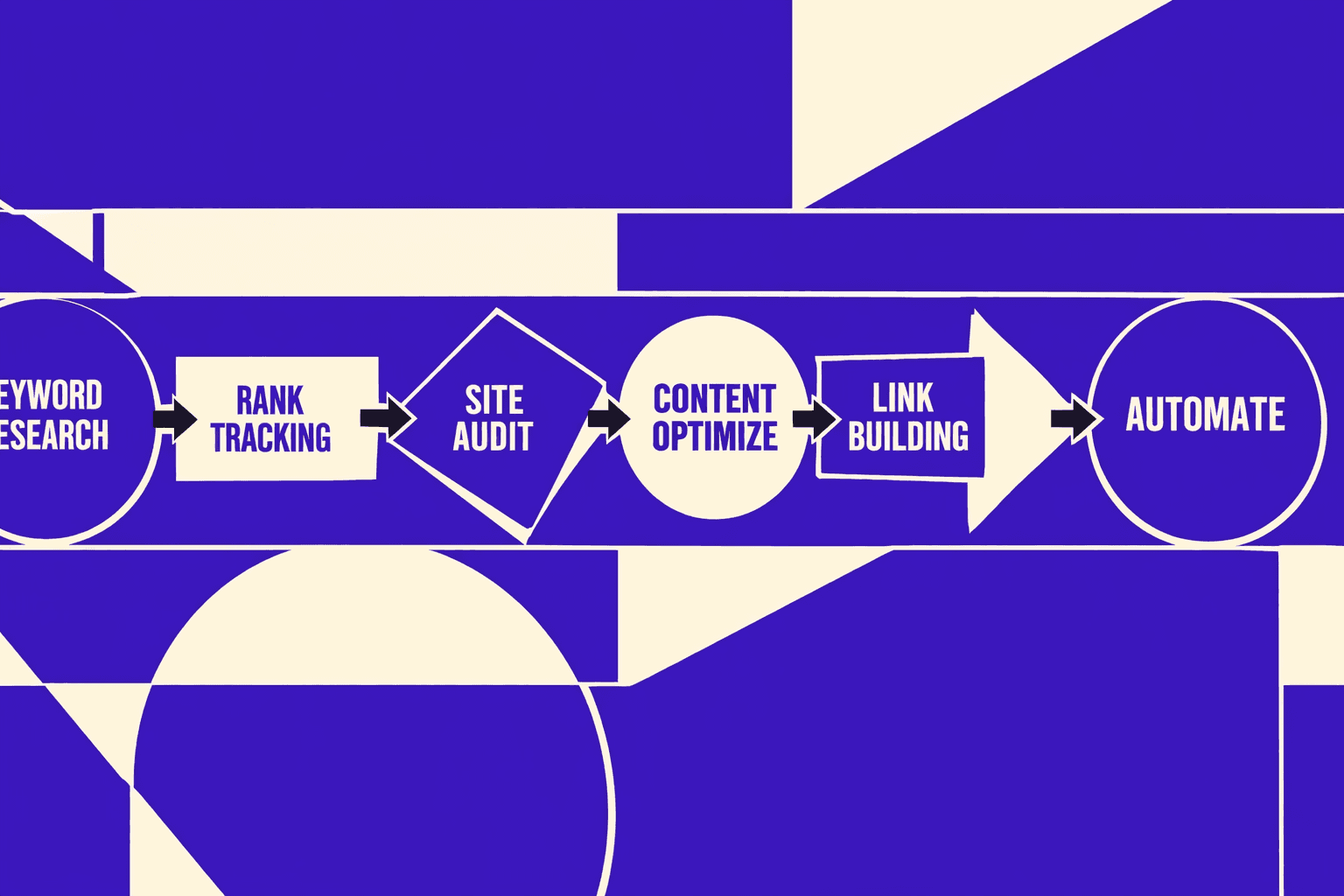
At-a-Glance Comparison (Pick the Best First Automation)
| Workflow | Setup Effort | Ongoing Maintenance | Risk of False Alarms | Expected Time Saved | Best First Tooling |
| --- | --- | --- | --- | --- | --- |
| 1. Index coverage + crawl anomalies | Medium | Low | Medium | High | GSC + log alerts |
| 2. Titles, meta, canonicals | Low | Low | Medium | Medium | Crawler + rules |
| 3. Internal links + orphan pages | Medium | Medium | Low | Medium | Crawler + graph |
| 4. Post-release regression monitoring | Medium | Medium | Low | High | CI checks + crawl diffs |
| 5. Content decay + refresh queue | Medium | Medium | Medium | Medium | GSC + analytics |
| 6. Mentions + lost links | Low | Low | Medium | Low to Medium | Alerts + backlink index |
| 7. Weekly stakeholder reporting | Low | Low | Low | High | SEO dashboards |
1. Automate Index Coverage and Crawl Anomaly Alerts
Index coverage alerts catch the "site looks fine" failure mode. Pages still render normally, but revenue quietly drops. The root cause is often crawl waste, noindex drift, or blocked templates.Key benefit:Issues get triaged within hours, not days.Use case:An ecommerce site ships a filter update.
Use case: an ecommerce site ships a filter update. Googlebot starts looping on URL parameters. Crawls spike, and key pages slow down in discovery.
Pros
- Finds indexing drops before rankings crater
- Supports automated SEO monitoring with clear thresholds
- Works across sites with repeatable rules
Cons
- Alert tuning takes a few iterations
- Bots can spike for benign reasons
Best For
Teams with active deployments and large catalogs.
Suggested Tools
- Google Search Console for coverage and sitemaps
- Server log analysis to detect Googlebot anomalies
- A simple alert runner using cron with Slack or email
For teams mapping checks to maturity, see Jairo Guerrero's Post - LinkedIn.
2. Automate On Page Checks for Titles Meta and Canonicals
On-page drift is common with CMS blocks and shared components. Titles truncate. Canonicals flip. Meta robots tags get inherited. A crawler can enforce rules like tests.
Key benefit: faster detection of template bugs.
Use case: for example, a blog redesign changes a shared header. It injects a second canonical tag. Pages still load normally, but Google picks the wrong canonical.
Pros
- Low setup and fast ROI
- Easy to run on a schedule
- Pairs well with a technical seo audit cadence
Cons
- Hard to encode brand nuance into rules
- Needs separate rules per template type
Best For
Sites with CMS-driven templates and frequent content edits.
Suggested Tools
- A crawler-based SEO audit tool with custom extraction rules
- URL sampling with "critical pages" allowlists
- A simple diff report for tag changes
For audit taxonomy and scope choices, reference Types and Purpose of Technical SEO Audits - Four Dots.
3. Automate Internal Link Opportunities and Orphan Page Detection
Internal links age poorly. Navigation shifts. Old hubs die. New pages ship without links. A crawler plus a URL inventory can detect orphans and weakly linked pages.
Key benefit: protects discovery for new and updated pages.
Use case: for example, a team publishes a new category page. It appears in the sitemap. No page links to it. Crawlers find it late.
Pros
- Low accuracy risk for orphan detection
- Helps prioritize linking work with clear targets
- Improves crawl paths without new content
Cons
- “Opportunity” scoring can be subjective
- Large sites need segmentation to stay fast
Best For
Publishers, marketplaces, and docs sites.
Suggested Tools
- Crawl + sitemap + analytics merge
- Link graph exports for hubs and depth
- Rule: flag pages with zero inlinks
4. Automate Technical Regression Monitoring After Releases
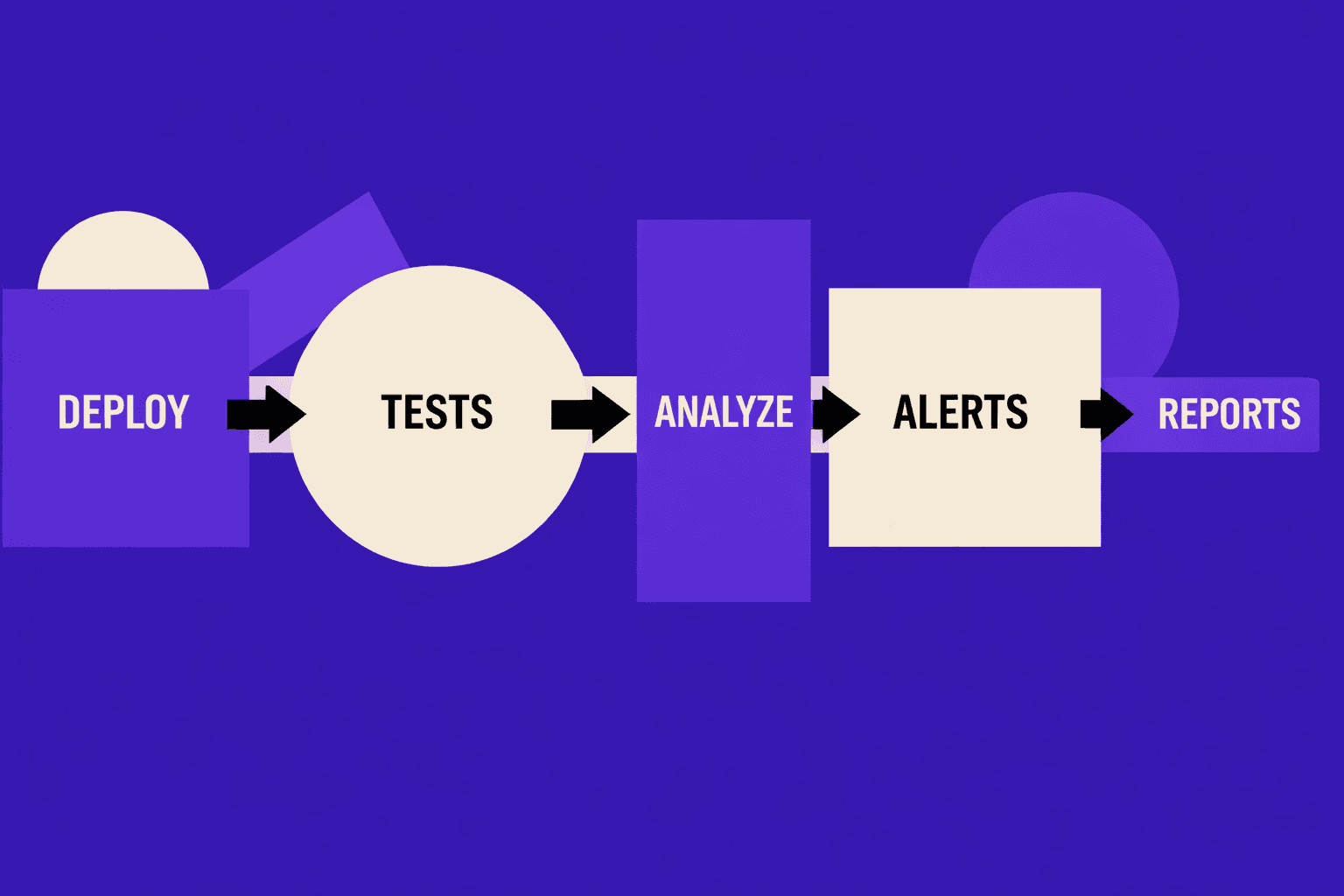
Key benefit: faster root cause analysis after releases.
Use case: a release changes routing. It adds trailing slash redirects. Some routes now 404. A pre-prod crawl diff flags it.
Pros
- High confidence alerts tied to deployment windows
- Reduces fire drills after launches
- Supports website change detection with diffs
Cons
- Needs CI plumbing and baseline snapshots
- Staging may not match production perfectly
Best For
Engineering-led teams with CI/CD.
Suggested Tools
- Crawl before and after deploy
- Compare the results to identify changes in:
- status codes, canonicals, robots, indexability
- Synthetic tests for critical templates
- Automated rollbacks when thresholds fail
For a 2026-focused checklist framing, see Technical SEO Audit: Complete Checklist Guide 2026.
5. Automate Content Decay Detection and Refresh Prioritization
Content decay is predictable when tracked. A simple system can watch clicks, impressions, and average position by URL group. It then queues refresh work with a clear “why now.”
Key benefit: refresh work gets prioritized by impact signals.
Use case: for example, a “best tools” page loses clicks for two months. The query mix shifts. Competitors add new sections. The system flags it for refresh.
Pros
- Protects traffic without endless new content
- Builds an objective refresh backlog
- Works well with editorial planning
Cons
- Needs good URL grouping and intent buckets
- Can misread seasonality as decay
Best For
Blogs, ecommerce guides, and product education hubs.
Suggested Tools
- GSC API exports by page and query
- Analytics events for conversion weighting
- A lightweight scoring model and queue
For deeper automation patterns, see AI Technical SEO Strategies for Instant Detection and Audit Automation.
6. Automate Backlink Mentions and Lost Link Monitoring
Links change quietly. Pages get updated. Redirects break. Mentions appear without links. Alerts can watch for lost links and new brand mentions.
Key benefit: fast recovery of lost authority signals.
Use case: for example, a partner updates a resources page. The link still exists, but it now points to a 404. An alert catches it.
Pros
- Low setup effort
- Helps reclaim links with clear targets
- Finds unlinked mentions worth outreach
Cons
- Backlink indexes can lag reality
- Some “lost links” are just recrawls
Best For
Brands with PR, partnerships, or affiliate programs.
Suggested Tools
- Backlink monitoring plus lost-link alerts
- Brand mention alerts across web pages
- Periodic checks for target URL status codes
For tool category comparisons, see Automated SEO audit tools: compare features and pricing - Sedestral.
7. Automate Weekly SEO Reporting for Stakeholders
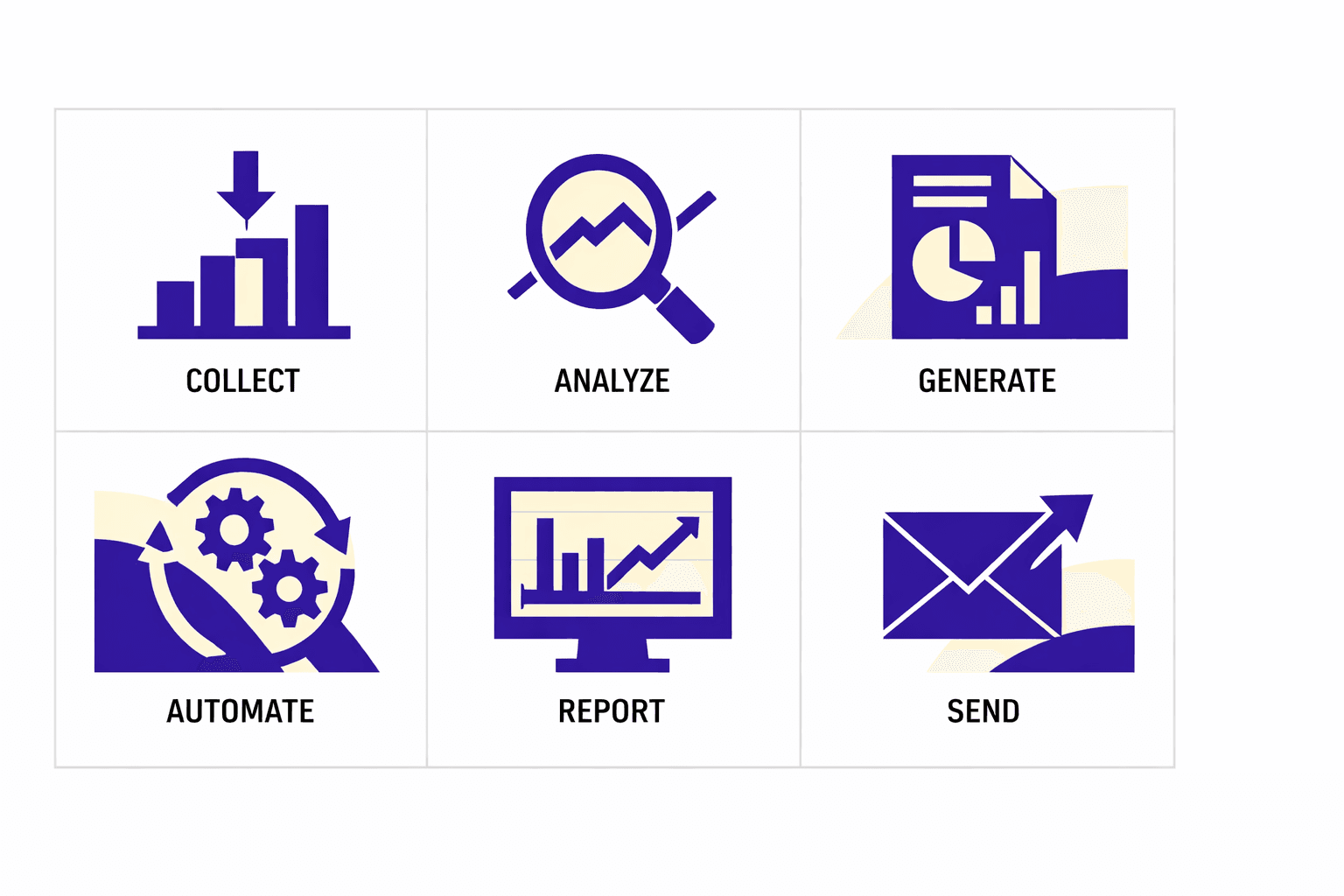
Key benefit: time savings plus fewer ad hoc requests.
Use case: for example, an exec asks why organic dipped. A weekly report already shows: index coverage stable, crawl stable, top landing pages down, one template change shipped.
Pros
- High hours saved across the org
- Builds trust with consistent definitions
- Enables SEO dashboards that explain changes
Cons
- Teams can over-focus on vanity metrics
- Dashboard sprawl happens without ownership
Best For
Teams supporting product, content, and leadership.
Suggested Tools
- A dashboard layer plus scheduled email exports
- Annotation of releases and incidents
- Weekly “exceptions” list, not every metric
Research from Full Technical SEO Checklist (from Start to Finish) - Semrush shows 2% of websites had robots.txt issues in their dataset. That makes robots checks worth including in the weekly rollup.
Data indicates a broader quality gap too. According to Full Technical SEO Checklist (from Start to Finish) - Semrush, 27% of websites had a technical issue in their study sample. That is why reporting should include a short exceptions list.
What Teams Should Automate First and Which Tools Fit Best
The best first automations are #1, #4, and #7 because they protect the three failure points that break silently: indexation drops that crush traffic, release regressions that ship bugs to production, and communication gaps that leave stakeholders guessing. These three also scale cleanly across sites without requiring custom configuration per domain. That order matches most engineering roadmaps.
Tool choice depends on the job shape. Crawlers excel at HTML rules. GSC excels at indexing signals. CI excels at blocking regressions. Dashboards excel at stakeholder clarity.
Tool choice depends on the job shape. Crawlers excel at HTML rules. GSC excels at indexing signals. CI excels at blocking regressions. Dashboards excel at stakeholder clarity. In practice, seo automation works best as detection and triage, not auto-fixes.
For teams selecting a seo checker free for quick wins, start with scheduled crawls and rule checks. Then graduate into post-release diffs and alerting.
Technical SEO Audit Automation That Actually Scales
1. Automations to include in a technical SEO audit
A scalable technical seo audit runs like nightly tests. It checks what breaks most often. It also checks what breaks silently.
Start with scheduled crawls for 4xx, 5xx, and soft 404s. Track indexation shifts by template and directory. Watch redirect changes, including chains and loops. Add Core Web Vitals monitoring for trend drift, not snapshots. Layer in log file analysis to confirm Googlebot hits key paths.
According to industry research, a majority of websites have technical SEO issues that impact performance, making automated audits essential for catching problems early.
For example, a header component ships on Friday. Monday traffic looks “fine.” The crawl catches a canonical swap. The logs confirm Googlebot wasted budget.
This is where seo automation earns trust. It replaces spot checks with repeatable coverage.
2. Thresholds and guardrails to reduce false positives
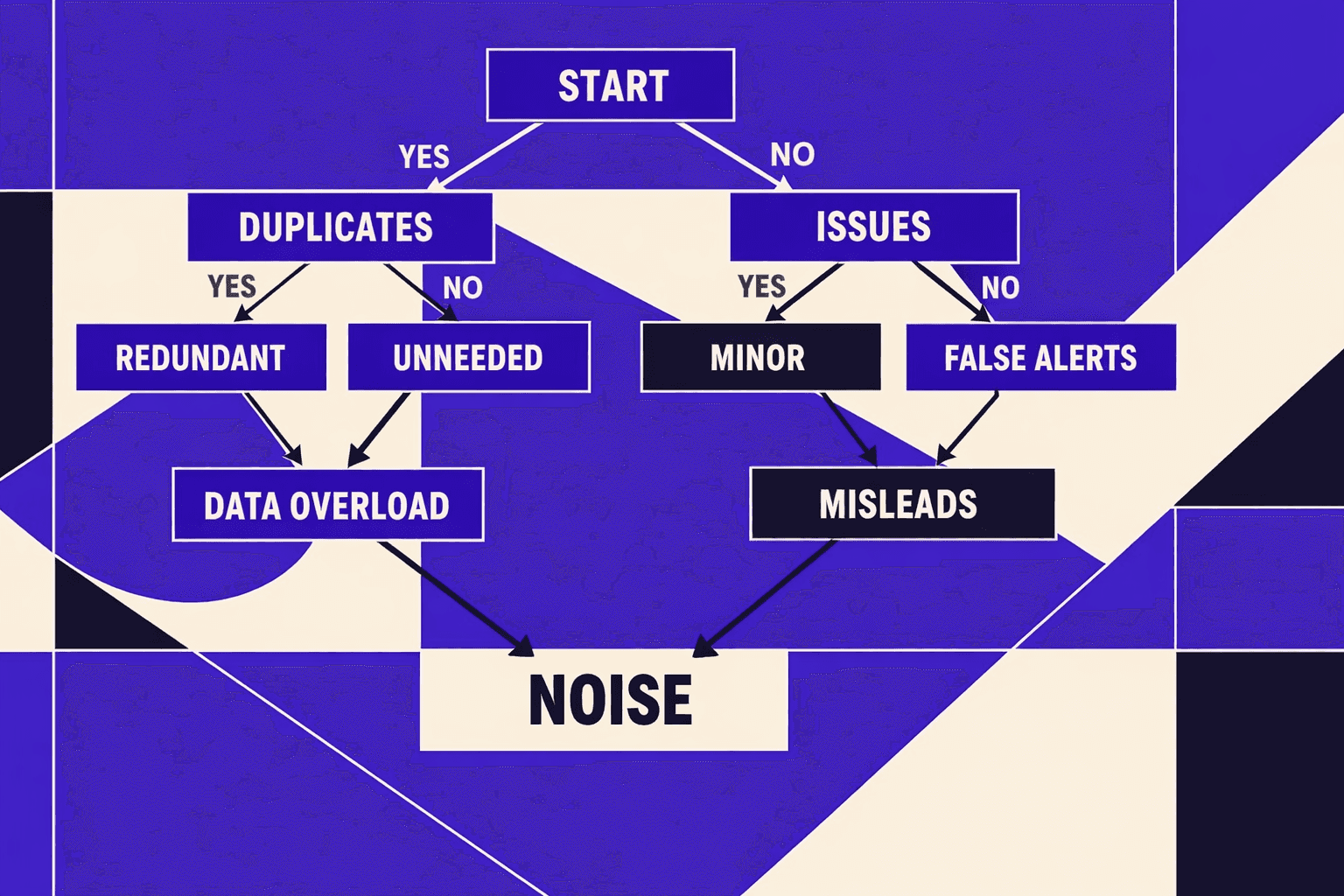
Automation fails when it pages for noise. Guardrails keep alerts actionable.
Set baselines from rolling averages. Use a 28-day window for stable templates. Use a 7-day window for high-churn pages. Require sample sizes, like 200 URLs per template. Fire alerts only on anomalies, not single-page spikes.
For example, flag a redirect spike only if it grows and persists. Require two runs in a row. Add a “known events” calendar for releases and migrations.
Research shows that site changes frequently introduce unexpected regressions, which is why rolling averages and sample-size requirements help reduce false positives.
Teams wanting deeper patterns can pair this with AI Technical SEO Strategies for Instant Detection and Audit Automation.
3. Routing issues into tickets and release checklists
A finding is not a fix. Routing makes it shippable.
Pipe validated issues into Jira, GitHub Issues, or Asana. Include severity, affected templates, and a suggested fix. Attach evidence, like crawl samples and example URLs. Add a release checklist item for each class of failure.
A lightweight seo audit tool can do this. Even an “seo checker free” workflow works at first. The key is consistent fields and clear ownership.
Best SEO Audit Tool and SEO Checker Free Options
1. What to look for in an SEO audit tool
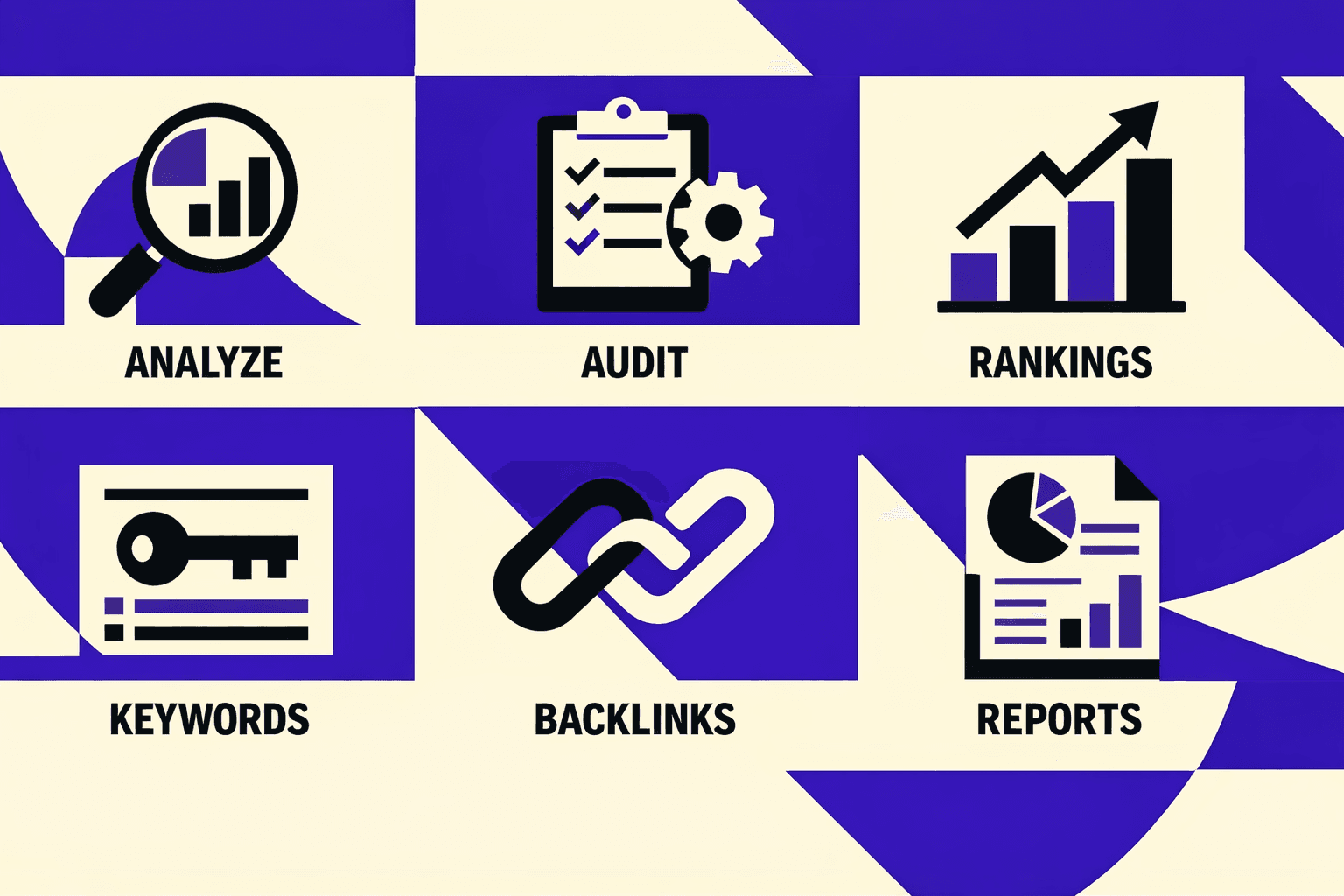
A seriousseo audit toolstarts with crawl control. It must handle crawl depth limits cleanly. It should also support JavaScript rendering for SPA templates. That matters when content loads after hydration.
Teams should compare these features side by side:
- Crawl depth and URL caps for large sites
- JavaScript rendering modes and render budget
- Scheduling for nightly or weekly crawls
- Export formats: CSV, JSON, and Looker Studio-ready
- API access for pipelines and issue syncing
- Collaboration: projects, notes, roles, and share links
For example, a crawler without exports forces manual copy work. That breaks fast triage and slows fixes. A better tool pushes findings into issue queues, like in Types and Purpose of Technical SEO Audits - Four Dots.
2. When a free SEO checker is enough
Aseo checker freeoption fits three moments. First, quick spot checks after a deploy. Second, lightweight competitive comparisons on a few URLs. Third, early-stage site validation before scale.
Can an SEO audit be done for free? Yes, but only for a narrow slice of functionality. Research from Full Technical SEO Checklist (from Start to Finish) - Semrush shows10%of sites missed basics like meta descriptions. A free checker can catch that fast. Semrush also found96%of sites had Core Web Vitals issues. That often needs deeper crawling.
3. Building a low maintenance tool stack
A lean stack reduces tool sprawl and alert fatigue. It also keepsseo automationreliable.
The simplest pattern uses three layers:
- One site crawler for discovery and exports
- One monitoring layer for uptime, CWV, and index signals
- One reporting layer tied to business KPIs
Small teams should pick the best SEO audit tool based on automation depth. Scheduling plus exports usually beats feature bloat. For scaling ideas, see AI Technical SEO Strategies for Instant Detection and Audit Automation.
Conclusion and Verdict for SEO Automation Use Cases
These seven workflows give teams a repeatable way to harden SEO quality gates. The practical order is simple: start with scheduled crawls and indexation monitoring, then add performance and redirect change detection, then layer in template regression tests, log-based crawl prioritization, automated ticket creation, and stakeholder reporting last. This sequence delivers fast wins first, while keeping setup and alert fatigue under control.
In-house teams get the most value from monitoring plus issue routing into Jira or GitHub, because it keeps fixes tied to owners and releases. Agencies should prioritize multi-site crawling, standardized severity rules, and automated client reporting, because consistency beats custom work. Fast-shipping product orgs should focus on template diff checks and pre-release gates, because regressions often enter at deploy time.
The core principle stays constant: automate detection, prioritization, and reporting, but keep strategy and tradeoffs human led. Want to learn more? Learn More to explore how we can help.