Why Your Canonical Tags Are Backfiring (And How to Audit Them Fast)
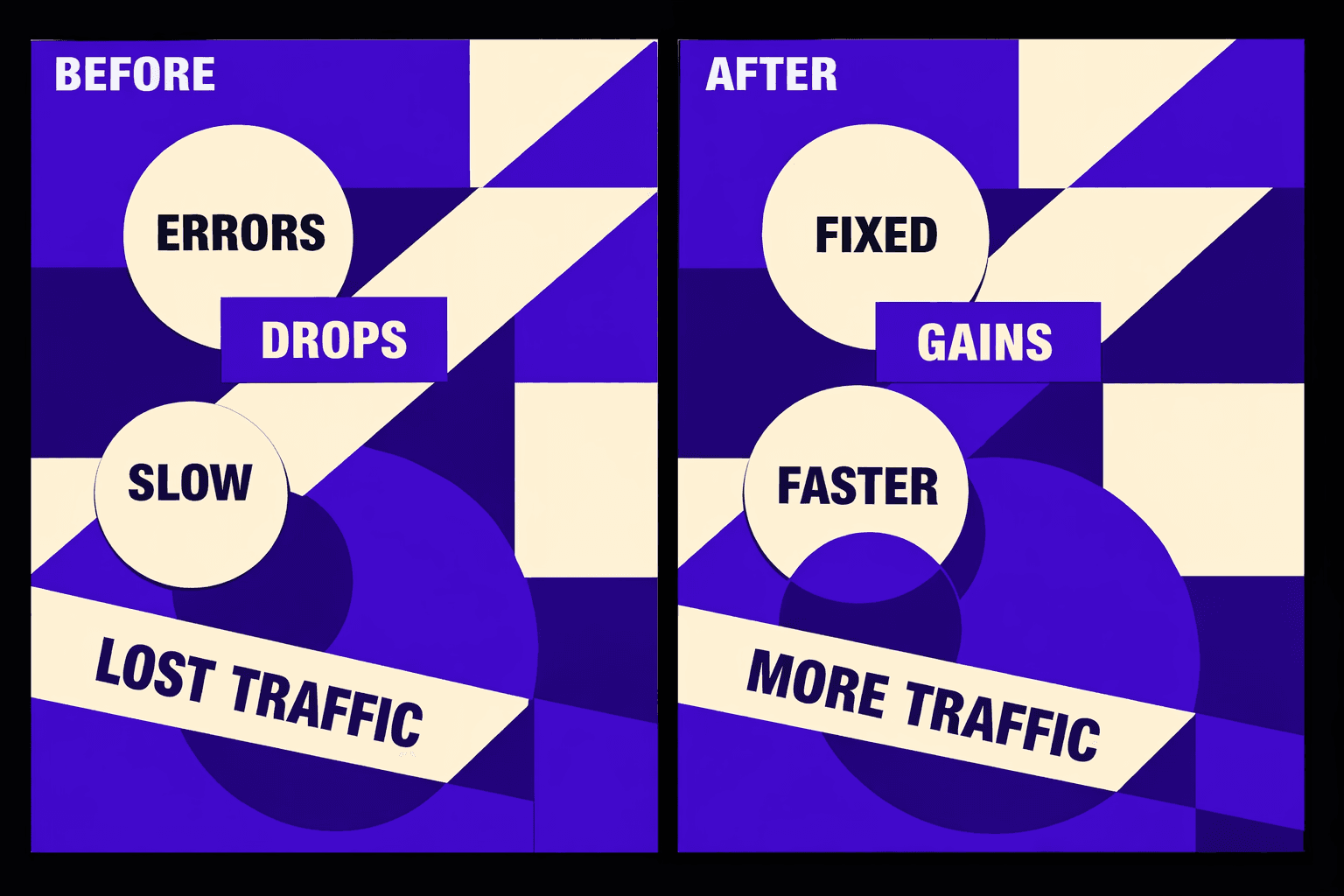
Your seo audit tool says “issues fixed” keeps climbing, but rankings still slide. You close tickets all week, yet your top pages keep dropping.
That data is useless when the real blockers sit in crawling, indexing, and canonicalization behavior. According to Canonical Tags for SEO: What They Are and How to Use Them, canonical conflicts can spike 4x when canonicals point wrong. Data from Canonical Tag Errors in Google Search Console - LinkedIn shows a 5x pattern tied to canonical tag errors in GSC.
We built MygomSEO’s root-cause playbook to turn noisy audits into clear fixes. You’ll learn the exact steps we use to map audit output to crawl paths, index states, and canonical targets. This outline mirrors our production delivery across technology sites, focused on rankings and revenue impact.
Symptoms and Impact Our SEO Audit Tool Surfaces
The symptoms we see before traffic falls off
If you run a technical seo audit and feel “fine,” watch Search Console. The early warning looks backwards. Impressions slide while indexed pages inflate.
We also see brand queries hold steady. Non-brand collapses first. Then key templates stop ranking. It is usually category, location, or program pages.
In Search Console, three patterns show up together. You get spikes inCrawled - currently not indexed. You also seeDuplicate without user-selected canonical. ThenSoft 404starts creeping up. That mix screams canonical tag seo and thin duplication. A quick walkthrough of common canonical pitfalls helps frame it. See Canonical Tags for SEO: What They Are and How to Use Them and this Search Console example thread on LinkedIn: Canonical Tag Errors in Google Search Console - LinkedIn.
Business impact we measure and report to stakeholders
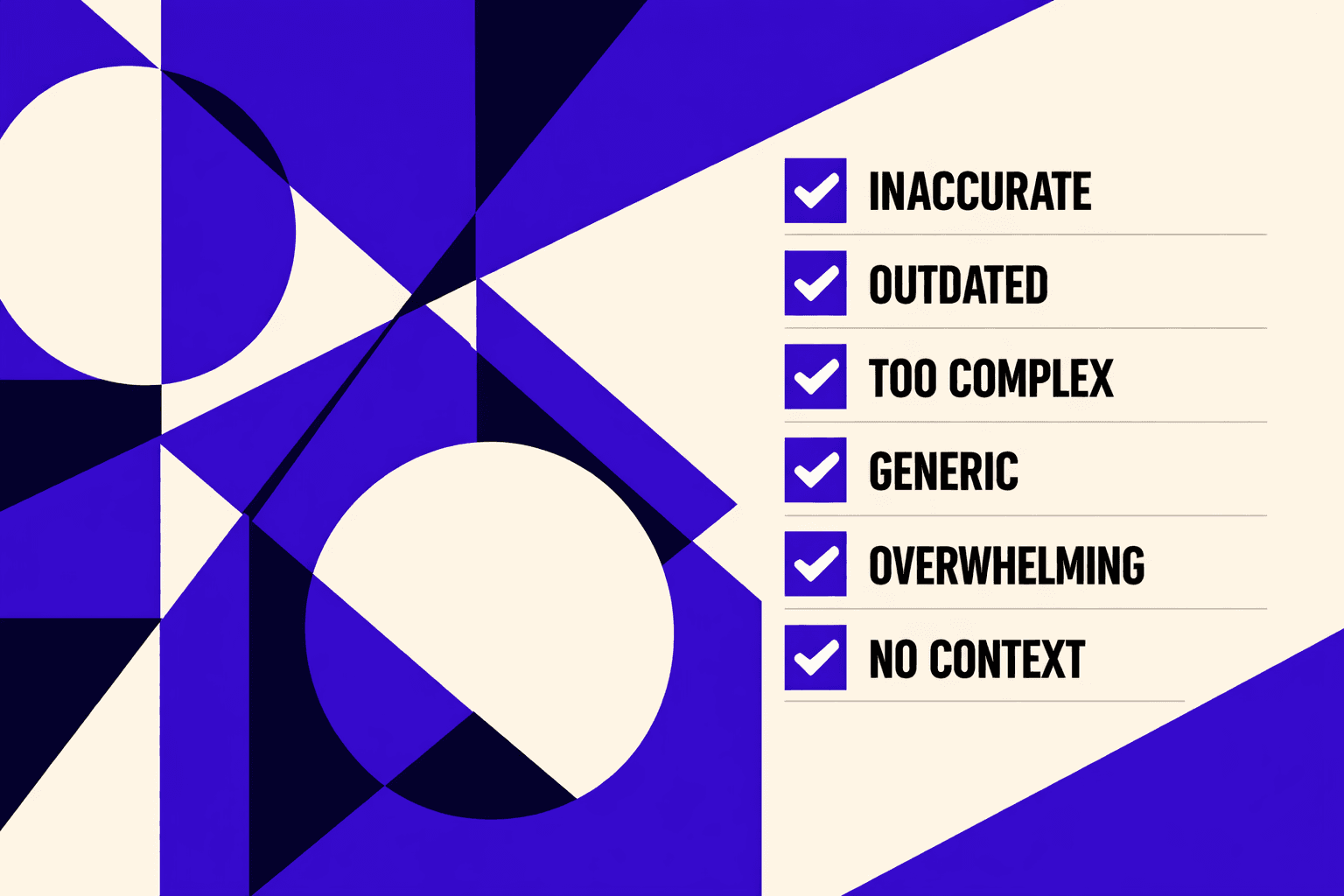
A real seo audit tool checks behavior, not checkboxes. It ties crawl and index signals to outcomes. That means we report what changed, and where.
Here is what we measure every week:
- Organic sessions and landing page mix
- Qualified leads from organic pages
- Index coverage by template and status
- Crawl requests per day from logs
- CWV pass rate on top landing pages
- Top-20 keyword count for key templates
One vivid moment: we pulled a log slice at 2 a.m. Googlebot hit parameter URLs all night. It ignored the money pages. Most hits were faceted combos and thin duplicates. Faceted navigation can explode URL counts fast. See Faceted Navigation: Your Secret Weapon for SEO Success.
User impact follows fast. Slower pages hurt engagement. Broken internal linking kills discovery. Organic landing conversions dip, even before rankings crash.
Quick fixes teams try that fail in production
Teams try three “fast” moves. They feel productive. They rarely fix crawl and index rules.
- Install aseo checker freeplugin and chase scores
- “Resubmit the sitemap” and hope Google reprocesses
- Bulk-edit titles while duplication stays untouched
Why rankings can drop after “fixes”: you may have changed canonicals, redirects, or internal links. That can shift which URL Google trusts. It can also deindex pages you were still earning from. Syndication can add another twist when duplicates compete. See Are News Syndication Partners Hijacking Your Traffic? - NewzDash.
If you want the automation angle, read our guide on AI Technical SEO Strategies for Instant Detection and Audit Automation.
Costs also shape bad decisions. According to Canonical Tags for SEO: What They Are and How to Use Them, some tools pitch3 daystrials, then$99monthly. That pricing pushes teams toward shallow fixes instead of durable rules.
Root Cause Analysis From Technical SEO Audit Findings
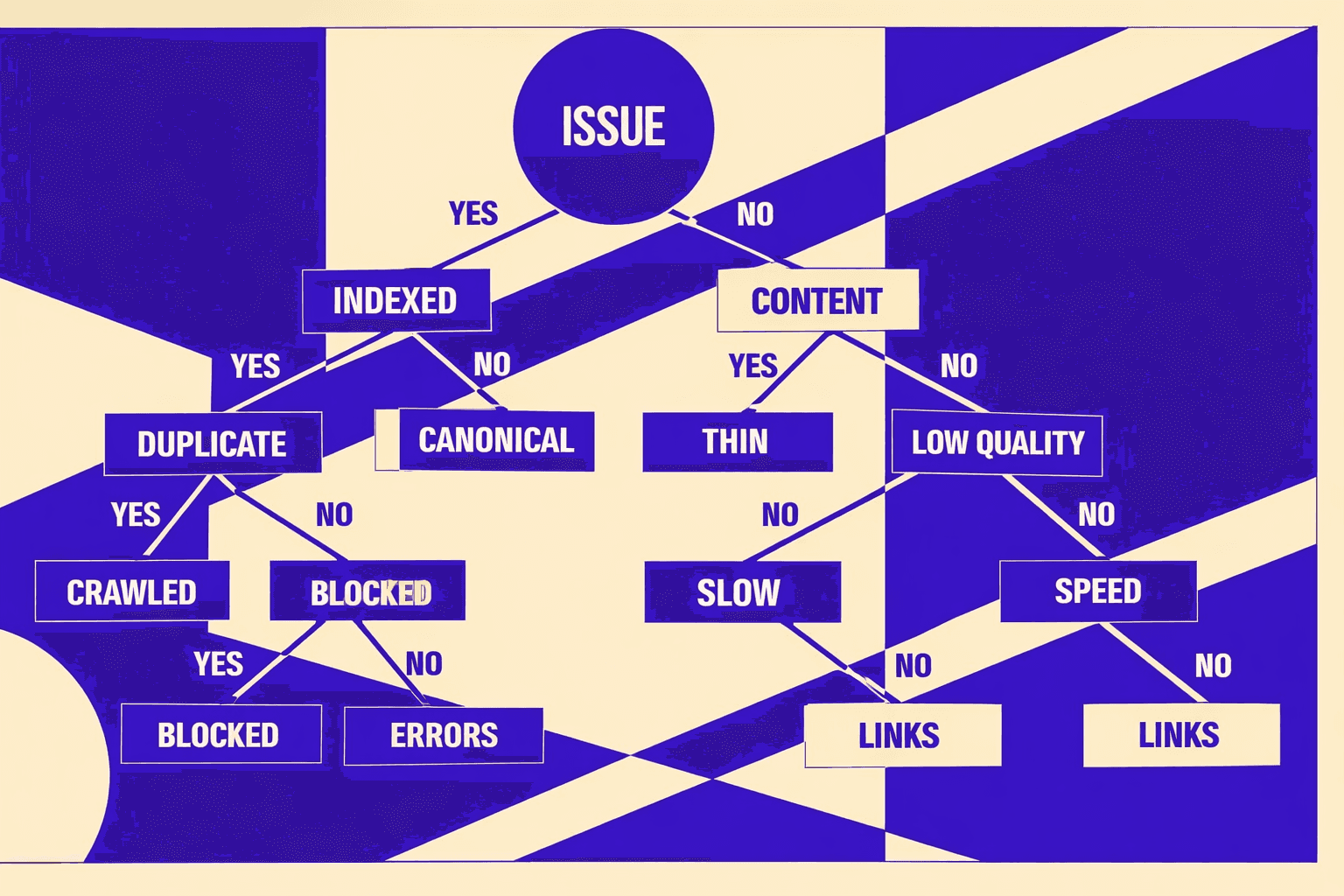
If you want a quick gut check, ask this. Do duplicates rise while rankings slide? That is when canonical tag seo often goes wrong. A seo audit tool will flag the pages. It will not explain the conflict.
Root cause 1: Canonicalization conflicts and duplicate clusters
Most teams think the canonical tag “wins” by itself. It does not. Google weighs canonicals as a hint. Conflicting signals can override it. That’s why canonicals fail when links disagree. See the core rules and common mistakes in Canonical Tags for SEO: What They Are and How to Use Them.
Here are the root causes we see most:
- Variants miss self-referencing canonicals.
- Canonical points to a non-200 URL.
- Canonicals conflict with hreflang targets.
- Canonical differs from internal links and sitemaps.
For example, we once opened a “canonical” URL from a template. It returned 404. The page still “looked fine” in a browser. Search Console kept showing “Duplicate without user-selected canonical.” That pattern matches what others report in GSC canonical error writeups, too: Canonical Tag Errors in Google Search Console - LinkedIn.
Root cause 2: Crawl budget waste and index bloat from templates
Index bloat usually starts with navigation rules. Facets and filters explode URL counts. Pagination multiplies near-duplicates. Then internal search and sort parameters leak into crawlable links. Over time, bots spend time on junk.
Common causes in audits:
- Faceted navigation creates infinite URL space.
- Pagination produces thin, similar pages.
- Search, sort, and tracking params get crawled.
- Sitemaps include low-value template pages.
Faceted navigation is the classic trap. It can help users. It can also create endless crawl paths. That trade-off is why faceting needs strict URL rules and internal linking discipline. See the common failure modes in Faceted Navigation: Your Secret Weapon for SEO Success.
Root cause 3: Rendering and performance issues that block indexing
Some “duplicate” issues are really “can’t see content” issues. Client-side rendering can hide links and text from bots. Blocked JS or CSS can break layout and discovery. Slow TTFB stretches crawl time. Then indexing lags behind releases.
This is where timing matters. We often see CWV regressions align with traffic dips. It’s not magic. It’s fewer pages crawled per day. It’s also weaker internal link discovery.
If you need deeper patterns, map these checks into your pipeline. Start with AI Technical SEO Strategies for Instant Detection and Audit Automation.
How we prove causality with logs and controlled changes
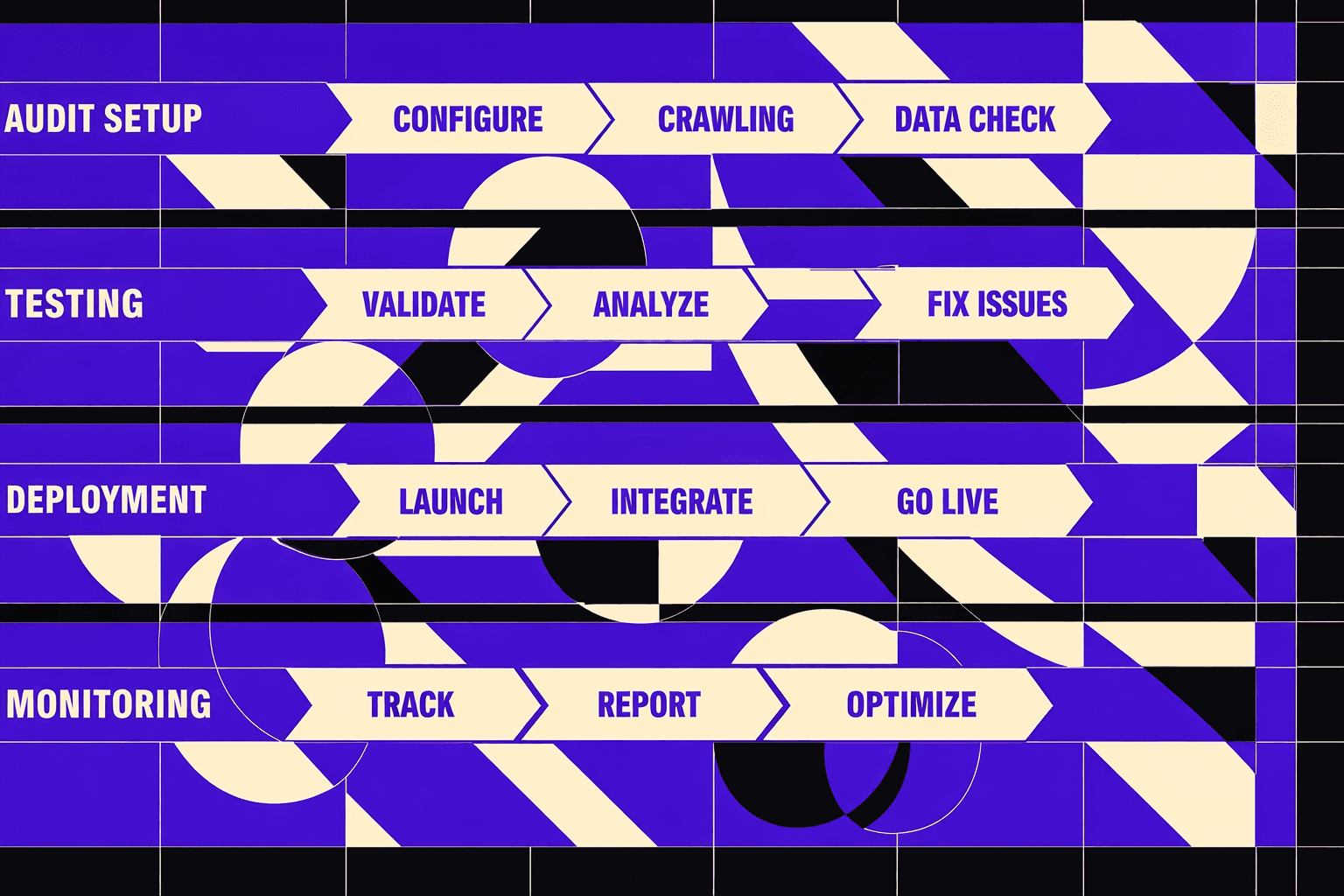
We don’t “fix everything” and hope. We prove cause first. We correlate three timelines: GSC Coverage, server logs, and deploy history. Then we run a limited-scope fix. One template. One directory. One rule.
Our proof loop:
- Identify the duplicate cluster in GSC.
- Confirm bot behavior in server logs.
- Tie the spike to a specific deploy.
- Change one rule, not twenty.
- Watch crawl, canonicals, and indexing shift.
That controlled approach beats checklist chasing. It also answers two common questions.How do you know canonicals hurt SEO?When Google indexes the wrong variant. You’ll see “Duplicate” statuses persist. You’ll also see bots crawl parameters heavily.What’s the difference between a technical SEO audit and a content audit?A technical SEO audit checks crawl, render, and index mechanics. A content audit checks intent, depth, and consolidation choices. Both matter, but they fix different failures.
One last note. Some teams rely on a seo checker free plugin. That can surface symptoms fast. It won’t prove causality. News terms can shift every15 minutes, which makes trend-chasing noisy (Are News Syndication Partners Hijacking Your Traffic? - NewzDash). And big platforms can dominate distribution - one example cites25%in an estimate (Are News Syndication Partners Hijacking Your Traffic? - NewzDash). That’s why we anchor on logs and controlled changes, not hype.
Solution Strategy We Built Into Our SEO Audit Tool Workflow
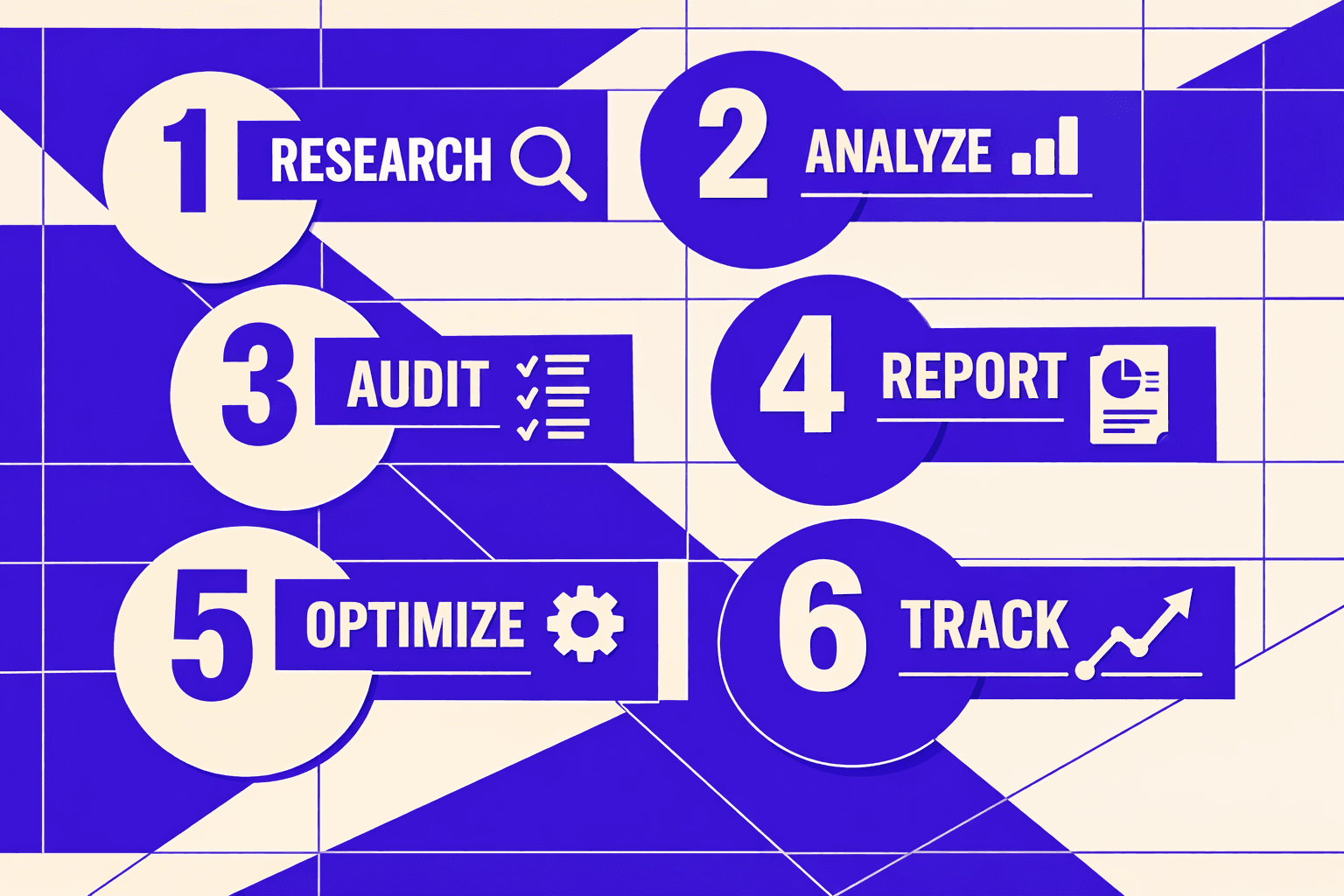
Our prioritization model: Impact, Effort, Risk
We do not “fix everything” from the report.
We fix root causes that change crawling and index choice.
We map each finding to one KPI, then score it.
That stops busywork and protects releases.
Use this model right after an seo audit tool run:
- Pick the KPI the issue moves most.
- Score Impact: High, Medium, Low.
- Score Effort: hours, days, or sprint.
- Score Risk: chance of traffic or revenue loss.
- Sort by High Impact, Low Effort, Low Risk.
So what should you fix first after running an SEO audit tool?
Fix the issue that blocks indexing on money templates.
Then fix crawl traps that waste discovery on junk.
Leave cosmetic warnings for later.
Turn audit findings into tickets engineers can ship
Audit output dies when it stays vague.
So we ship a one-page remediation plan.
It reads like a deploy checklist, not a blog post.
It also makes QA faster and calmer.
Each plan includes:
- Exact affected templates and route patterns.
- Acceptance criteria written as pass or fail.
- Test URLs for staging and production checks.
- A rollback plan if metrics dip.
If your team uses a seo checker free plugin, do this anyway.
Plugins find issues, but they do not scope fixes.
For deeper automation ideas, see AI Technical SEO Strategies for Instant Detection and Audit Automation.
Designing fixes that align all canonical and crawl signals
Canonical tag seo fails when signals disagree.
Pick preferred URL rules first, then enforce them everywhere.
That means internal links, sitemaps, redirects, and canonicals.
This is the fastest way to stop duplicate selection churn. See Canonical Tags for SEO: What They Are and How to Use Them.
Next, control crawl space like an engineer.
Block or noindex low-value areas and thin duplicates.
Normalize parameters, and stop internal links from spawning traps.
Facets and filters can explode URLs fast. Use strict rules. See Faceted Navigation: Your Secret Weapon for SEO Success.
Finally, measure with a real window.
Track leading signals first: crawl stats and coverage.
Track lagging signals next: rankings, leads, and conversions.
Data indicates “100%” certainty does not exist in directional SEO charts (Are News Syndication Partners Hijacking Your Traffic? - NewzDash).
Research from the same source also cites “82%” in an example share comparison, which shows how skewed distribution can look (Are News Syndication Partners Hijacking Your Traffic? - NewzDash).
Conclusion: Canonicals That Google Can Actually Trust
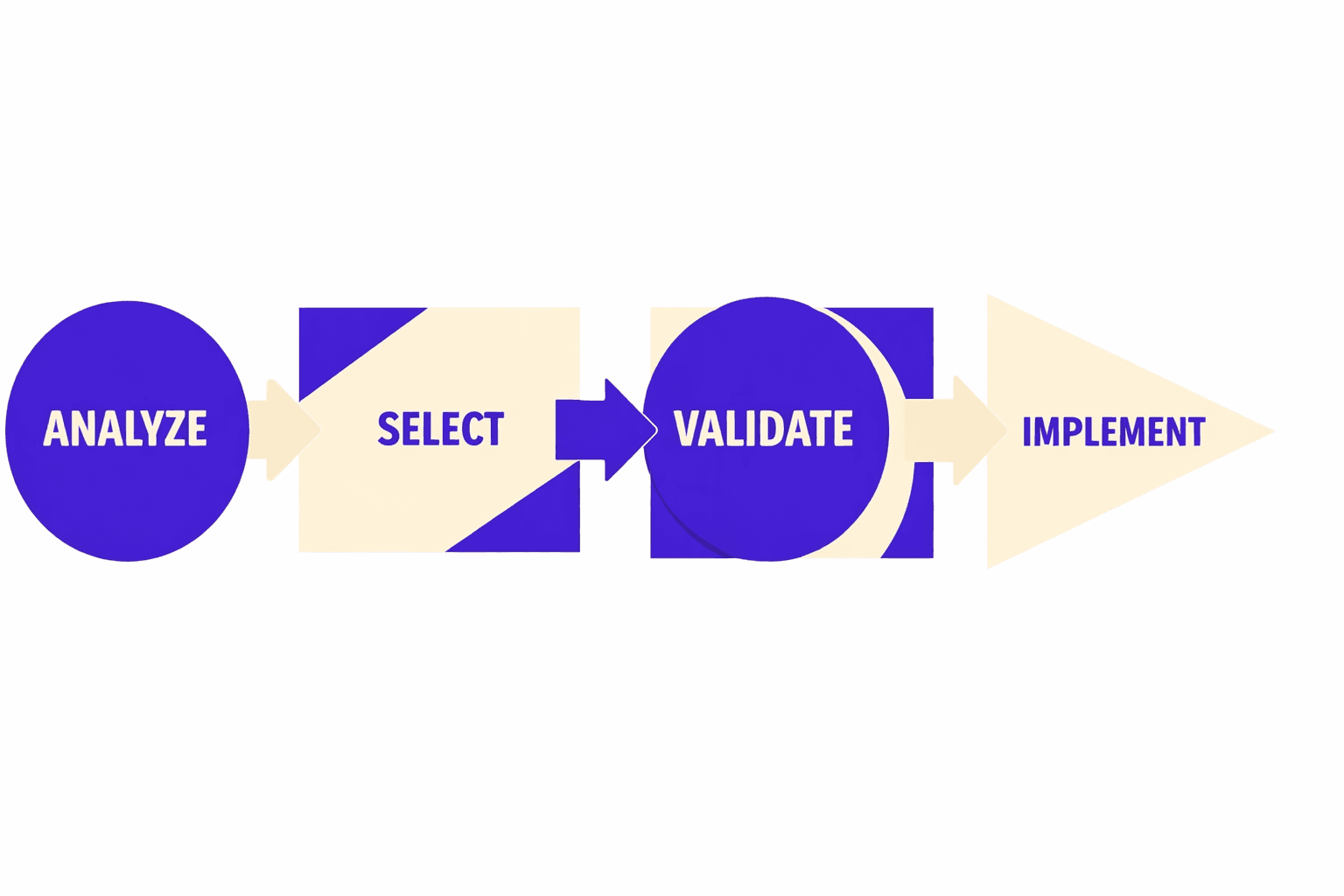
The key is that none of this comes from “adding a canonical tag” in isolation. It comes from aligning every signal Google uses to pick a canonical:status codes, redirects, canonicals, internal links, and sitemaps. That’s why Step 1 matters so much. GSC exports tell you what Google reports. Server logs tell you what Googlebot actually does. When you join them, the waste becomes obvious. You’ll find crawl traps that look harmless in a crawl tool, but eat real budget in production. You’ll find canonicals that point to a URL that never returns a clean 200. And you’ll find sitemap URLs that quietly disagree with internal links.
From there, the fixes stay pragmatic and template-first. You make the preferred URL resolvable and stable. You output an absolute canonical like:
<link rel="canonical" href="https://example.com/preferred-path/" />
Then you verify it matches the final resolved URL after redirects. If the canonical points to a redirect chain, a parameterized variant, or a non-200, you’re asking Google to choose between conflicting signals. Google will. You just won’t like the choice.
Crawl controls are the other half of the equation. robots.txt helps youavoid crawlinginfinite spaces, but it does not reliably remove already indexed URLs. That’s why thin variants need meta robots when you wantindex cleanup without breaking internal authority flow:
<meta name="robots" content="noindex,follow" />
Pair that with internal linking rules so you stop surfacing trap URLs in the first place. The same logic applies to parameter blocks like:
- Disallow: /*?sort=
- Disallow: /*&sort=
- Disallow: /search
Blocking only works when you also remove links that advertise those URLs.
The final step is what keeps the gains from fading. Validation can’t be a one-time “spot check.” You need automated sampling that confirms, at scale, that each template still returns the right status, points canonicals to the right target, stays indexable (or intentionally not), and matches the URLs you publish in your sitemap. When you add CI checks for canonical output and redirect behavior, you stop regressions before they ship. That’s how you avoid the slow drift back into index bloat after the next release.
If your rankings are sliding while “issues fixed” keeps climbing, your problem isn’t effort. It’s signal alignment. If you want help turning your seo audit tool output into clean canonicals, controlled crawling, and measurable ranking lift, Learn More and reach out to learn more.