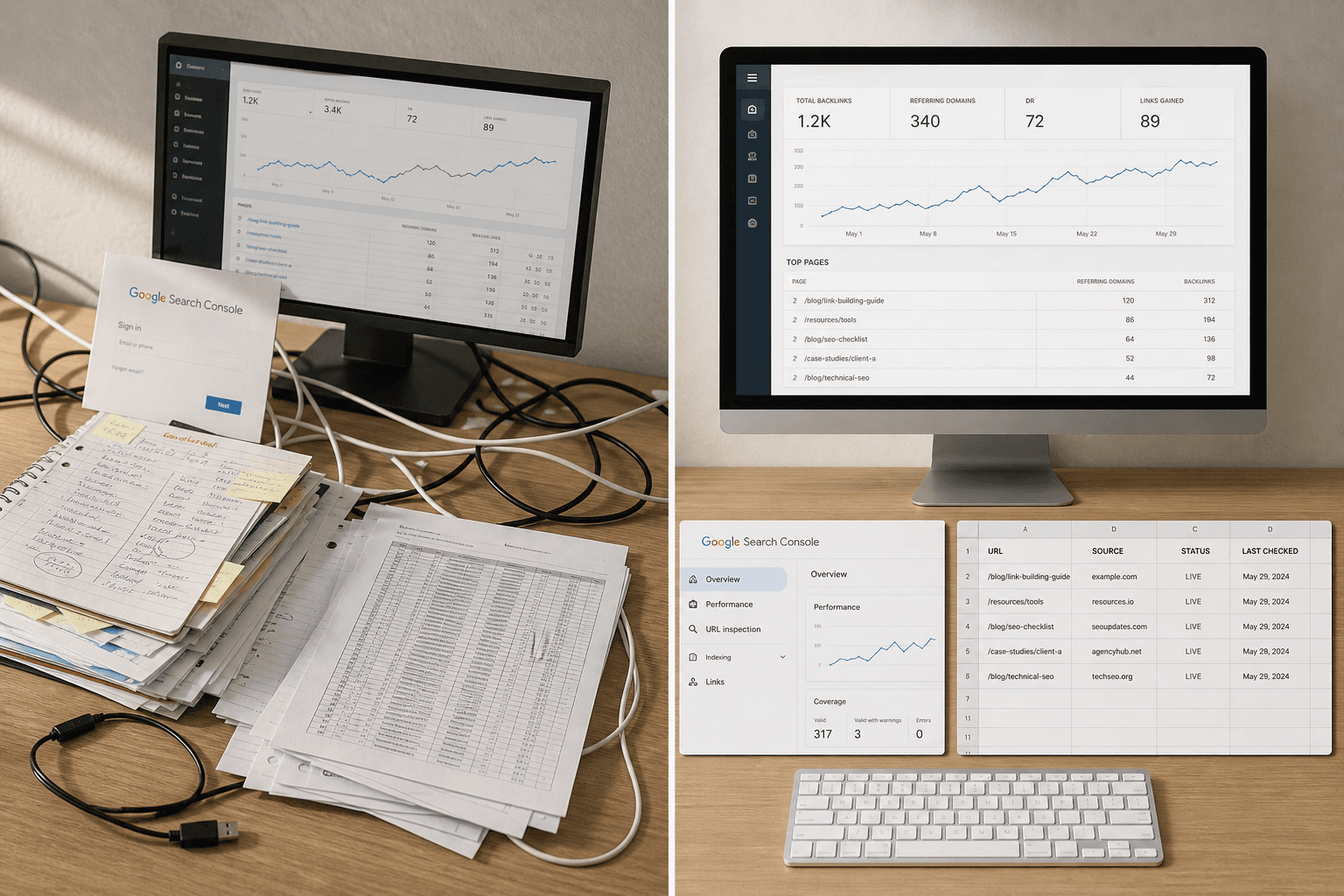
25-Point Technical SEO Checklist for 2026 (With Automation Tips)

A technical seo checklist should cut noise, not add it. Most teams get buried in giant task lists, then miss the few fixes that actually move rankings. What is included in a technical SEO checklist? The core items are simple: crawling, indexing, and page experience. According to Website Audit for SEO, Technical SEO Audit Tools, Checklists, and Issues, technical errors can drive major ranking losses. That is why priority matters more than volume. This list focuses on the three areas that deserve attention first. It also shows how lean teams can review each one fast, using a practical seo audit checklist without the usual fluff.
1. Fix Crawlability in Your Technical SEO Checklist
1. What to check
Start with the crawl gates first. Review robots.txt for blocked folders, test XML sitemaps, and confirm that important URLs appear there. Then check redirect chains, redirect loops, orphan pages, broken internal links, and pages buried too deep.
A simple rule helps here. If a page needs too many clicks, it becomes harder to find and revisit. For example, a product page hidden behind five layers of filters may exist, but Google may treat it like a back room with no clear door.
A basic technical seo audit should also compare crawl results against real site pages. That exposes pages linked nowhere, pages returning errors, and pages that send bots through messy redirect paths.
2. Why it matters
Poor crawl paths waste bot attention on low-value URLs. That leaves stronger pages undiscovered, delayed, or refreshed less often. In practice, that means category pages, service pages, or new posts can sit unnoticed while bots burn time on old redirects.
Think of crawlability like warehouse routing. If the aisles are blocked, the team cannot reach the shelves that matter. The same problem hits search bots when internal paths break, loop, or disappear.
This is why a clean audit checklist matters early. It shows whether important pages are reachable through links, listed in sitemaps, and free from avoidable crawl traps. Teams working with a Product Engineer often catch these issues faster because technical fixes and site structure move together.
3. Quick fixes
First, remove obvious crawl blockers. Unblock key folders in robots.txt, fix broken internal links, and replace redirect chains with direct final URLs. Then repair loops that send bots in circles.
Next, tighten internal linking. Add links from top pages to priority pages, especially those with business value. For example, if a service page has no links from navigation, blog posts, or hub pages, it needs a stronger path.
Last, reduce unnecessary depth before deeper redesign work. Bring orphan pages back into the link graph, trim weak detours, and keep important pages close to the homepage. That gives Google a cleaner route and makes the rest of the technical seo checklist easier to execute.
2. Fix Indexability in Your Technical SEO Checklist
What to check
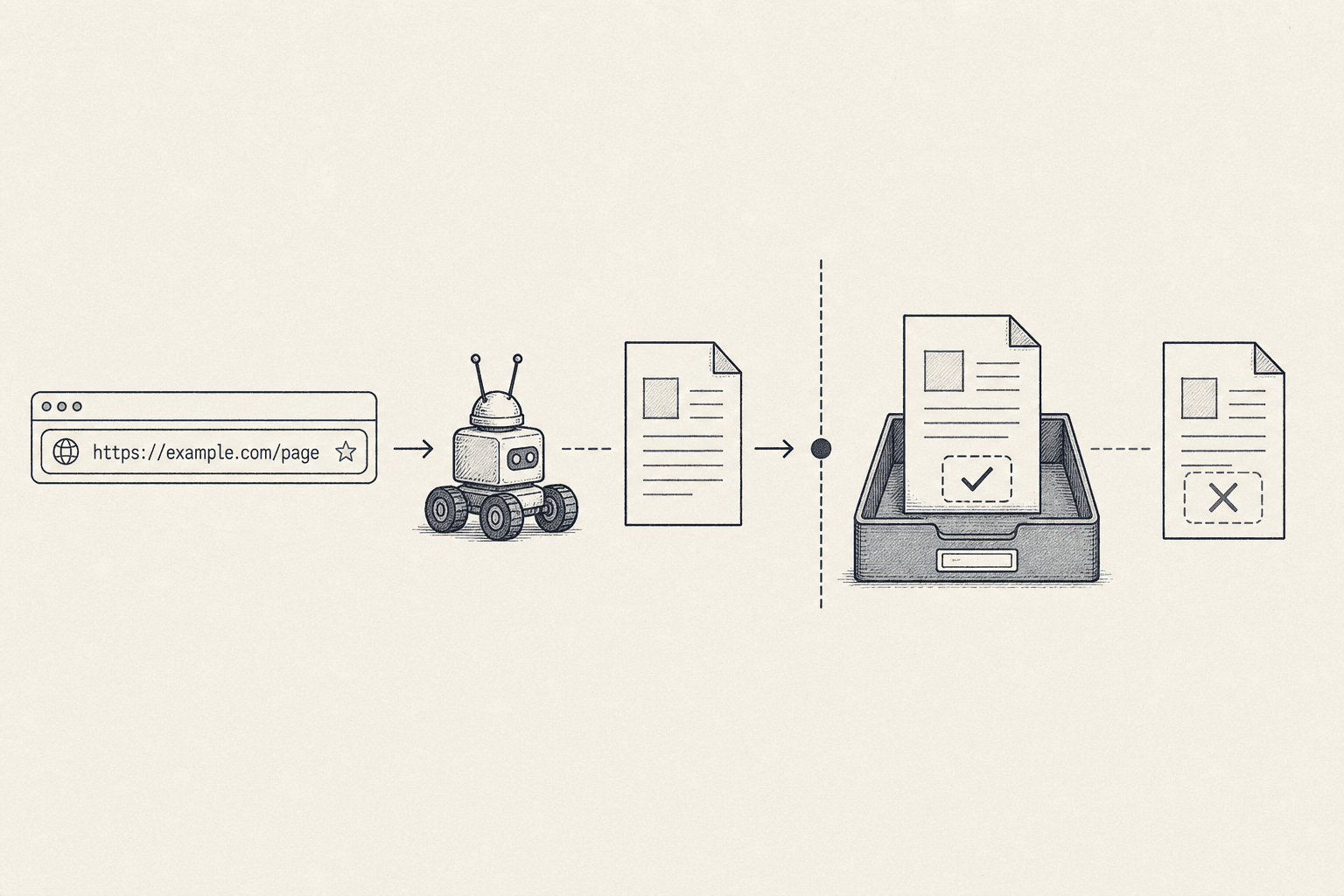
Start with the pages that drive leads, sales, or demos. Then review noindex tags, canonical tags, duplicate pages, thin content, parameter URLs, and sitemap-to-index coverage gaps. A solid info sheet helps teams track each issue fast.
For example, a product page may sit in the sitemap but carry a hidden noindex tag. Another page may point its canonical to a different URL by mistake. Parameter URLs can also create dozens of near-matching versions. Those extra versions confuse search engines and split page signals.
Thin content needs review as well. A short tag page, weak location page, or near-empty filter page may get indexed without offering clear value. If many similar pages exist, they can form a duplicate cluster. In a practical seo audit checklist, those clusters deserve close review.
Why it matters
A page that cannot be indexed cannot compete. Strong copy, links, and design will not matter if the page never enters the index. The same problem appears when the wrong version gets indexed. Search engines may rank a weaker duplicate instead of the main page.
Think of crawling as a delivery truck. Think of indexing as shelf placement in a store. The truck can arrive on time, but the product still fails if it never reaches the shelf. For example, a campaign landing page may be crawled quickly, yet a bad canonical can send all value elsewhere.
This is where cross-team clarity matters. Teams that document page purpose well, like a Product Engineer workflow often does, spot index conflicts sooner.
Quick fixes
Fix accidental noindex rules first, especially on revenue pages. Next, resolve canonical conflicts where self-referencing canonicals should exist. Then consolidate duplicate clusters on product, service, and category pages. These pages usually carry the most business value.
After that, compare submitted sitemap URLs against indexed URLs. Remove weak duplicates from the sitemap, and keep only preferred URLs. Merge, rewrite, or block thin pages based on purpose. In this part of the technical seo checklist, the fastest wins usually come from fixing the pages that matter most.
3. Fix Performance Signals in Your Technical SEO Checklist
What to check
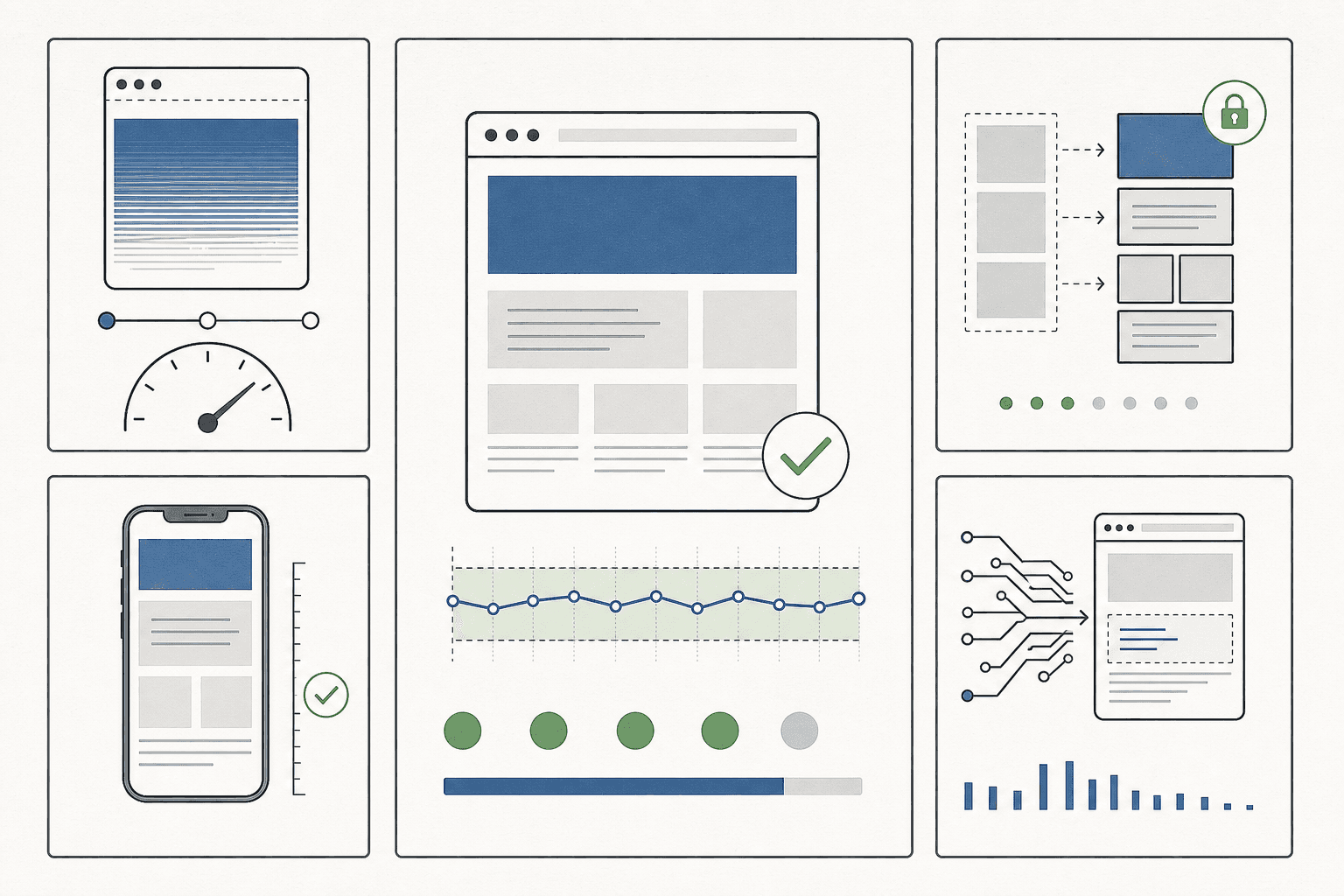
Start with Core Web Vitals, then move into real page behavior. Check mobile responsiveness, JavaScript rendering, image weight, browser caching, and layout stability. Each one affects how users and search engines experience the page.
For example, a product page may look clean on desktop but break on mobile. Buttons can stack badly. Text can run off screen. A promo banner can load late and push the whole layout down. That kind of shift makes the page feel unreliable.
JavaScript also needs a close review. If key content depends on scripts, bots may see less than users expect. Heavy files can delay rendering too. Teams using a media dashboard often miss this because reports show pageviews, not rendering gaps.
Why it matters
Slow or unstable pages create friction at every step. Visitors hesitate, scroll less, and abandon tasks sooner. Search performance can soften over time when weak page experience keeps sending bad signals.
This matters most on high-intent pages. For example, a service page with large hero images and extra tracking scripts may look polished, yet still feel clumsy. If the layout jumps during load, trust drops fast. Good technical seo is not only about access and indexation. It is also about clean delivery.
Performance problems also spread quietly across templates. One bloated page is manageable. A slow category template affects dozens or hundreds of URLs. That is why support from roles like Product Engineer often matters during cleanup.
Quick fixes
Start with the biggest wins first. Compress oversized images. Remove unused scripts. Delay noncritical code. Fix unstable templates that shift content after load. Then test on mobile before refining smaller speed gains.
For example, replacing a huge homepage banner often helps more than shaving tiny milliseconds elsewhere. The same goes for cutting third-party tags no one uses. In most cases, mobile-first testing, script cleanup, and template repair beat obsessive tuning. That keeps seo automation efforts focused on changes that move real pages, not vanity scores.
Technical SEO Checklist Comparison Table
Side by side priority view
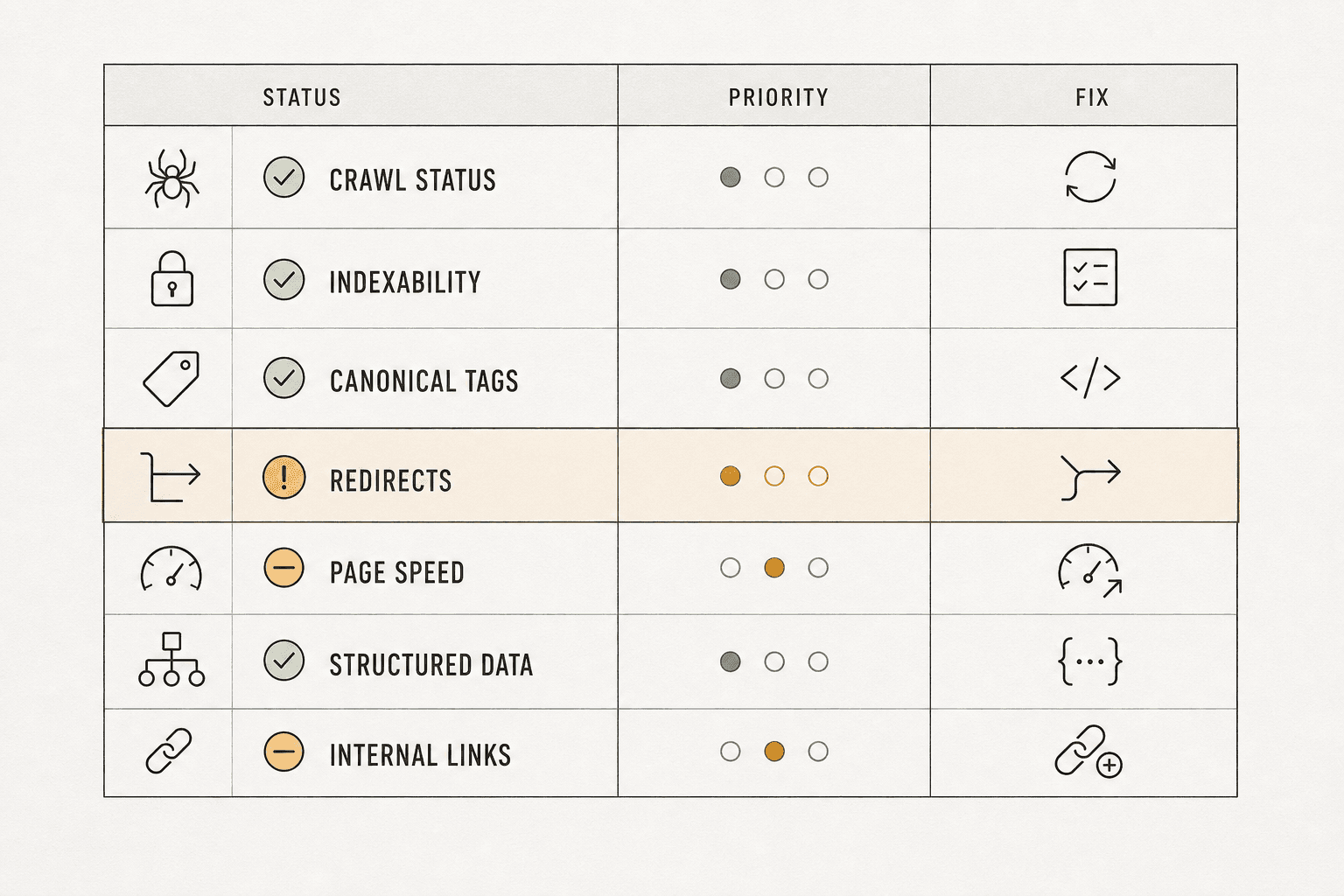
- Crawlability — Impact: High · Effort: Low to medium · Tools needed: Crawler, log review, sitemap check · Fastest win: Fix blocked key paths and dead-end links · Best fit: Small sites and developer-light teams
- Indexability — Impact: High · Effort: Medium · Tools needed: Search console, crawler, page checks · Fastest win: Correct wrong canonical or noindex signals · Best fit: Growing content hubs
- Performance — Impact: Medium to high · Effort: Medium to high · Tools needed: Page speed tools, browser testing · Fastest win: Compress large images on key templates · Best fit: Small sites with heavy media
This table helps teams sort work by friction and payoff. For example, a five-page site often gains speed from crawl fixes first. A large publisher usually needs index control before anything else. For a deeper reference, this technical seo audit guide outlines common review points.
Best first step by issue type
Crawl issues usually deserve the first move on lean teams. They are easier to spot and often need lighter support. That makes them a strong fit for teams without a dedicated Product Engineer.
Index issues should lead when pages exist but search visibility stays uneven. Think of it like a library with mislabeled shelves. The books are there, but the catalog points to the wrong place.
Performance fixes come first when templates feel heavy across the whole site. For example, one image setting can affect hundreds of pages. In technical seo, that kind of template fix often beats page-by-page cleanup.
Verdict and Next Steps for a Technical SEO Audit
A smart technical seo checklist does not try to fix everything at once. It puts the biggest blockers in order and moves fast. Discovery problems come first, so crawlability should lead the work. Visibility problems come next, so indexability should follow. Experience problems matter too, but performance should come third after critical access and indexing issues are under control.
That order keeps teams focused on what changes outcomes first. It also proves why a short, ranked list beats a bloated all-in-one document. Long checklists look thorough, but they often slow action and hide the real bottlenecks. A lean technical seo audit process makes priorities clear, assigns ownership faster, and helps teams review progress without turning every audit into a giant cleanup project.
The next step is simple. Turn this technical seo checklist into a recurring technical seo audit rhythm. Run it on a schedule, track fixes by impact, and update the list as the site grows. That is how technical seo stays useful instead of becoming shelfware. For a simple way to organize and share that work, Try It Free.