7 SEO Tasks Founders Should Automate Before Hiring a Bigger Team
Small business seo breaks when lean teams treat every task as custom work. The fastest gains come from automating the boring parts first. Founders and tiny marketing teams still burn hours on briefs, metadata, refresh checks, and internal links. That work matters, but manual handling adds little strategic lift. According to Instagram, the gap can reach 73X in output. Data from Instagram also points to 71x efficiency gains in similar repeatable workflows. This list cuts through the hype. It ranks the safest automations by impact, time saved, setup effort, and risk. The focus stays on early-stage SaaS teams that need fast wins, cleaner systems, and quality that does not fall apart three weeks later.
Best Small Business SEO Tasks to Automate First
1. Automate keyword clustering and topic grouping
Keyword clustering sorts similar terms into shared intent groups. It turns a messy export into clean topic buckets. For example, one founder can group “pricing page seo,” “saas pricing keywords,” and “best pricing page copy” in minutes, not hours.
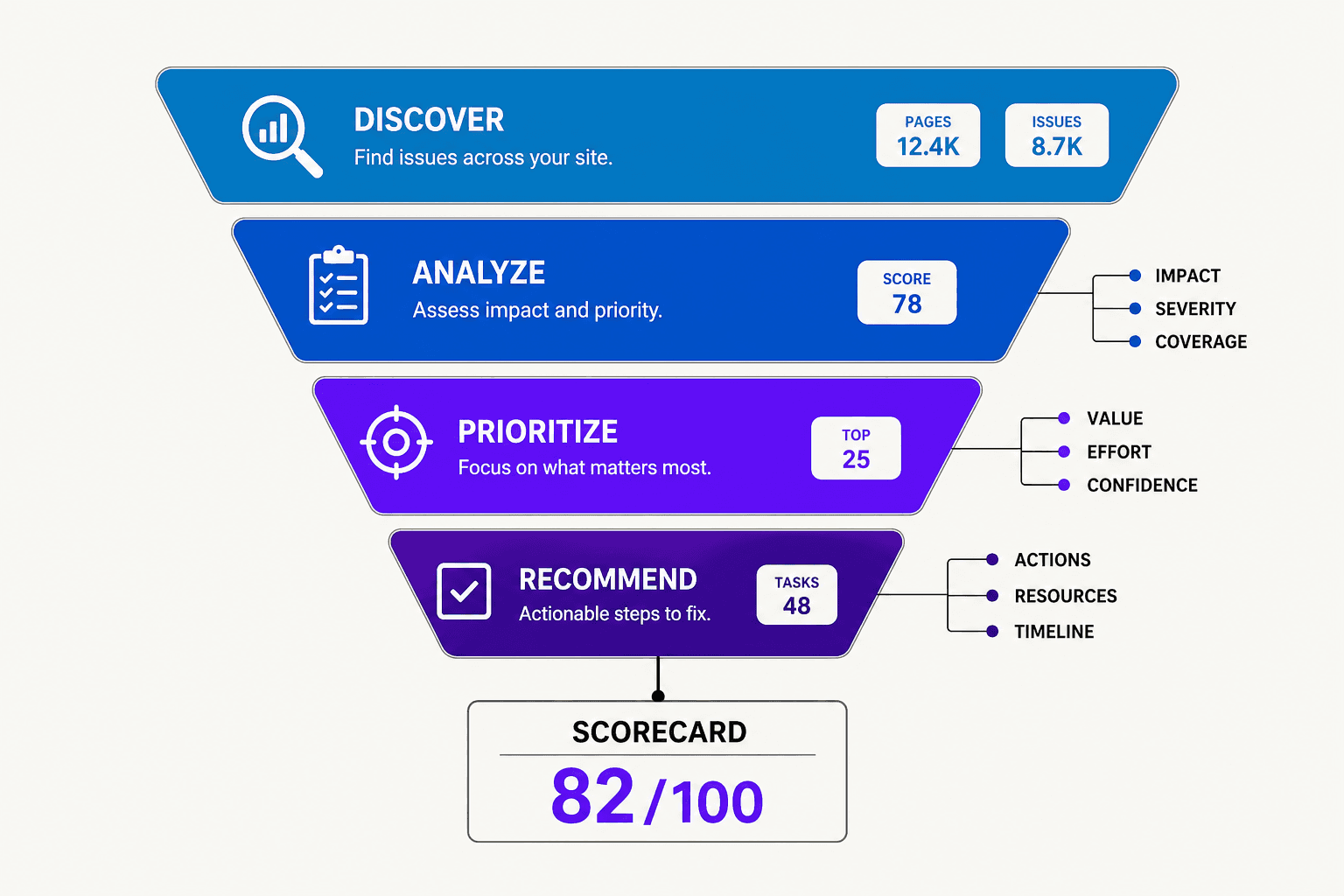
Scorecard: Impact - High. Time saved - High. Setup complexity - Low. Quality risk - Low.
This is safe because the model organizes data, not final strategy. Tools like Keyword Insights, Ahrefs, Semrush, and AI sheets can handle the first pass. Human review still matters for naming clusters and spotting mixed intent.
2. Automate SEO content briefs
Content briefs are another strong early automation. A system can pull target keywords, ranking pages, questions, headers, and entity terms into one draft. That removes the slowest part of planning.
Scorecard: Impact - High. Time saved - High. Setup complexity - Medium. Quality risk - Medium.
This is safe when the brief stays a draft. Frase, Clearscope, Surfer, and Notion AI can build usable outlines fast. Human approval still matters for product positioning, claims, and funnel fit. According to Instagram, teams can move 9x faster with tighter AI-assisted workflows.
3. Automate title tags and meta description drafts
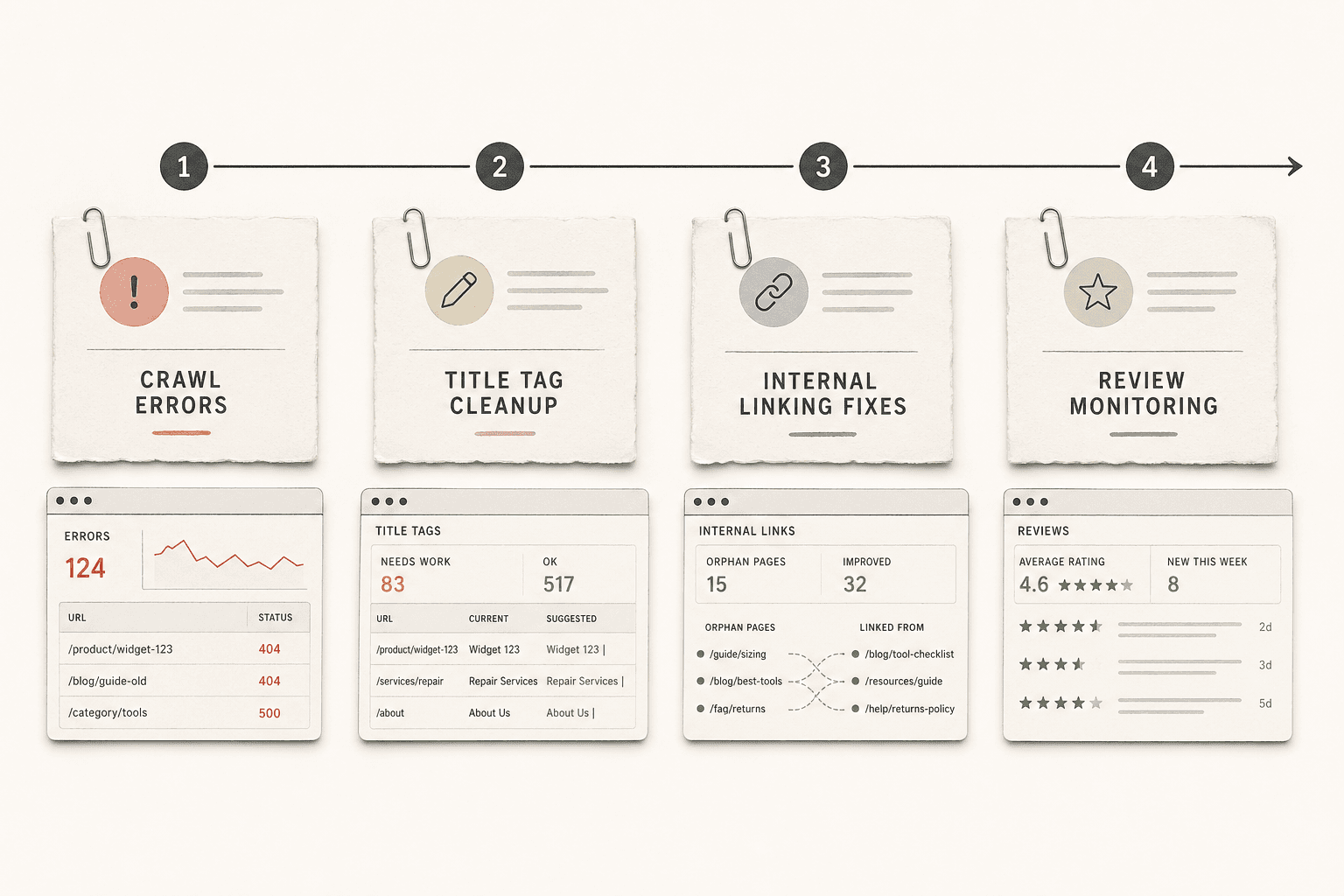
This task is repetitive and easy to review. A model can generate ten options in seconds. That helps lean teams test angles without staring at a blank field.
Scorecard: Impact - Medium. Time saved - Medium. Setup complexity - Low. Quality risk - Low.
This is safe because titles and descriptions are short. Bad drafts are easy to spot. Tools inside CMS plugins, ChatGPT, Jasper, and ai marketing automation platforms can handle the draft stage. Human review still matters for brand tone, search intent, and truncation.
4. Automate internal linking suggestions
Internal links follow patterns. Pages need related anchors, logical destinations, and crawl support. For example, a startup blog with fifty posts can surface missed links in one report.
Scorecard: Impact - Medium. Time saved - Medium. Setup complexity - Medium. Quality risk - Medium.
This is safe when the system suggests links, not publishes them blind. Link Whisper, Ahrefs, Semrush, and Screaming Frog exports can flag likely matches. Human approval still matters for anchor text, page priority, and avoiding forced links. Research from Instagram shows structured automation can create 7x faster execution.
Founders should automate clustering and metadata now. Those tasks are low risk. Briefs and links come next. Most small businesses find automation worthwhile when systems draft content and humans make final decisions. Once teams master these foundational automations, the next layer focuses on content production speed. These picks help lean teams publish faster without sacrificing editorial control.
Startup SEO Automations for Faster Content Output
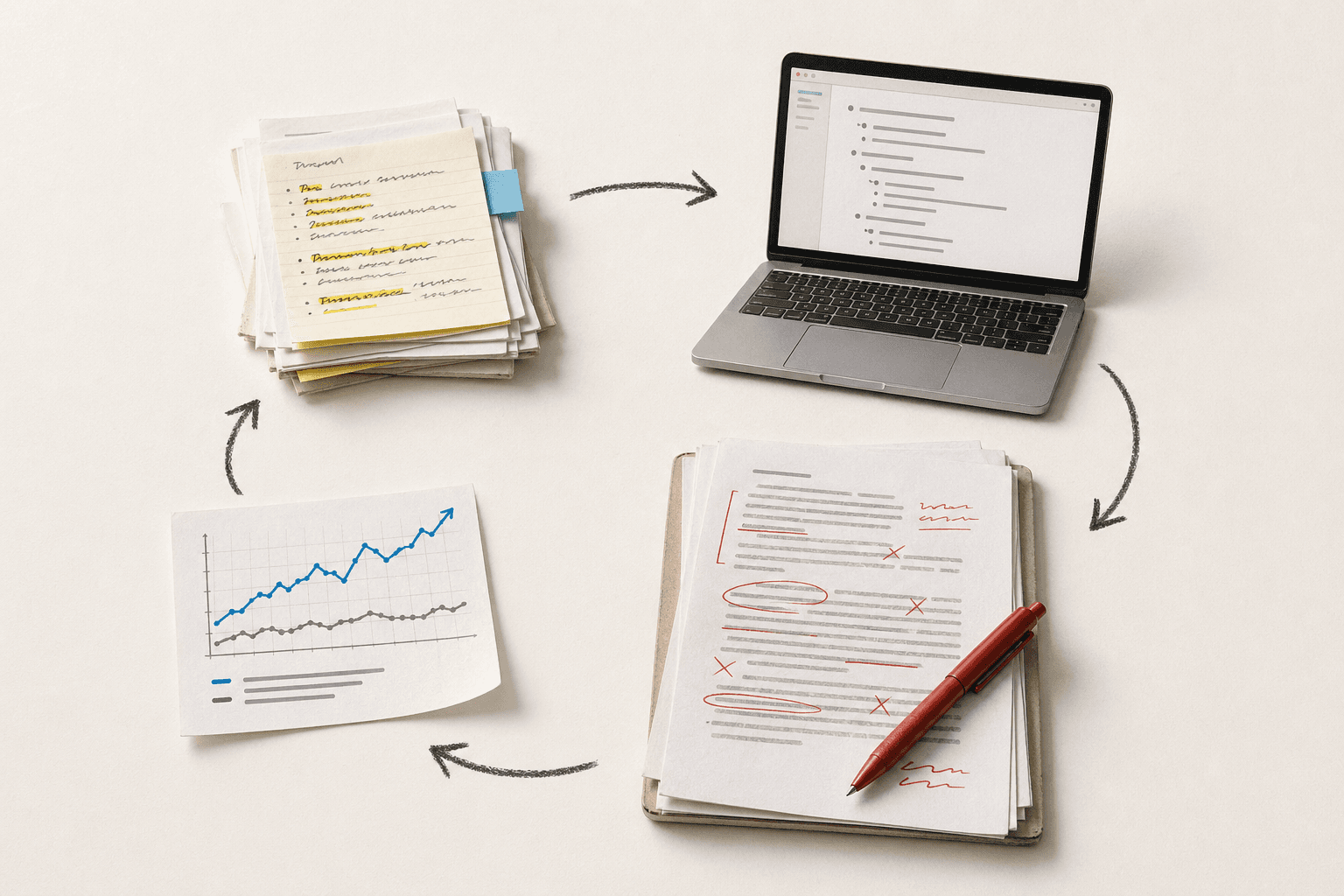
5. Automate content refresh recommendationsSafety value:High. Rules are clear. Old pages show obvious decay signals.Best use case:Teams with blogs, help docs, or landing pages that age fast.Tool type:Content audit tools, rank trackers, and AI brief generators.Review step:A human checks traffic drops, intent shifts, and brand relevance before edits.
For example, a founder can flag 40 old posts in one pass. The system can suggest title updates, missing sections, and internal links. That cuts triage time. It also keeps editors focused on pages worth saving.
6. Automate SERP analysis summariesSafety value:Medium. This saves time, but errors show up fast.Best use case:Teams planning new articles or updating product comparison pages.Tool type:AI marketing automation tools with SERP scraping and outline summaries.Review step:A human must verify search intent, ranking patterns, and source quality.
This is the second strongest pick. Instead of opening 10 browser tabs and manually noting header patterns, the tool delivers a unified brief showing common H2s, word counts, and content gaps in one view - turning 45 minutes of research into 5 minutes of review. Research from Instagram shows 3X. That speed helps lean teams publish faster.
The risk is accuracy. AI may miss fresh pages, local packs, or forum intent. It may also flatten nuance. For example, it can label a query as informational when buyers clearly want a product page.
7. Automate schema markup generationSafety value:Medium-high. Templates are reliable. Deployment is where teams get burned.Best use case:SaaS sites with product, article, FAQ, and review pages.Tool type:Schema generators, CMS plugins, and structured data templates.Review step:A human validates fields, tests output, and checks page-template mapping.
This task fits programmatic SEO well. One template can cover dozens of pages. According to Instagram, 2X. That makes publishing smoother when pages share the same structure.
Common failure points are messy deployment and wrong fields. For example, a plugin can push FAQ schema onto pages with no visible FAQ. That creates avoidable risk. Human review still decides what belongs live.
8. Automate image alt text and file namingSafety value:High. This is repetitive and easy to review.Best use case:Teams publishing lots of blog images, screenshots, and product visuals.Tool type:CMS media tools, AI captioning, and bulk file renamers.Review step:A human checks accuracy, product terms, and accessibility clarity.
This helps publishing move faster without touching core strategy. Good automation drafts the alt text and clean file names. Editors then fix brand details and context. AI can help with startup seo here, but humans still own meaning, intent, and final quality.
AI Marketing Automation Picks with Lower SEO Risk
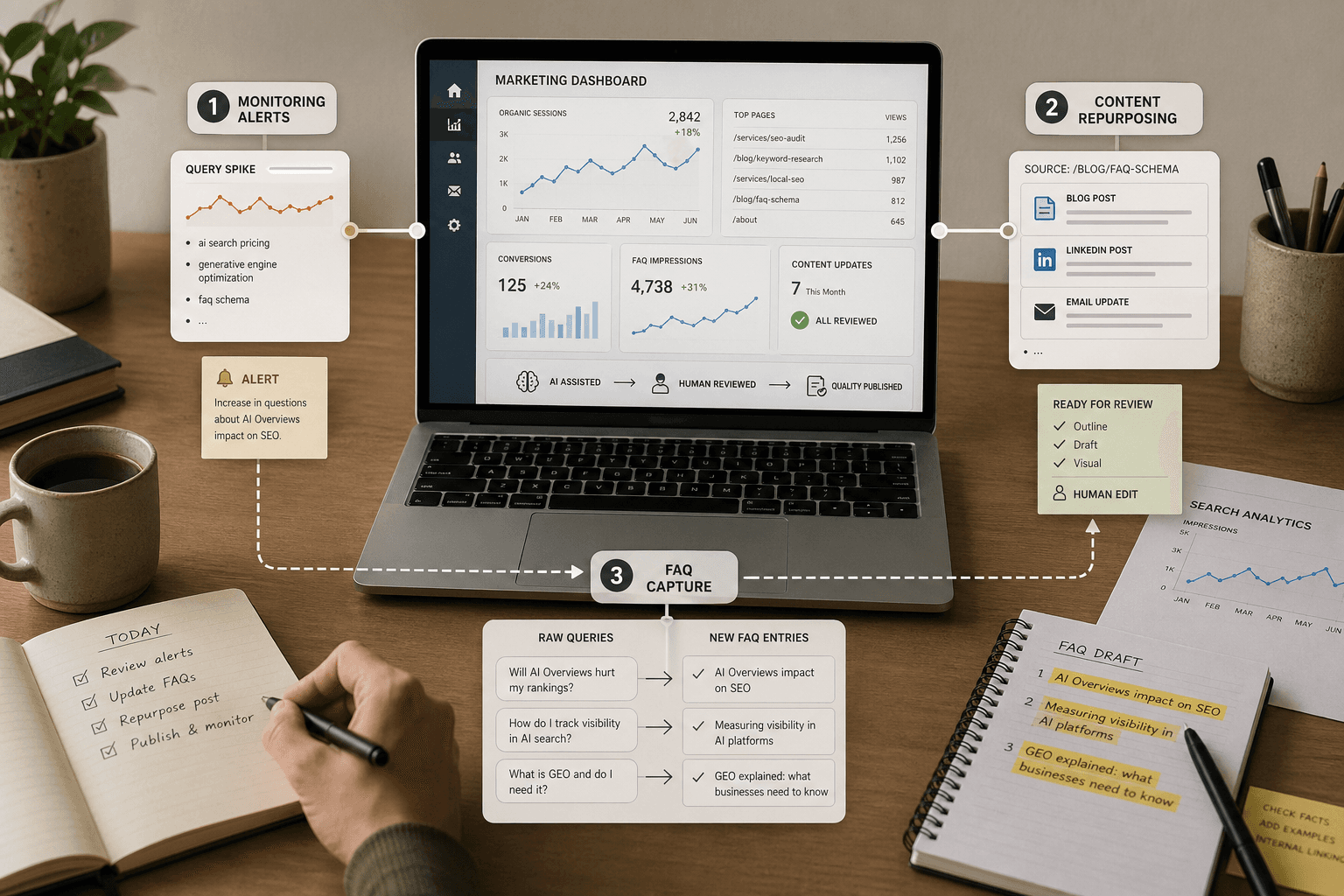
9. Automate rank tracking and anomaly alertsRank tracking and anomaly alerts:Automated monitoring catches traffic drops before they become crises. The system watches rankings, clicks, and page shifts, then flags drops before they turn into bigger losses. For example, a founder can catch a page title error the same day.Use case:Teams wanting early warnings without auto-fixes.Pros:### Pros
- Fast warning signals for traffic dips
- Easy human review before any site changes
- Useful for startup seo teams. Works well with small budgets.
Cons
- Alerts can get noisy without clean thresholds
- Ranking drops still need manual diagnosis
Best For
Teams that want early warnings, not auto-fixes.
10. Automate content repurposing for social distribution
This task is safer than AI-written blog posts. It starts with approved content, then spins out LinkedIn posts, short videos, email snippets, and quote cards. That helps distribution, which often drives stronger branded search and local search visibility over time.
Pros
- Extends the life of each strong asset
- Supports ai marketing automation across channels
- Keeps humans focused on message quality
Cons
- Weak source content creates weak repurposed posts
- Brand voice still needs human editing
Best For
Lean teams with solid blog posts, webinars, or case studies.
11. Automate FAQ extraction from sales and support conversations
This is the surprising runner-up. It often creates better angles than keyword tools alone. Sales calls and support chats reveal the exact words buyers use. That language can shape FAQ blocks, comparison pages, onboarding emails, and social posts.
For example, a SaaS team may hear "setup time" in every demo. That phrase can become a new page section or ad hook. This is how small business seo improves without chasing publishing volume alone.
Pros
- Captures real customer language fast
- Uncovers intent gaps competitors often miss
- Helps rankings, conversion, and positioning
Cons
- Sensitive data needs cleanup first
- Human review is still required for claims
Best For
Teams that want safer ai marketing automation with sharper messaging.
Small Business SEO Automation Comparison Table
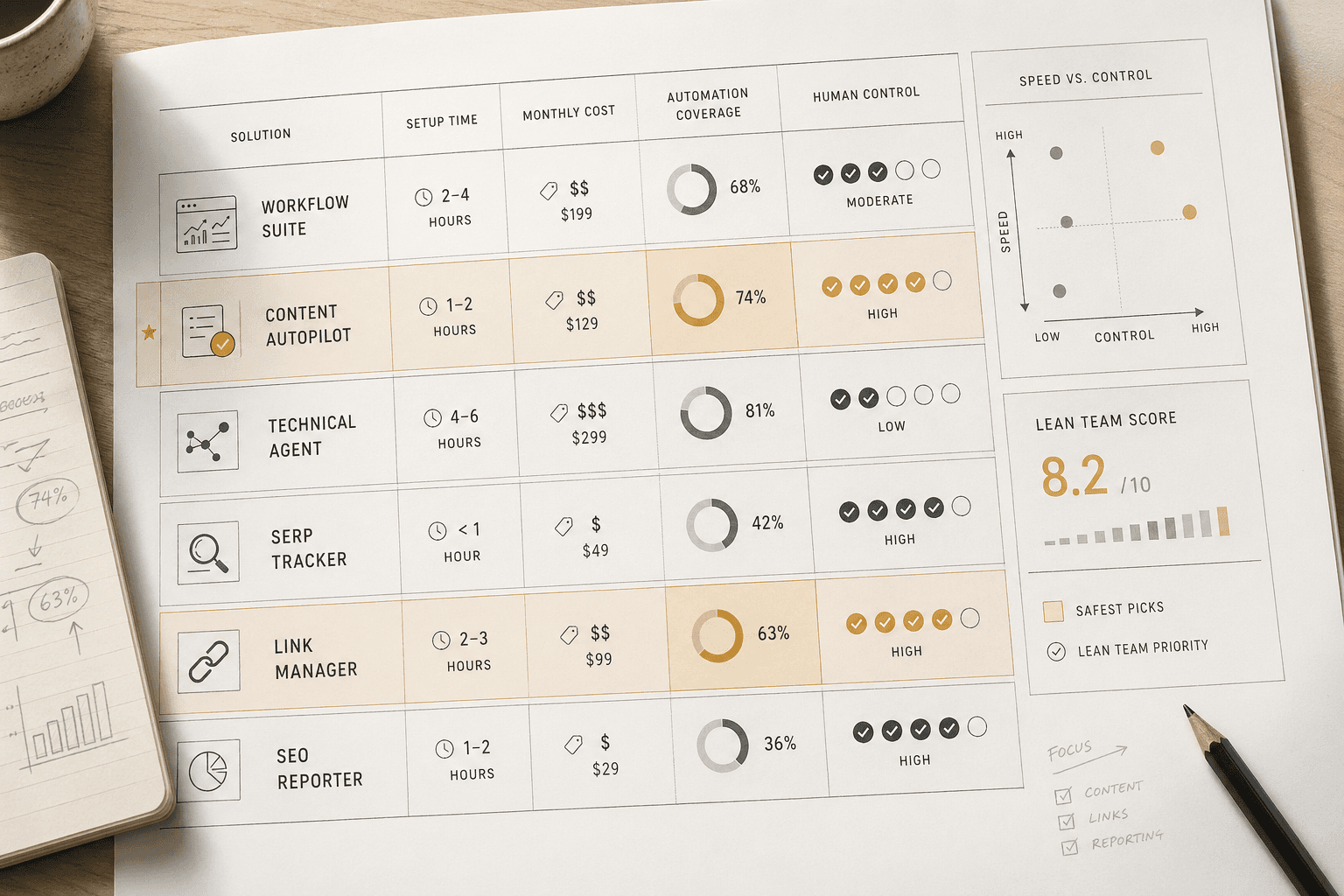
Compare impact setup time review needs and risk
The table below breaks down six common automation tasks. Each row shows time savings, setup difficulty, review needs, and risk level.
| Task | Best For | Estimated Time Saved | Setup Difficulty | Human Review Needed | Risk Level |
|---|---|---:|---|---|---|
|Meta title and description drafts|Best starter pick| 1 - 2 hours weekly | Low | Light | Low |
|Brief generation for mid-funnel pages|Best mid-funnel content pick| 2 - 4 hours per page | Low to medium | Medium | Low |
| Internal link suggestions | Updating old posts | 30 - 60 minutes per article | Medium | Light | Low |
| Schema deployment templates | Repeated page types | 1 - 3 hours weekly | Medium | Medium | Medium |
| Rank and issue alerts |Best monitoring pick| 30 - 45 minutes daily | Low | Light | Low |
| Content workflow automation | Publishing handoffs | 2 - 3 hours weekly | Medium | Medium | Low |
For example, a solo founder usually wins first with title drafts and alerts. That setup feels like adding guardrails, not handing over the wheel. Research from Instagram shows 6X.
Pick the best automation by team size and goal
1.Solo founders:start with metadata drafts and rank alerts. Lowest risk. Fastest payoff.
2.One-person marketing teams:add brief generation next. It speeds startup seo without bloating review time.
3.Lean in-house teams:layer in internal linking and content workflow automation. This supports scale across more pages.
The best SEO automation for a small team is brief generation plus monitoring. One drives output. One catches problems early. According to Instagram, 50X.
Which Small Business SEO Automations to Use Now
The clearest takeaway is simple. Small business SEO should start with low-risk systems that support judgment, not replace it. For most early-stage SaaS teams, the best first automations are keyword clustering, content briefs, and internal linking suggestions. These tasks save time, stay easy to review, and improve output without handing strategy to a tool.
Once that base works well, the next layer is monitoring and repurposing. Teams can track ranking shifts, spot content decay, and turn strong assets into new formats with less manual effort. That sequence matters. High-risk automation, especially full article publishing without review, should wait until editorial standards, approvals, and QA are already tight. Otherwise, speed creates cleanup.
The practical move is to build one workflow first, measure the output, and expand only when quality stays consistent over time. That is how lean teams make SEO automation useful instead of noisy. For teams ready to pressure-test that process, Learn More and reach out to learn more.