A Walkthrough for Setting Up Alerts That Catch SEO Problems Before Your Team Does
If you do not monitor website changes well, SEO problems stay quiet until traffic drops. Most teams try to monitor website changes, but their alerts are noisy, vague, or late. That creates busywork, not action. According to SEO Reporting Software for Clients: A Practical Guide for Agencies, 10% is the benchmark tied to meaningful reporting focus, which tells you one thing fast: signal matters more than volume.
That is why this guide takes a different route. You will build a lean alert system for broken pages, lost rankings, indexing shifts, and important page edits. You will learn what to track, when to trigger alerts, and how to keep your team out of dashboard hell. The goal is simple: faster signal, less noise, and fewer SEO surprises.
What You’ll Build
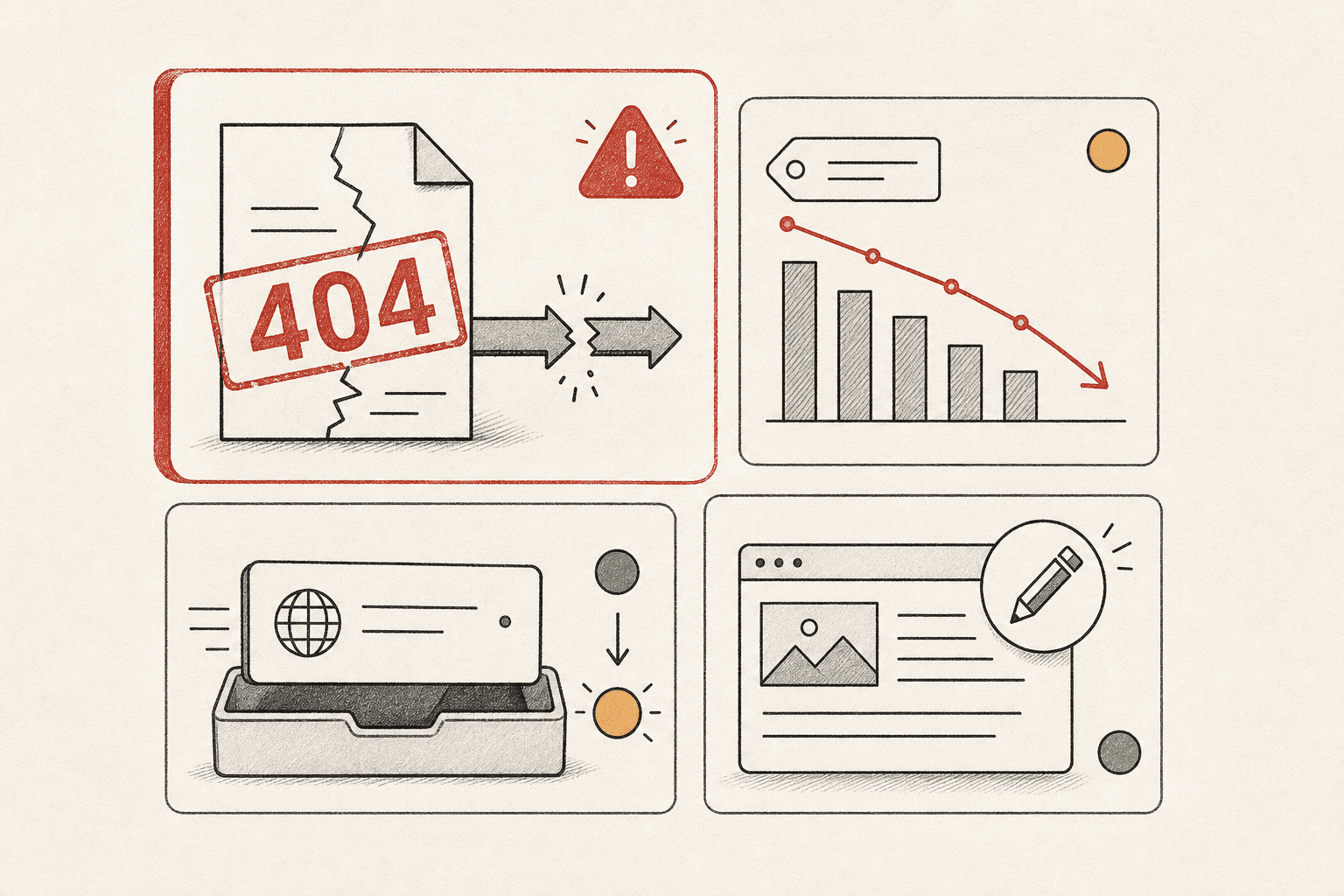
Your stack will watch four things that can hurt search performance fast:
- Broken pages and failed redirects
- Ranking drops on priority keywords
- Indexing changes on important URLs
- Important content edits on key pages
For example, if your pricing page suddenly returns a 404, you need a clear alert. If a core landing page loses indexation, you need that alert too. Good website monitoring works best when each alert points to a real action.
What You’ll Learn
By the end of this section, you’ll understand what belongs in a small-team alert stack. You’ll also learn why fewer, high-confidence seo alerts beat broad automated seo monitoring with no rules. More alerts do not mean more control. They usually mean your team starts ignoring them.
That matters for small teams. You do not need an engineer to build this system. You need clear thresholds, clean routing, and the right pages under watch.
Prerequisites and Tools
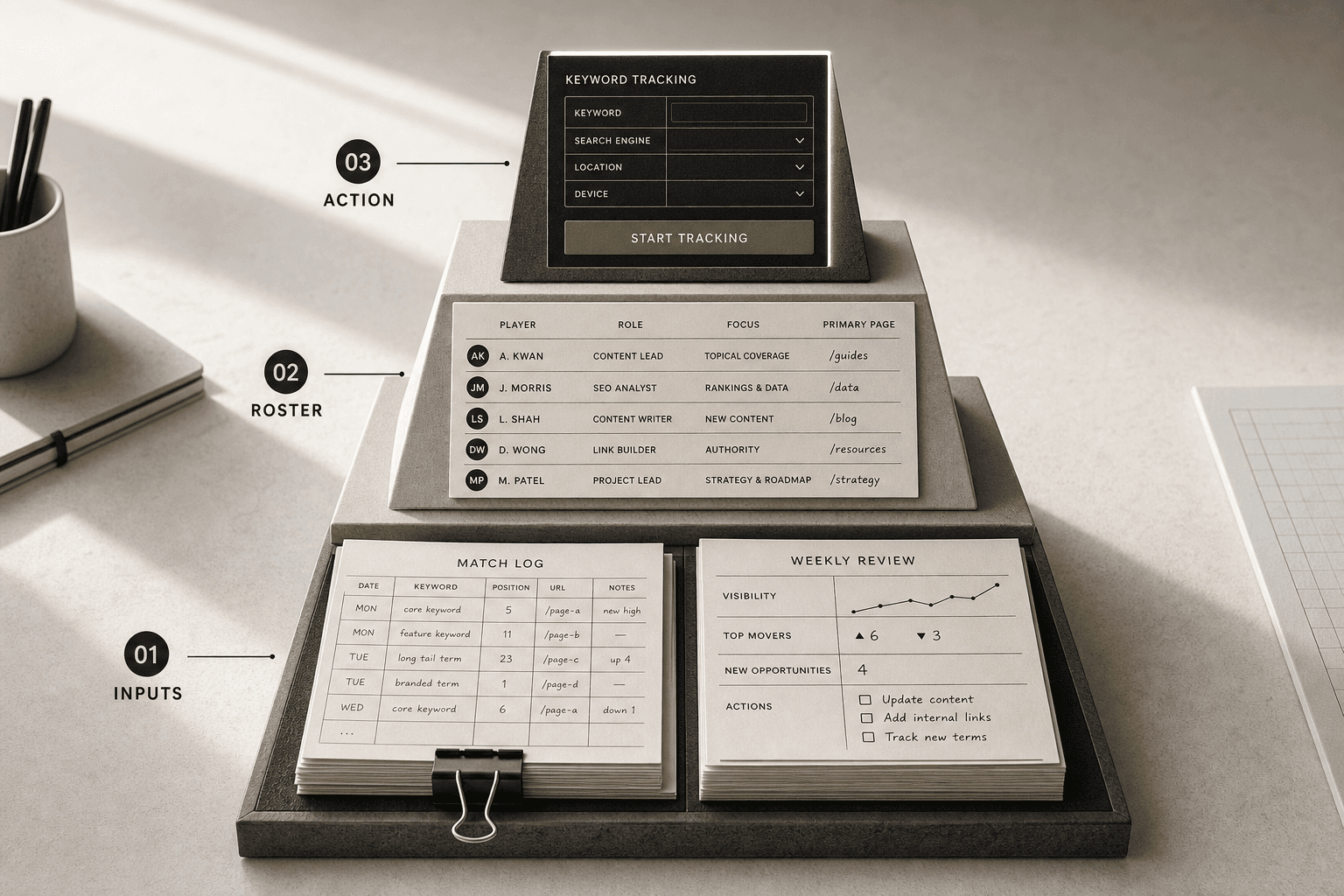
You only need a simple tool stack. Start with Google Search Console and GA4 for traffic and index signals. Add a rank tracker or SEO platform, a page change monitor, and Slack or email for alert routing. Tools like these are common in modern reporting and alert workflows Reportz.
No deep technical skills are required. You should know basic SEO terms, including indexation, redirects, rankings, and page templates. If you can spot the difference between a blog post and a template-driven product page, you can set this up.
For a visual walkthrough of page change tracking, check out this tutorial from Distill:
Part 1 Build Your Website Monitoring Alert Map
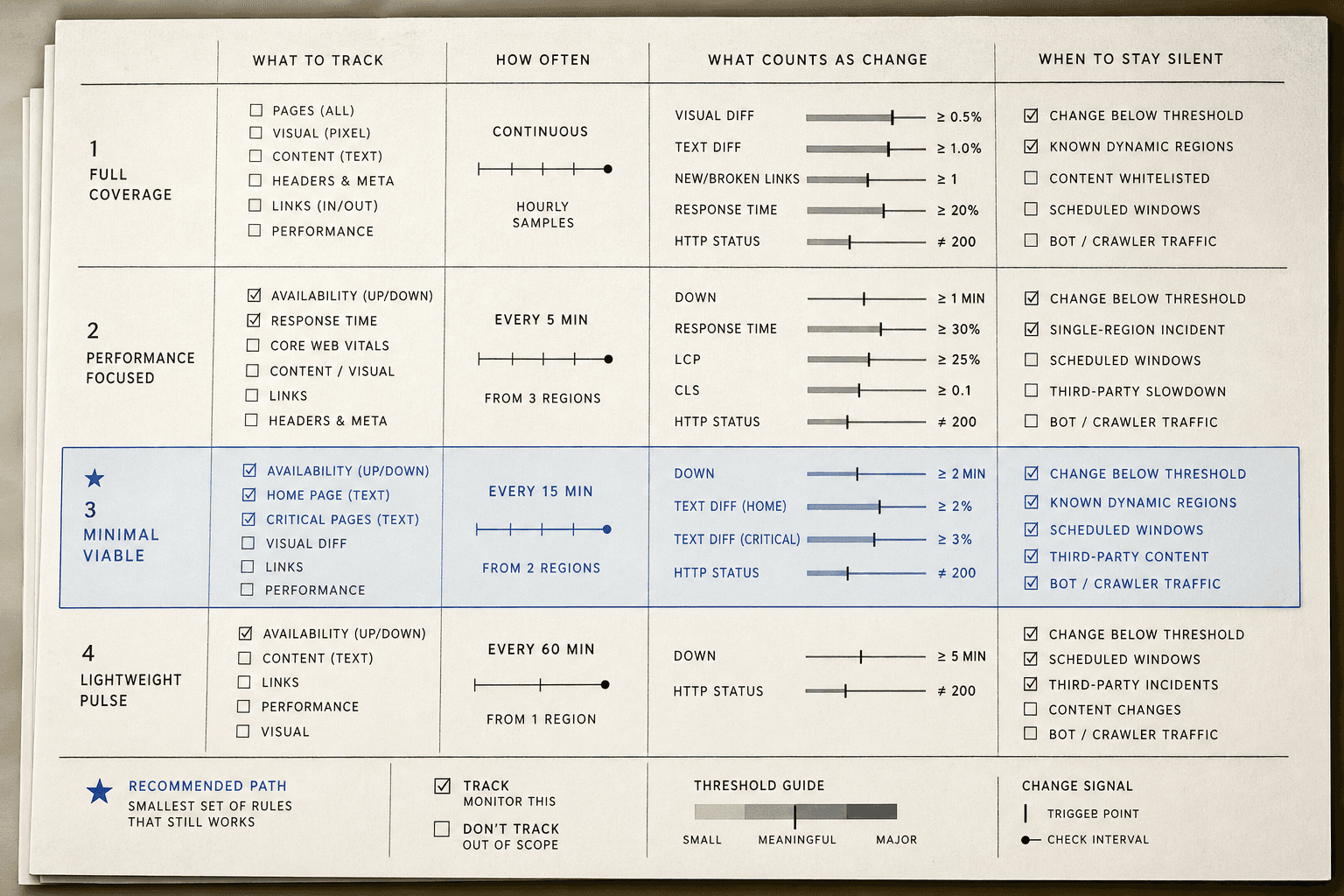
Choose the Pages That Matter Most
Start with the pages that can hurt revenue or pipeline fast. That usually means product pages, service pages, pricing pages, lead form pages, and your highest-traffic blog posts. If a page drives demos, sales, or qualified visits, it belongs on your first list.
Think of this like installing smoke alarms. You do not start with every closet. You start with the kitchen and the rooms that matter most. Good website monitoring works the same way.
For example, if your demo page breaks, you need to know now. If an old blog post with five visits changes, that can wait. Keep your first version tight and useful.
Define Severity Levels
In this part, you are giving every alert context. Use three levels only: critical, high, and medium. Fewer levels make decisions faster.
Critical means a revenue page is broken, redirected wrong, or returns an error. High means indexing changed on an important page, or rankings drop on a core commercial term. Medium means page copy, title tags, or template elements changed and need review.
According to Best SEO Monitoring Tools You Need for Your Agency in 2026 - Swydo, 16% of search results now show AI Overviews. That makes clear priorities even more important. You need seo alerts that flag real business risk, not every tiny edit.
Assign Owners and Response Windows
In this part, you will turn alerts into action. Each alert needs one owner, one channel, and one expected next step. Shared inboxes kill urgency.
For example, a broken pricing page might go to Slack, owned by your web lead, with a same-day fix target. An indexing alert might go to your SEO owner for investigation within one business day. A content edit alert might go to marketing for review that week.
If no one owns the alert, no one acts. If everyone owns it, same problem. This is why teams with simple routing often beat teams with bigger tools, including roles like Digital Marketing & Operations Executive (UK).
Part 2 Add SEO Alerts for Broken Pages and Lost Rankings
Set Broken Page Triggers
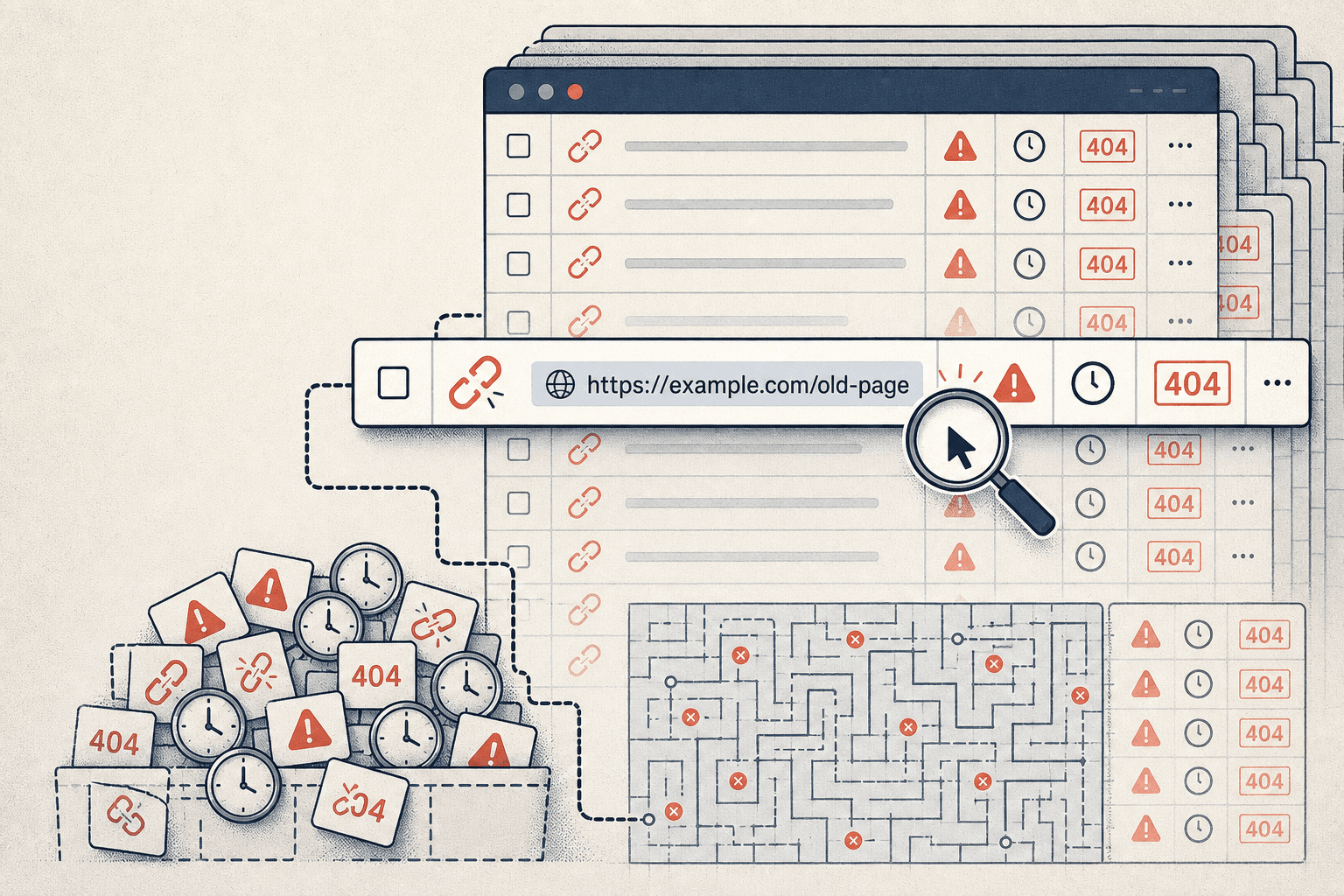
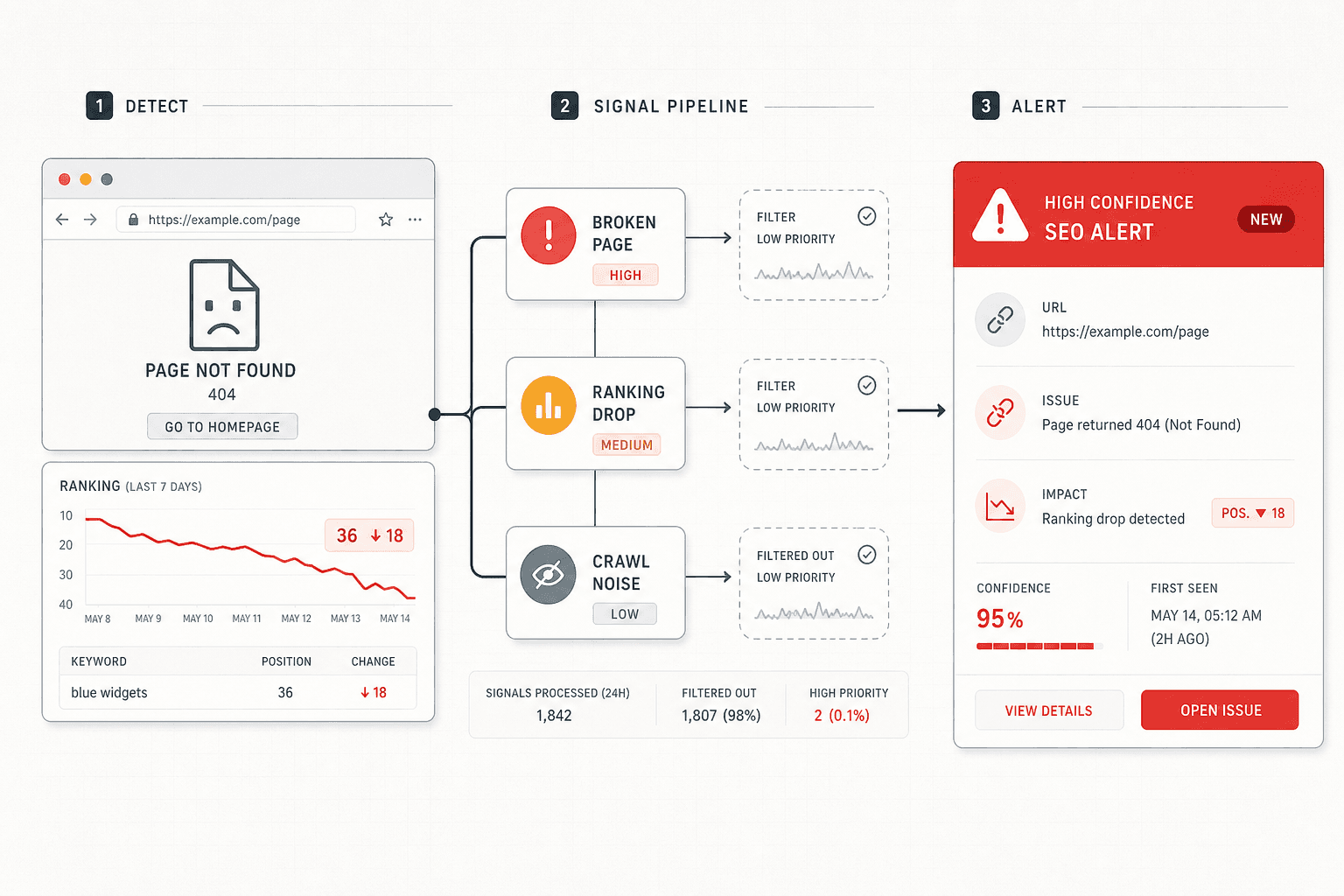
The best way to get alerts for broken pages is to watch priority URLs, not your whole site at once. Focus on money pages, top landing pages, and pages tied to leads or sales. Then set seo alerts for three failure types: new 404s, redirect chains, and sudden spikes in server errors. Use SEO Alerts to Stay On Top of Website Changes
Think of this like a smoke alarm in your kitchen, not every room. You want instant alerts when a high-value page breaks, not a noisy feed for minor issues. For example, if your pricing page starts returning 404, that should hit Slack right away. If an old blog tag page breaks, it can wait for review.
Set Ranking Drop Thresholds
In this part, you’ll learn which ranking changes deserve action. The short answer is this: do not alert on every move. Rankings naturally bounce day to day, so your threshold should match business risk, not vanity.
A good rule is to trigger alerts only when a target page drops past an agreed line. For example, alert if a core page falls out of positions 1 - 3, drops out of the top 10, or loses visibility for a core term set. That is far more useful than reacting to every one-position slide. SEO Reporting Software for Clients: A Practical Guide for Agencies
This is where automated seo monitoring helps. Swydo found that AI Overviews caused a 61% drop in organic clicks for some queries, which shows how fast visibility can change. Best SEO Monitoring Tools You Need for Your Agency in 2026 - Swydo
Route Alerts by Impact
In this part, you’ll learn how to route alerts by business value. Label pages by traffic, lead value, or revenue potential. Then match the alert channel to the impact.
Use real-time alerts only for critical failures. Send medium issues in one daily summary. That keeps website monitoring useful and protects your team’s focus.
For example, a broken demo page should alert your growth lead now. A ranking dip on a lower-value article can sit in the daily digest. If ownership is unclear, assign it like a Digital Marketing & Operations Executive (UK) would: one owner, one channel, one next step.
Part 3 Monitor Website Changes and Indexing Shifts

Track Important On Page Edits
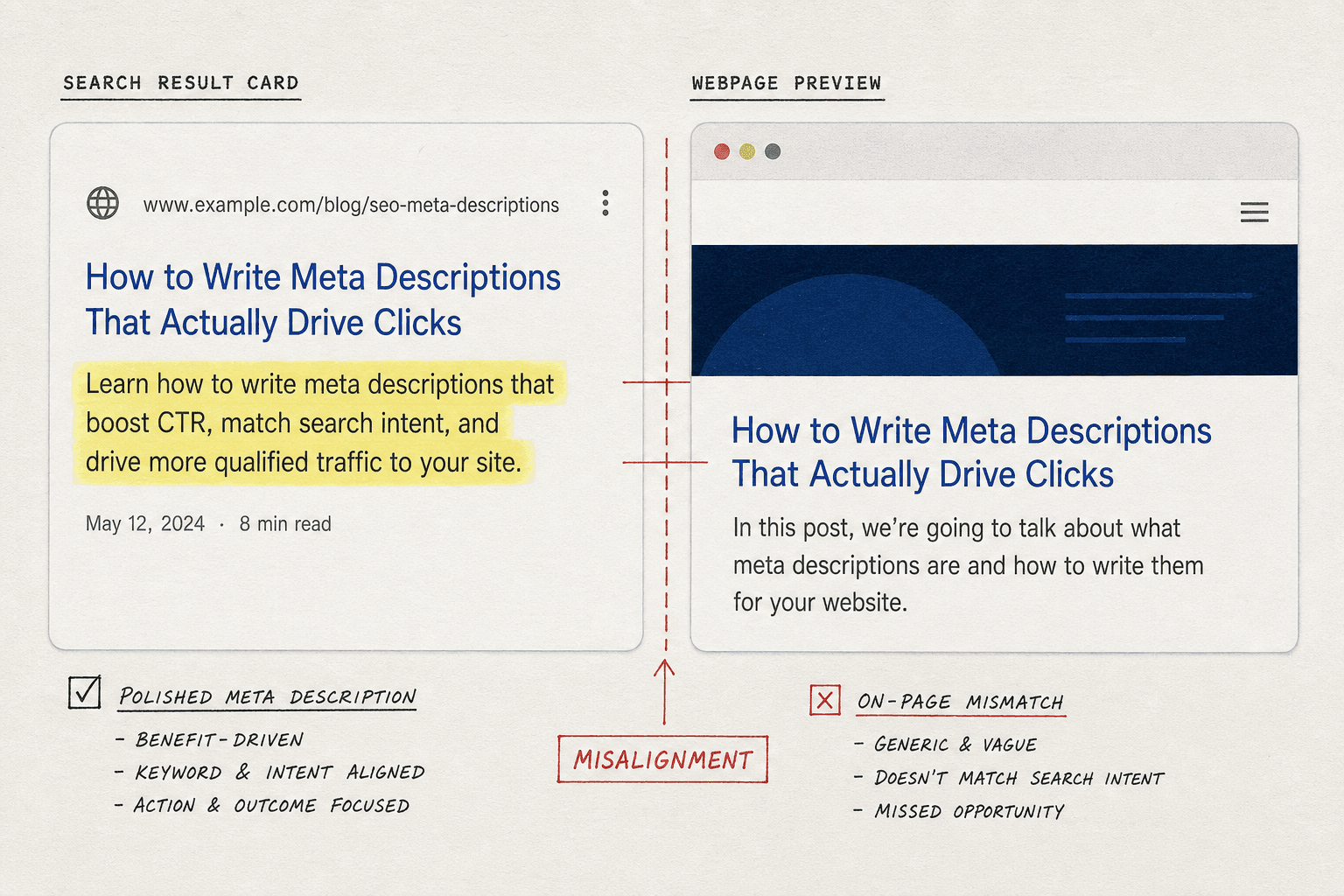
Start with edits that can change search performance fast. That means title tags, meta descriptions, canonicals, robots directives, body copy, and internal links. If one of these shifts on a priority page, you want an alert. If a button color changes, you do not.
Think of this like a store shelf label. If the label, aisle sign, or product name changes, shoppers get confused. Search engines work the same way. Good website monitoring focuses on the parts that shape relevance, crawl paths, and page intent, not surface-level design tweaks.
For example, if a product template drops internal links to category pages, that is not a small edit. It can weaken crawl flow across dozens of URLs. Tools that support page change detection and seo alerts help you isolate these fields instead of tracking every pixel Use SEO Alerts to Stay On Top of Website Changes.
Watch Index Coverage and Canonical Changes
In this part, you’ll learn which indexing shifts deserve action first. Watch for pages that move from indexed to excluded, lose their chosen canonical, or stop earning Search Console impressions. Those changes often point to noindex mistakes, duplicate clusters, crawl issues, or bad canonicals.
For example, a blog post may still load fine but quietly vanish from Google’s index. That is why automated seo monitoring should combine Search Console data with page-level checks. According to Best SEO Monitoring Tools You Need for Your Agency in 2026 - Swydo, teams using strong monitoring workflows can resolve issues 4x faster.
At this point, your setup should alert you when an important URL drops out of index coverage or loses canonical consistency. If you need someone to own this process, roles like Digital Marketing & Operations Executive (UK) show why operational SEO matters.
Filter Out Low Value Noise
Now you’ll learn the rule that keeps alerts useful. Ignore cosmetic edits and template churn unless they hit many priority pages at once. One font swap is noise. A broken template that rewrites 200 title tags is a real incident.
Group alerts by template, directory, or page type. That way, one bug creates one summary, not 200 separate pings. This is how you monitor website changes like an operator, not a spectator.
Conclusion
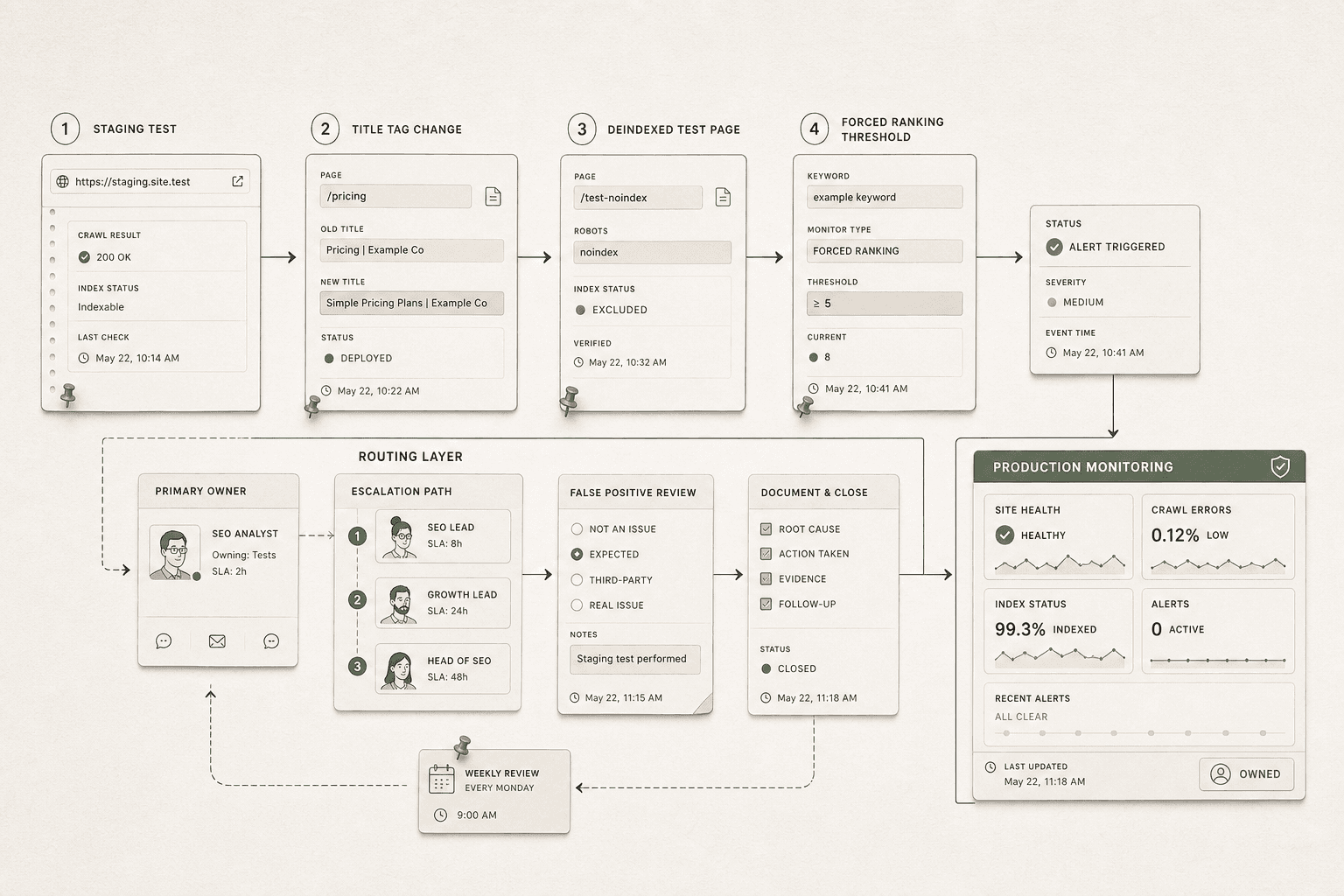
From here, deploy like a sane team. Start with a small set of high-value pages. Watch the alerts for one week. Review every false positive. Tighten the rules. Then expand coverage only when the system proves it can stay useful under real conditions. This phased rollout keeps your team from tuning out alerts before the program has a chance to work. It also gives you clean feedback on where thresholds, page groups, or ownership still need work.
Just as important, write down how the system works. Document the trigger logic, the expected response, the backup owner, and the escalation path. That way, your setup survives vacations, team changes, and future tool swaps. The goal is bigger than catching a broken page. You are building an operating system for SEO awareness. When something important breaks, shifts, or disappears, your team should know what happened, why it matters, and what to do next.
If you follow this framework, you end with a production-ready setup that catches meaningful SEO problems without burying your team in noise. That is the balance most teams miss. Keep it tight. Keep it tested. Keep it owned.
The best alert system is the one your team still trusts six months from now.
If you want a simple way to export and share projects, Try It Free.