The Backlink Alerts Worth Acting On—and the Ones You Can Ignore
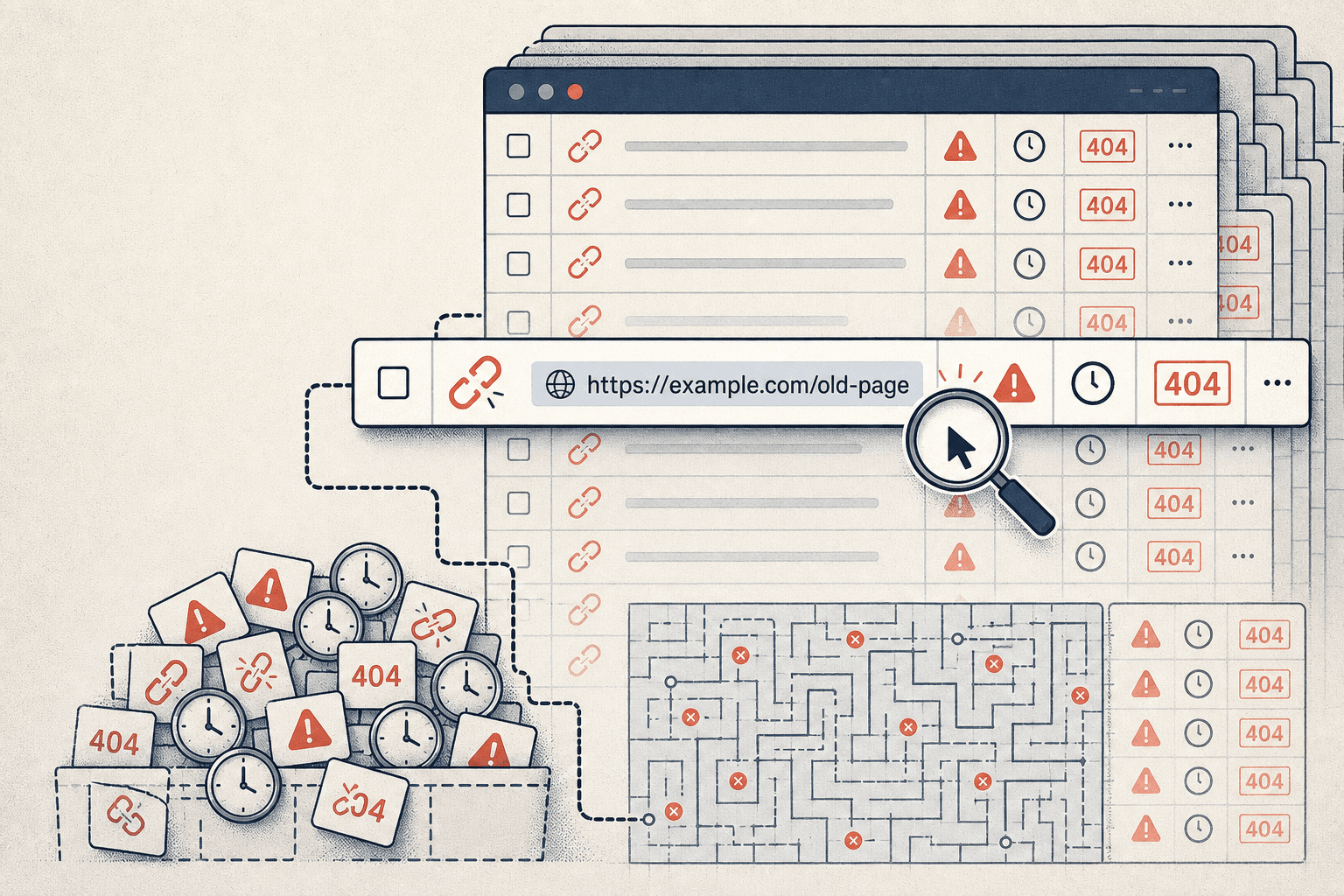
Backlink monitoring gets noisy fast. One lost link, one new redirect, and your team treats everything like a fire. Then hours disappear into harmless fluctuations while real risks keep moving. According to A Complete Guide to Backlink Types: Safe, Risky, and Harmful Links - Linksman, over 90% of backlinks never drive meaningful value. That is a lot of clutter to sort through. Data from A Complete Guide to Backlink Types: Safe, Risky, and Harmful Links - Linksman also shows 100% of bulk link packages create risk, not momentum.
We built practical workflows at Mygomseo for teams that need decisions, not more dashboards. This article shows you how to separate meaningful link changes from noise, catch real issues faster, and stop wasting time on backlink monitoring busywork.
Why Link Monitoring Fails and Wastes Time
Symptoms teams notice first
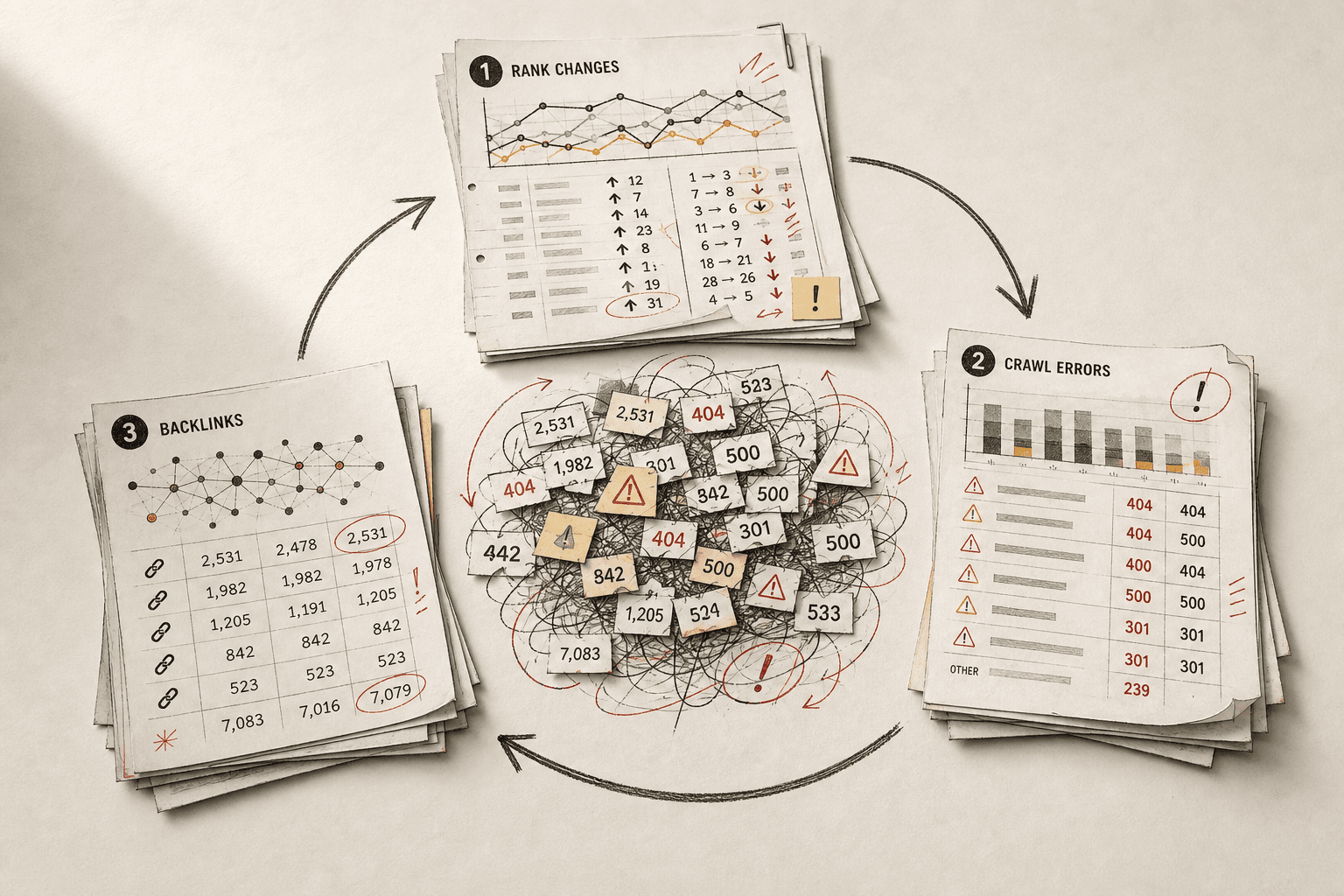
The first signs look small. Then they pile up fast. Your inbox fills with alerts that feel urgent, but rarely matter. Duplicate reports show the same link three different ways.
Then the numbers stop matching. One tool says a link is gone. Another still shows it live. A third adds five new links overnight. That is when backlink monitoring starts to feel less like control and more like guesswork.
We hit that wall hard one Tuesday morning. Twenty-one alerts landed before 9 a.m. We opened tab after tab, checked the same domains twice, and still could not tell what needed action first. By lunch, the real issue was not volume. It was zero prioritization.
The business impact of reacting to noise
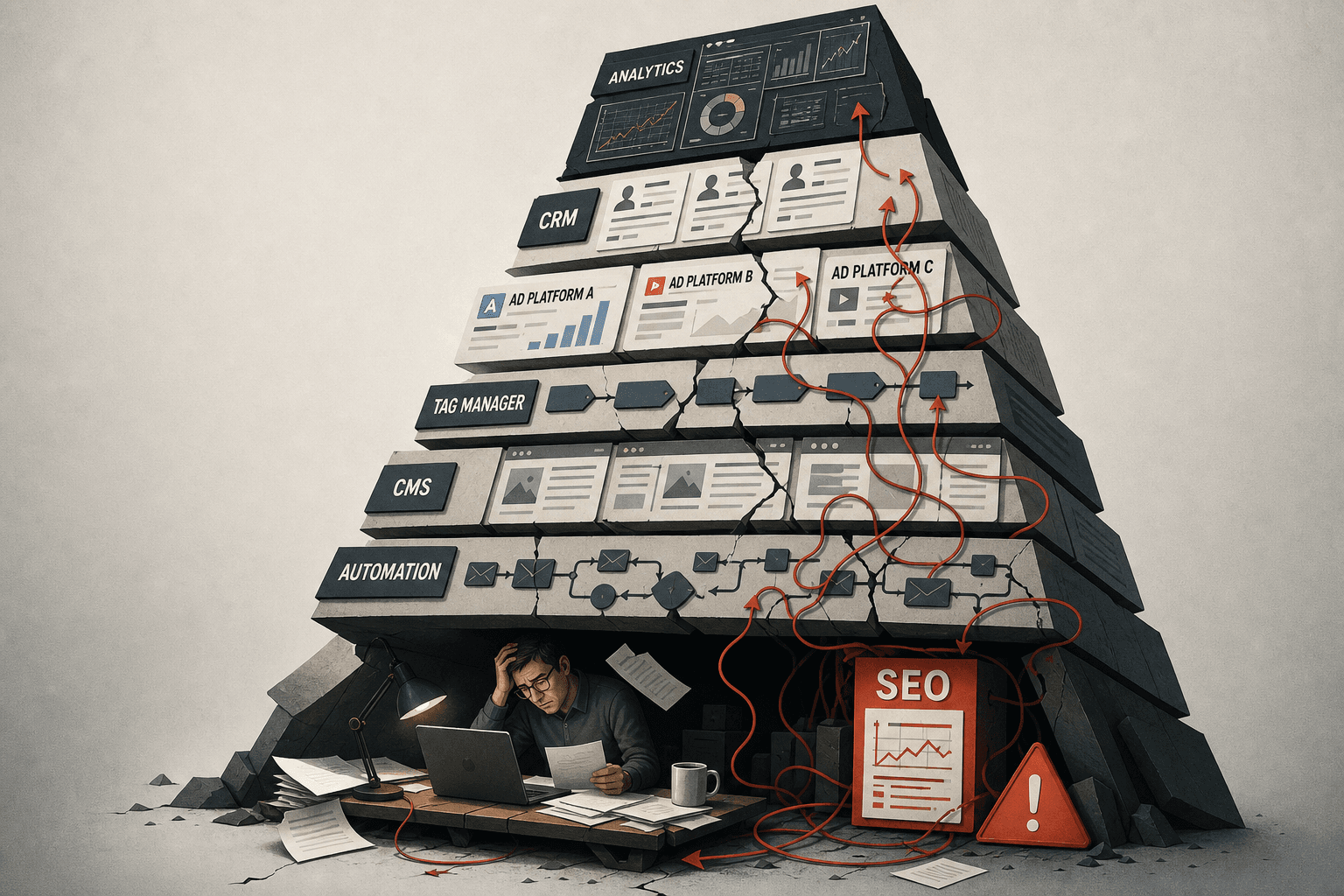
This is where time disappears. Teams slow down because every change gets reviewed by hand. Real risks hide inside routine churn. That means toxic backlinks can sit untouched while harmless shifts steal attention.
Reporting gets messy too. Weekly updates turn into debates about which tool is right. Link building analysis loses credibility when counts keep changing and nobody can explain why. According to A Complete Guide to Backlink Types: Safe, Risky, and Harmful Links - Linksman, a Spam Score in the 1 - 30% range signals lower risk. That matters because not every suspicious-looking link deserves the same response.
So how often should you check? For most teams, weekly link monitoring is enough. Daily checks make sense during active campaigns, migrations, or sudden ranking drops. Anything more frequent usually creates false urgency without better decisions, as noted in Backlink Monitoring 101: A Complete Guide.
Why do backlink counts change between tools? Each crawler finds links at different times. Each platform also uses its own rules for canonicals, redirects, subdomains, and lost links. The count changes because the index changes.
Quick fixes that usually fail
Most teams respond the same way. They add more filters. They export more CSVs. They buy another dashboard. It feels productive for a week.
But more layers rarely fix the core problem. They multiply views of the same messy signal. Research from A Complete Guide to Backlink Types: Safe, Risky, and Harmful Links - Linksman shows that context shapes risk, not just raw link presence. When all links get treated equally, backlink monitoring breaks.
A homepage mention, a junk directory link, and a product page citation do not carry equal value. You need to judge authority, relevance, page intent, and traffic value first. Without that, teams miss toxic backlinks and waste hours proving nothing changed.
Root Cause Analysis Behind Noisy Backlink Alerts
What tools detect versus what marketers need
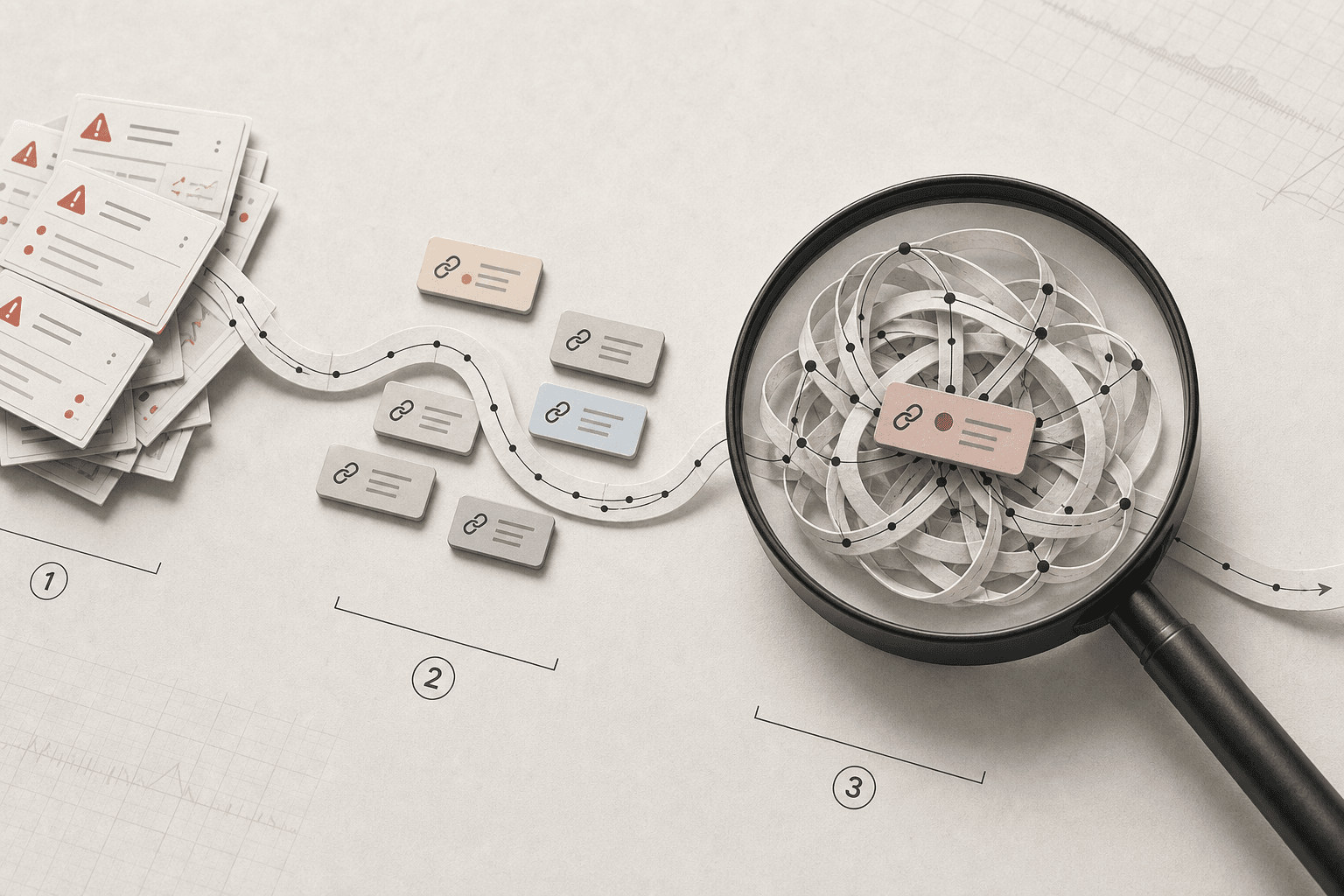
The root problem is not link volume. It is weak classification. Most platforms flag change events, then stop there. They tell you a link appeared, moved, or vanished. They do not tell you what deserves action.
That gap breaks backlink monitoring fast. A lost link from a scraped directory page should not trigger the same response as a lost editorial link from a page that drives demos. One is noise. The other can hit rankings, pipeline, and reporting.
We learned this the hard way. One Friday, we opened 47 tabs from a “lost links” alert. Most came from thin pages with no traffic, no brand fit, and no business value. The only link that mattered was buried in the pile.
Why single source alerts mislead teams
Single source alerts look clean, but they distort reality. Crawlers do not see the web the same way. They vary in freshness, discovery speed, canonical handling, and nofollow interpretation. That is why counts rarely line up perfectly.
A tool may report a link as lost while another still sees it live. One crawler may follow a canonical path. Another may log the raw URL. This is why link monitoring needs comparison, not blind trust in one dashboard.
That also matters for toxic backlinks. The best way to monitor toxic backlinks is to combine more than one source, then score risk by pattern, domain quality, anchor abuse, and page intent. Linksman explains how risky and harmful links often share spam signals, low trust pages, and manipulative anchors (A Complete Guide to Backlink Types: Safe, Risky, and Harmful Links - Linksman). Research from Backlink Monitoring 101: A Complete Guide shows that 10% of backlinks can disappear naturally, which is another reason not to panic at every alert.
How context turns raw data into decisions
The fix starts with context layers. We score source quality first. Then we check page traffic, anchor pattern, placement type, toxicity risk, and whether the link supported an active campaign. That turns a raw event into a decision.
For example, a sidebar link on a weak page gets low priority. A branded editorial link on a converting article gets urgent review. That is the difference between raw change logs and useful link building analysis.
According to A Complete Guide to Backlink Types: Safe, Risky, and Harmful Links - Linksman, outreach response rates can sit near 5%, which makes every hard-won quality link more valuable. So the goal is not more alerts. The goal is smarter backlink monitoring that protects important links, spots toxic backlinks early, and helps teams act with confidence.
Our Backlink Monitoring Workflow for Toxic Backlinks
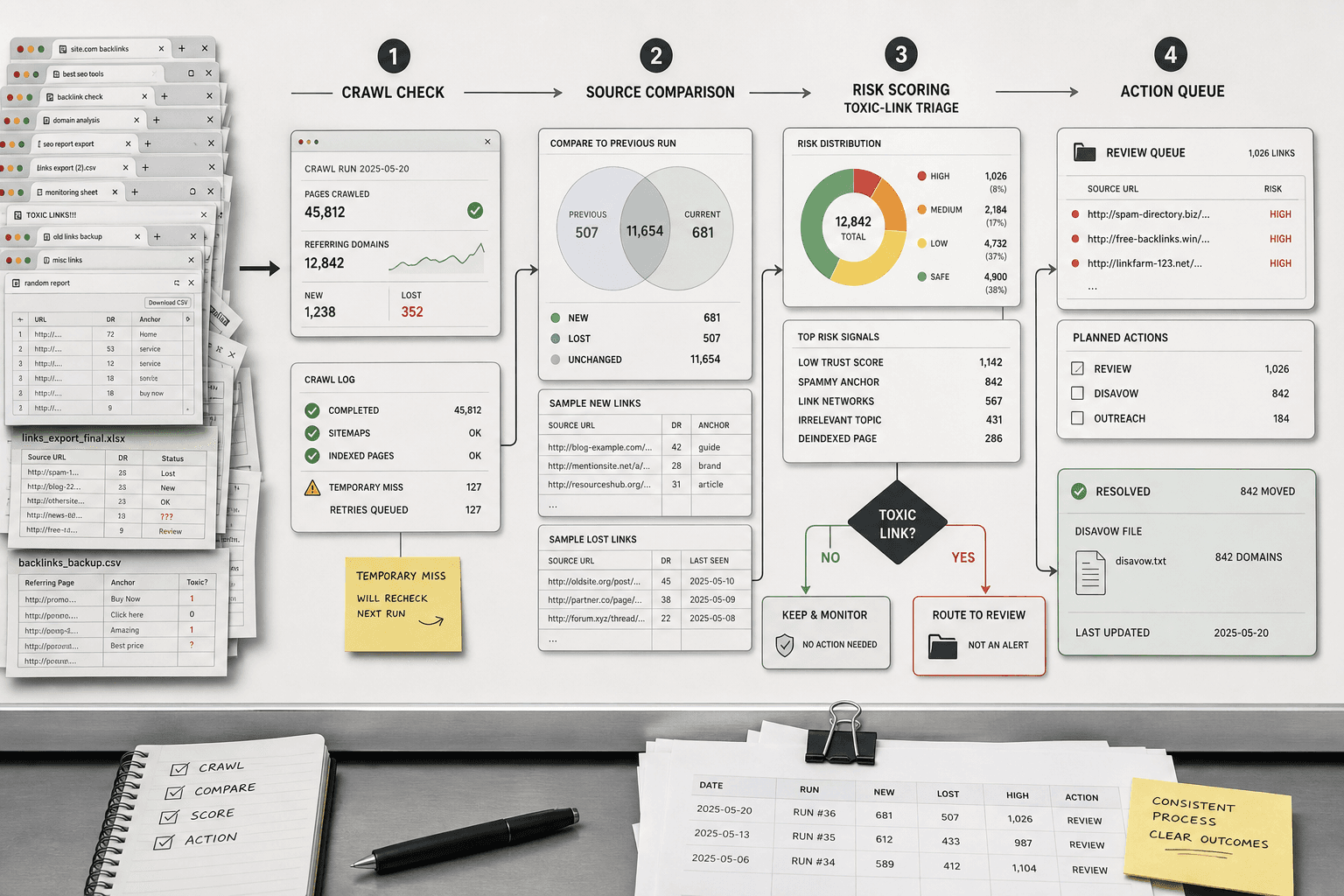
Step 1 Collect and normalize link data
We start by pulling link data from more than one source. Each crawler sees the web a little differently. One may catch fresh mentions fast. Another may keep stronger history. Combining both gives better coverage for link monitoring.
Then we clean the inputs before anyone reviews them. We normalize URLs, strip tracking parameters, standardize canonicals, and merge http and https versions. We also dedupe at the domain level when repeated sitewide links would inflate urgency.
Next, we label each link by type. Editorial links, directories, forums, widgets, sponsored placements, and obvious spam do not deserve the same treatment. This first pass makes toxic backlinks easier to spot and keeps harmless clutter out of the queue. For teams that like simple systems, a shared Sheet works fine here, much like structured handoffs in BIM links.
Step 2 Score meaningful changes
How do you prioritize lost backlinks? We use a simple score, not gut feel. Every change gets points based on authority, topical relevance, landing page value, anchor text risk, and the change itself. That turns a messy feed into a ranked action list.
Here is the lightweight model we use first.
- Domain authority — Low: 1 · Medium: 2 · High: 3
- Relevance to target page — Low: 1 · Medium: 2 · High: 3
- Landing page value — Low: 1 · Medium: 2 · High: 3
- Anchor text risk — Low: 0 · Medium: 2 · High: 4
- Change type — Low: New = 1 · Medium: Lost = 3 · High: Toxic = 5
In Google Sheets, the logic can stay very simple. Add one column per factor. Then sum them into a priority field. For example: =SUM(B2:F2). If anchor text looks manipulative, we increase the risk score. If the lost link pointed to a revenue page, we raise landing page value.
This is also where link building analysis becomes useful. A lost directory link to a dead blog post rarely matters. A removed editorial link to a product page matters fast. Research from A Complete Guide to Backlink Types: Safe, Risky, and Harmful Links - Linksman notes that editorial backlinks tend to disappear less often than other link types, with annual loss rates around 2% to 4%. That makes editorial losses worth closer review.
Step 3 Route alerts by severity
Scoring is only half the job. Routing decides whether your team stays calm or drowns. We set thresholds so only high-impact events hit Slack or email. Everything else goes into a review queue for batch checking.
Our basic routing looks like this:
- Score 11 or higher: send Slack alert to SEO owner.
- Score 8 to 10: send email digest for same-day review.
- Score 7 or lower: place in weekly review queue.
This keeps attention on real risk. It also stops junior teams from chasing every low-value change. If a webhook helps, keep it simple: when a row crosses the threshold, post the domain, target page, score, and reason to Slack. No giant dashboard needed.
Step 4 Verify losses before action
We never act on a single crawl loss. First, we run a second check. That can be a fresh crawl, a manual fetch, or another source comparison. This one step prevents bad outreach and shaky disavow calls.
According to A Complete Guide to Backlink Types: Safe, Risky, and Harmful Links - Linksman, some link classes show relatively low annual loss rates, which is useful context when a supposedly valuable link vanishes. But context is not proof. Pages time out. Canonicals shift. Crawlers miss things.
So we verify first, then respond. If the second crawl confirms a real removal, we decide whether to reclaim, ignore, or flag for toxic backlinks review. If it returns, we close the alert and move on. That discipline keeps backlink monitoring practical, fast, and much less reactive.
Results, Prevention, and Smarter Link Building Analysis
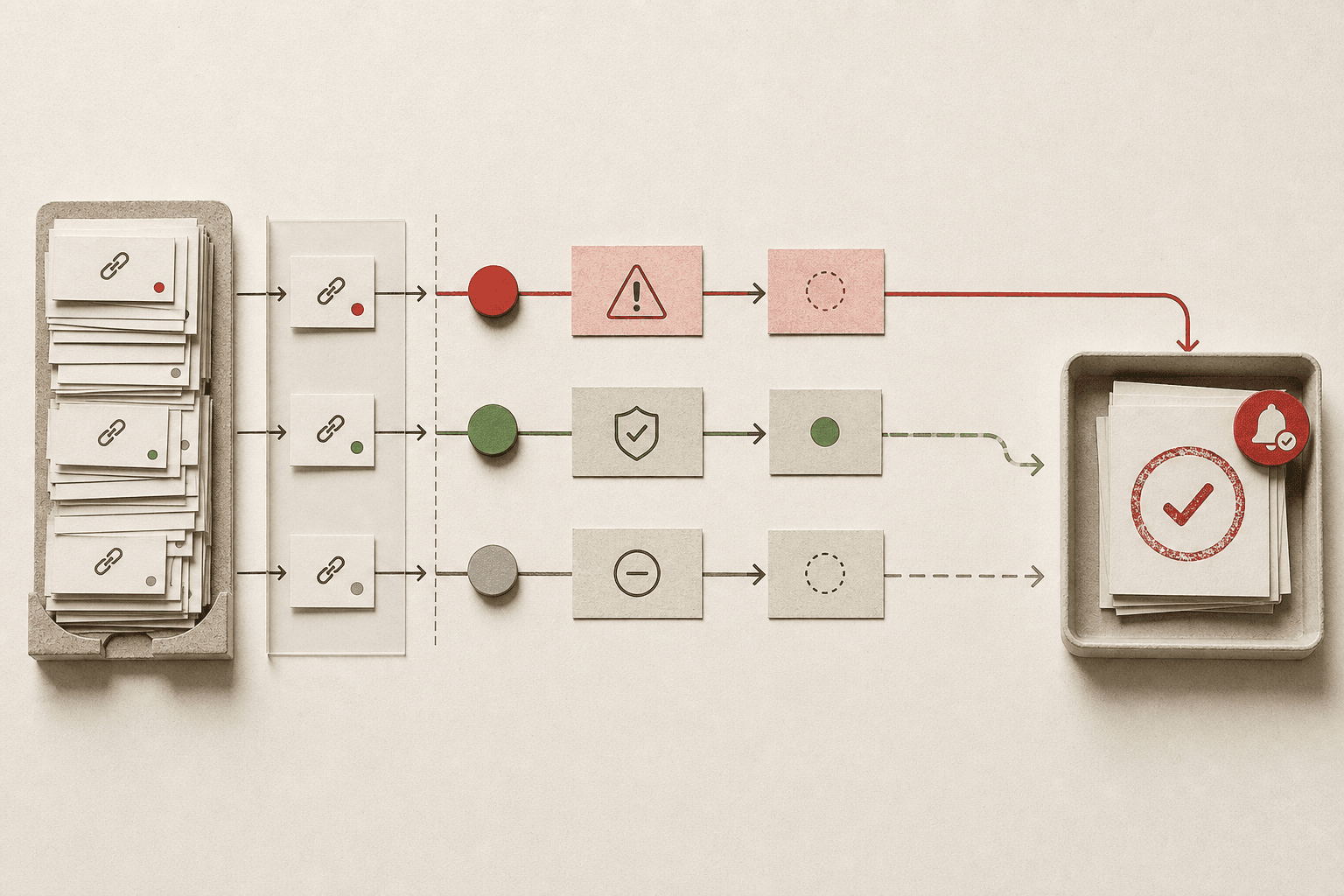
The bigger win is clarity. When campaign links, risky links, and passive links are separated from day one, your link building analysis gets cleaner fast. You can see which losses need outreach, which changes need a second check, and which alerts deserve to stay ignored. That means fewer Slack fire drills, fewer messy spreadsheets, and fewer debates about whether a crawler glitch is a real problem.
It also makes prevention boring in the best way. Keep your scoring rules current as campaigns shift. Review source coverage once a month so blind spots do not pile up. Tag campaign links the moment they go live. Audit toxic backlinks on a schedule instead of waiting for a panic moment after traffic drops. Small habits beat heroic cleanups every time.
If you want a practical routine, keep it simple:
- Score links by business value, not raw volume.
- Separate risky, active, and low-priority links early.
- Verify major losses before you escalate them.
- Review your rules and coverage on a fixed cadence.
- Treat backlink monitoring as triage, not endless admin.
That is the real goal. Better backlink monitoring should help you react faster and waste less time, not add another bloated process to your stack. If your team is stuck reviewing noise instead of protecting hard-won links, fix the system, not the people. Ready to build a cleaner routine without extra overhead? Try It Free.