AI Agent SEO Automation: How to Build a Self-Running Technical Audit Workflow in 2026
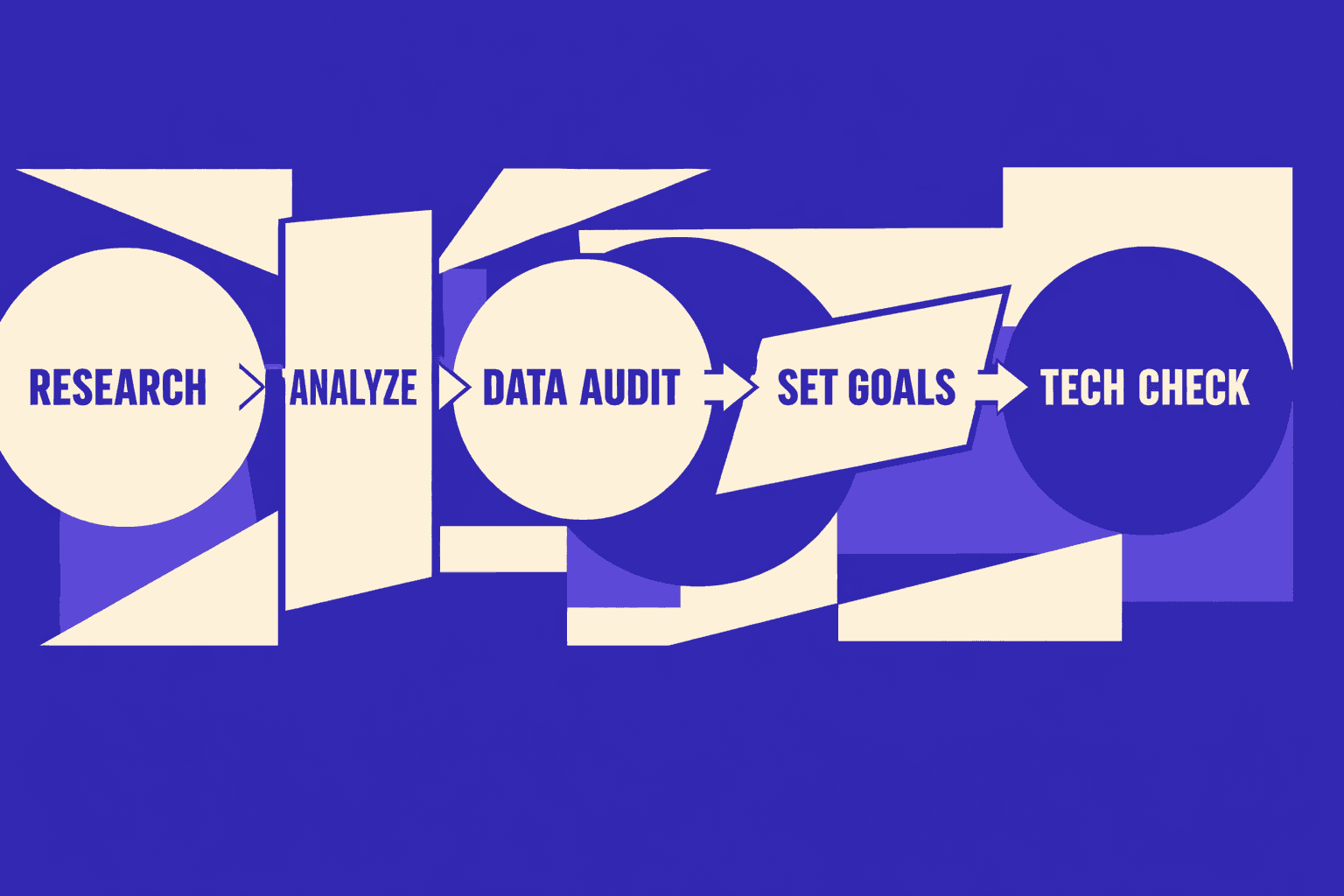
ai agent seo audits turn weekly checks into a pipeline you can trust. ai agent seo audits replace guesswork with repeatable runs, diffs, and alerts. Manual audits burn hours and still miss regressions between releases. According to The 6 best SEO automation software tools for 2026, 2025% of teams are already pushing toward SEO automation.
In SEO automation, an AI agent is a goal-driven worker that plans tasks, runs tools, checks results, and decides next steps. In this guide, you’ll build an agent-driven workflow with OpenClaw for audits, keyword tracking, and reporting. You’ll wire it like engineering automation - scheduled, testable, and easy to debug. Keep reading to turn SEO into a weekly release gate, not a fire drill.
Step 1: Prerequisites for SEO automation tools
1. Accounts and API access you will use
Gather the accounts your agent must call. Start small. Add more automation tools later.
- Create a Google Cloud project.
- Enable the Google Search Console API.
- Create OAuth credentials or a service account.
- Export credentials into a local secret store.
Next, pick one rank source. Use an API you already pay for. If you are evaluating seo automation tools, compare options from sources like The 6 best SEO automation software tools for 2026 and 10 Best SEO Automation (Free and Paid) Tools in 2026 - SmartClick.
You should now have at least one working API key.
Verify that a token test call returns HTTP 200.
2. Your repo layout and config strategy
Create a repo that treats each site like a deploy target. For example, your agency can add client-a without new code by following this structure:
- Create these folders:
/sites/agents/runs/scripts
- Add one config file per site:
/sites
  /acme
    config.yaml
  /globex
    config.yaml
/runs
  .gitkeep
Use a single schema across sites. Keep domain, sitemap URLs, and keyword sets together:
site:
  name: acme
  domain: "https://www.acme.com"
  sitemaps:
    - "https://www.acme.com/sitemap.xml"
keywords:
  primary:
    - "acme pricing"
    - "acme integrations"
  secondary:
    - "acme api limits"
reporting:
  output: "markdown"
You should now have a predictable input contract.
Verify that every config.yaml includes domain and keywords.
3. Pick an agent runner OpenClaw or similar
Install one runtime and one crawler CLI. Choose Node.js 20+ or Python 3.11+. Then install a headless crawler.
- Install Node.js and pnpm (or Python and uv).
- Install a crawler CLI (for example, Screaming Frog CLI mode, or a lightweight crawler).
- Pick one reporting path: Markdown files or Google Docs.
Configure your runner (OpenClaw or similar) to load config and authenticate. Run a placeholder command:
node scripts/run-audit.js --site acmeYou should now see a saved run artifact in /runs/acme/DATE/.
Verify that the log prints “token check: ok” and writes report.md. For deeper automation patterns, review AI Technical SEO Strategies for Instant Detection and Audit Automation.
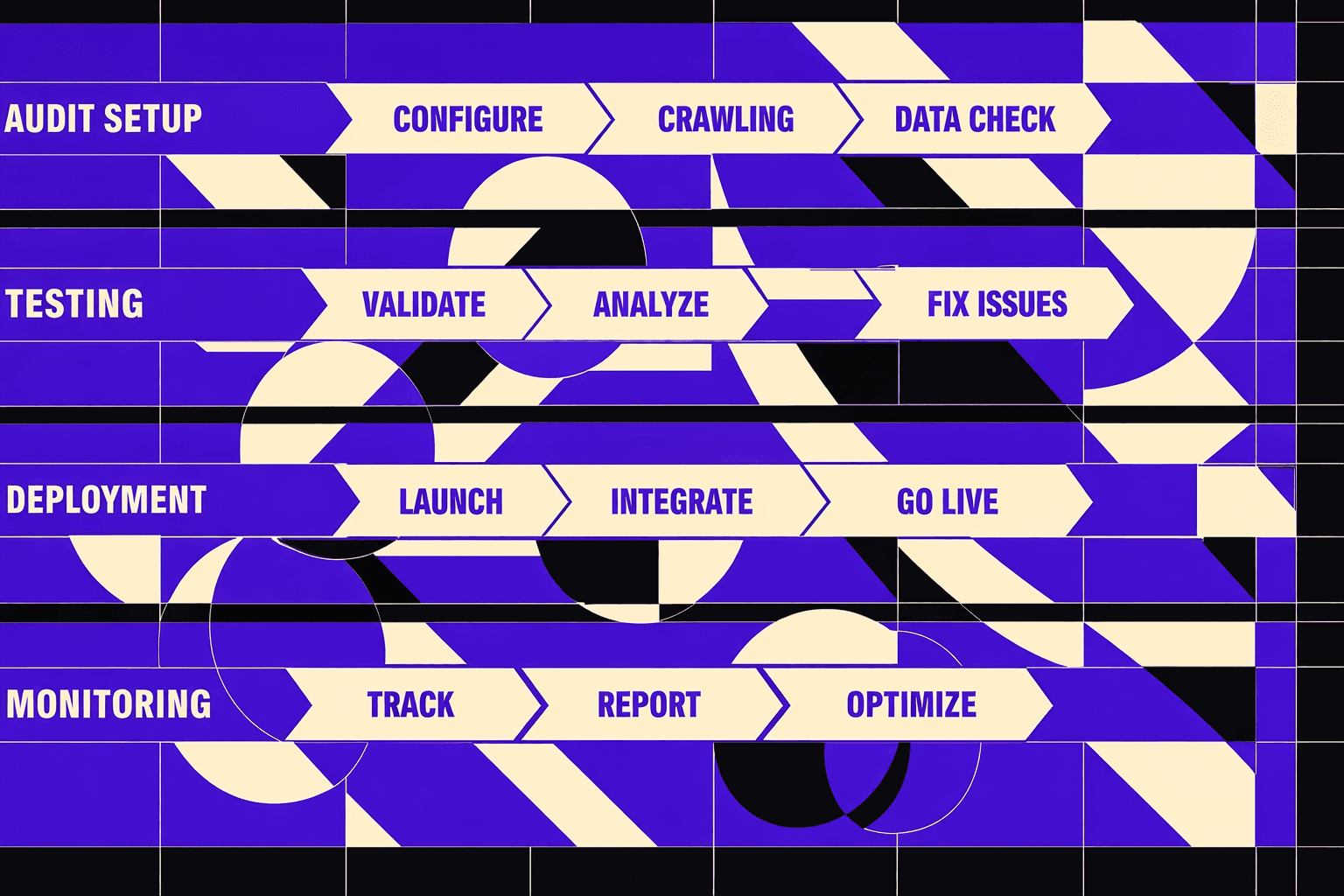
Step 2 Build your ai agent seo audits workflow
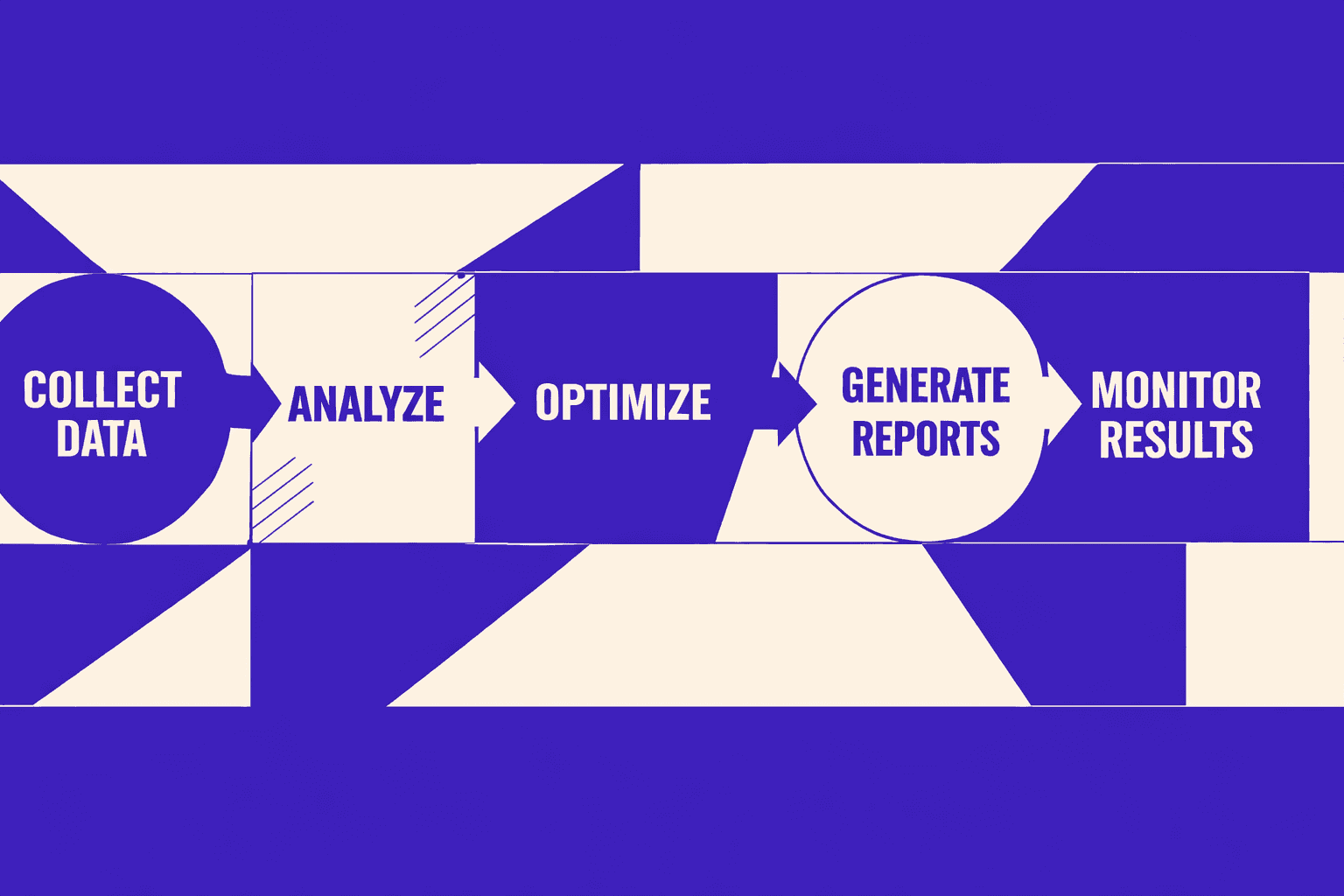
1. Define weekly audit checks with pass fail thresholds
Define checks like unit tests for SEO by setting thresholds that never change. For example, "0 pages return 500" is strict and safe, while "less than 2% 404" is flexible but risky.
- Create a task registry with hard rules.
- Assign each task a
severity,threshold, andowner. - Fail fast on “blocker” rules to save crawl time.
You should now have a checklist your agent can execute. Each item should return pass, fail, or warn. Verify that every task returns a boolean outcome.
Create tasks for these core checks:
- Indexability:
meta robotsandX-Robots-Tagallow indexing - Robots directives:
robots.txtallows your critical paths - Canonicals: canonical points to a 200, same host, preferred URL
- Redirects: no redirect chains over 1 hop
- Status codes: no 5xx, capped 4xx, no unexpected 3xx on canonicals
- Sitemap drift: sitemap URLs still resolve. They should match expected templates
- Template meta tags: title, description, OG, and
hreflangpresence per template
To automate seo with ai agents safely, keep tasks read-only. Never “fix” pages in the same run. Treat the agent as an automation tool that reports, not deploys. For deeper patterns, read AI Technical SEO Strategies for Instant Detection and Audit Automation.
You should now see a stable set of checks. At this point, your thresholds should be in config. Verify that config changes require a PR.
2. Implement the crawl and page sampling strategy
Run a controlled crawl that matches production risk. Start with known-good URLs. Expand only as needed. This keeps ai agent seo audits fast and safe.
- Fetch the sitemap URLs first.
- Crawl only those URLs to build a baseline.
- Cap depth to 2 when following internal links.
- Sample templates for large sites to limit load.
You should now see predictable crawl volume each run. Your agent should never spike requests. Verify that your crawler respects concurrency limits.
Use a sampling plan tied to templates. For example, if /blog/ has 40,000 posts, sample 50. Pick them by lastmod and traffic tier. Add 10 random URLs to catch edge cases. This is one of the best seo automation patterns for big sites.
If you prefer a visual demonstration of agent orchestration patterns, Ben AI's tutorial shows how multi-agent systems coordinate tasks:
You should now see “sitemap-first” coverage plus “template samples.” Verify that sampled URLs include at least one per template.
3. Add change detection to catch regressions
Store artifacts so you can diff runs. Save raw results as JSON. Save a human summary as Markdown. This lets you spot regressions after deploys.
- Write
audit.jsonwith per-check details. - Write
audit.mdwith a short narrative summary. - Compare the latest run to the previous run.
You should now have one folder per run. Each folder should contain only two files.
Use a JSON shape like this:
{
  "site": "example.com",
  "runAt": "2026-03-18T10:00:00Z",
  "checks": [
    {
      "id": "status_codes",
      "status": "fail",
      "threshold": { "max5xx": 0 },
      "observed": { "count5xx": 2 },
      "examples": ["https://example.com/pricing"]
    }
  ]
}
At this point, your pipeline should produce audit.json and audit.md per site per run. Verify failure paths by breaking a rule on purpose. For example, add noindex to a staging page copy. You should now see at least one failing check.
If you need tools to integrate later, scan lists like The 6 best SEO automation software tools for 2026 and 10 Best SEO Automation (Free and Paid) Tools in 2026 - SmartClick.
Step 3 Automate keyword tracking and reporting
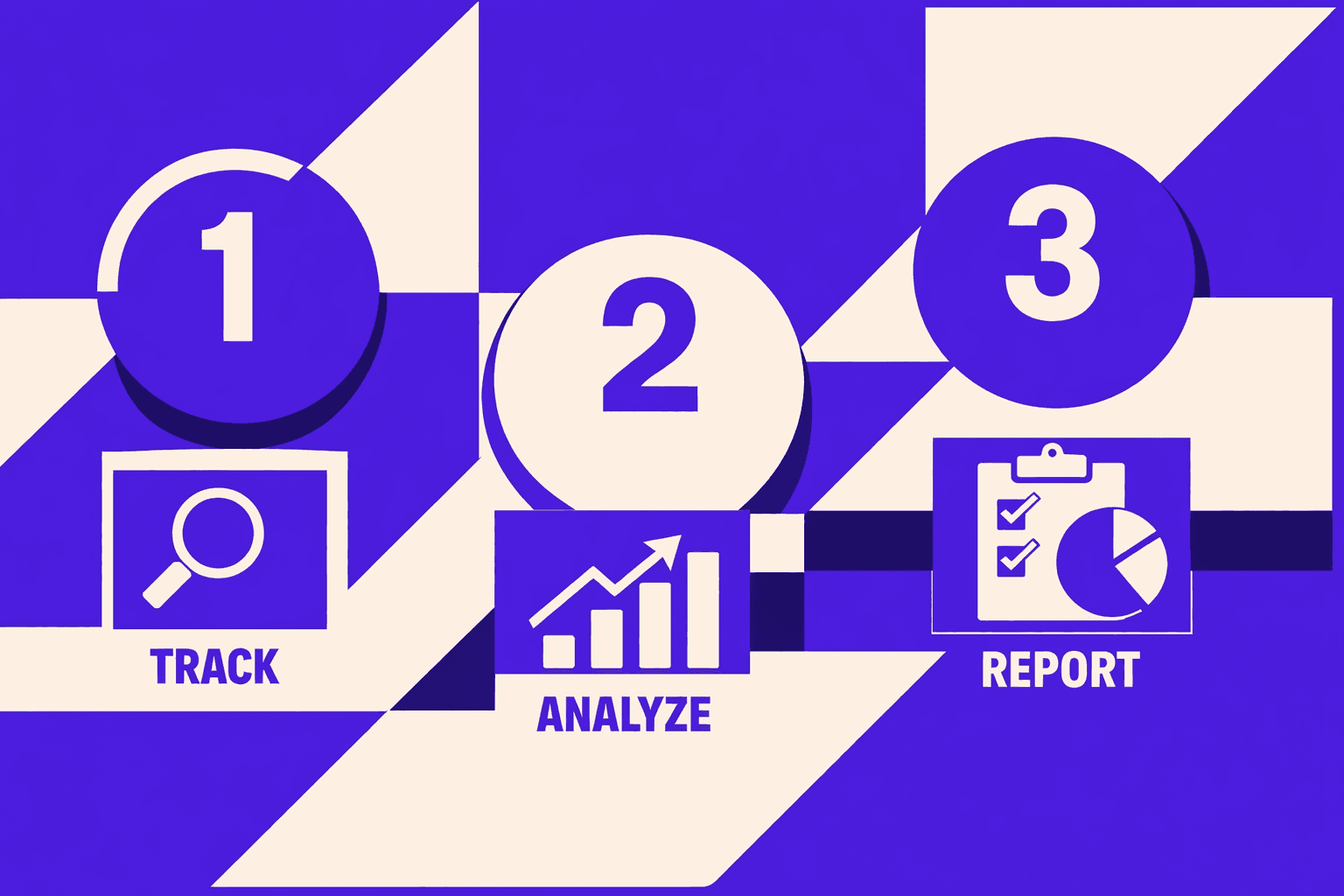
1. Attach keyword sets and rank sources
Configure one “source of truth” for keywords, then pick one rank source.
- Load keywords from config, CSV, or a database table.
1.1. Add a config block like this:
keywords:
  - set: "money"
    locale: "en-US"
    device: "desktop"
    terms: ["crm pricing", "crm for startups", "sales crm"]
Configure your rank source settings:
rank_source:
  provider: "serpapi"   # or "gsc_only"
  schedule: "0 6* *1" # Mondays 06:00
1.2. Alternatively, import a CSV:
term,set,locale,device
crm pricing,money,en-US,desktop
crm for startups,money,en-US,desktop- Query your rank source on schedule.
2.1. Call your provider and store a normalized snapshot.
node ./agent/run.js rank:pull --site acme --date 2026-03-16You should now see a new snapshot file.
Verify that your run folder includes rank/raw/ outputs.
2. Generate an executive summary and a technical appendix
Compute week-over-week deltas and render two views.
- Compute keyword deltas: top movers, lost rankings, and new entrants.
- Compute page signals: pages gaining impressions versus losing clicks.
- Attach investigation links for each drop. For example, link to:
- the ranking URL
- the canonical target
- the page in your crawl results
Render outputs to two files:
report.md(1-page executive summary)rank.json(full deltas + debug details)
The best seo automation approach for weekly client reporting is:store raw snapshots, diff them deterministically, then render a fixed template. That keeps your report stable, even when you swap tools to measure rankings. Tools to consider for the “rank source” layer include common SEO automation tool options listed in The 6 best SEO automation software tools for 2026 and broader “best seo automation” stacks from 10 Best SEO Automation (Free and Paid) Tools in 2026 - SmartClick.
For a visual walkthrough of keyword automation, check out this tutorial from Nico | AI Ranking:
XYOUTUBEX1XYOUTUBEX
You should now see a ranked movers list.
Verify that each “drop” includes at least one investigation link.
3. Send reports to clients Slack email or tickets
Deliver the same artifacts to the system your client watches.
- Send Slack messages with the executive summary and file links.
- Send email with
report.mdattached, or convert to a Doc. - Create tickets for the top drops, one per URL.
Warning: Avoid auto-ticketing every drop. It can flood queues.
SmartClick found that10%of SEO automation tools are free, so budget for at least one paid connector if you need reliable delivery paths at scale (10 Best SEO Automation (Free and Paid) Tools in 2026 - SmartClick).
At this point, each run produces report.md plus rank.json.
Verify your report shows movers and clear next actions, aligned with your broader AI SEO Strategy That Adapts to Search Engine Changes Fast.
Step 4: Schedule runs and harden your pipeline
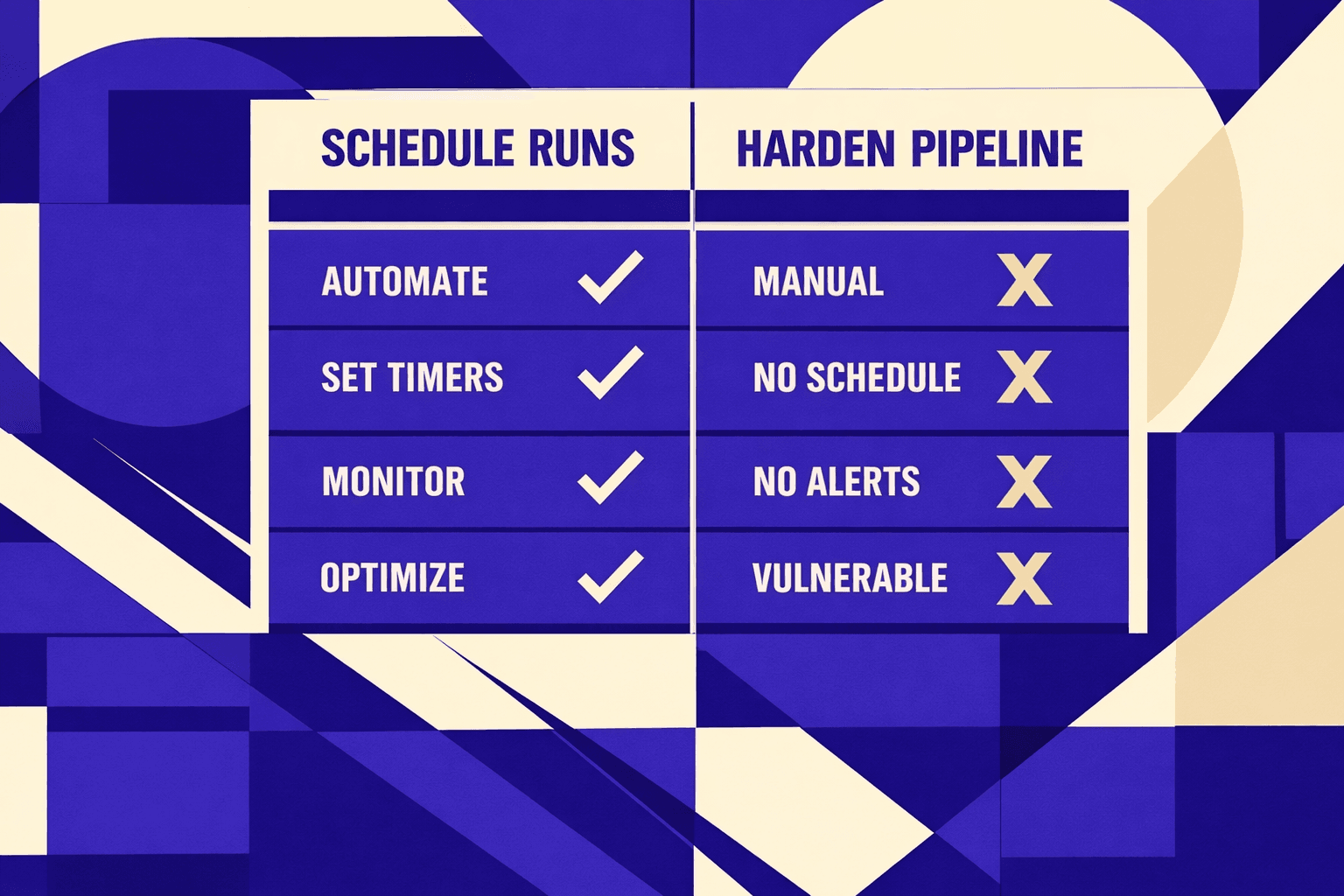
Start by moving your runs into CI. Configure a weekly schedule in GitHub Actions, GitLab CI, or your runner. Store API keys in your CI secrets manager. Never commit them. Pin tool versions so output stays stable across weeks. Lock your crawler version, your runtime version, and any browser binaries used for rendering checks. Then keep your run artifacts. Save the raw crawl, the JSON, and the human report for every run. Retain enough history to compare trends, not just single failures. You should now have a run trail you can diff, audit, and hand to a client.
Next, add alert rules that match your real risk. Fail the run on critical checks. For example, fail when indexability drops, when robots rules change, or when canonicals flip across templates. Notify - but do not fail - on trend regressions. That includes slow ranking drift, rising soft 404 patterns, or a widening gap between impressions and clicks. Route alerts to where you already work. Use Slack, email, or a ticket in your system. You should now see one clear status per run: pass, fail, or warn.
Expect to troubleshoot. Plan for it. API quotas are the most common blocker in keyword tracking and SERP calls. Fix them by adding caching, backoff, and per-site caps. Crawl traps show up when faceted URLs explode. Stop them with sitemap-first scope, URL allowlists, parameter rules, and hard depth limits. Inconsistent canonicals usually mean template variants or mixed protocol issues. Validate canonicals per page type, then diff the distribution week over week. Unstable render output tends to come from client-side A/B tests, geo rules, or race conditions in JS hydration. Use deterministic waits, fixed viewport sizes, and block known noisy scripts. Noisy diffs usually mean your pipeline is tracking fields that change every run. Normalize timestamps, strip session IDs, and sort arrays before you write JSON.
Your outcome should be boring. That is the goal. Your workflow runs weekly, produces consistent artifacts, and raises predictable alerts that map to real SEO risk. Your reports stay comparable across weeks. Your diffs stay readable. Your failures stay actionable.
Verify the system before you trust it. Run the schedule and let it execute twice in a row. Compare totals. Check that key page counts are in the same range. Confirm the diff output is stable and only flags real changes. Verify that your artifacts are saved and retrievable for both runs. You should now see two successful scheduled runs with comparable totals and stable diffs.
- Key takeaways: You learned how to schedule and harden ai agent seo audits so they run unattended. You also learned how to make outputs stable through pinned versions, secret handling, and retained artifacts. Next, lock in your fail rules, set your notify rules, and run two scheduled passes before scaling to more sites.
- Key takeaways: You now have a process to debug the issues that break automation - quotas, traps, canonicals, render drift, and diff noise. Next, add one safeguard per failure mode, then re-run until the pipeline behaves the same way every week.
If you keep your pipeline deterministic, your SEO monitoring becomes as reliable as your releases.
Want to learn more? Learn More to explore how we can help.