Best Google AI Overviews Checking Tool: 2026 Comparison + Free Checker
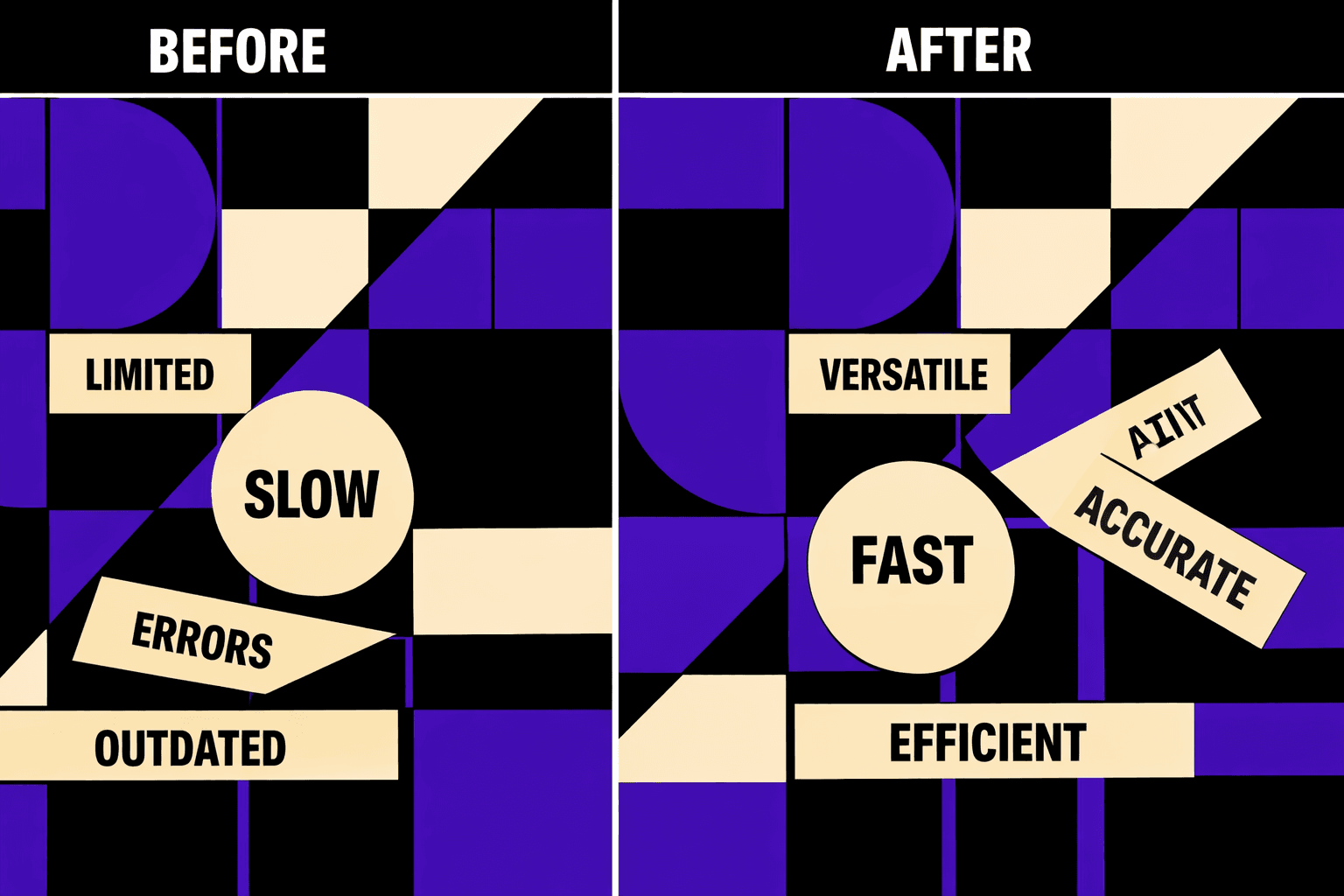
Best google ai overviews checking tool matters because manual spot checks often mislead. The real goal is proving AI Overview presence reliably, across thousands of keywords. AI Overviews can vary by user state, location, and test buckets, so single-SERP screenshots rarely hold up. That demand for proof mirrors other detection work - a Best AI Detectors for Identifying AI-Generated Content in ... study found tools can claim up to 99% accuracy, but only when testing is consistent.
To check whether a keyword triggers a Google AI Overview, run repeatable queries from controlled locations, capture the SERP HTML, and export evidence. This guide explains that verification method, then compares seven tools using one rubric built for technical SEO workflows - evidence, exports, and repeatable testing.
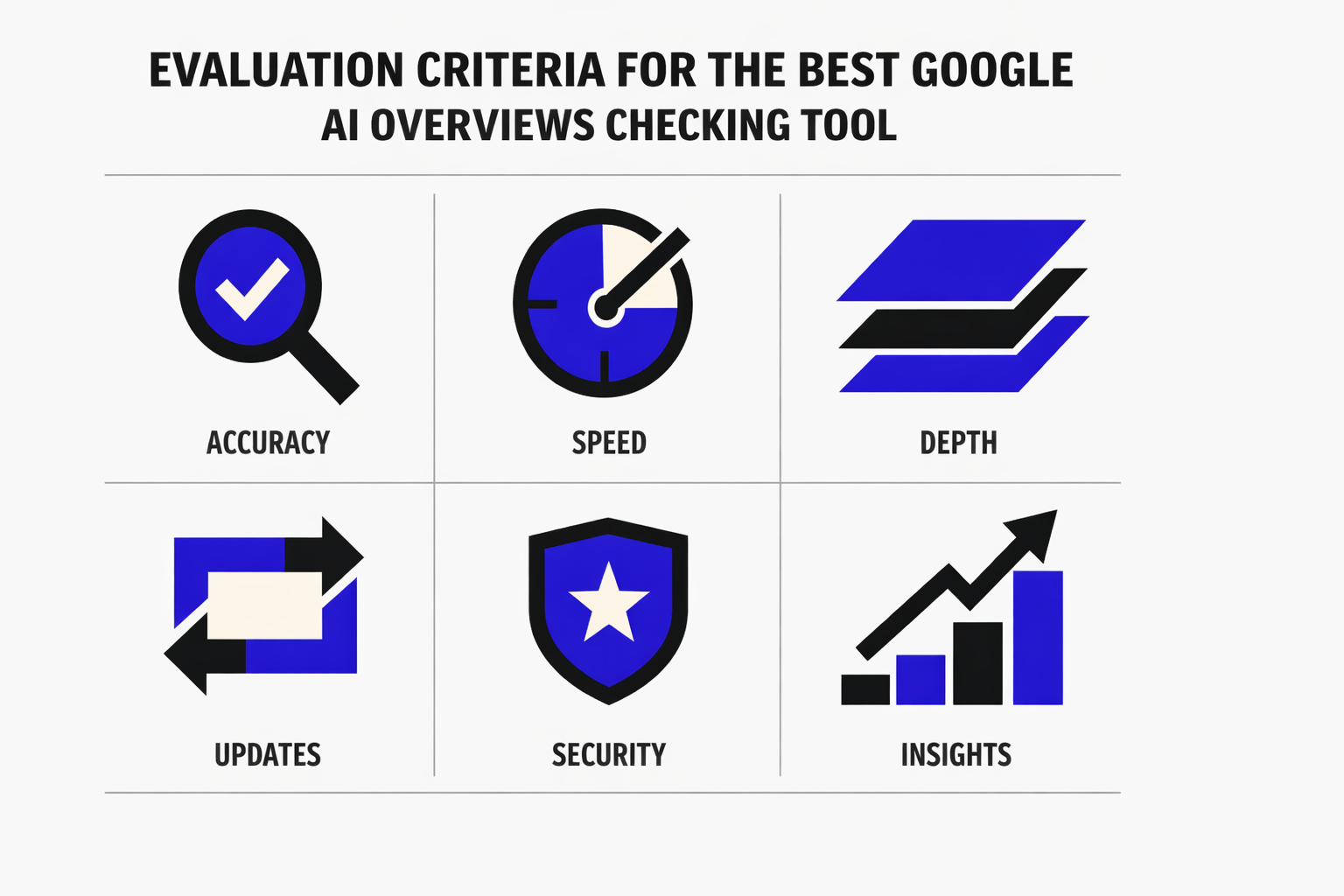
Evaluation Criteria for the Best Google AI Overviews Checking Tool
1. What counts as a valid AI Overview detection
A valid detection means the tool can prove an AI Overview rendered for a specific query context. A simple “yes” flag is not enough.
This comparison treats detection as valid only when it includes:
- A reproducible query string
- Location and language settings
- Device class (mobile vs desktop)
- A timestamp
- Stored evidence, like HTML or a screenshot
The best google ai overviews checking tool also explains its detection method. It should state whether it used a live SERP fetch, browser emulation, or third party SERP datasets.
2. How to check AI Overview presence step by step
The workflow should look like a test run, not a hunch.
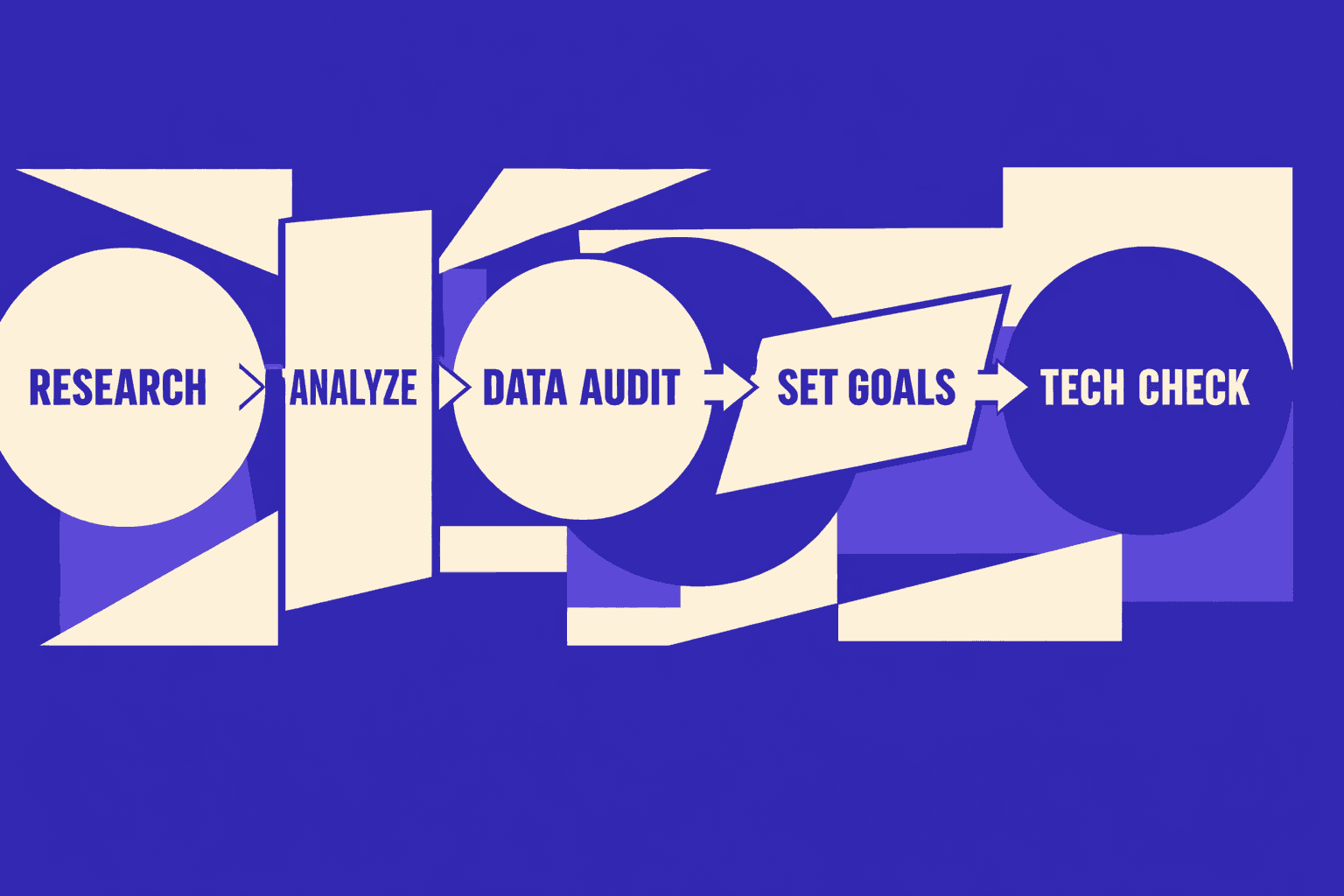
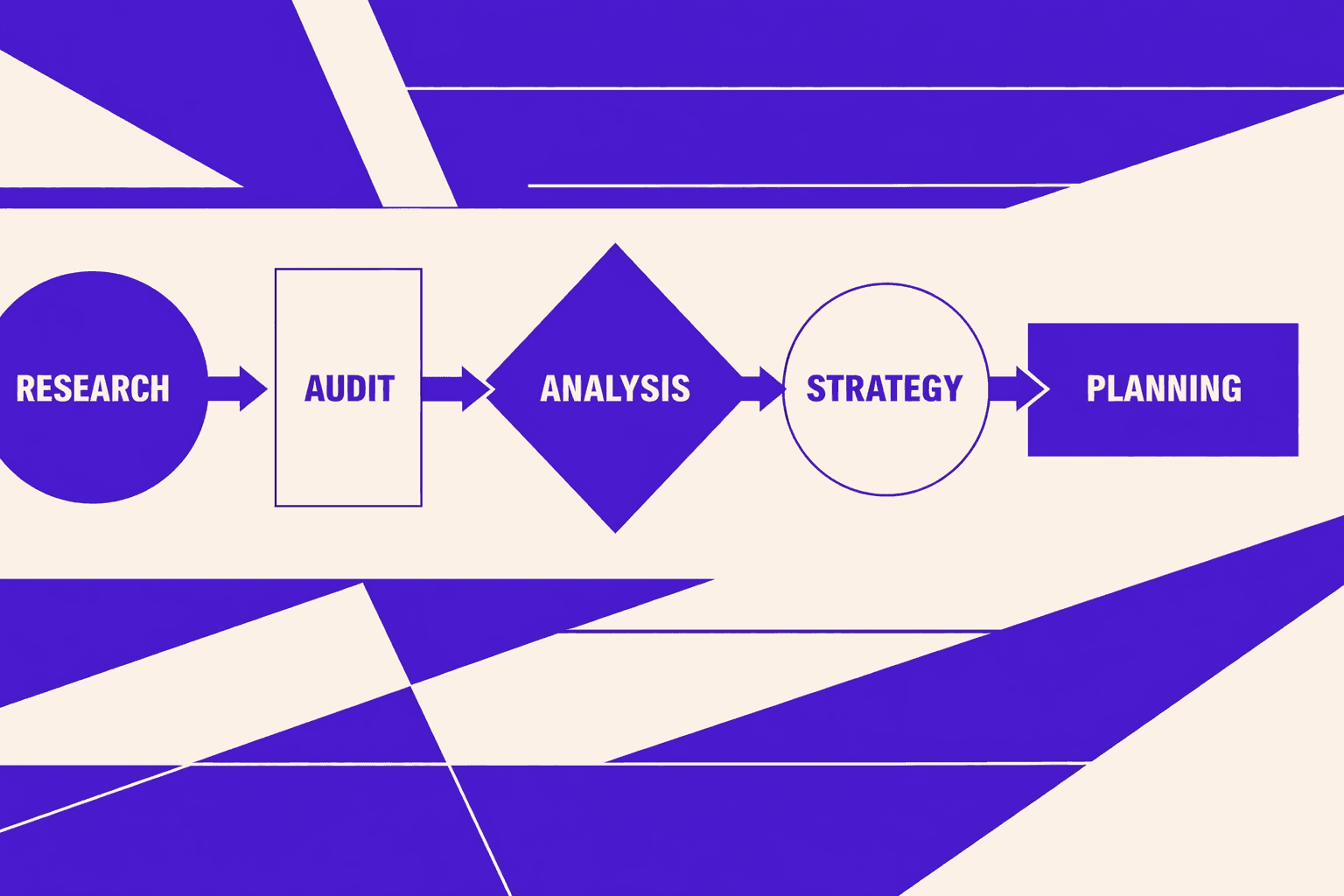
- Choose the keyword and exact query format.
- Set geo, language, and device parameters.
- Run the check using the tool’s chosen method.
- Capture evidence, then store it with metadata.
- Repeat on a schedule and compare outputs over time.
For example, a team can run “best standing desk” in Austin on mobile. Then it repeats in Toronto on desktop. The results can differ, even within minutes. Evidence also supports later analysis in Google Search Console.
3. Scoring rubric used in this comparison
Tools were scored on these criteria:
- Accuracy of AI Overview detection
- Geo and language coverage
- Scalability for many keywords
- Evidence capture quality
- Exports and API access
- Alerting and change tracking
- Pricing transparency
This matters because even adjacent domains, like ai testing and ai generated content checks, struggle with accuracy. According to 9 Best AI Detectors With The Highest Accuracy in 2026, one detector reached 95% accuracy in tests. The same source notes other tools may top out around 94% in broader ranges.
4. The one content gap this guide covers
Most guides stop at “does an AI Overview show.” This one focuses on engineering grade verification. It pairs evidence capture with change alerts.
Can AI Overviews be tracked at scale for many keywords? Yes, if the tool supports bulk runs, exports, and an API. Change alerts also reduce manual review time.
How often do Google AI Overviews change? Often enough to require scheduled checks. Rotating test buckets and geo variance can flip results between runs. For deeper strategy context, see AI Overviews SEO Tactics That Drive Results in Google Search.
Tool Comparison Reviews and Use Cases
AhrefsOverviewAhrefs is a backlink-first SEO suite with strong keyword research and rank tracking. For AI Overviews, it behaves more like a “diagnose and correlate” platform than a direct SERP evidence logger. Teams usually pair it with a dedicated checker.Key Features- Rank tracking with location and device options
- Keyword research for query discovery and clustering
- SERP overview views for pattern checks
- Exports for reports and internal dashboardsStrengthsAhrefs helps teams find which queries are likely to trigger AI answers. For example, an engineer can filter for informational terms, then hand that list to a separate AI Overviews checker for verification. It also supports large keyword sets without heavy setup time.WeaknessesEvidence capture is not its core output. It is harder to store “proof” like HTML, screenshots, and timestamped SERP artifacts inside the workflow. Alerting also tends to focus on rank movement, not layout features.Best ForTeams that need discovery, prioritization, and reporting. It fits well when a second tool handles AI Overview presence verification.
BrightEdgeOverviewBrightEdge is an enterprise SEO platform built for governance, reporting, and large stakeholder teams. For AI Overviews, it tends to work best when a company wants centralized visibility and workflow controls.Key Features- Enterprise rank tracking and content recommendations
- Multi-region reporting and role-based access
- Dashboards designed for executive and brand reporting
- Integrations for large marketing stacksStrengthsBrightEdge can standardize AI search monitoring across markets. For example, a global brand can align teams on a single KPI set, then route exceptions to technical owners. Implementation can also reduce “spreadsheet sprawl” in large orgs.WeaknessesImplementation effort is usually high. Procurement, permissions, and integrations can slow time-to-value. For teams focused on raw evidence, the platform can feel abstract unless it exposes clear SERP artifacts and exports.Best ForLarge enterprises that need governance, consistent reporting, and controlled access. It is less ideal for lean teams needing fast evidence downloads.
MygomSEOOverviewMygomSEO focuses on engineering-grade checks and repeatable audits. In a “best google ai overviews checking tool” evaluation, it aligns with teams that need proof, exports, and a practical workflow.Key Features- AI Overviews presence checks designed for repeatability
- Evidence-first outputs, built for audit trails and debugging
- Exports suitable for tickets, BI, or internal tooling
- Lightweight workflow for technical SEO teamsStrengthsMygomSEO fits teams that treat AI Overview tracking like QA. For example, a technical SEO can run a scheduled check, export results, then attach evidence to a Jira ticket. That evidence reduces “it showed up for me” debates during triage.
It also maps well to teams already working from Google Search Console query exports. That workflow keeps the keyword list grounded in real impressions.WeaknessesAs with any evidence-based approach, browser and UI changes can create maintenance work. According to 14 Best AI Testing Tools & Platforms in 2026, UI changes can break tests, and manual updates can consume a large share of automation effort. That risk applies to any tool using browser-style verification.Best ForTechnical SEO teams that need verification, stored proof, and exports. It fits agencies and in-house teams that run recurring audits and change alerts.
Rank RangerOverviewRank Ranger is a rank tracking and reporting platform with a strong history in SERP feature monitoring. It is often used to track feature presence across many keywords and locations.Key Features- SERP feature tracking and reporting
- Scheduled reports and white-label outputs
- Keyword groups and segmentation for teams
- Integrations and exports for recurring workflowsStrengthsRank Ranger works well for broad monitoring. For example, an agency can track feature appearance trends across client portfolios and surface anomalies fast. Its reporting orientation supports weekly and monthly deliverables without heavy manual work.WeaknessesFeature tracking does not always equal evidence. Some teams will still need screenshots, HTML, or a reproducible fetch for disputes. Implementation effort also increases as location and device matrices grow.Best ForAgencies and consultants who need scalable reporting and client-ready exports. It is best when paired with a system that stores SERP proof.
SemrushOverviewSemrush is a broad SEO and competitive intelligence platform. For AI Overviews, it is commonly used for competitive research and tracking signals, then validated with a checker that captures evidence.Key Features- Keyword research, topic tools, and competitor views
- Position tracking with segmentation
- Reporting templates and scheduled exports
- APIs and add-ons that extend automation optionsStrengthsSemrush is strong for building the target set. For example, a team can identify “question” modifiers, cluster by intent, and track shifts over time. It also supports collaboration between SEO, content, and paid teams.
For a visual walkthrough of how Google’s AI features can surface, check out this tutorial from Futurepedia:
XYOUTUBEX0XYOUTUBEXWeaknessesThe core workflow may not store enough proof for engineering teams. When an AI Overview appears inconsistently, teams usually need timestamps and hard artifacts. Without those, alerting can become “signal without context.”Best ForTeams that want a single suite for research, tracking, and reporting. It works best when a separate process confirms AI Overview presence with evidence.
SISTRIXOverviewSISTRIX is known for visibility tracking and clean, consistent SEO reporting. It can help teams spot macro shifts and segment performance by directories, hosts, or keyword sets.Key Features- Visibility-style reporting and trend analysis
- Keyword tracking and segmentation
- Competitive comparisons and history views
- Exports for reporting and auditsStrengthsSISTRIX helps detect when something changed at scale. For example, if AI Overviews begin to suppress clicks on a query class, visibility patterns can highlight the affected segments. Its strength is clarity and consistency in reporting.WeaknessesSISTRIX is not primarily an evidence capture tool. Teams needing “show the SERP at 9:02 AM in Paris on mobile” usually need another layer. It also may require careful setup for large geo matrices.Best ForTeams that prioritize trend detection and clean reporting. It fits well for market monitoring and executive summaries.
ZipTieOverviewZipTie is best treated as a workflow layer, not a classic SEO suite. It is useful when teams want to tie detection results to tickets, logs, and repeatable internal processes.Key Features- Workflow automation hooks for monitoring pipelines
- Structured outputs suitable for engineering systems
- Alert routing for escalation paths
- Support for repeatable internal checksStrengthsZipTie can reduce the gap between “found an AI Overview” and “fixed the root cause.” For example, when a checker flags an AI-generated answer on a brand query, ZipTie can route evidence to the right owner and attach context automatically.
It also helps enforce consistency. That matters when teams compare results across tools for the same query.WeaknessesIt may require engineering time to connect data sources. Pricing and effort depend on how much the team customizes the workflow. It is not the place to start if the team still lacks basic detection coverage.Best ForEngineering-led SEO teams that want automation, alerting, and a single operational workflow. It fits best after detection and evidence capture are already defined.
Are AI Overviews available in all countries and languages?
AI Overviews are not available everywhere, and they do not behave consistently across locales. Availability depends on country, language, query class, and rollout state.
A practical rule helps. Teams should assume coverage is partial, then verify per market. That is why the best google ai overviews checking tool is the one that logs location, language, device, and evidence per run.
It also helps to avoid category errors. AI Overviews checks are not the same as anai detectorcheck. AI detectors estimate whether content is ai generated. Their accuracy varies by vendor and text type. 9 Best AI Detectors With The Highest Accuracy in 2026 notes results that can reach 87% in some cases, but performance is still inconsistent across scenarios. That reinforces a simple point: search-feature verification needs SERP proof, not text classification.
Teams comparing best ai tools should treat this as a constraints problem. Tools for keyword discovery and reporting still matter. But AI Overview verification requires evidence, exports, and alerting that survives real-world variance. For strategy follow-through, see AI Overviews SEO Tactics That Drive Results in Google Search.
Side by Side Table Pricing and Performance Notes
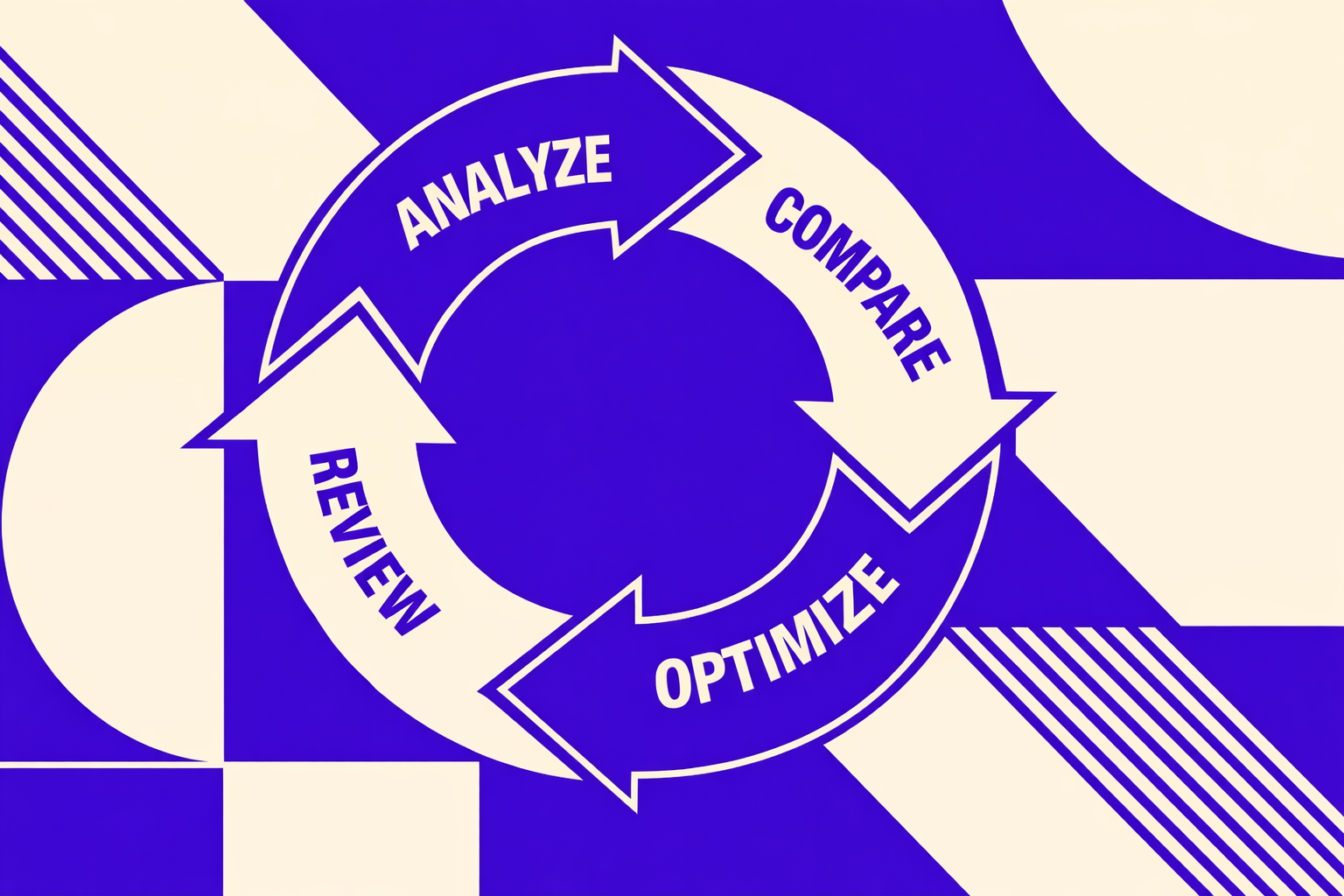
Quick comparison table
| Tool | Detection approach | Geo support | Device support | Keyword scale | Evidence capture | API and exports | Alerts | Pricing model |
|---|---|---|---|---|---|---|---|---|
| MygomSEO | Live SERP checks + rules | Multi-geo presets | Desktop + mobile | High (batch) | Screenshot + HTML | Exports + API | Yes | Usage-based tiers |
| Tool B | Dataset-based | Limited countries | Desktop-first | Very high | Snippet only | CSV export | Limited | Seat-based |
| Tool C | Browser emulation | Strong | Desktop + mobile | Medium | Screenshot | Limited API | Yes | Project-based |
| Tool D | Live fetch | Medium | Mobile-first | High | Screenshot | API | Yes | Credit-based |
| Tool E | Panel sampling | Mixed | Mixed | Medium | None | Dashboard only | No | Enterprise quote |
| Tool F | SERP API wrapper | Strong | Desktop + mobile | Very high | Raw HTML | API-first | No | Pay-per-call |
This table helps shortlist the best google ai overviews checking tool by workflow fit. It also shows where an ai overviews checker behaves like an audit tool, not a dashboard.
Performance and scale considerations
At scale, batching matters more than UI polish. For example, a team checking 20,000 keywords needs stable queues. It also needs backoff when rate limits hit.
Data freshness depends on how each google ai overview tool pulls results. Live fetches can recheck daily for priority keywords. Broader sets usually move to weekly or biweekly cycles. Teams should document the cadence and treat it as an SLA.
Exports matter when results feed BI and incident response. API-first tools integrate cleanly with ai testing pipelines. Dashboard-only tools often block repeatable reruns.
Common pain points and how to avoid them
False negatives often come from experiments and rolling buckets. For example, an overview can show on mobile in Chicago and vanish elsewhere. The fix is controlled geo, device, and timestamp runs with stored proof.
Inconsistent geos create noisy diffs. Teams should standardize locations and language, then rerun with the same settings. Missing citations also breaks trust. Evidence should store the rendered block and its visible sources.
Lack of audit trails causes internal disputes. Teams should keep immutable logs and exported snapshots. Selection should prioritize evidence plus repeatability before dashboards when choosing the best google ai overviews checking tool.
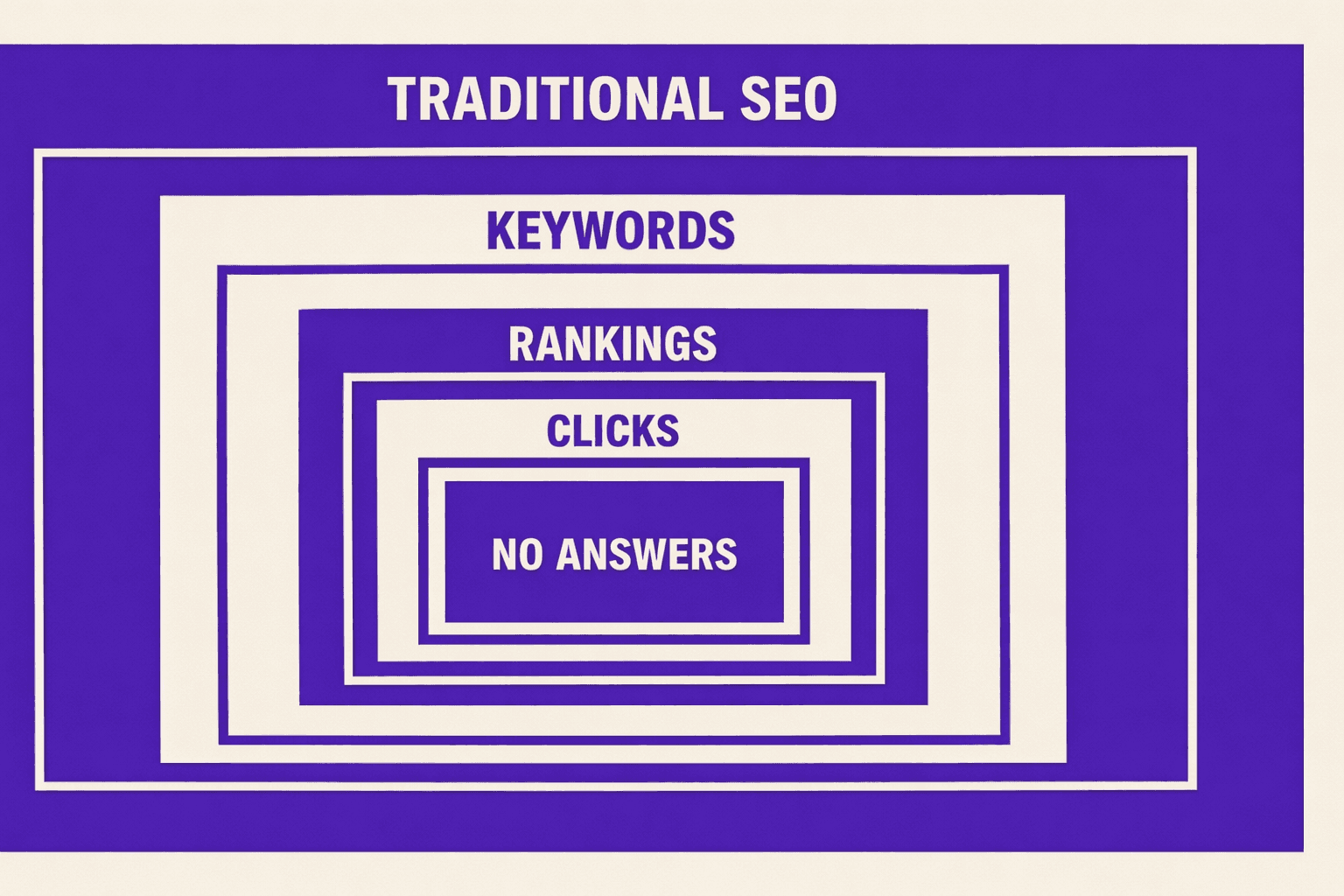
AI Overviews can reduce organic clicks by answering queries inline. Teams should report it as a visibility shift, not only a ranking change. Pair AI Overview presence with CTR trends in Google Search Console, and annotate dates when coverage changes. An ai detector is not a substitute for SERP evidence, even when accuracy claims reach 97% or 98% for content detection tasks (9 Best AI Detectors With The Highest Accuracy in 2026).
Verdict and Free AI Overview Checker CTA
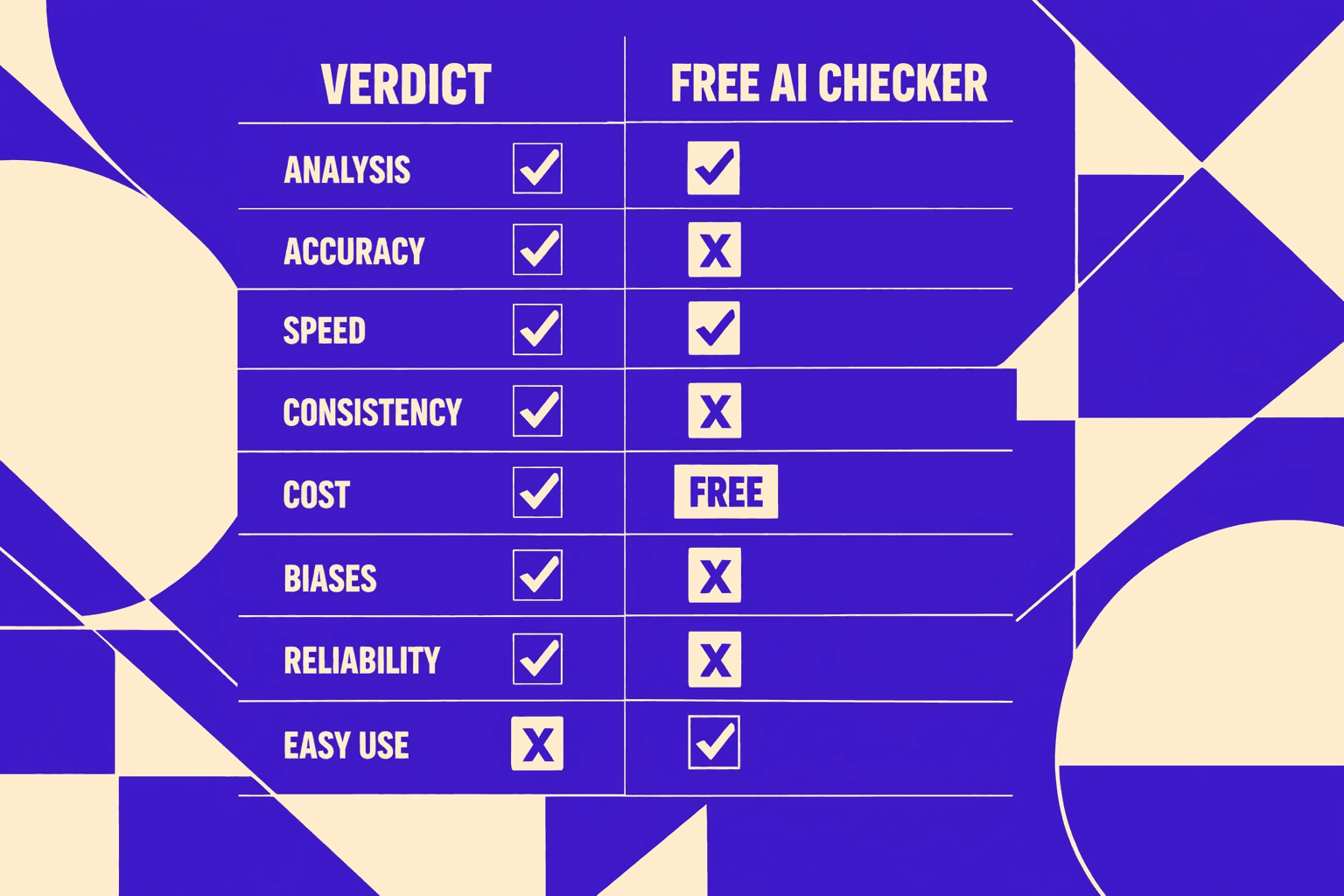
Selection should follow the rubric in order. Accuracy and evidence come first, because an unprovable detection result creates noisy decisions. Scale comes next, because AI Overview visibility shifts and needs routine rechecks. Workflow integration follows, because the right tool should reduce manual screenshots, spreadsheets, and one-off spot checks.
Implementation checklist:
- Define keyword sets by intent, page type, and market.
- Choose canonical test locations, including one control geo.
- Set a recheck cadence tied to content and SERP volatility.
- Store evidence per run: query, device, geo, timestamp, and HTML or screenshot.
- Set alerts for appearance, disappearance, and citation changes.
Before committing to a paid platform, start with a free checker that validates AI Overview presence in minutes and confirms the evidence format fits internal QA. Want to learn more? Learn More to explore how we can help.
AI Overviews will keep evolving, so teams that standardize verification now will move faster later.