OpenClaw for SEO: How to Automate Technical Audits with AI Agents
OpenClaw SEO automation turns technical SEO audits into a repeatable pipeline. It automates crawling, rule-based checks, and agent-run tasks that create tickets you can track. Manual audits fall apart when sites scale and releases ship daily. Checks drift, and regressions slip into production. According to What is OpenClaw, and Why Should You Care? - Our Take, a scan of 31,000 agent skills found 26% contained security vulnerabilities - highlighting the importance of controlled, read-only automation for SEO tasks. In this guide, you'll configure OpenClaw, run AI-assisted audits using MygomSEO data, and validate outputs before you ship fixes. You'll also operationalize weekly reporting, so issues stay visible. Follow the same setup-to-verification workflow pro teams use to reduce regressions.
Prerequisites for OpenClaw SEO workflows
Tools and accounts you need
Gather tools before your first OpenClaw SEO automation run.
Create an OpenClaw workspace at openclaw.dev (or your self-hosted instance) and initialize an agent runner using openclaw init in your terminal.
Add a crawl client with a clear User-Agent.
For example, treat this like a new CI job. You need secrets first.
- Create an environment file for tokens.
- Generate an API token for MygomSEO audits.
- Store secrets in your vault, not git history.
You should now have one place for credentials.
Data indicates costs can swing 75x by model choice (What Is OpenClaw? The Open-Source AI Agent That Actually Does ...).
Minimum site access and permissions
Confirm crawl access on staging or production.
Allow your crawler IP ranges if you lock down ingress.
Prepare read-only access to your CMS or repo.
That enables template-level change notes, not page guesses.
- Whitelist OpenClaw’s User-Agent in WAF rules.
- Confirm robots.txt does not block your test paths.
- Create a read-only CMS role or repo token.
You should now avoid auth loops and 403 storms.
Use your internal QA list from this technical SEO checklist as your seed set.
Baseline knowledge to move faster
Know what an ai agent can and cannot change.
Know where canonical tags and sitemaps are defined.
Understand your deploy flow and rollback path.
This keeps autonomous ai recommendations actionable.
- Define a “test URL set” of 20-50 URLs.
- Include key templates, plus one known 404.
- Record expected status codes and canonicals.
You should now have a clean verification target.Is OpenClaw SEO automation safe for production sites? Yes, if you keep it read-only and rate-limited.
Verify robots.txt fetch succeeds and your 20-50 URLs crawl.
At this point, your runs should show zero auth errors.
Step 1: Configure OpenClaw SEO automation
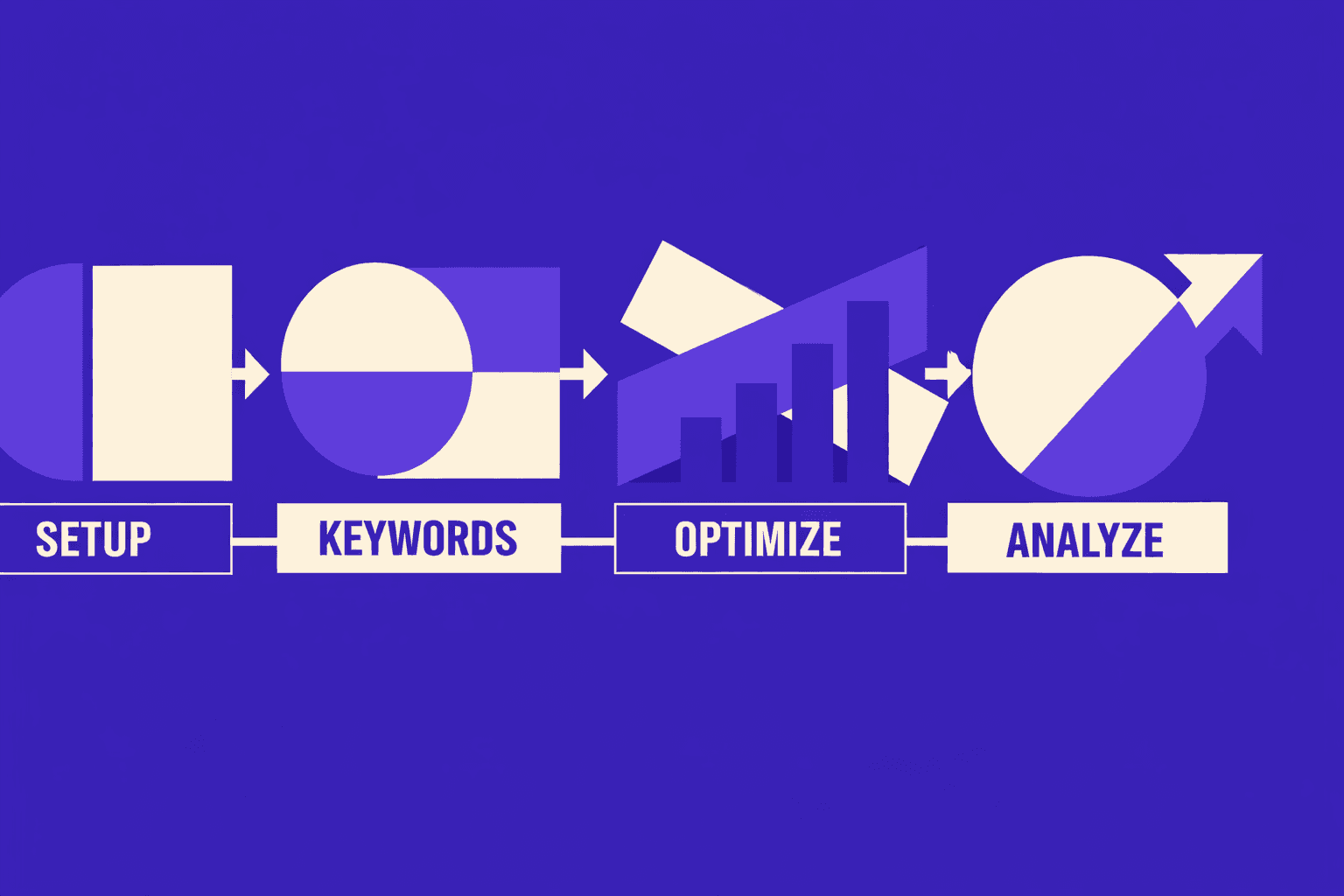
1. Define your audit scope and success criteria
Start by deciding what OpenClaw should crawl.
- Select your target scope.
- Choose entire domain for smaller sites and migrations.
- Choose key directories for large sites and teams.
- Enter include rules, like
/docs/or/blog/. - Enter exclude rules, like
/cart/or?sort=patterns.
You should now have a scope that matches your risk area.
Next, define what “success” means for the run.
- Set your KPIs as crawl outputs.
- Track indexable pages count.
- Track 4xx and 5xx totals.
- Track redirect chains over 1 hop.
- Track canonical conflicts (canonical points elsewhere).
- Track internal linking signals (orphan-like pages).
You should now see a KPI list you can trend weekly.
Checkpoint: Verify your scope returns a sane URL count. If it’s exploding, tighten rules before proceeding.
2. Connect data sources and crawling rules
Wire your audit data so your agent can act.
- Connect your data sources.
- Add MygomSEO Audit API as the primary source.
- Add your XML sitemap URL(s) as seed inputs.
- Add a “top pages” list if you have one.
You should now see multiple inputs feeding one crawl plan.
Configure crawl limits next. This prevents server strain and timeouts.
- Set crawl caps and rate controls.
- Set a max URLs limit per run (start small).
- Set max depth to avoid infinite faceting.
- Set requests per second to match your infra.
- Set concurrent connections to a safe number.
- Set a timeout per request and a retry rule.
You should now have a crawl that finishes predictably.
For a visual walkthrough of OpenClaw-style automation flows, refer to the official documentation or community tutorials that demonstrate the API configuration and workflow setup process.
Checkpoint: Verify your rate limits stay below your server alerts. If you see 429s, slow it down.
3. Set guardrails for recommendations
You need guardrails so autonomous ai agents don’t ship risky fixes. Treat OpenClaw SEO as an agent that drafts changes. Your team still owns production.
- Configure recommendation rules.
- Block “rewrite robots.txt” recommendations by default.
- Require approval for canonical and redirect changes.
- Limit fixes to template-safe patterns you control.
- Force every recommendation to include affected URL counts.
You should now see recommendations that are reviewable and scoped.
Add one more rule: define your audit cadence.
- Run audits weekly for active sites with frequent releases.
- Run audits daily for large sites with constant deployments.
- Run audits after every release if you can trigger CI.
- Run audits monthly for stable marketing sites.
You should now have a schedule tied to change velocity.
Final checkpoint: Run a “dry run” crawl. You should get a completed summary with counts for indexability, status codes, canonicals, and internal linking - with no timeouts. If 404s spike, use 404 Pages That Convert: Turning Errors into SEO Opportunities as your triage playbook.
If you want a concrete model for pass or fail gates, borrow the structure from The 10-Point Technical SEO Checklist Every Agency Should Use Before Client Delivery.
OpenClaw agents have demonstrated negotiation capabilities in various domains (including a reported $4,200 car purchase discount), which is why strict guardrails matter in production SEO environments where automated changes carry risk (MindStudio).
Step 2: Run AI agent SEO audits and prioritize fixes
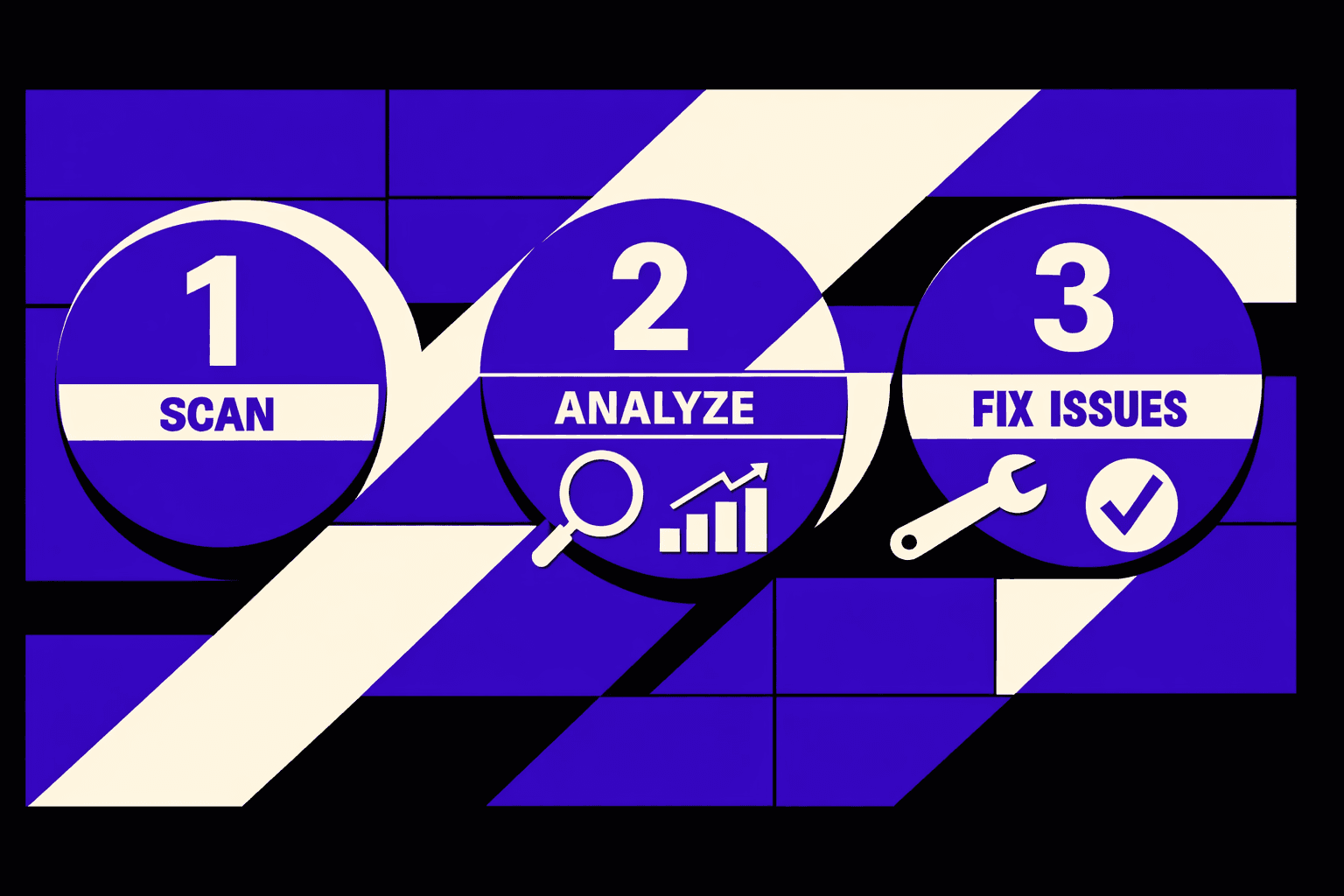
AI agents perform SEO audits by chaining tools. One tool crawls. Another clusters patterns. Another writes fix steps. The agent then validates against rules you define.
1. Execute your first full audit run
Run one complete scan first. Treat it like a production build. Keep the scope fixed so results stay comparable.
- Click Run on your saved OpenClaw workflow.
- Enter your crawl seed set and crawl depth.
- Configure issue modules for these clusters:
- Crawlability (robots, blocks, status codes)
- Indexability (noindex, canonicals, parameter pages)
- Internal linking (orphan pages, depth, anchors)
- Canonicals (conflicts, chains, cross-domain)
- Structured data (missing, invalid, mismatched types)
- Connect MygomSEO as the audit data source.
- Export results as JSON plus a CSV summary.
Your audit run will complete with issue clusters organized by type. Each run receives a stable ID for traceability and comparison.
Verify that your output includes: URL, template type, issue code, and evidence. Evidence means headers, HTML snippet, or link graph facts.
For a broader view of AI-assisted SEO automation workflows (using tools like N8N), see this tutorial. Note that OpenClaw offers similar capabilities with tighter agent control and self-hosting options.
2. Triage findings by impact and effort
Now you sort results into a decision queue. Think “triage board,” not “giant spreadsheet.” Your goal is focus.
- Group findings by template, not by URL.
- Tag each group with:
- Owner (SEO, backend, frontend, content, data)
- Target page type (PDP, PLP, blog, category, docs)
- Expected impact (impressions, clicks, or crawl budget)
- Score each group using a 2x2:
- High impact / Low effort
- High impact / High effort
- Low impact / Low effort
- Low impact / High effort
- Promote the top groups into a “Fix Now” list.
You should now see a short queue with clear tradeoffs. You are no longer debating hundreds of URLs.
Verify that each “Fix Now” group lists exact templates. For example: /product/* canonicals, or /blog/* schema.
Troubleshooting tip: If everything looks “high impact,” your rules are too broad. Tighten impact tags to impressions and clicks.
For deeper clustering ideas, reference The 10-Point Technical SEO Checklist Every Agency Should Use Before Client Delivery.
3. Turn outputs into tickets and owners
Convert the ranked queue into assignable work. Your goal is 10 to 20 tickets. Each ticket must be testable.
- Create one ticket per issue + template.
- Paste three required fields into every ticket:
- Affected URLs (sample 10, plus query rule)
- Root cause hypothesis (what code or config)
- Acceptance criteria (what “done” means)
- Add due dates and owners.
- Attach audit evidence and reproduction steps.
- Link tickets back to the run ID.
You should now have a ranked list of fixes. Each item has a definition of done.
Verify that you can point to:
- Your top 3 technical blockers.
- The exact URLs or templates affected.
- A ticket list with due dates and acceptance criteria.
Example acceptance criteria for a 404 cluster: “All /docs/* links return 200 or 301.” Use your run report to prove it. For related patterns, see 404 Pages That Convert: Turning Errors into SEO Opportunities.
Can OpenClaw connect to Google Search Console and analytics?
Yes, if you add connectors. You typically use OAuth for Google APIs. You then store tokens in your gateway secrets. From there, ai agents like OpenClaw can pull query pages, clicks, and impressions.
At this point, your OpenClaw SEO automation can enrich audit clusters with performance signals. You can prioritize fixes that touch top landing pages.
Note on deployment: While third-party managed hosting starts at $0.99/month for simple setups, the self-hosted approach described in this guide gives you full control over your infrastructure and API integrations, per MindStudio.
Conclusion: Verify improvements and scale automation
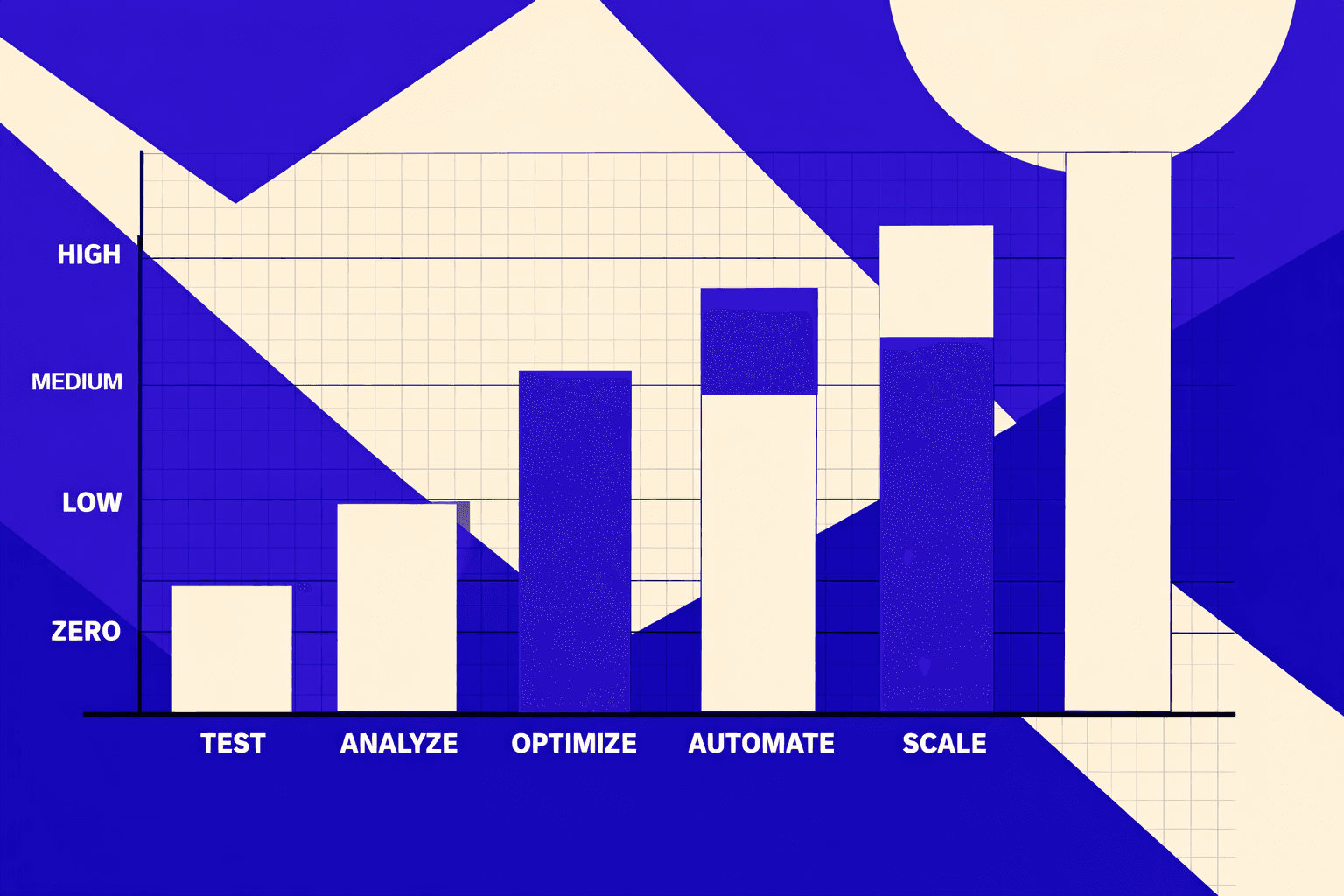
To validate your automation pipeline, re-run the exact audit profile you used for your baseline. Then compare deltas side-by-side, before vs. after. Focus on the changes that break sites at scale: canonicalization consistency, redirect behavior, and indexability on the templates you actually touched. Check templates, not just a handful of example URLs. One "good" page does not mean the pattern is fixed.
You should now be able to show measurable movement in your technical KPIs. Look for fewer 4xx pages, fewer redirect chains, a higher indexable ratio, and improved internal link depth on key page types. Those are the metrics that tell you the crawl is cleaner and discovery is improving. Then turn that proof into operations. Set a weekly run schedule and keep the same reporting view. You want trend lines, not snapshots.
Verify you’re ready to scale before you call it done. Your latest run should show reduced issue counts on the exact clusters you targeted. Your reporting should also show at least one KPI moving the right direction within 1 - 2 weeks, depending on crawl frequency and index cycles. If nothing moves, do not guess. Re-check the affected templates, confirm your redirects resolve in one hop, and re-validate canonicals and robots directives on the live URLs OpenClaw crawled.
The teams that win with automation treat technical SEO like release engineering. Every change is measurable. Every regression is detectable. The cadence never slips.
Want to learn more? Learn More to explore how we can help.