How to Catch Hidden Redirect Chains Before Googlebot Does
An seo audit tool is your fastest way to catch ranking blockers before they turn into traffic losses. An SEO audit tool is software that crawls your site and flags technical issues that hurt crawling, indexing, and speed. Modern sites ship changes daily, so you need an audit workflow you can repeat, explain, and hand to developers. According to Too Many Redirects: Fix Loop Errors & Protect SEO, redirect chains waste crawl budget, weaken link equity, and slow down page loads - preventing important pages from being discovered efficiently.
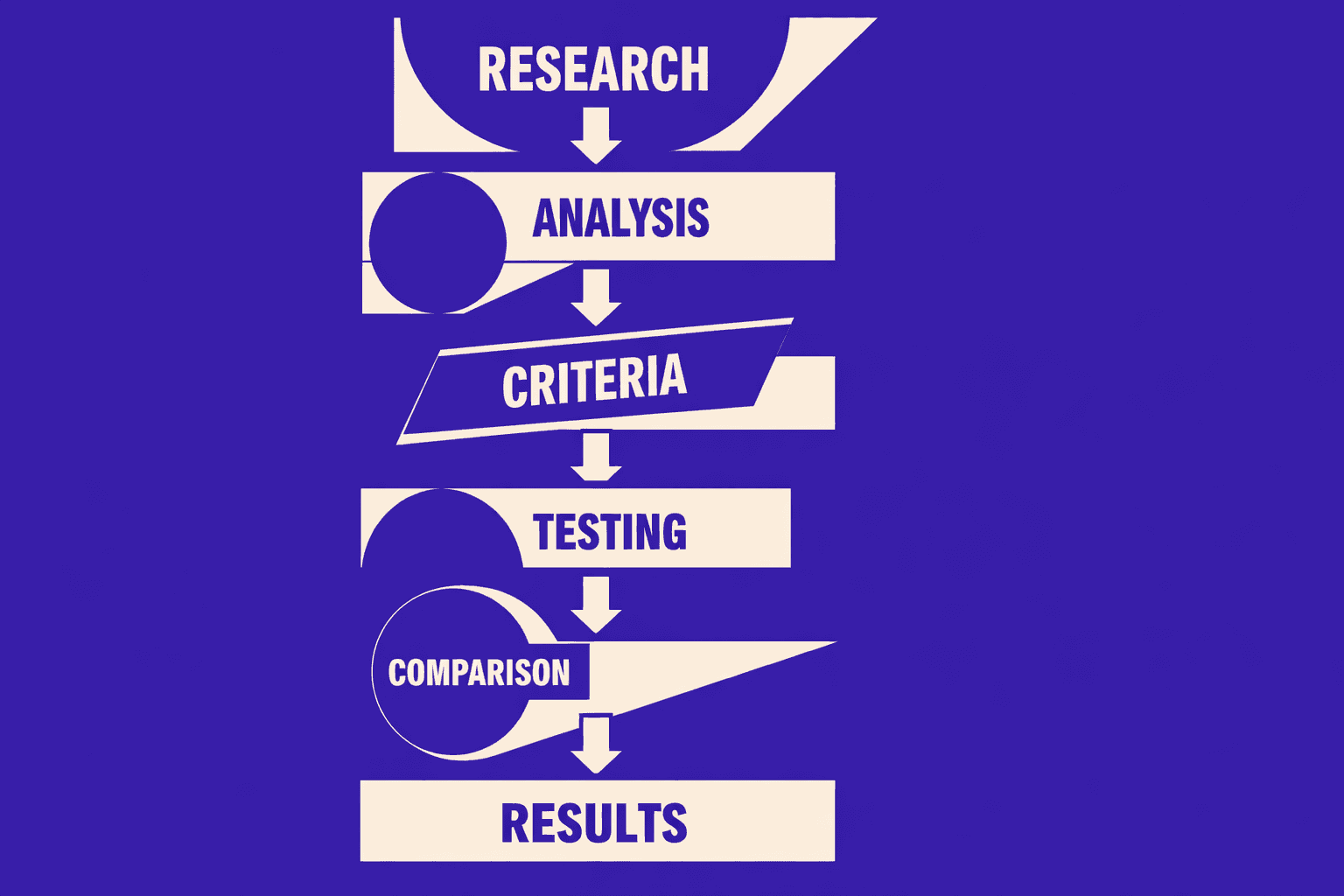
In this tutorial, you’ll build a step by step audit process that finds issues, prioritizes fixes, and verifies results after you ship. You’ll leave with an actionable workflow, not vague advice, so you can fix what matters and prove the win.
Part 1: Prerequisites for a Repeatable Site Audit
Skills you should have
In this part, you’ll learn what you must know before scanning.
You need to read basic HTML and spot key tags fast.
You also need to recognize HTTP status codes like 200, 301, 404, and 500.
Finally, you must be comfortable in browser DevTools.
For example, you should trace a redirect in the Network tab.
Tools and accounts you need
In this part, you’ll connect the data sources that validate outcomes.
Before any technical seo audit, connect Google Search Console and Google Analytics.
Search console tells you indexing, coverage errors, and crawl signals.
Analytics tells you which landing pages actually drive organic visits.
These two sources answer, “Did the fix change real traffic?”
You should also export your crawl data every run.
This avoids “screen-only” audits with no history.
For deeper context, read SEO Audit Data Export: Why Most Tools Hide Your Results.
Project setup and versions
In this part, you’ll lock your setup so reruns stay comparable.
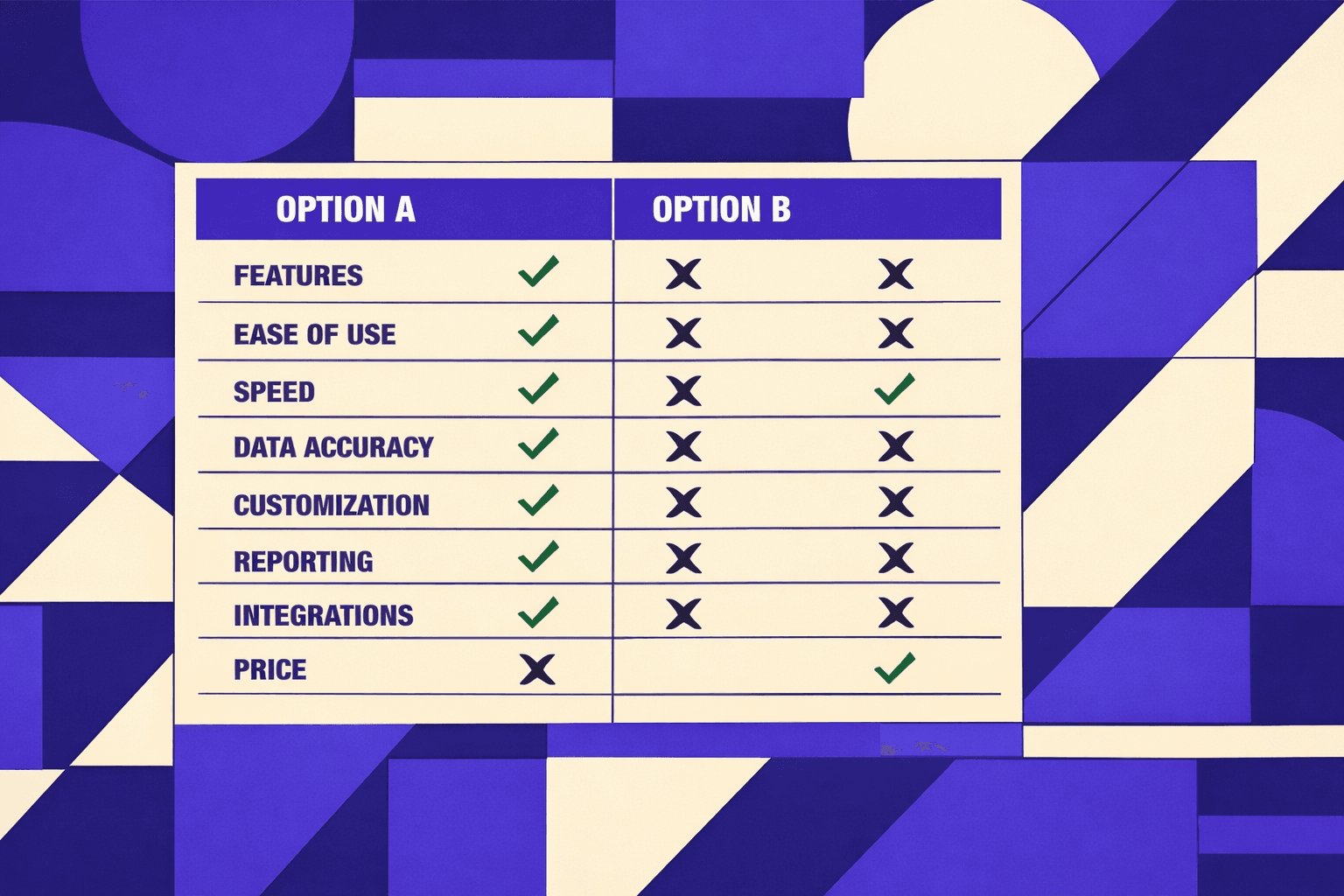
Pick one seo audit tool and stick with it.
Changing tools mid-tutorial breaks your baseline and your diffs.
Create a single audit folder with dated exports and notes.
If you do seo for developers work, add a repo issue template too.
Define success metrics before you scan
In this part, you’ll set targets that prevent “list-only” audits.
Define success before you crawl, not after.
Track indexed pages, organic landing pages, Core Web Vitals, and error counts.
Add crawl budget signals like wasted crawls on redirects and 404s.
According to Too Many Redirects: Fix Loop Errors & Protect SEO, monitor what percentage of your crawled URLs are redirects - high redirect volume wastes crawl budget and signals architectural debt that needs cleanup.
Audits fail when nobody owns the numbers.
They also fail when you skip baselines and can’t prove impact.
If you want a scalable workflow, review AI SEO Audit Tools Drive Technical SEO Results for Modern Teams.
Part 2 Configure Your SEO Audit Tool and Run a Baseline Scan
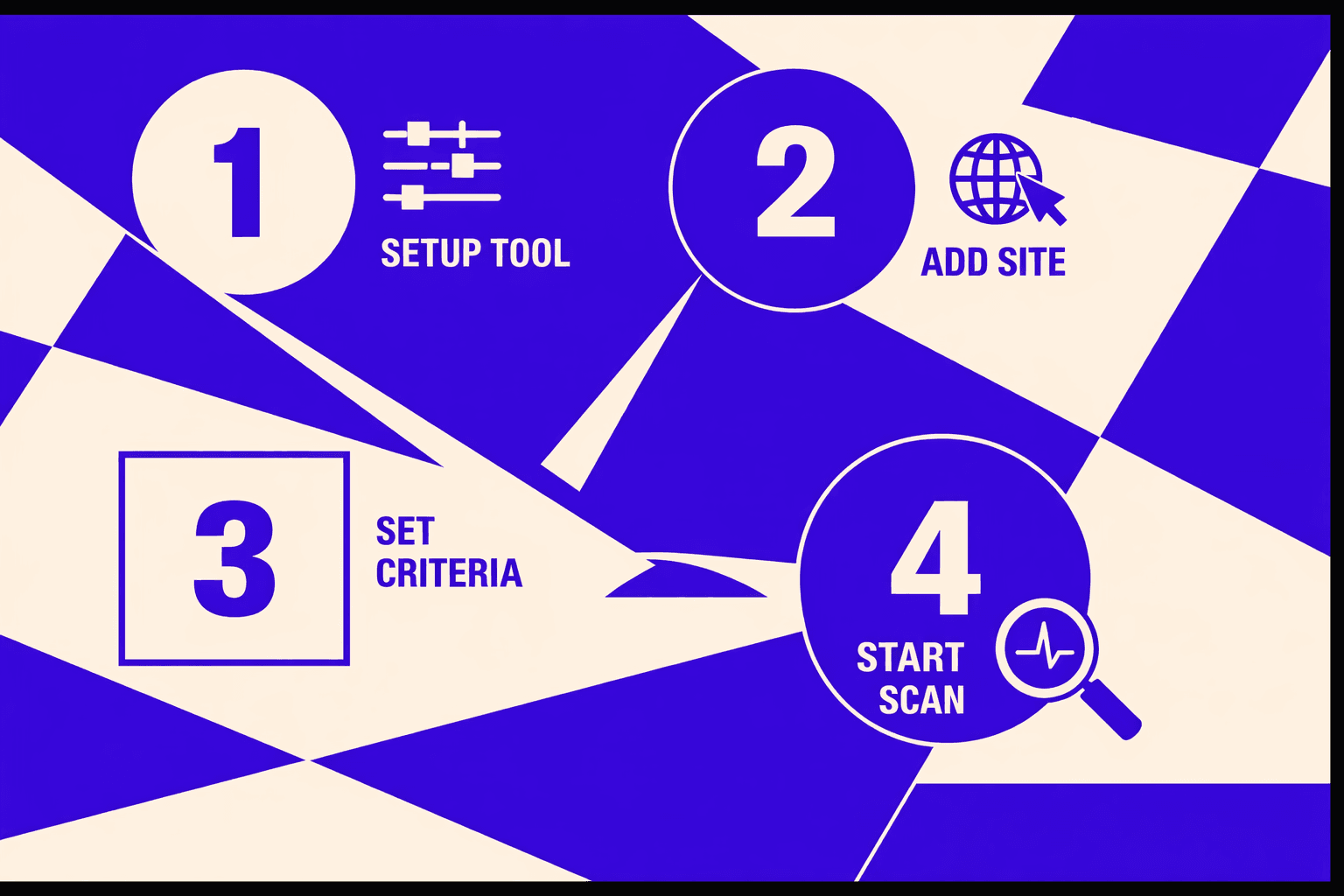
1. Choose scan scope and crawling rules
By the end of this section, you’ll know what to crawl first. You’ll also set rules that match Googlebot.
Start with the smallest useful scan. Crawl your core templates and top organic landing pages. For example, pick your homepage, a category template, a product template, and your top 20 SEO pages.
Set crawl rules that mirror real crawling.
- Follow internal links, but block logout, cart, and filtered faceted URLs.
- Respect canonical tags, so you can spot canonical conflicts fast.
- Record redirects, including every hop in redirect chains.
- Capture indexability signals like robots meta and x-robots-tag.
This scope prevents analysis paralysis. It also keeps the dataset clean.
2. Run the first crawl and export results
By the end of this section, you’ll have a point-in-time snapshot. You’ll use it later to prove improvement.
Run the crawl and wait for it to finish. Then export the report immediately. Save it with a date stamp, like baseline-2026-03-06.csv. Your export will have columns like URL, Status Code, Redirect URL, and Canonical Tag. For example, you might see: https://example.com/old-page, 301, https://example.com/new-page. This is a redirect you need to review.
If you’re hunting redirect chains, export the redirect and response code views. According to How Redirect Chains Impact Your SEO (And How To Fix Them), you can find the right export quickly by using “Export” and selecting Response Codes → Redirection (3xx) Inlinks.
If your tool buries exports, read SEO Audit Data Export: Why Most Tools Hide Your Results.
3. Create a prioritized backlog from findings
By the end of this section, you’ll turn noise into a plan. You’ll ship fixes instead of collecting issues.
Create a backlog with two fields: impact and effort. For example, fixing a 404 on your top landing page (gets 5K visits/month) is high impact, low effort - just a redirect rule. Redesigning your entire pagination architecture? High impact, high effort - defer it. Sort by "high impact, low effort" and tackle those wins first.
Start with crawl errors and indexability blockers. For example, a 404 on a top landing page beats a minor title tweak. Treat redirect loops as production bugs, because users and bots get stuck (Too Many Redirects: Fix Loop Errors & Protect SEO).
4. Quick wins you can fix immediately
By the end of this section, you’ll know what to fix first. You’ll also know what to defer.
Fix these immediately when you see them.
- Broken internal links causing crawl errors.
- Redirect chains where you can link directly to the final URL.
- Incorrect canonicals pointing to non-indexable pages.
- Accidental
noindexon money pages.
What should you look for first in an SEO audit report? Prioritize crawl errors, indexability signals, and redirect chains. Those issues block discovery and ranking first. Save deeper tuning for later, after your baseline holds.
Part 3 Technical SEO Audit With Your SEO Audit Tool
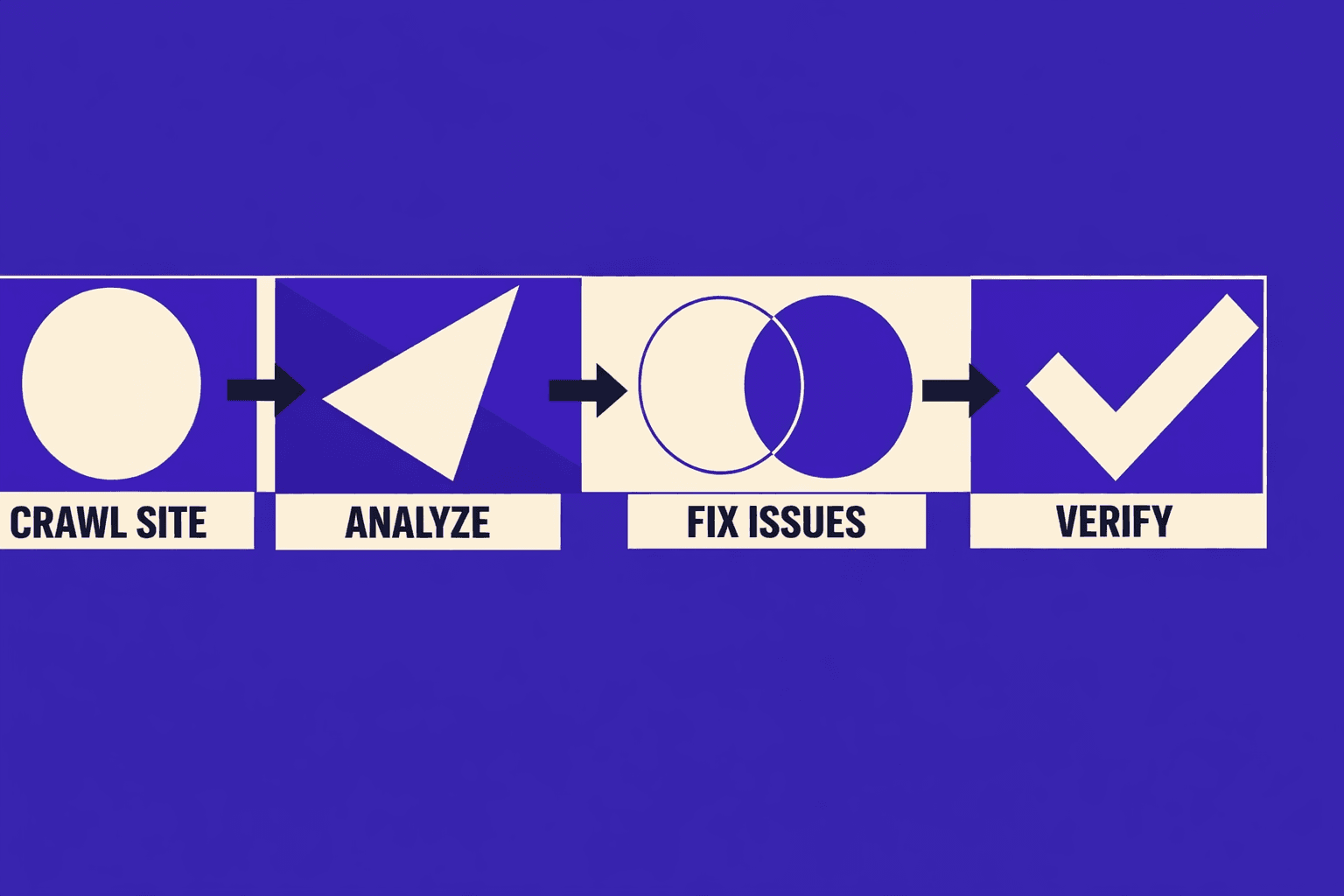
Crawlability and indexation checks
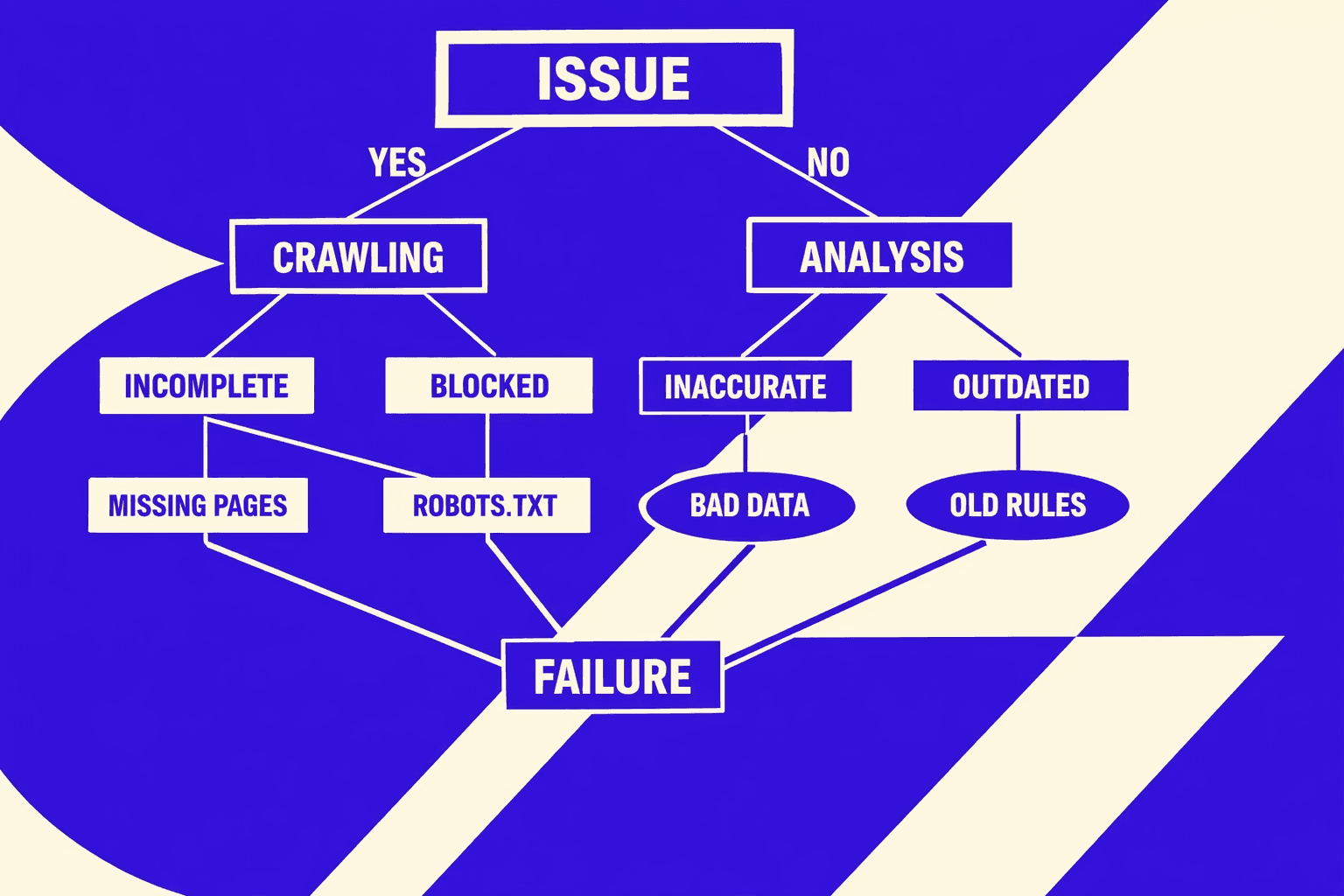
By the end of this section, you’ll know what blocks discovery. You’ll also separate crawl problems from index problems. Start with robots rules. Check robots.txt, meta robots, and x-robots-tag headers for surprises.
Next, hunt for broken internal links and orphan pages. Broken links waste crawl paths and damage user trust. Orphan pages are even worse - they exist on your server, but your site never links to them, so crawlers can't discover them naturally. You'll only find orphans if you feed your tool a complete URL list from your CMS or sitemap.
Then, review server errors and soft failures. Look for 5xx spikes, 403 blocks, and timeout patterns. Redirect loops belong here too. According to Too Many Redirects: Fix Loop Errors & Protect SEO, redirect chains waste crawl budget, weaken link equity, and slow down page loads - preventing important pages from being discovered efficiently. Redirect loops stop discovery cold and force both users and developers into frustrating debugging cycles.
Canonicalization and duplicate content control
By the end of this section, you’ll control duplicates without guessing. Canonicals tell Google which version you mean. They also expose conflicts between templates.
Start with canonical vs indexability checks. A common failure looks like this: a page is crawlable, returns 200, then declares noindex. Another failure is a canonical pointing to a URL that redirects, 404s, or differs by parameters. You want a clean chain: 200 page → self or chosen canonical → 200 canonical target.
Next, spot duplicate clusters by pattern. For example, faceted URLs that differ only by sort order. Or printer pages that copy product detail content. When chains appear, shorten them. Redirect chains add friction and confusion, especially at scale (How Redirect Chains Impact Your SEO (And How To Fix Them)).
Site performance and Core Web Vitals
By the end of this section, you’ll prioritize Core Web Vitals that match real users. Focus on LCP, INP, and CLS. These map to load speed, interaction delay, and layout stability.
Start with LCP. In your audit tool, look for the 'Performance' or 'Page Speed' section. You might see a flag like 'LCP: 4.2s (Poor)' on your homepage. For example, your hero image loads late because it's not sized or prioritized in the HTML. Fix by compressing, preloading, and avoiding heavy client-side rendering for above-the-fold content. Then tackle INP. Long tasks usually come from too much JavaScript on key pages. Reduce bundle size and defer non-critical scripts.
Finally, address CLS. Most shifts come from missing width and height on images, ads, and embeds. For deeper investigation workflows, read Why Your Site’s Core Web Vitals Fluctuate (And What to Do About It).
Structured data validation basics
By the end of this section, you’ll stop rich results from failing quietly. Structured data can look “present” but still be invalid. Validate coverage by template. Then validate errors and warnings by type.
For example, product pages may miss offers or have invalid priceCurrency. Blog pages may miss datePublished. Fix structured data at the component level, not per URL, so the change ships once.
Logically grouping issues by template
By the end of this section, you’ll turn a long list into an engineering plan. Group issues by template, route, or shared component. For example, “all PDPs” or “all category pages.” This is how you scale fixes.
This is also what matters most for rankings. Crawlability and clean index signals build trust. Then performance and structured data improve outcomes over time. If you want a deeper look at scalable automation, see AI SEO Audit Tools Drive Technical SEO Results for Modern Teams.
Part 4 SEO Checker Free Workflow for Triage and Reporting
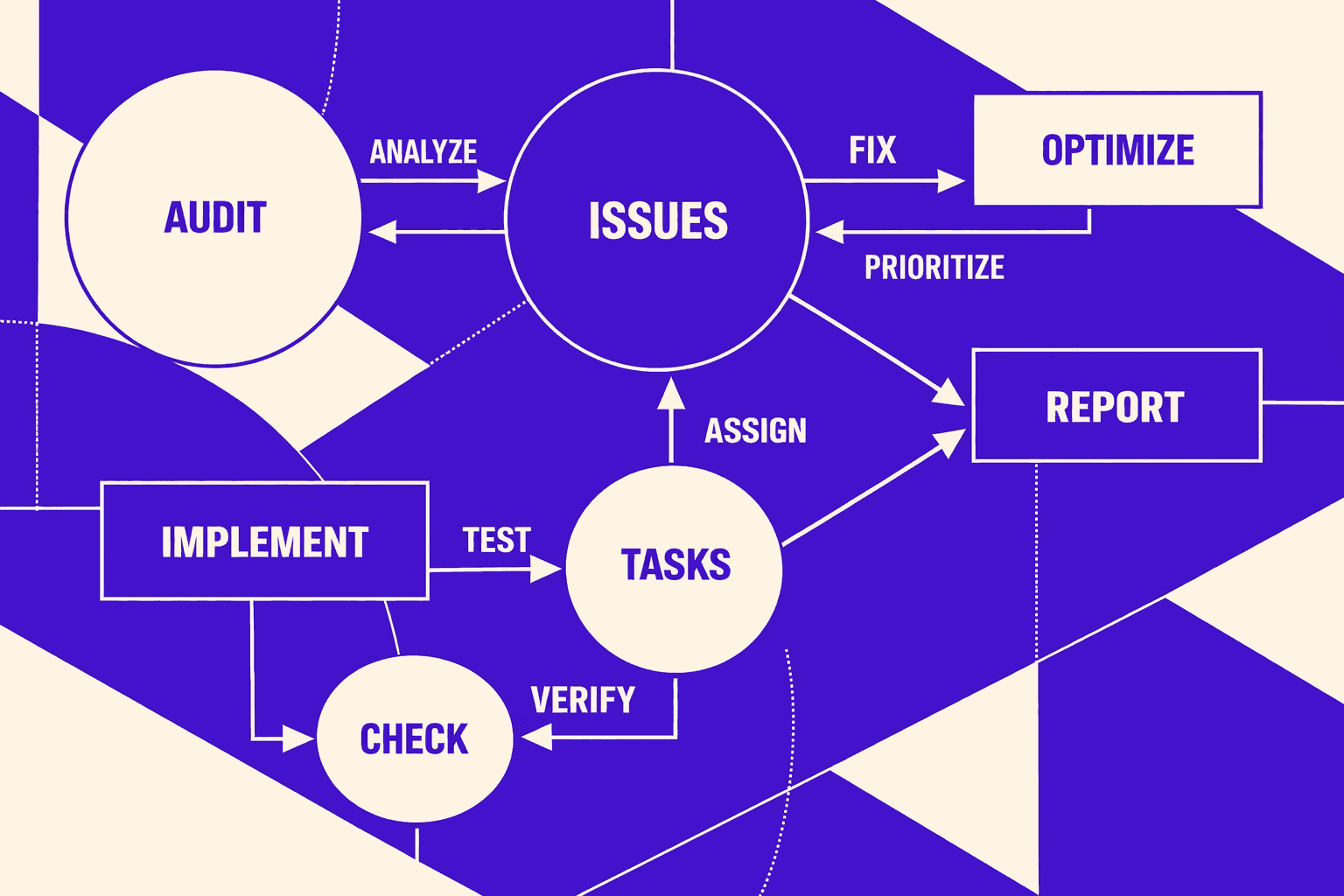
1. When to use an seo checker free tool
Use free checkers when you need speed over depth.
- Fast spot checks during a release, for example after a redirect edit.
- Competitive sanity checks, like “are they chaining redirects too?”
- Validating a single URL change, like canonicals or status codes.
Think of this like a unit test. You are not rerunning the whole suite. You are verifying one behavior, right now.
2. Cross checking results to reduce false positives
Free tools are useful, but they can be incomplete. That’s why you cross check. Are free SEO checkers accurate? They’re accurate for what they test, but they rarely share crawl scope or settings.
Do this to cut noise:
- Re-test the same URL in two free tools.
- Compare results against your main crawl export.
- Confirm server behavior in your browser’s Network tab.
For example, a chain can look "fine" in one tool. Another tool might show extra hops. Redirect chains and loops are common when old rules never get removed. According to Too Many Redirects: Fix Loop Errors & Protect SEO, redirect chains waste crawl budget, weaken link equity, and slow down page loads - preventing important pages from being discovered efficiently. Users can still land on legacy URLs from old campaigns, bookmarks, or external links, which is why redirect chains accumulate over time.
3. Create an executive summary and a developer handoff
Create two outputs, every time.
- One-page business summary: impact, risk, and what ships this sprint.
- Developer ticket pack: URL list, repro steps, expected result, acceptance criteria.
Keep tickets concrete for seo for developers. Link to raw exports when needed, using SEO Audit Data Export: Why Most Tools Hide Your Results.
4. Build a monthly rerun cadence
Can you do an SEO audit for free? You can do triage for free. But you need consistency for trend tracking.
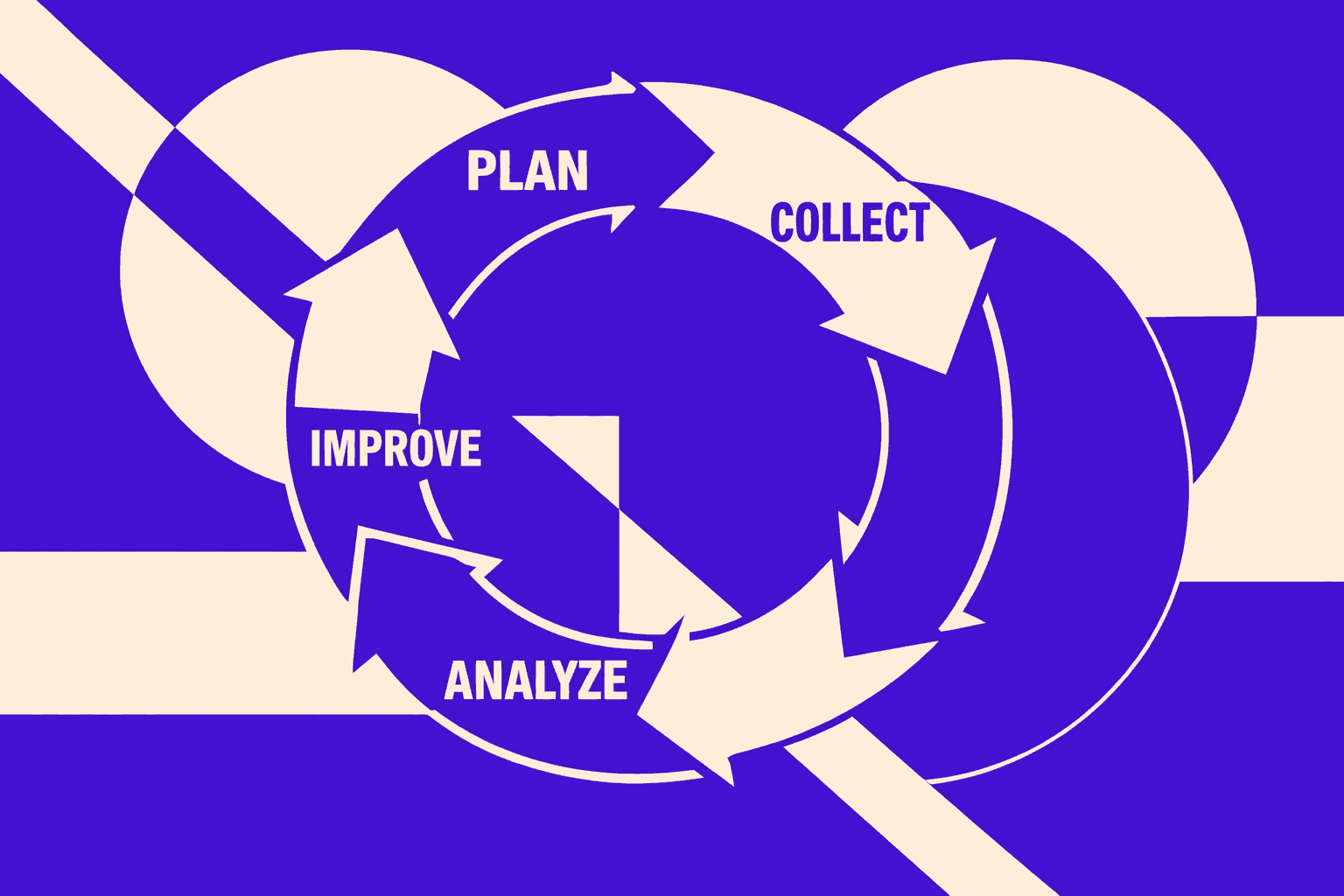
Rerun monthly. Compare deltas, not feelings. Track what got fixed, what regressed, and what is new. That loop is your differentiator. Most guides stop at findings. You build a lightweight system that drives an seo report and drives shipping.
Conclusion: Testing, Deploying, and Proving SEO Wins
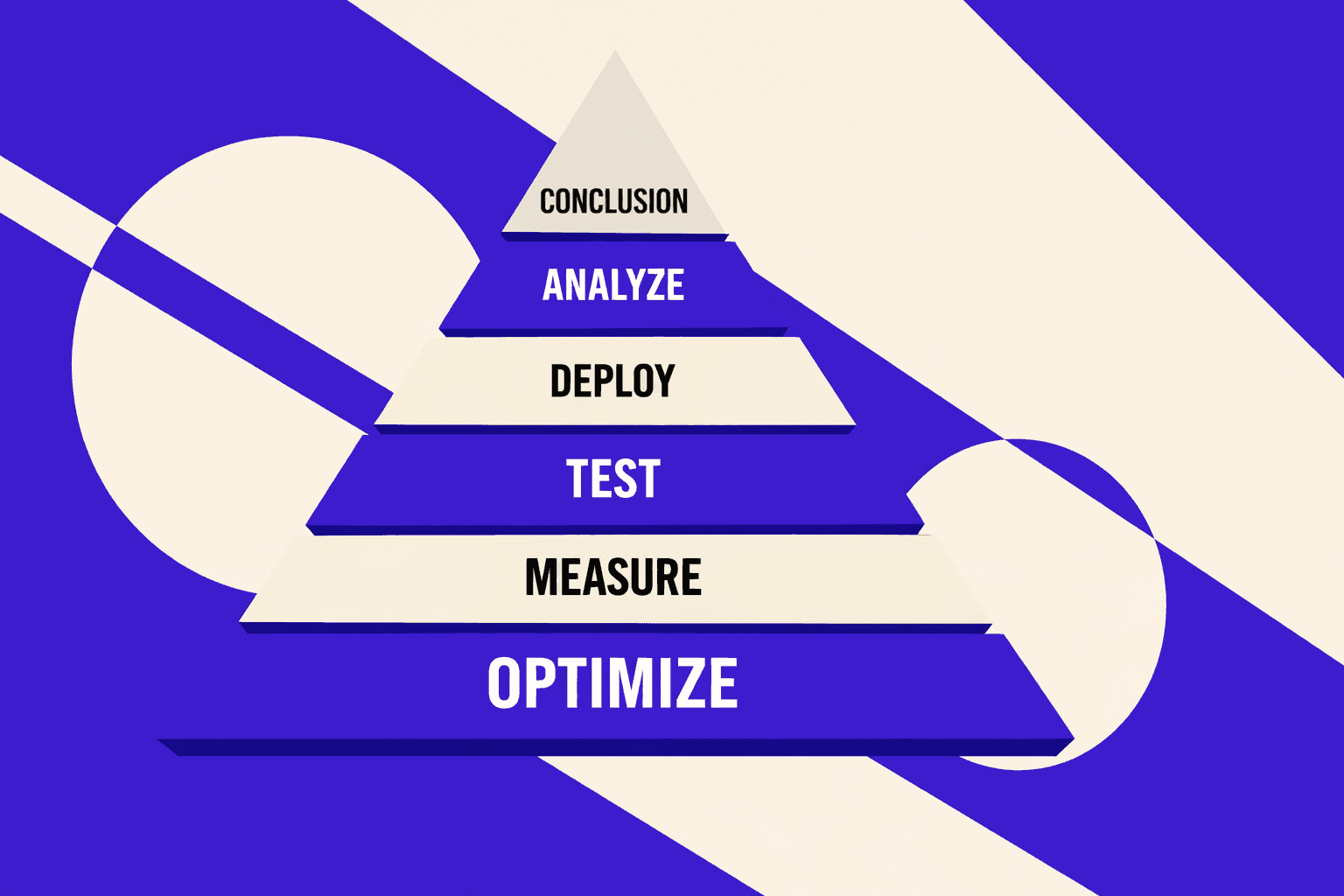
Before you deploy, test the basics like you would any production change. Confirm the right HTTP status codes on every hop. Verify canonical tags point to the correct, indexable URL. Recheck robots directives and meta robots so you do not block key templates by accident. Update sitemaps when URL sets change, then validate that internal links resolve to final destinations, not chains or dead ends. This is the unglamorous layer that prevents crawl waste and index confusion.
Next, validate performance work with both lab and field signals when you can. Lab tools help you spot regressions fast. Field signals tell you if real users improved. Then recrawl the affected templates, not just a single URL, because SEO breakage rarely stays isolated. If your performance “fix” only helps a test page, it will not move outcomes.
Ship safely. Use small releases, so you can attribute impact to a specific change. Track indexation and rankings after deployment, but do it with patience and time windows that match crawl reality. Watch server logs for crawl anomalies, spikes in 404s, bot loops, or sudden drops in Googlebot activity. Logs are where you see how search engines actually interact with your changes.
Close the loop with documentation. Record what changed, which templates were touched, and what you expect to improve. Then rerun your seo audit tool scan and confirm the issue count drops in the places you targeted. If the numbers do not move, treat it like a failing test and iterate.
From here, automate monthly scans, add QA gates in CI for critical templates, and expand into content and internal linking audits to keep compounding gains.
Want to learn more? Learn More to explore how we can help.