Why Your Site’s Core Web Vitals Fluctuate (And What to Do About It)

A seo audit tool should explain the drop when your pages still look “optimized.” Rankings slide, conversions dip, and nobody can point to one broken thing. The real cause often hides in crawl paths, shifting Core Web Vitals, and silent indexation quirks. According to Core Web Vitals report - Search Console Help, Search Console flags URL-level experience issues you can’t spot by eyeballing templates.
Most teams treat audits like one-off checklists. So the same regressions return after every release. A The developer's guide to Core Web Vitals - Raygun study found 75% of sites fail Core Web Vitals.
We built MygomSEO’s audit workflow to catch root causes, ship fixes, and prove impact in days. It’s designed for production reality: tight release windows, recurring bugs, and stakeholder reporting.
Seo Audit Tool Symptoms And Business Impact
Problem symptoms we see in analytics and Search Console
If yourseo audit toolsays “all good,” but charts dip, you feel stuck.
We’ve lived that week.
Search Console showed query impressions sliding on money terms.
At the same time, “valid” pages still underperformed after updates.
You also see index churn.
URLs bounce in and out of the index.
Coverage looks “fine,” yet the winners keep rotating.
That usually points to crawl waste, rendering gaps, or canonicals.
Then Core Web Vitals start acting random.
After a release, scores regress without warning.
LCP varies by template, not by page “importance.”
Mobile lags desktop, even with the same content.
Search Console’s CWV report makes this visible fast (Core Web Vitals report - Search Console Help).
Impact on revenue SEO velocity and user experience
This instability kills momentum.
You ship content, but rankings don’t compound.
You pitch wins, but volatility erases them.
The user experience takes the hit first.
For example, we watched a category template flip overnight.
Desktop stayed “good,” but mobile LCP spiked.
The next morning, clicks dipped on the exact queries.
You don’t argue with that pattern for long.
Bounce risk climbs with slower loads.
Research from Google's Core Web Vitals: What they are & how to improve yours shows bounce chance can increase by32%as load time rises.
That’s why “minor” regressions show up as lost revenue.
CWV also moves on a time window.
According to The developer's guide to Core Web Vitals - Raygun, field data often reflects the last28 days.
So a bad release can haunt you longer.
Failed quick fixes and why they don’t stick
Teams burn weeks on noise.
They chase low-impact warnings from aseo checker freescan.
Meanwhile, high-impact blockers stay untouched.
Think crawl paths, rendering, canonicals, and internal linking.
Quick fixes feel productive, but they don’t last:
- Changing titles and meta without fixing template speed.
- Compressing images only, while JS still blocks rendering.
- “Disallowing” crawl paths without checking logs or index behavior.
- Running a technical seo audit once, then never validating after deploys.
So what’s the best seo audit tool for a growing website team?
Pick one that ties findings to templates, releases, and URLs you ship.
That’s the mindset behind our workflow in AI SEO Audit Tools Drive Technical SEO Results for Modern Teams.
Why does an SEO audit show no issues but rankings still drop?
Because the audit checked static rules, not real behavior.
The failures live in crawl demand, render paths, and CWV drift.
You need evidence, not green checkmarks.
Root Cause Analysis: Why Most Audits Miss Issues
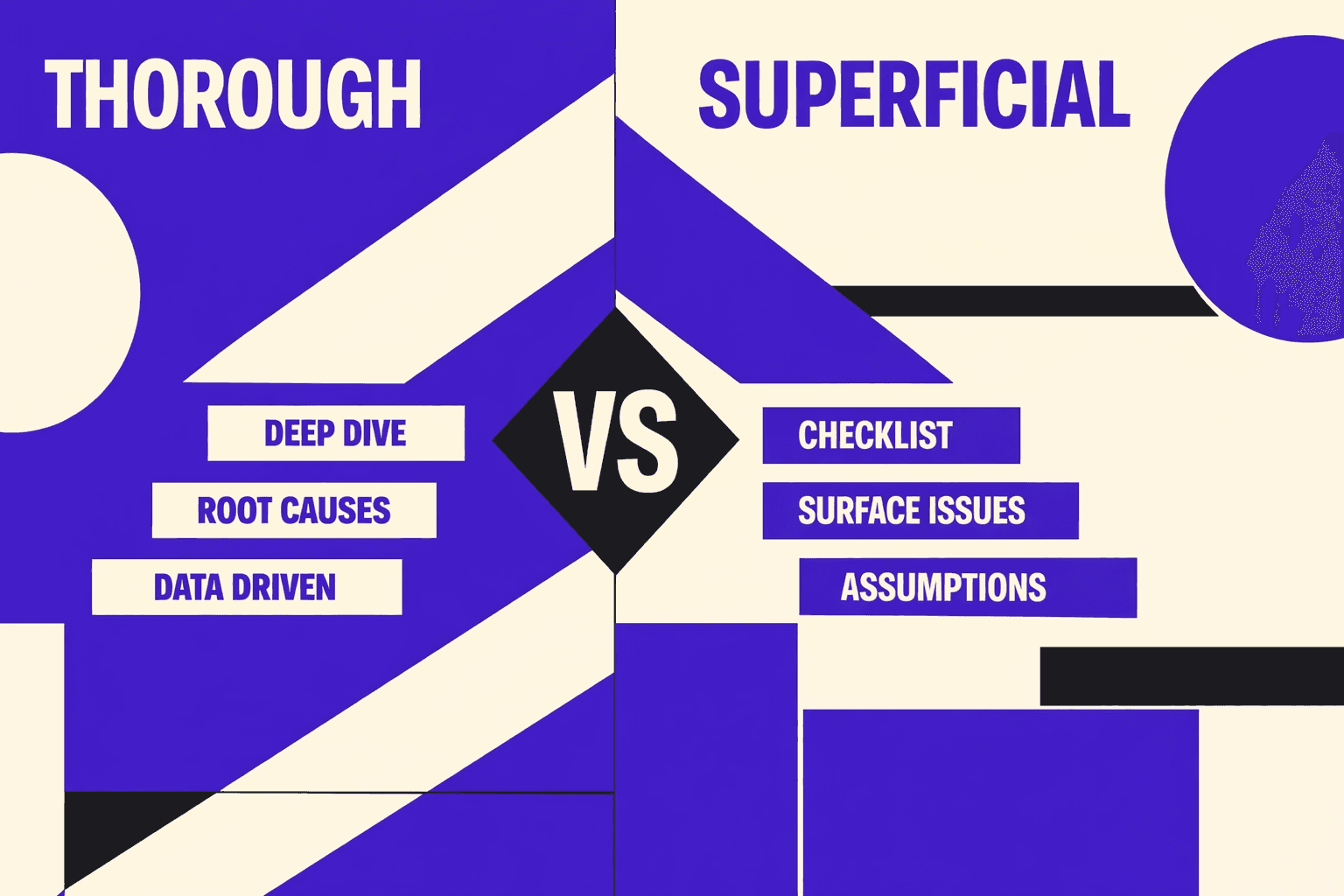
Why checklist audits miss the real blockers
If you’ve run a scan and felt relief, you’re not alone.
We did too, until traffic kept sliding.
One Tuesday, we opened 47 tabs and a log export.
The checklist said “clean.”
Googlebot said otherwise.
It hit parameter URLs, skipped key templates, and bailed early.
Root cause #1 is simple.
Point-in-time scans don’t match real crawling and rendering.
That gap grows on JS-heavy sites and big catalogs.
A page can “pass” while Googlebot sees broken content.
That’s why a technical seo audit must go deeper.
You need crawl paths, fetch behavior, and render output.
Not just HTML snapshots and warnings.
Core Web Vitals root causes beyond image compression
Most teams treat Core Web Vitals as a score.
That creates the wrong fix list.
You compress images and call it done.
Then the next release blows up LCP again.
Root cause #2 is engineering, not settings.
CWV regressions come from templates and components.
They ship with render-blocking CSS, heavy JS, and late font loads.
They also ship layout shifts built into UI patterns.
Third-party scripts make it worse.
Tags, chat widgets, and A/B tools load at runtime.
They change timing and push content around.
That’s why scores “fluctuate” with no code change.
This matters because the impact is brutal.
According to Google's Core Web Vitals: What they are & how to improve yours, bounce can rise by 90% when load time jumps from one to five seconds.
So “good enough” performance still costs money.
If you want stable wins, debug by template.
Track which component causes long tasks.
Then fix the real bottleneck, not the screenshot.
For CWV definitions and reporting, use Google’s docs.
Start with the Core Web Vitals report - Search Console Help.
Pair it with dev-focused guidance like The developer's guide to Core Web Vitals - Raygun.
Technical SEO audit root causes in crawling rendering and indexation
Root cause #3 is missing connections between signals.
Most audits don’t join logs, crawl data, and GSC.
They also ignore sitemaps and internal link graphs.
So teams guess at what “Google sees.”
You need to answer one question first.
Is the problem discovery, crawling, rendering, or indexing?
Those are different failures with different fixes.
A single score can’t tell you which one.
For example, discovery fails when links are weak.
Crawling fails when bots waste time on junk paths.
Rendering fails when JS blocks meaningful content.
Indexing fails when canonicals or noindex conflict.
A good seo audit tool helps.
But it must map symptoms to the right system.
That’s also why we built our workflow around evidence.
We cover that in AI SEO Audit Tools Drive Technical SEO Results for Modern Teams.
Misconceptions that create false confidence
The biggest misconception is “No critical errors.”
You see it in every seo checker free report.
It feels like a green light.
It’s not.
High-impact issues are contextual and site-specific.
They live in templates, routing rules, and edge cases.
They show up only under real crawling conditions.
And they hide behind “informational” warnings.
So how often should you run a technical SEO audit?
Run a lightweight check after every release.
Run a deeper audit monthly on active sites.
Also run it after tracking changes or migrations.
One more reality check matters here.
Google's Core Web Vitals: What they are & how to improve yours notes overall Core Web Vitals compliance has improved by 58% globally.
That raises the bar for everyone.
If you stand still, you fall behind.
Solution Strategy: Our Seo Audit Tool Based Workflow
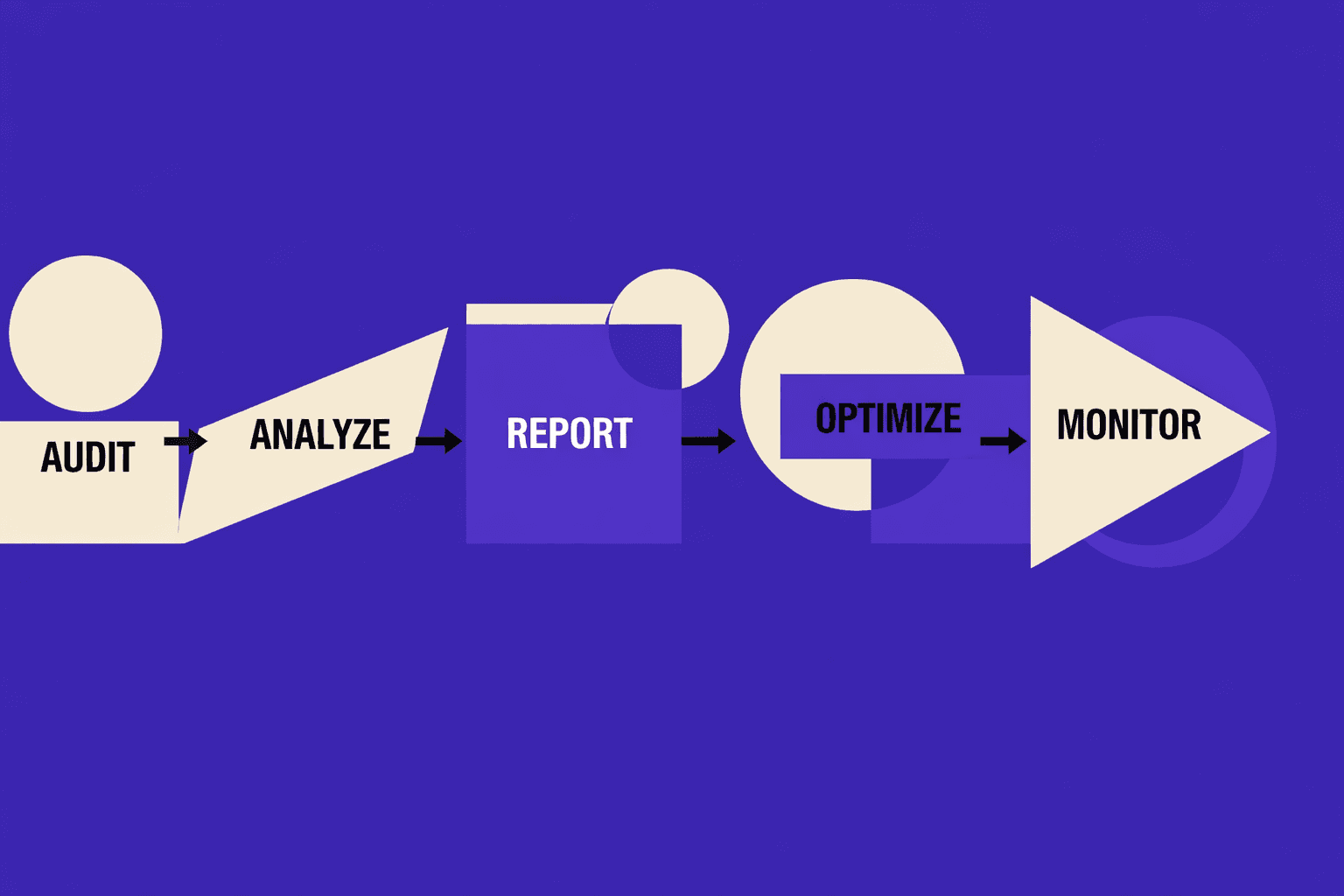
1. What we built and why it outperforms one off audits
Fluctuating scores break trust fast.
We stopped doing one-off audits for that reason.
We built a workflow that runs like a system.
It captures signals, finds root causes, ships fixes, then rechecks.
The same signals confirm the win or kill it.
That loop beats a screenshot-driven technical seo audit every time.
One moment forced the change.
We had 47 tabs open and three dashboards disagreeing.
Lighthouse looked “better,” yet GSC showed new URL drops.
That is when we built a repeatable pipeline, not a report.
2. Data sources we combine for reliable diagnosis
A seo audit tool can improve Core Web Vitals.
But only if it drives engineering actions, not just reporting.
We standardize inputs so diagnoses stay stable.
We pull GSC exports or the API for coverage and queries.
We run crawl data from Screaming Frog or Sitebulb.
We add sitemap data plus internal link graphs.
When we can, we ingest server logs.
Logs tell us what Googlebot really requests.
That closes the gap between “found” and “crawled.”
For performance, we combine CrUX, PSI, and Lighthouse.
We treat core web vitals as template issues, not URL trivia.
Research from Dynatrace shows over 50% of users tie experience to speed.
3. Prioritization model impact effort risk
We do not chase warning volume.
We score issues with four factors.
- Affected URL count and templates.
- Search importance: landers plus query sets.
- Severity: crawl and indexing blockers first.
- Release effort and risk.
This stops the classic trap.
A seo checker free scan screams about tiny things.
Meanwhile, canonicals or rendering break the money pages.
If you want the broader framework, see AI SEO Audit Tools Drive Technical SEO Results for Modern Teams.
4. How we validate fixes to avoid false wins
Verification is non-negotiable.
“Done” means behavior changed, not a green badge.
We validate in four passes.
We rerun crawls and compare indexable sets.
We check GSC for crawl and indexation movement.
We watch server logs for bot fetch shifts.
Then we re-measure Core Web Vitals at the template level.
Kanopi notes lab testing can differ wildly from real users, by up to 820x in some cases (Kanopi).
So we require field data confirmation too.
Finally, we prevent regressions in CI.
We automate checks on sitemaps, canonicals, and key CWV budgets.
That is how fixes survive the next release.
Conclusion: Stable Core Web Vitals, Stable SEO
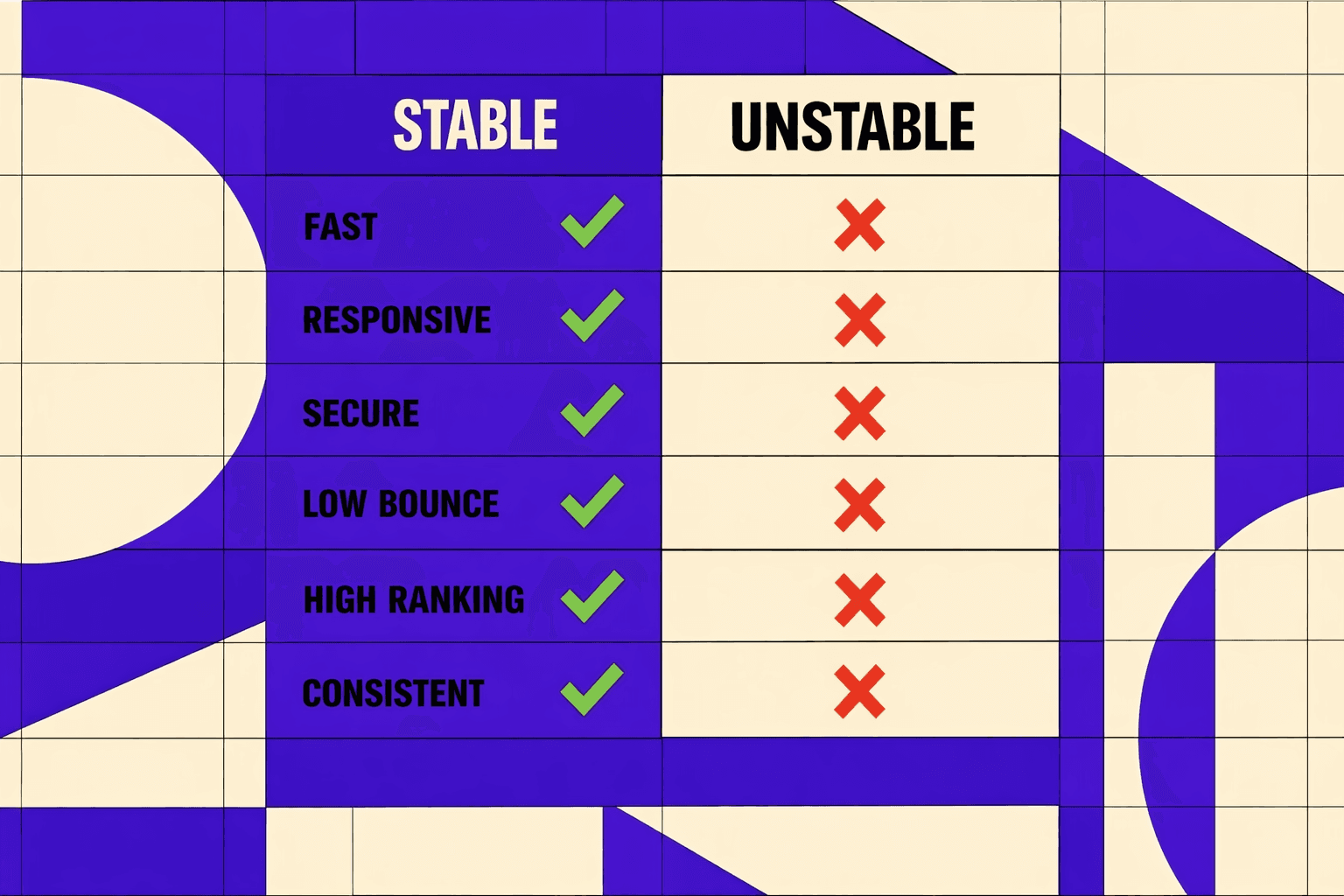
We’ve seen teams cut crawl waste by removing parameter traps and dead-end paths, then redirect those crawl hits to pages that should rank. We’ve seen index coverage improve after canonical conflicts got fixed at the source, not patched in a CMS field. We’ve also seen release risk drop once Lighthouse CI gates shipped with the same rigor as unit tests. Your CWV targets stop drifting because regressions can’t quietly ship.
This section’s steps work because they connect cause and effect. A baseline crawl gives you a real map of what templates break and where. CI testing keeps performance from degrading one deploy at a time. Scripted checks catch canonical, redirect, and indexability edge cases before a UI scan finishes. Pattern-based fixes remove the repeat offenders: render blockers, third-party bloat, canonical contradictions, orphaned URLs, and faceted navigation rules that don’t match real bot behavior. Then you report outcomes as deltas, so stakeholders see movement - not noise.
If you’re dealing with rankings that wobble after releases, or pages that vanish from the index without a clear reason, treat your seo audit tool like a system, not a checklist. Start with a baseline on your highest-value templates, add CI gates for Core Web Vitals, and automate the boring validations so humans can focus on fixes.
Ready to make your scores and indexation stop drifting? Learn More and let’s talk through your templates, constraints, and rollout plan.