Why Your XML Sitemap Might Be Hiding Your Best Content
Our seo audit tool finds the reasons pages don't rank. It catches issues content audits miss, like excluded URLs and broken sitemap paths. Your dashboards stay green, but Google never reaches key pages. Release cycles stack small errors into months of lost traffic. Sitemap errors can reduce crawl efficiency and impact indexation, according to Top 7 Sitemap Errors Impacting SEO - SearchX.
We built MygomSEO’s seo audit tool to pinpoint hidden technical failures fast. Research from Top 7 Sitemap Errors Impacting SEO - SearchX shows 42.5% of sitemap problems can dilute crawl focus.
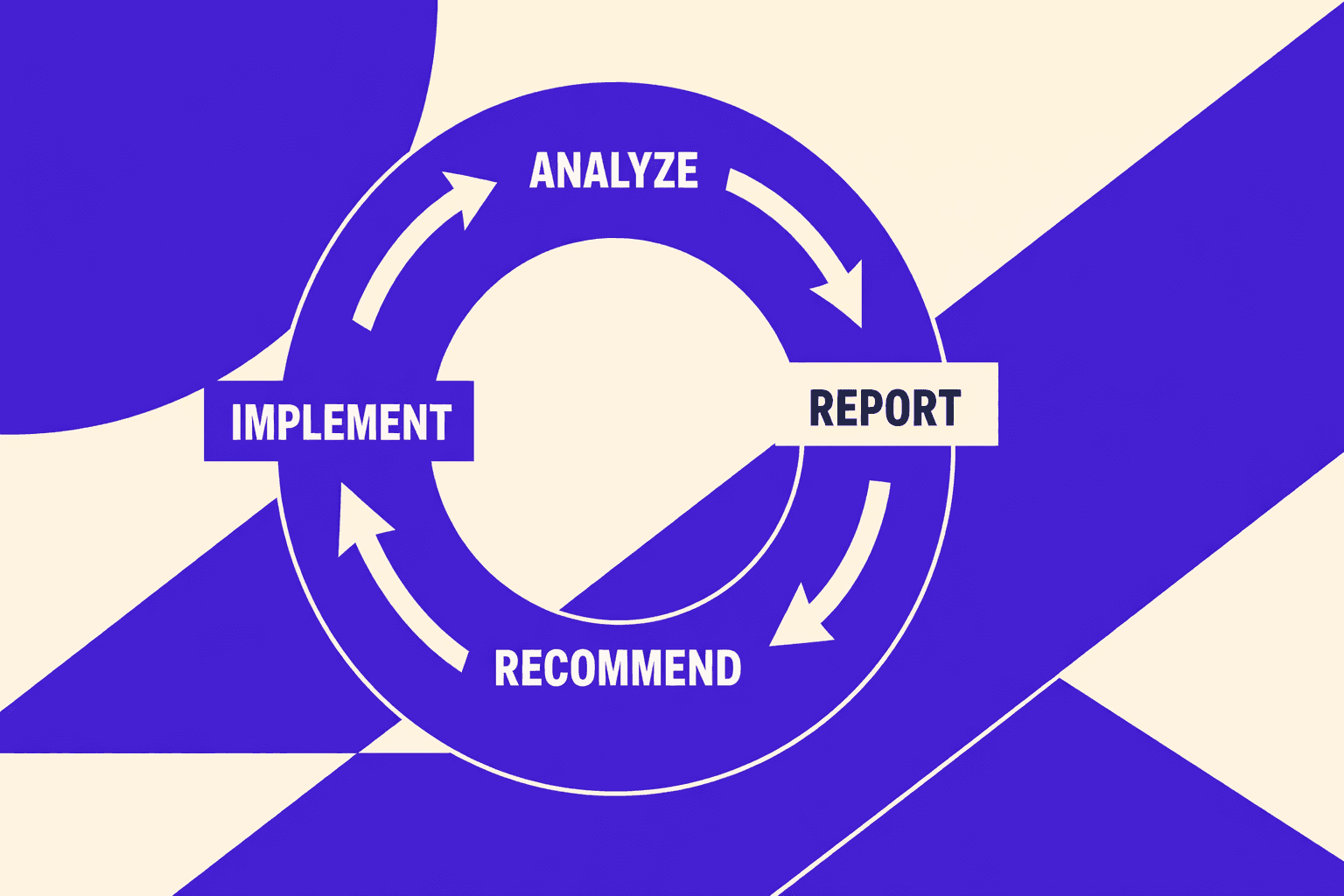
In this guide, we’ll audit, trace root causes, ship fixes with developers, and measure impact. This is the same process we run on production sites and client work.
SEO Audit Tool Symptoms and Business Impact
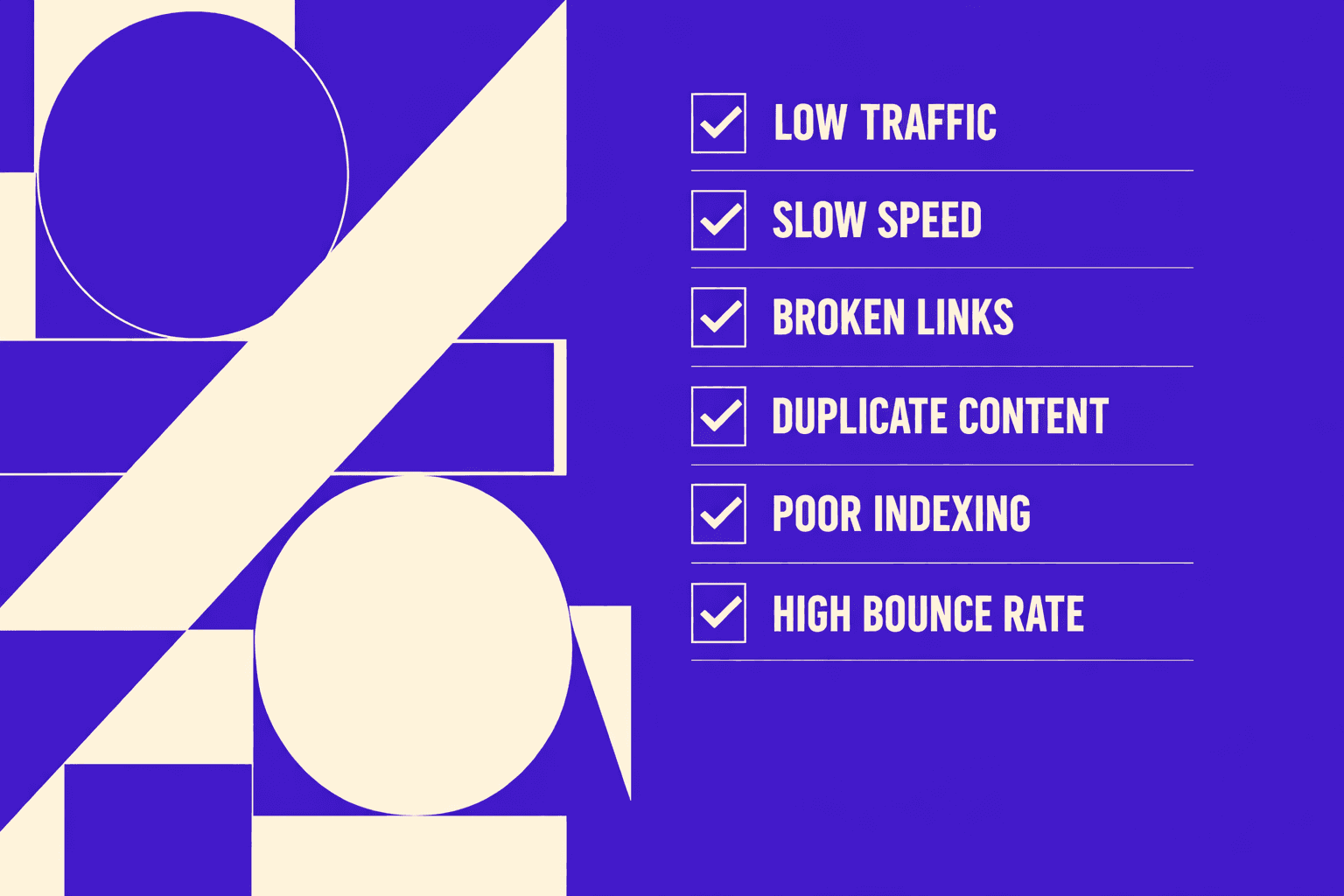
Symptoms we see in Search Console and logs
You feel it first in Search Console graphs. Indexed pages slide each week. “Crawled - currently not indexed” spikes overnight. Rankings wobble on pages that used to stick.
One Monday, we opened a sitemap URL from QA. It returned a soft 404. Then we saw it in logs. Googlebot kept hitting that same bad path. It wasted crawl budget on pages we did not want.
We document what we can observe:
- Indexed valid pages trending down
- New excluded buckets rising by template
- Crawl requests shifting to low-value URLs
- Key templates showing slow LCP in field data
This is where an engineering-gradeseo audit toolearns its keep. It connects those signals fast. If you want the bigger playbook, start with AI SEO Audit Tools Drive Technical SEO Results for Modern Teams.
How technical issues translate to lost revenue
We never argue from “SEO score.” We set a baseline. Then we watch what breaks.
Our baseline has four numbers:
- Organic sessions by landing page group
- Conversion rate by template
- Indexed valid pages in Search Console
- Crawl requests per template from server logs
When key pages drop from the index, revenue follows. Slow pages also leak money. Google research shows that 53% of mobile users abandon sites that take over 3 seconds to load, according to Marketing Dive.
Sitemaps can amplify the damage. Bad sitemap URLs can trigger unnecessary repeated crawling, wasting crawl budget. See Top 7 Sitemap Errors Impacting SEO - SearchX.
We define success up front. Every fix must move metrics in 2 - 4 weeks.
What teams usually try first and why it disappoints
Teams often start with quick fixes. They feel productive. They rarely change indexation.
We see the same three moves:
- Run a one-click score report or an seo checker free tool
- Rewrite titles sitewide
- Resubmit sitemaps again and again
Those moves miss root causes. Why do these fail? Resubmitting a sitemap can't override a noindex directive. Google sees the sitemap suggestion but respects the meta robots tag that blocks indexing. Title rewrites don't help if Google can't reach the page. You're optimizing content that never enters the index. These quick fixes do not address blocked templates, canonicals, redirects, or soft 404s. If canonicals are your culprit, read Why Your Canonical Tags Are Backfiring (And How to Audit Them Fast).
What is the bestseo audit toolfor mid size teams? The best choice is the one your SEO for developers workflow can automate, export, and validate against those baseline metrics.
Root Cause Analysis for a Technical SEO Audit
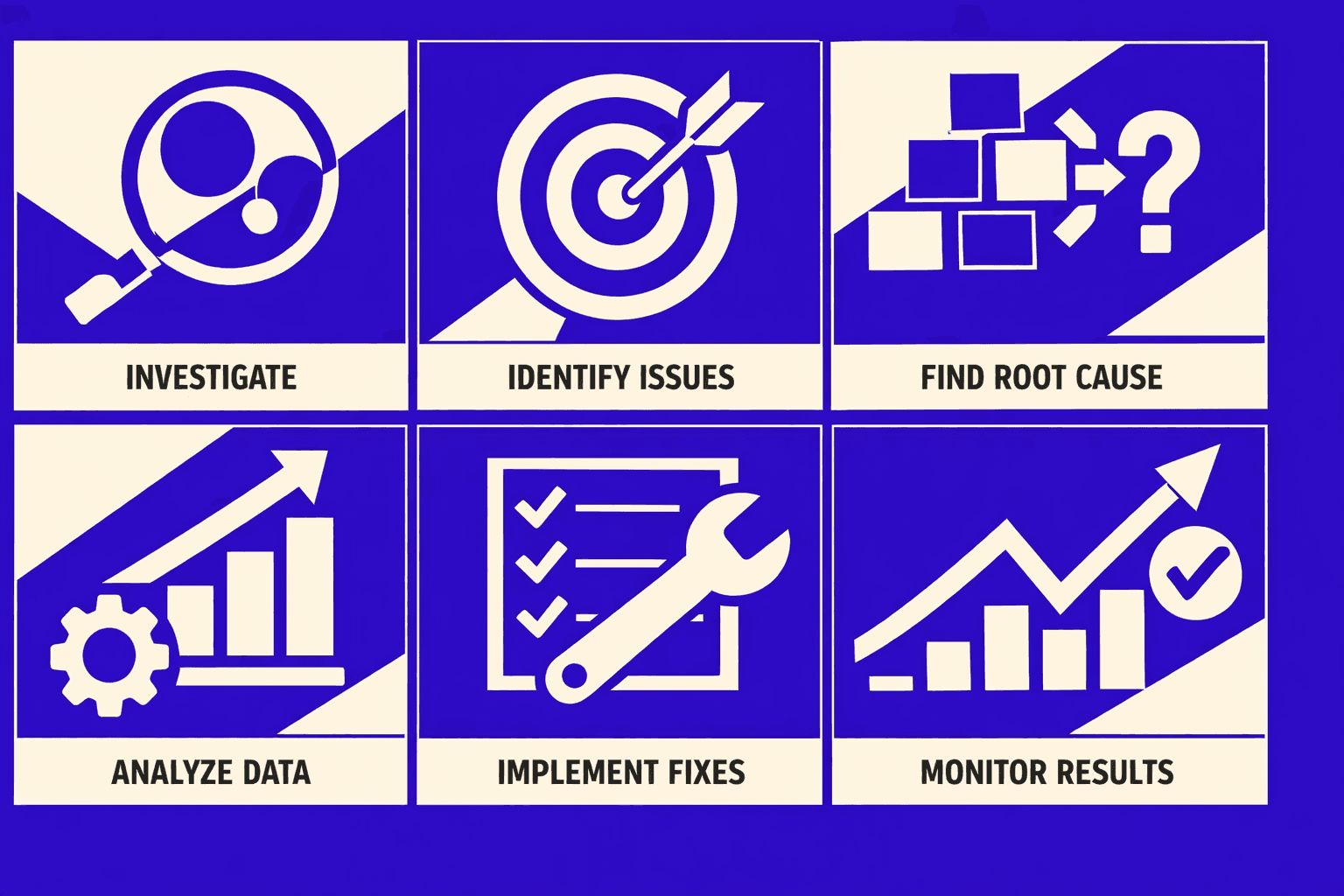
We do not guess. We rank evidence like this: server logs → crawl data → indexation signals → template performance traces. That order keeps a technical seo audit grounded in reality.
1. Crawl budget waste and duplicate URL explosions
Most “indexing problems” start as crawl waste. Faceted nav can generate infinite URL variants. Sort, filter, and tracking params multiply paths fast.
Why do params break indexation? Each param combination creates a unique URL. Google treats /products?sort=price and /products?sort=name as different pages. With 5 filters and 3 sort options, you create 15 variants - all with identical content. Google must crawl all 15 to discover they're duplicates, wasting crawl budget on low-value URLs. We prove it in logs first. We look for spikes on param patterns. We also flag redirect noise, since 30X responses steal crawl time. Research from Top 7 Sitemap Errors Impacting SEO - SearchX shows why 30X responses deserve attention.
For example, we once saw a filter page crawl loop. It spawned URLs that differed by one param. The sitemap looked clean, but the logs told truth.
2. Indexation blockers and mixed signals
Indexation fails when signals conflict. The big four are robots rules, meta robots, canonicals, and headers. One wrong combo can nullify the rest.
We look for systemic drivers. Internal links often point to non-canonicals. Redirect chains also blur the final target. When canonicals and hreflang disagree, trust drops.
This is where aseo audit toolhelps. But we still verify in Search Console data. If canonicals keep backfiring, read this canonical audit breakdown.
3. Rendering and JavaScript discovery failures
JS sites fail in quiet ways. Googlebot fetches HTML, but key links never appear. Then discovery stalls.
We validate rendering with live tests. We compare raw HTML versus rendered DOM output. Then we tie failures to one component, not “JavaScript” as a blob.
If you prefer visual learning, Semrush's 26-minute walkthrough covers the crawl-render-validate workflow we use:
XYOUTUBEX0XYOUTUBEX
4. Performance bottlenecks at the template level
Template slowdowns cause crawl slowdowns. They also hurt users. We trace TTFB, server timing, and render-blocking assets per template.
We also map errors by status code. 40X responses are a common sitemap-related error class that can waste internal link equity and signal crawl inefficiencies to search engines. Tracking these patterns helps identify broken internal links and redirect chains that dilute page authority.
This is very “seo for developers” work. Fixes usually live in shared layouts and data loaders.
5. Misconceptions our audits repeatedly disprove
Misconception one: “Submitting our sitemap will fix it.” A sitemap cannot override bad canonicals or weak internal links. It is a hint, not a cure.
Misconception two: “CWV is only a ranking factor.” It is also a crawl and render reliability issue. Slow templates fail before ranking even starts.
Misconception three: “Robots.txt is enough to control indexation.” Robots can block crawling, not remove indexed URLs. If you want a quick baseline, a “seo checker free” report helps triage. But your real answers come from traces and logs.
How often should you run a technical seo audit? Run it monthly on active sites. Run it after major releases and migrations. Use the sameseo audit tooleach time for clean diffs.
Solution Strategy We Built for SEO for Developers
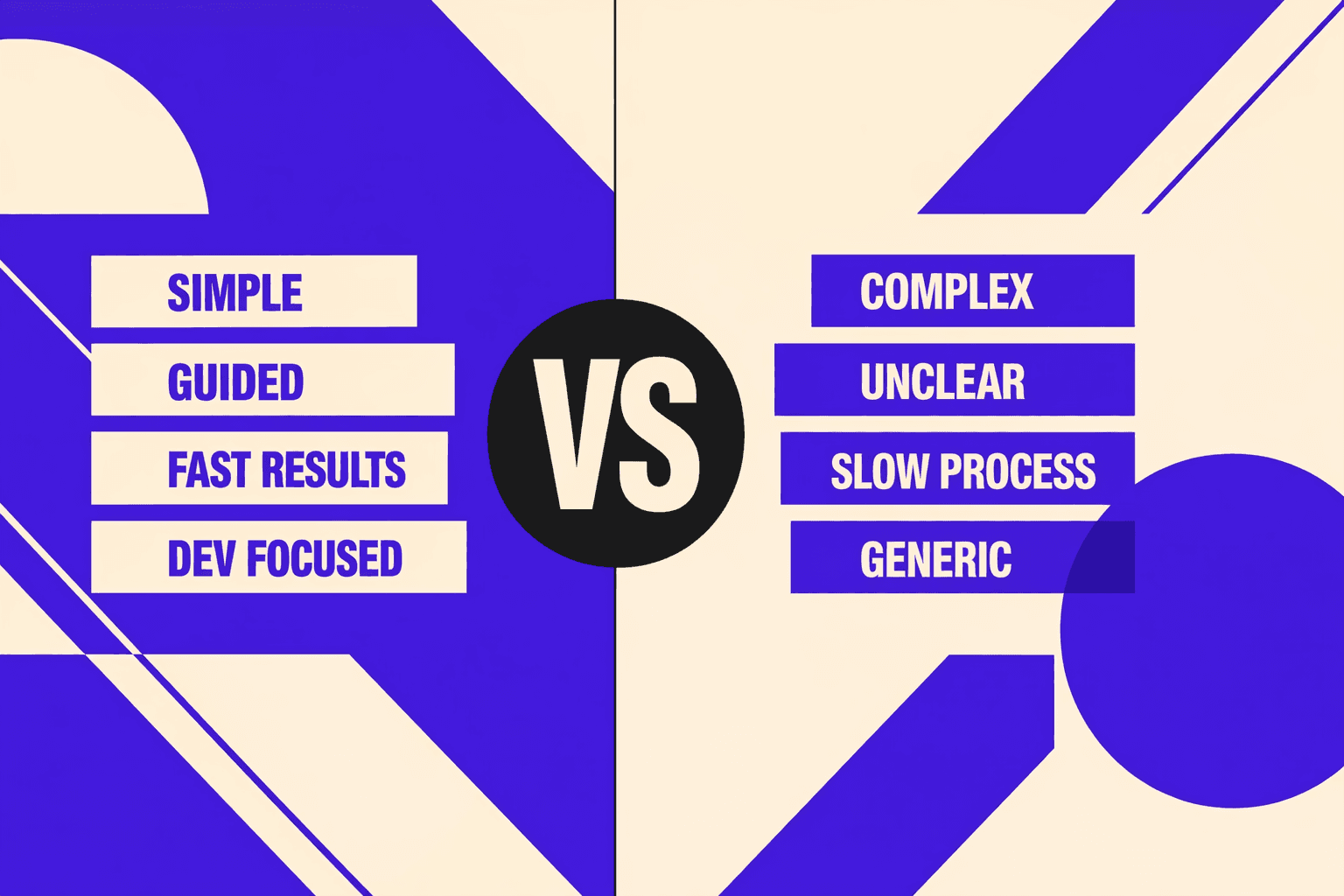
Our audit pipeline architecture and why we built it
We kept shipping SEO fixes that developers hated - vague, untestable, easy to ignore.
One night, we had 47 tabs open.
We had a sitemap, a crawl, and mixed GSC signals.
Yet we still could not answer, “Which template broke?”
That moment forced a new pipeline.
We built our workflow to output developer-ready tickets.
Each ticket includes reproduction steps and the impacted templates.
It also includes acceptance criteria tied to a metric.
That metric is measurable in logs, GSC, or CWV.
When we use a seo audit tool, it ends in tickets.
Not slides, not a score, not a PDF.
Prioritization model engineers accept
Engineers do not accept “high priority” without math.
So we use a simple model they can audit.
Impact (traffic or revenue) × Confidence (evidence) ÷ Effort (hours).
Impact comes from page type and business intent.
Confidence comes from logs, rendering tests, and crawl diffs.
Effort is an engineer estimate, not an SEO guess.
This model keeps debates short and calm.
It also stops pet issues from hijacking sprints.
The fixes that consistently move metrics
We aim at root causes, not surface noise.
That means repeatable patterns you can apply per template.
Here are the fixes we ship most often:
- Canonical and parameter rules that match reality.
- Internal linking normalization to the canonical URL.
- Redirect cleanup to remove chains and loops.
- Robots and meta directives that do not conflict.
- Rendering-safe navigation that crawlers can follow.
If canonicals keep drifting, go deeper.
Link to the canonical audit guide for fast triage.
See Why Your Canonical Tags Are Backfiring (And How to Audit Them Fast).
Performance fixes are template-first, not page-first.
We reduce JS execution on key routes.
We optimize images and fonts on repeatable layouts.
We eliminate layout shifts that break CWV.
These changes move LCP, CLS, and crawl efficiency together.
They also reduce “it works on my machine” debates.
Data indicates sitemap mistakes can scale pain fast (Top 7 Sitemap Errors Impacting SEO - SearchX).
The global SEO market is projected to reach $122 billion by 2028 (PR Newswire), reflecting how critical it is to catch systemic issues early.
When a seo checker free is enough vs when it is not
A seo checker free is fine for quick hygiene checks.
It catches missing titles, broken links, and obvious noindex flags.
It is useful in early triage or QA.
It can also spot sitemap formatting issues fast.
But it cannot run a real technical seo audit alone.
It does not read your server logs.
It cannot validate rendered DOM versus raw HTML.
It also cannot profile template-level JS costs.
So, can you use a seo checker free to run a real audit?
You can use it to start.
You cannot use it to finish.
When stakes rise, tool boundaries matter.
The global SEO market is projected to pass $122 billion by 2028, per Top 7 Sitemap Errors Impacting SEO - SearchX.
That money flows to teams that prove fixes with evidence.
If you want automation without black boxes, start here.
Read AI SEO Audit Tools Drive Technical SEO Results for Modern Teams.
Results, Proof, and What You Ship Next

You stop guessing which pages "should" rank. You start shipping fixes that crawlers can actually use. That is the difference between activity and progress.
We run this seo audit tool workflow in phases on purpose. First, we crawl and build a clean URL inventory. Then we validate reality with logs. Next, we review indexation rules and verify rendering. After that, we profile Core Web Vitals on the templates that matter. Finally, we turn findings into tickets, then verify each release.
The practical outcomes are consistent. You get morevalid indexedpages from the URLs you already own. Crawl waste drops because bots stop hitting infinite parameter paths. And your key templates load and respond faster, which tends to lift conversions. One dashboard keeps it honest, so every change has a metric.
The real value comes from fixing the “small” technical mismatches that block trust. We align robots.txt with meta robots, so you do not send mixed signals. We normalize canonicals, so link equity concentrates on one URL. We add parameter handling rules, so faceted filters do not explode the index. We remove redirect chains, so crawl paths stay short and predictable.
We also give developers copy-paste artifacts, not vague guidance. That includes HTTP header checks you can run in CI. It includes sitemap validation scripts that catch excluded high-value pages before they ship. And it includes regression tests for indexability and canonical correctness, so the same bug does not return three sprints later.
If you want this to stick, treat it like any other quality gate. Add pre-release SEO checks to your pipeline. Monitor Search Console deltas for spikes in “excluded” patterns. Review internal linking changes in every sprint, because most indexation bugs start there.
If you are dealing with missing, excluded, or mis-canonicalized high-value pages, we can help you turn the mess into a repeatable system. Ready to see similar results? Learn More and let’s discuss your goals.