SEO Audit Tools Aren’t One - Size - Fits - All: What Works for Agencies vs. Developers
Aseo audit toolcan reveal why rankings stall, even when content looks fine. These platforms crawl a site, flag issues, and help teams prioritize fixes that unblock organic growth. Choosing the wrong one creates blind spots, noisy "recommendations," and reports stakeholders doubt. Veza Digital's 2026 audit tool roundup explains that audit tooling is the best way to see a site from a crawler's end - at "100%." The same research shows entry-level plans can start below $100 per month, with enterprise tiers scaling based on seats and crawl limits.
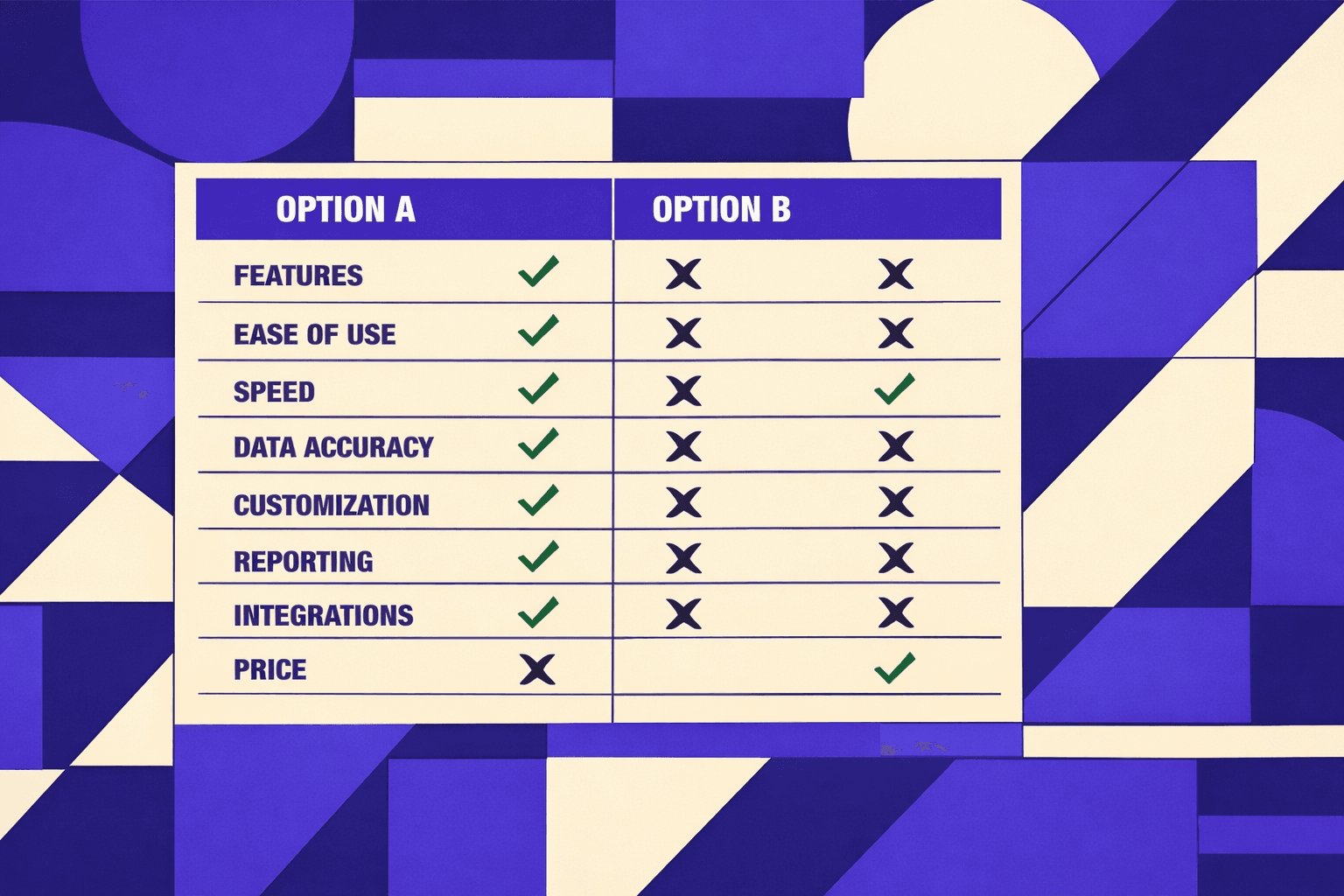
This comparison breaks down three leading options across crawl depth, insights, reporting, pricing, and learning curve. It uses consistent criteria and real scenarios, so agency teams and solo developers can choose with confidence.
Evaluation Criteria for Choosing an SEO Audit Tool
1. Coverage and accuracy of technical checks
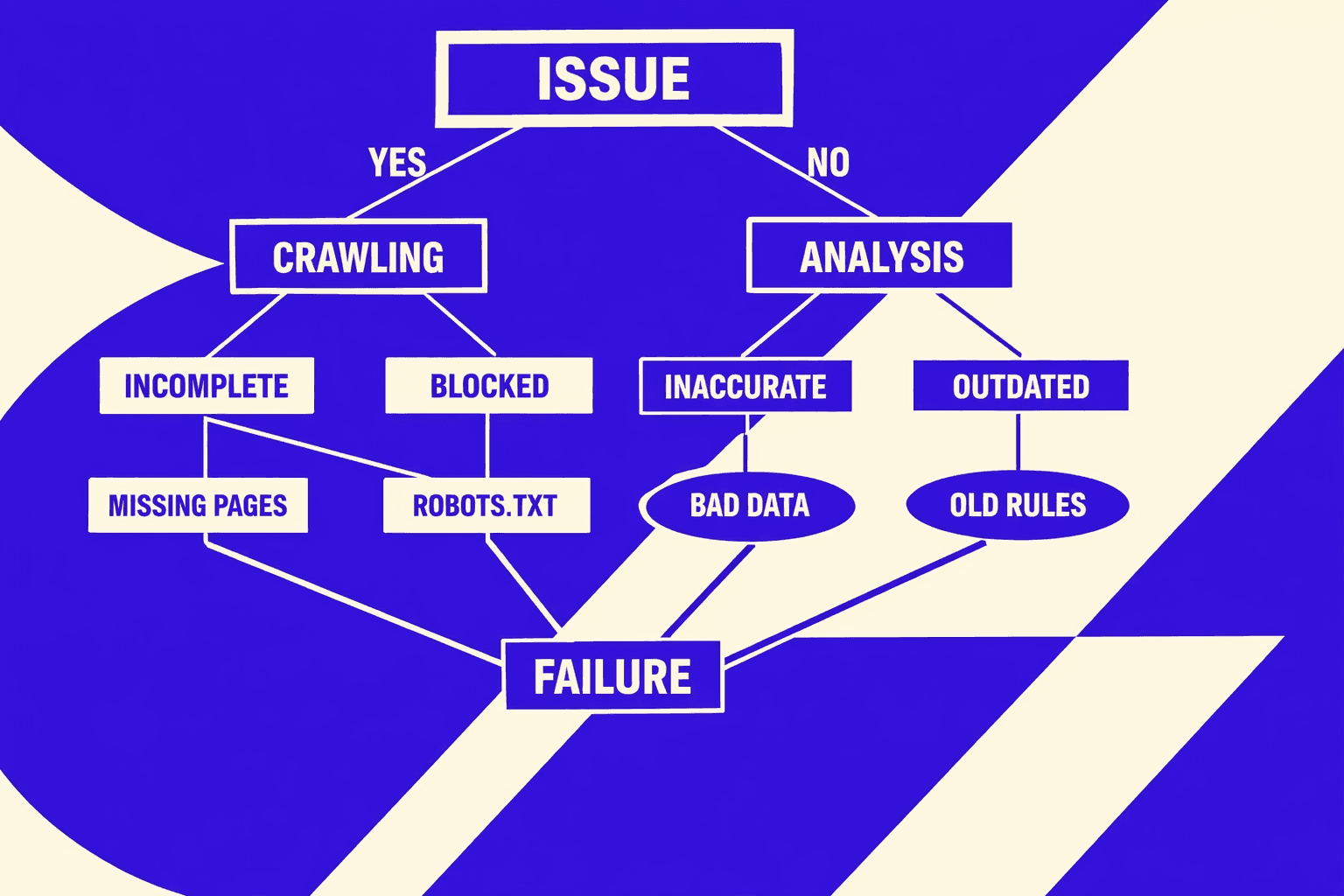
Coverage means the tool checks the full audit checklist, not just titles. It should catch canonicals, redirects, indexation signals, and internal linking gaps. For example, coverage means catching canonical conflicts, redirect chains, and orphaned pages during a category restructure. Accuracy means low false positives and clear evidence. For example, "blocked by robots.txt" should show the exact rule.
2. Crawl performance and scalability
Crawl limits decide how deep the audit goes. A small cap can miss faceted URLs or orphan pages. JavaScript rendering matters on React or Next.js sites. Without it, the crawler may see empty templates. Log file support adds another layer. It shows what bots actually requested, not what a crawl guessed.
3. Prioritization and issue clarity
“Actionable” means the tool ranks impact and effort, then explains the next step. Good tools include templates for fixes, like rewrite rules or meta robots guidance. They also support validation after fixes, so teams can confirm closure. For example, a redirect chain fix should re-test the final status path.
4. Reporting and collaboration
Agencies need repeatable reporting. Solo developers need fast exports. Reporting should separate “found” from “fixed” issues, with notes and assignments. Exports should stay usable outside the UI. This is where SEO Audit Data Export: Why Most Tools Hide Your Results adds useful context.
5. Integrations and ecosystem
Integrations reduce manual work. Common needs include Google Search Console, Google Analytics, Looker Studio, and Jira. Ecosystem also means APIs and webhooks. A seo audit tool with an API can fit into CI. For example, a nightly crawl can open tickets only for regressions.
6. Pricing and total cost of ownership
Pricing is not only the subscription line. It includes seat limits, crawl overages, and time spent managing reports. According to Top Website Audit Tools for SEO in 2026, pricing can start around $130 per month. The same research shows some plans start at about $99 per month, which can still add up across clients (source).
7. Learning curve and support
Learning curve depends on UI clarity and defaults. Support includes docs, changelogs, and real response times. A “best seo tool for agencies” claim should hold up in onboarding. For example, new analysts should run a clean audit in an hour.
Free tools can be accurate for surface checks. A seo checker free option often covers basics like meta tags. It usually falls short on scale, rendering, and validation loops (SEO Technical Audit Tools: 2026: Don't Fail). For most sites, a technical SEO audit should run monthly, plus after major releases (The Ultimate SEO Audit Guide for Agencies - Swydo).
SEO Audit Tool Options Compared
Ahrefs Overview
Ahrefs is a cloud platform built primarily for competitive research. It also supports site auditing and ongoing health monitoring. For agencies managing multiple clients, it often serves as the central research hub. Think of it as a control tower: teams can spot declining pages across all accounts, then quickly validate whether recent fixes have taken hold.
In practice, Ahrefs works like a control tower.
For example, an agency can spot declining pages, then validate fixes.
Ahrefs Key Features
- Cloud site audit with issue grouping and severity
- Link analysis and competitor backlink comparisons
- Keyword research for priority terms
- Rank tracking capabilities
- Scheduled crawls for recurring monitoring
- Alerts for site changes
The crawler works well for standard HTML discovery.
Deep JavaScript rendering can feel less central than in dedicated crawlers.
Ahrefs Strengths
Ahrefs scales well across many domains.
Projects, templates, and recurring crawls fit agency workflows.
Its recommendations help triage common issues quickly.
Reporting works best for trend snapshots, not developer debugging.
For example, a strategist can explain traffic loss using ranking shifts.
Then a technical lead can follow up on the top crawl errors.
Ahrefs Weaknesses
Ahrefs is not a full replacement for a desktop website crawler, and deep edge cases can require another tool for verification.
Audits can feel “summary-first.”
That helps account managers, but slows root-cause work.
Large teams may also hit collaboration limits.
Extra seats can increase scaling costs over time.
Ahrefs Common Pain Points
Teams often want more control over crawl settings.
Custom extraction and tailored rules are limited versus desktop crawlers.
Some agencies also want more “proof artifacts.”
For example, they may need raw exports for BI dashboards.
That gap is why data access matters.
See SEO Audit Data Export: Why Most Tools Hide Your Results for the deeper issue.
Ahrefs Best For
Ahrefs fits agencies that lead with research and prioritization.
It suits teams that sell strategy, content, and authority building.
It also fits hybrid audits.
For example, use Ahrefs to spot patterns, then validate with a crawler.
On “best seo tool for agencies,” Ahrefs scores high on breadth.
It scores lower on deep crawl control and technical debugging.
Screaming Frog Overview
Screaming Frog SEO Spider is a desktop crawler.
It maps URLs, directives, status codes, and on-page signals.
Screaming Frog works like a diagnostic scanner in a mechanic's garage. It connects directly to the site, runs deep checks that cloud tools might skip, and produces detailed printouts that engineers can trace line by line.
For example, it can reproduce redirect chains exactly as discovered.
For a technical seo audit, it is often the “source of truth.”
It excels when teams need to see every edge case.
Screaming Frog Key Features
- High-control crawling with granular rules
- Supports inclusion and exclusion filters
- JavaScript rendering options for modern front ends
- Custom extraction for structured checks at scale
- Exports for developer tickets and QA validation
It also supports repeated auditing workflows.
Saved configs help teams run the same checks each sprint.
Screaming Frog Strengths
Screaming Frog is strong on crawl depth and transparency, allowing teams to trace each issue back to the exact URL.
It also handles large sites well when tuned.
Memory settings and crawl limits help keep runs stable.
Reporting is practical for engineering teams.
Exports drop cleanly into Jira, Sheets, or SQL pipelines.
For example, a solo developer can crawl a staging site.
They can confirm canonical and noindex rules before launch.
Screaming Frog Weaknesses
Screaming Frog is not a full SEO suite.
It does not replace rank tracking or competitive research platforms.
Usability can feel “toolbox-like.”
New users often need a checklist to avoid missed checks.
Monitoring alerts are not its core strength.
Ongoing, always-on notifications usually require another platform.
Screaming Frog Common Pain Points
Laptop constraints can cap crawl speed.
Local CPU, RAM, and disk become real bottlenecks.
Teams also struggle with collaboration.
A desktop install does not behave like a shared workspace.
Another pain point is stakeholder reporting.
Exports are detailed, but not always client-friendly by default.
Screaming Frog Best For
Screaming Frog fits solo developers and technical SEO leads, as well as agencies doing deep migrations and forensic audits.
It is the right pick when validation matters most.
For example, confirm hreflang clusters or pagination issues precisely.
It is less ideal as the only agency platform.
That is true when clients expect dashboards and rank tracking.
Semrush Overview
Semrush is a broad cloud platform with strong reporting that combines audits, keyword tools, and competitive analysis.
For agencies, it often plays the “client portal” role.
It supports repeatable reporting across many projects and teams.
It can also act as a monitoring layer.
Scheduled checks help catch regressions between releases.
Semrush Key Features
- Site Audit with issue categories and prioritization
- Rank tracking with scheduled updates and reports
- Competitive research and keyword planning workflows
- Ongoing monitoring alerts tied to project health
This mix supports account workflows well.
It also reduces tool switching for non-technical roles.
Semrush Strengths
Semrush is strong on usability and packaged reporting, allowing stakeholders to understand progress without reading raw exports.
It also supports scaling across accounts.
Projects and templates help standardize client delivery.
For example, an agency can run monthly audit reports.
Account managers can share trends without manual formatting.
Semrush also supports rank tracking in the same workspace.
That makes cause-and-effect narratives easier to communicate.
Semrush Weaknesses
Semrush audits can be less “hands-on” than desktop crawling.
Deep debugging may require a second pass in a local crawler.
Recommendations can also skew generic.
Teams still need judgment to avoid chasing low-impact fixes.
Pricing can rise with more projects and seats.
That matters for agencies with many active clients.
Semrush Common Pain Points
Teams sometimes over-trust the issue score.
A high score can still hide a critical indexing problem.
Another pain point is crawl parity.
Cloud crawlers may not match a browser-like crawl in every case.
Some teams also want more flexible exports.
That becomes important when building custom client dashboards.
For teams exploring automation, see AI SEO Audit Tools Drive Technical SEO Results for Modern Teams.
Semrush Best For
Semrush fits agencies that need client-facing reporting at scale.
It also fits teams that want audits and rank tracking together.
For “best seo tool for agencies,” Semrush often wins on packaging.
It trades off some technical control for workflow speed.
It works well as the monitoring layer.
Pair it with a desktop crawler for deeper verification.
Mini Comparison: Performance And Pricing Reality Check
Crawl speed depends on crawler type and environment. Desktop runs depend on local hardware and settings. Cloud runs depend on provider limits and project tiers.
Reality check: Screaming Frog can crawl 100,000 URLs in under an hour on a modern laptop, but cloud tools often cap free tiers at 10,000-20,000 URLs. For a 500,000-page site, expect to pay $200+/month for cloud coverage - or invest 4-6 hours in a desktop crawl.
On large sites, Screaming Frog can go deep with tuning.
Ahrefs and Semrush scale across many domains more smoothly.
They also send recurring monitoring alerts more naturally.
Pricing varies by plan and usage.
Research from Top Website Audit Tools for SEO in 2026 shows enterprise-grade tools typically start around $99-$130 per month.
While smaller tools may offer lower entry prices, they often miss enterprise needs like JavaScript rendering, log file analysis, and team collaboration features (Top Website Audit Tools for SEO in 2026).
Direct Answers: Agency Choice And Life Without Screaming Frog
The best SEO tool for agencies depends on the service model.
Semrush fits reporting-first retainers and multi-seat workflows.
Ahrefs fits research-first teams that sell strategy and links.
A technical SEO audit can happen without Screaming Frog.
A cloud seo audit tool can flag many issues reliably.
However, desktop crawling often improves verification and debugging speed.
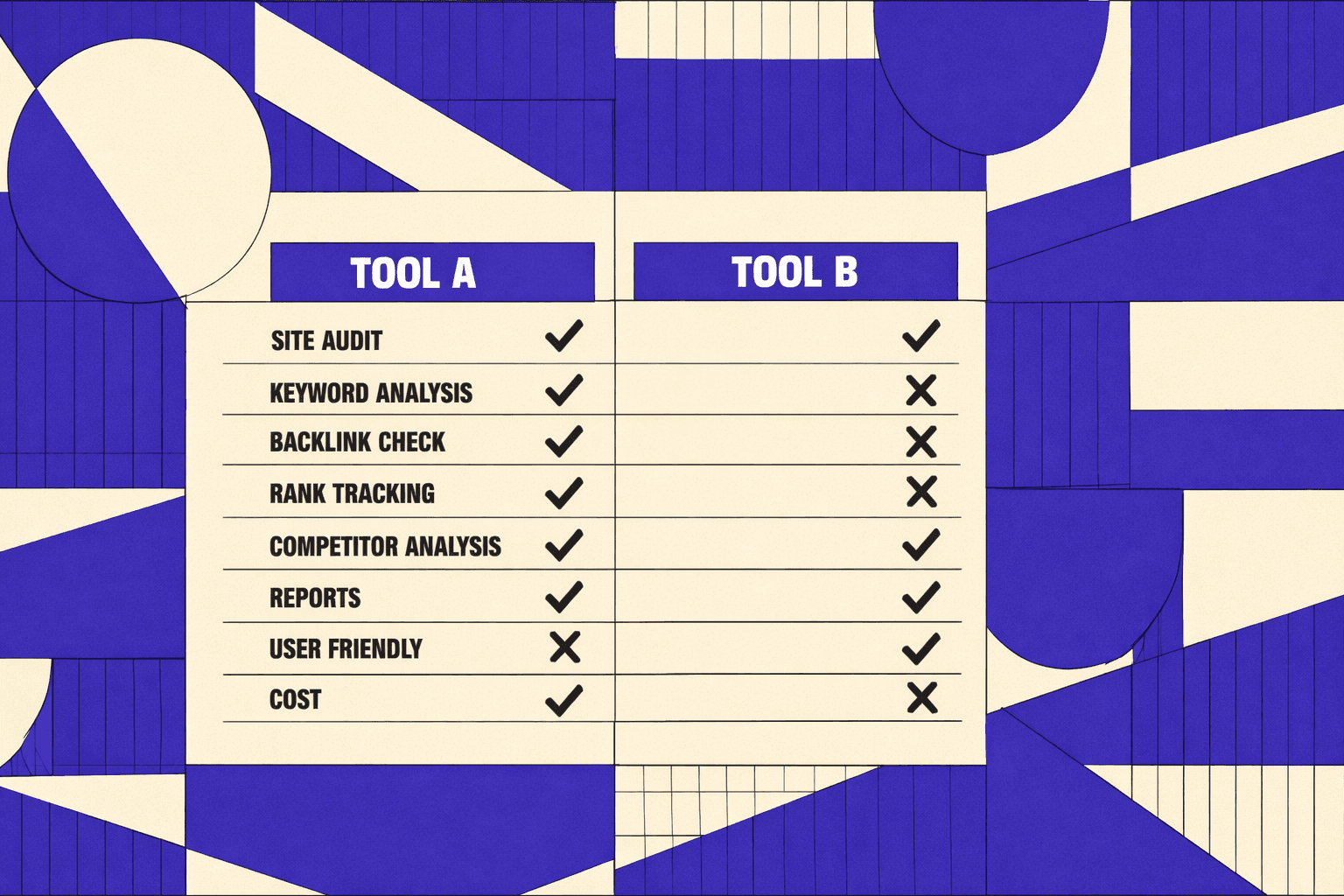
Side by Side SEO Audit Tool Comparison Table
Performance and scalability snapshot
For very large sites, agencies usually pair cloud monitoring with targeted crawls. For example, Semrush or Ahrefs can flag drift weekly. Screaming Frog can still go deeper per run.
For fast one-off audits, a local crawl often wins. It can also mirror production rules, like staging auth.
Pricing and plan notes
Cost scales differently across tools in this pricing comparison. Desktop crawlers scale with hardware and auditor time. SaaS platforms scale with seats, projects, and reporting needs.
For a best seo tool for agencies decision, billing predictability matters. Reporting seats can become the hidden line item. For export-heavy workflows, see SEO Audit Data Export: Why Most Tools Hide Your Results.
Learning curve and onboarding
SaaS audits start fast, with guided issue lists. Desktop crawlers take longer, but allow precise control.
Integrations also change onboarding time. GSC, GA4, Looker Studio, and task tools reduce handoffs. Standardizing audit processes through SEO Technical Audit Tools: 2026: Don't Fail helps reduce handoffs and inconsistencies across team members. A seo checker free option can still work for triage, but it rarely supports agency-grade processes.
Conclusion: Recommendations and Technical SEO Audit Workflow
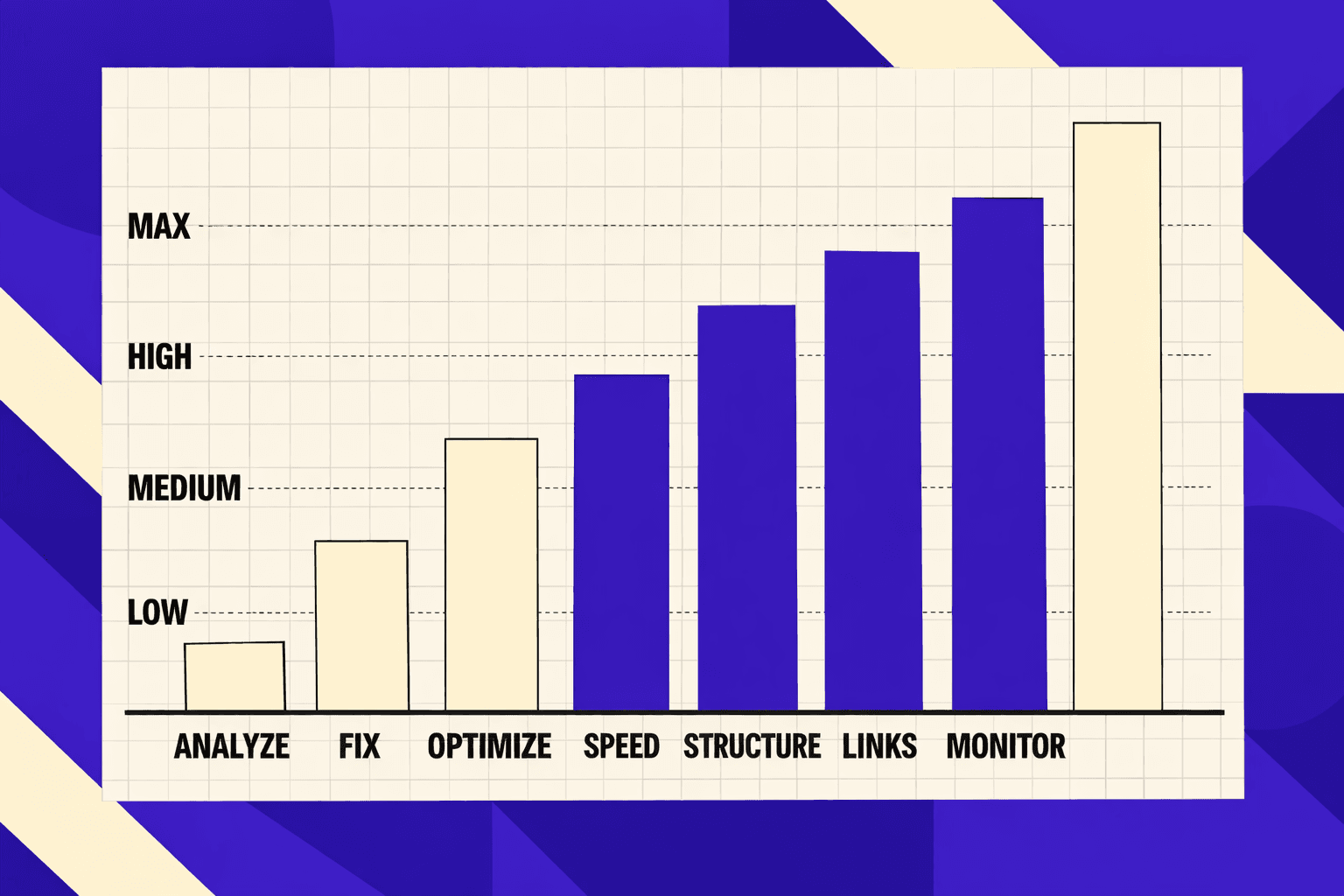
For an agency managing many clients, the best-fit choice is usually the platform that scales across projects fast. It needs templated reporting, account-level organization, and exports that plug into task tools. For an in-house team on a large site, the priority shifts to crawl control and coverage. That means smart segmentation, reliable JavaScript rendering, and a validation path after releases. For a solo consultant, the best fit is often the tool that stays fast to operate. It should produce clear priorities and client-ready outputs without heavy setup. For budget-limited teams, the right move is not “free forever.” It is a lean paid crawler for depth, paired with disciplined scope and repeatable checks.
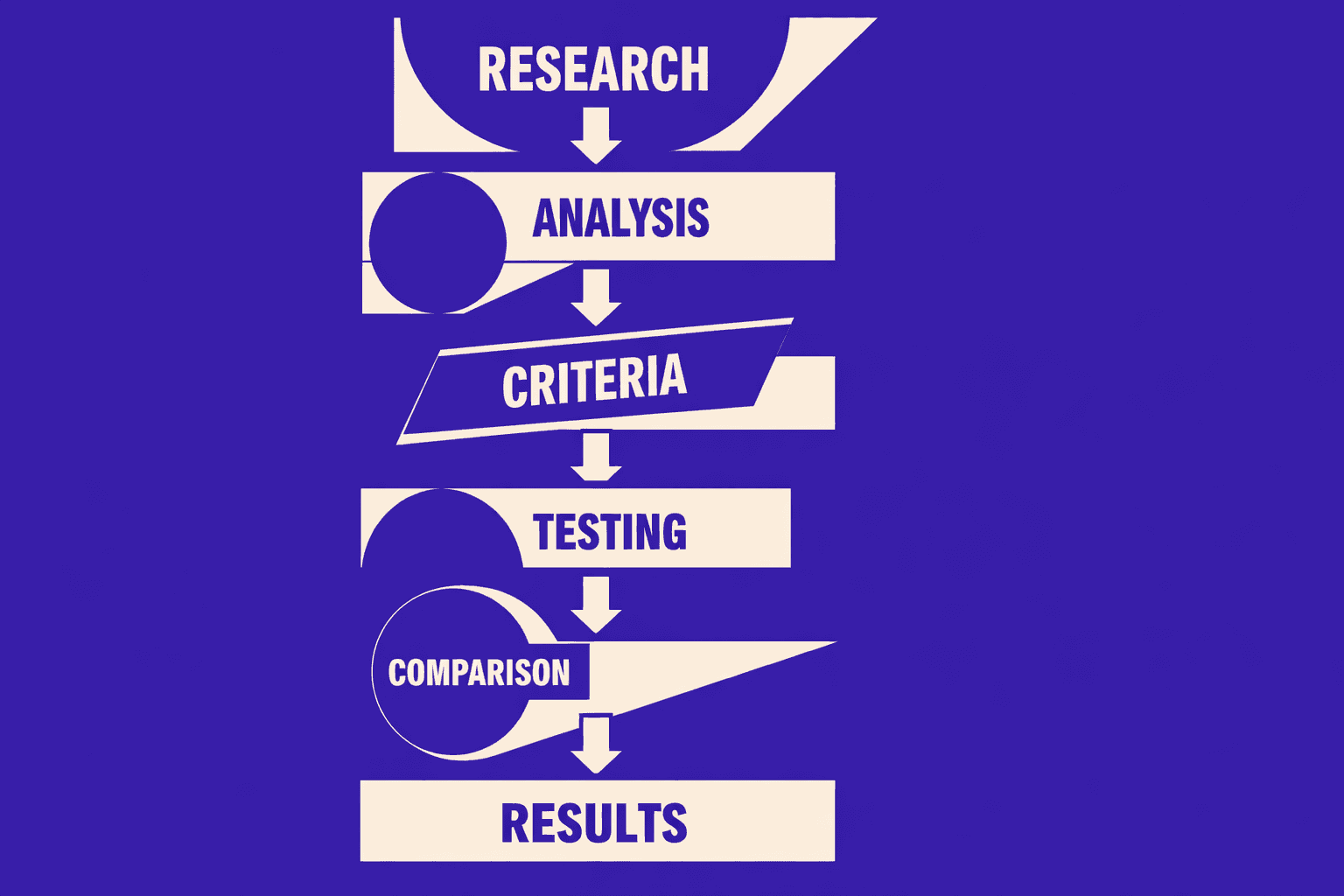
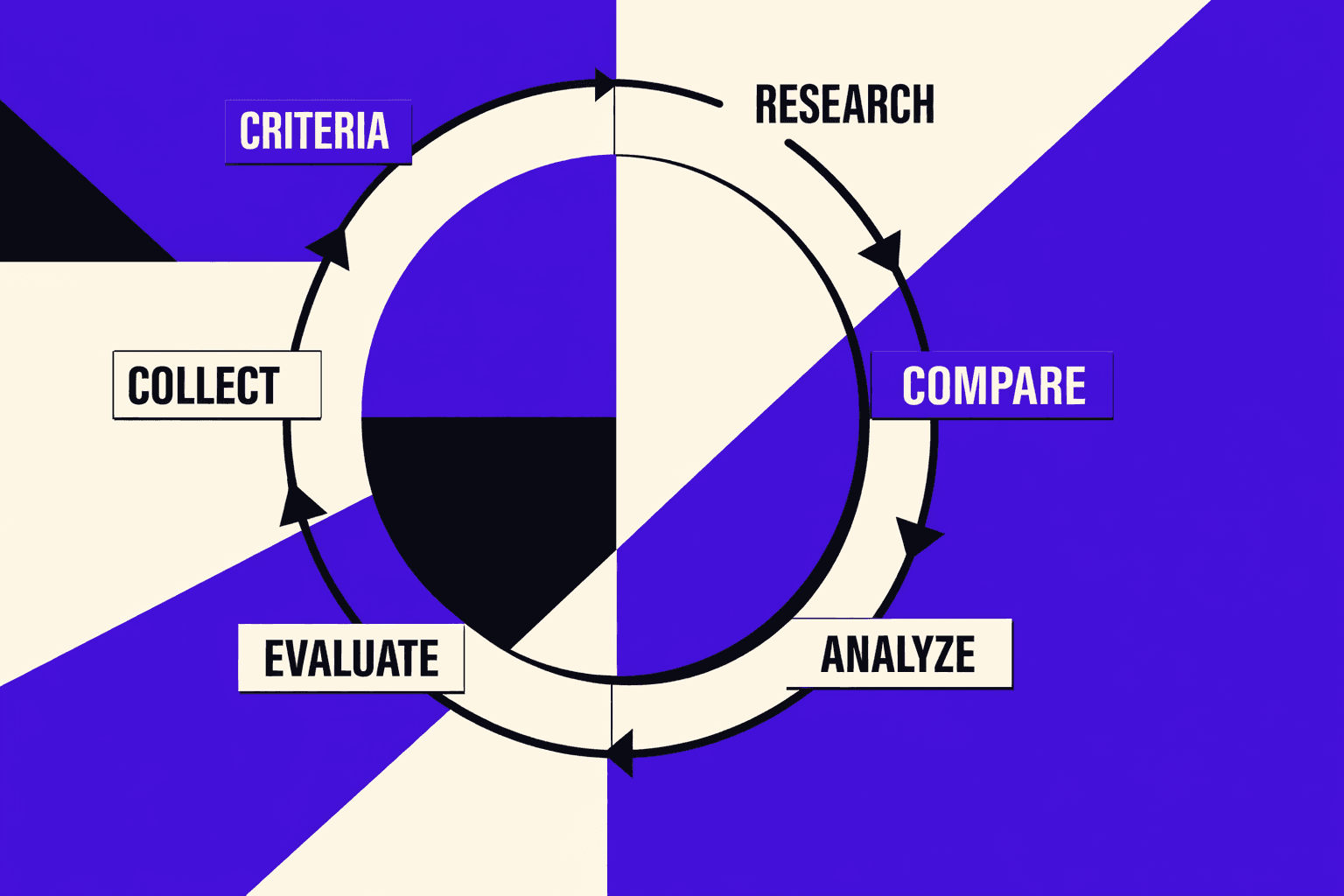
A reliable content-gap workflow also keeps audits from stalling. A repeatable technical seo audit process usually follows five steps: set crawl rules and rendering early, segment by templates and intent, prioritize by impact and fix effort, validate fixes with targeted re-crawls, then report with before-and-after evidence. That structure turns a long issue list into an execution plan.
A seo checker free tool fits as a lightweight layer. It helps with quick spot checks, pre-flight QA before launches, and stakeholder-friendly previews of obvious issues. It does not replace deep crawling, nor does it surface sitewide patterns.
Neutral verdict: teams should select a seo audit tool based on crawl depth, reporting needs, speed, and cost control. Once selected, they should commit to a consistent process.
Want to learn more? Learn More to explore how we can help.