The 5 Most Overlooked SEO Signals in Your Site’s HTTP Headers
A seo audit tool turns hidden technical debt into a ranked fix list. It shows what blocks crawling, indexing, speed, and UX - before rankings drop. According to Tenet, some overlooked SEO mistakes can impact up to 20% of performance. That is why tool choice matters when releases ship weekly.
An SEO audit tool crawls a site, inspects key signals, and flags issues with severity and context. Still, most teams cannot compare tools fast. Feature lists look identical, but crawl depth, JS handling, and workflow support vary. Data from NAV43 shows some fixes can recover up to 27% from duplicate content alone. This guide benchmarks 9 options with consistent criteria and maps picks to team types, budgets, and developer-grade workflows.
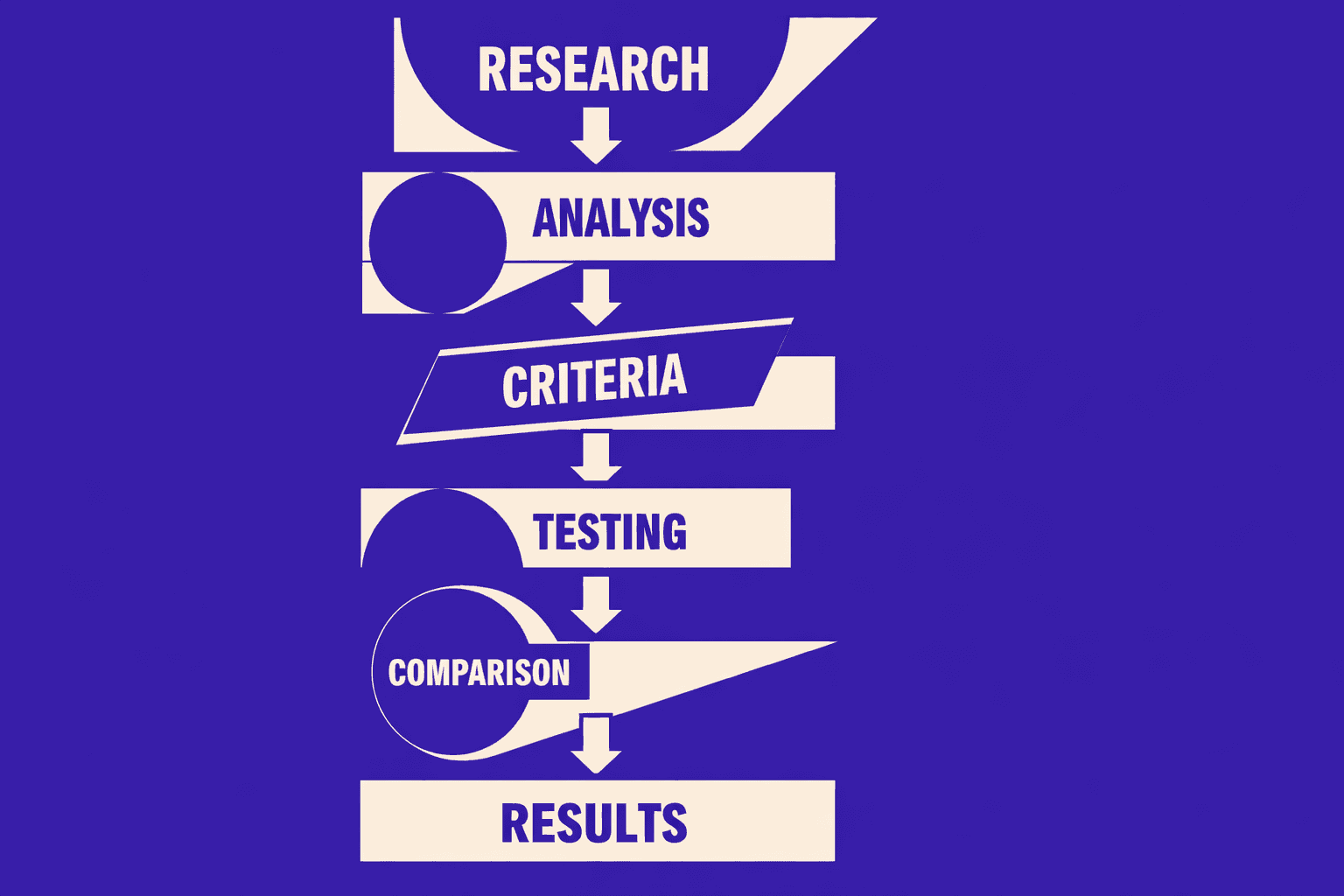
How This SEO Audit Tool List Was Evaluated
Evaluation criteria for professionals
This list evaluates each seo audit tool like an engineer would. Crawl quality mattered more than dashboards. For example, a tool that misses near-duplicates fails fast. Scale also mattered, including throttling and crawl limits. JavaScript rendering options were checked for real parity.
Professional checks also covered workflow fit. That includes clear reports, fix priority, and clean exports. Developer-first teams need tickets, APIs, and integrations. That is the difference for seo for developers. Export freedom also mattered for audits at scale, as explained in SEO Audit Data Export: Why Most Tools Hide Your Results.
What counts as a true technical SEO audit
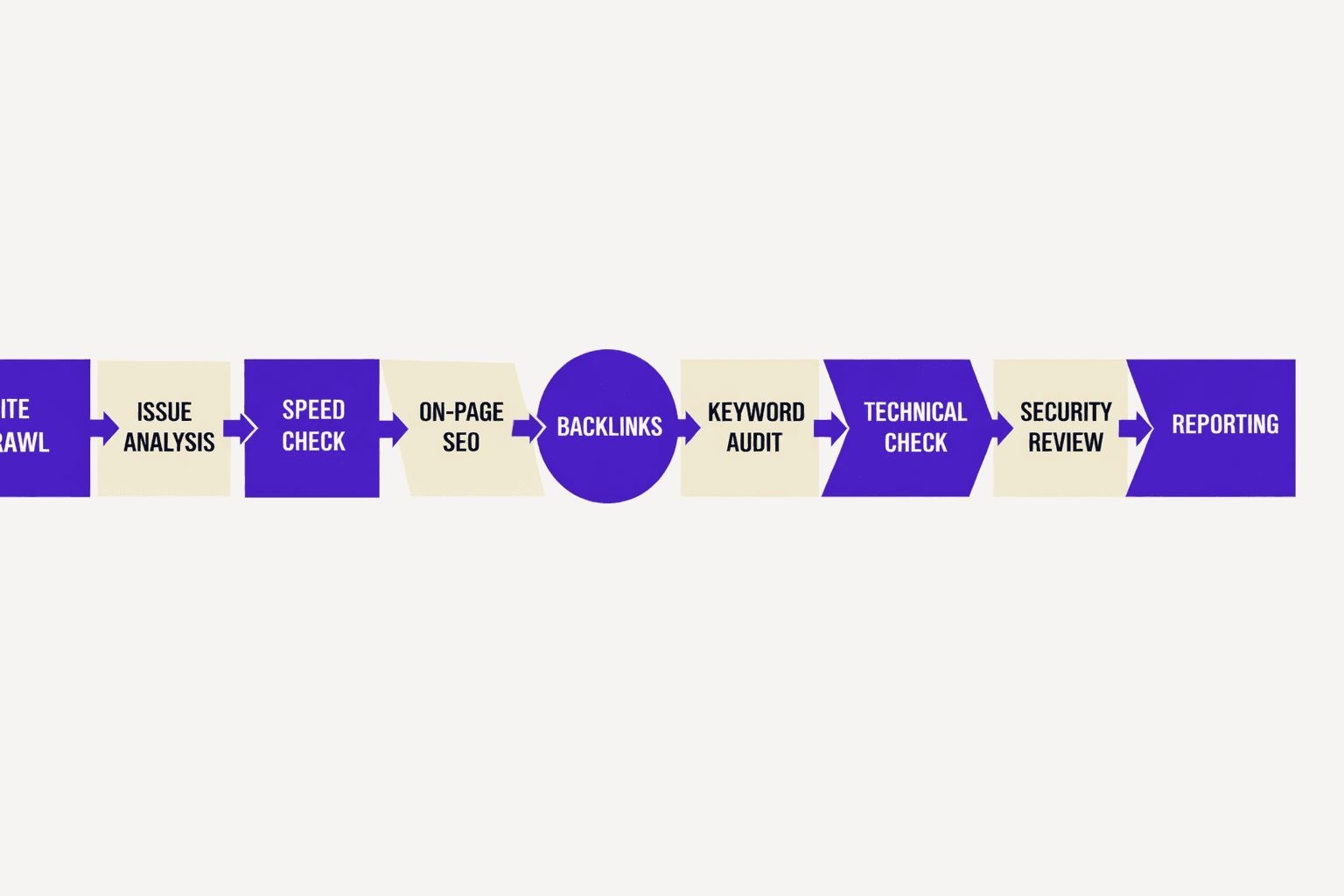
A true technical seo audit tests whether pages can be found, rendered, and indexed. It checks status codes, robots rules, sitemaps, and indexability signals. It inspects canonicals, pagination, and internal linking paths. It also validates structured data and basic on-page diagnostics.
Core Web Vitals inputs were treated as first-class signals. For example, lab metrics can flag broken templates early. Redirect logic also counted because it leaks value. According to 10 Common Technical SEO Mistakes to Avoid for Better Rankings, each redirect can cost about 15% of link equity.
How scoring and ordering work
Tools were scored across crawl capability, technical coverage, workflow fit, and value. Crawl reliability weighted higher than UI polish. Workflow points favored fast triage and clean handoffs. Value scored pricing clarity, limits, and tool consolidation.
Ordering followed total score, then best-fit tie breakers. For example, some tools win for JS sites. Others win for simple seo technical check runs. Mobile context mattered because nearly 60% of global web traffic is mobile, per 10 Common Technical SEO Mistakes to Avoid for Better Rankings.
9 Best SEO Audit Tool Options for Technical Audits
Accuracy also varies by data source. A crawler sees what it can fetch. Google tools show what Google processed. 12 Overlooked SEO Mistakes (Shared by SEO Professionals) - Tenet found sites waste an average of 31% of crawl budget. That is why crawl control features matter.
1. Semrush Site AuditBest for:Mixed teams that want audits plus SEO ops.Why it wins:Broad coverage with clear prioritization. It fits most workflows without heavy setup.Key features:- Issue grouping by severity and theme
- Crawl configuration and scheduling
- Reports that translate fixes into tasksLimitations:- Deep JS apps may need a dedicated crawler
- Some teams outgrow default report templatesPricing signal:Paid suite. Free trials appear at times.Quick seo technical check use case:After a migration, you crawl and find 347 canonicals pointing to old domain URLs. You export the list with expected vs. actual canonical values. Engineering fixes the template variable, retest shows clean canonicals, and indexing recovers within 5 days.
2. Google Search ConsoleBest for:Beginners who need ground truth signals.Why it wins:It is the closest thing to “what Google saw.” It is not a crawler, but it exposes real coverage and indexing outcomes.Key features:- Indexing and coverage signals
- Sitemaps submission and monitoring
- URL Inspection for live debuggingLimitations:- No full-site crawl graph like dedicated tools
- Sampling and delays can hide fresh issuesPricing signal:Free.Quick seo technical check use case:A template update ships. Pages suddenly drop. Check indexing status and crawl stats, then validate key URLs with URL Inspection.
3. SitebulbBest for:Technical SEOs who need visual diagnosis.Why it wins:It explains problems with hints and diagrams. That reduces back-and-forth with developers.Key features:- Link graphs and crawl maps
- Detailed hints for common audit patterns
- Segmenting by templates and directoriesLimitations:- Desktop workflows can limit team sharing
- Very large sites may require higher resourcesPricing signal:Subscription. Tiering usually depends on scale.Quick seo technical check use case:A blog has thin internal links. Map the orphan URLs. Then create a hub page plan for the top clusters.
4. Ahrefs Site AuditBest for:Teams that pair audits with backlink and content work.Why it wins:The audit is solid, but the platform strength is breadth. It helps teams connect technical issues to organic priorities.Key features:- Scheduled crawls with issue tracking
- Integration with other platform reports
- Clear “what changed” views between crawlsLimitations:- Some technical depth trails specialist crawlers
- JS rendering needs validation on SPAsPricing signal:Paid platform. Plans scale by projects and limits.Quick seo technical check use case:A category page set slips. Crawl the directory only. Fix canonicals and internal links first, then re-crawl and compare.
5. Screaming Frog SEO SpiderBest for:SEO for developers who want raw control.Why it wins:It crawls 100+ URLs per second on standard hardware and is used by over 5 million SEO professionals. It exports support 50+ data points including custom JavaScript extraction. That matters when teams build their own QA checks.Key features:- Powerful crawl rules and exclusions
- Custom extractions and integrations
- Bulk exports for redirects, canonicals, and duplicate tagsLimitations:- Steeper learning curve for beginners
- Collaboration is manual without shared projectsPricing signal:Free version exists. Paid license unlocks scale.Quick seo technical check use case:Before launch, crawl staging. Export all 3xx and 4xx. Then validate the final redirect map in a spreadsheet. Teams that care about exports should also read SEO Audit Data Export: Why Most Tools Hide Your Results.
6. SE Ranking Website AuditBest for:Smaller teams that want guided fixes.Why it wins:It balances usability and coverage. It works well when one person owns audits and reporting.Key features:- Simple health scoring and grouped issues
- Task-friendly recommendations
- Project-based tracking over timeLimitations:- Advanced crawl tuning is lighter than power tools
- Very large sites may hit plan constraintsPricing signal:Paid. Plans scale with projects.Quick seo technical check use case:A local business site adds new service pages. Run an audit to catch missing titles, broken links, and noindex mistakes.
7. Moz Pro Site CrawlBest for:Marketing teams that want safe defaults.Why it wins:It keeps the crawl experience approachable. It helps non-technical stakeholders stay aligned.Key features:- Crawl diagnostics with prioritization
- Reporting that maps issues to actions
- Fits well with broader Moz workflowsLimitations:- Less flexible than dedicated crawlers
- Some edge-case findings require manual follow-upPricing signal:Paid suite. Plan tiers vary.Quick seo technical check use case:A CMS plugin update rolls out. Crawl the site and confirm meta robots did not change. Then spot-check canonicals on key templates.
8. LumarBest for:Enterprises that need governance and scale.Why it wins:It is built for ongoing monitoring across large properties. It suits teams that treat technical SEO as a program.Key features:- Large-scale crawling and monitoring
- Change detection and alerts
- Workflow support for large teamsLimitations:- Setup takes time and process buy-in
- Overkill for small sites and solo operatorsPricing signal:Enterprise pricing. Quotes are common.Quick seo technical check use case:An eCommerce site adds faceted filters. Monitor indexability and parameter patterns. Catch crawl traps before they spread.
9. JetOctopusBest for:Power users auditing huge sites fast.Why it wins:It is a specialist standout for scale. It fits teams that think in logs, segments, and crawl efficiency.Key features:- High-scale crawling with strong segmentation
- Crawl budget and architecture insights
- Filters that speed up root-cause analysisLimitations:- Not the simplest UI for brand-new users
- Best results require clear audit hypothesesPricing signal:Paid. Pricing usually aligns to crawl volume.Quick seo technical check use case:A publisher sees crawl spikes. Segment by folder and status code. Then isolate the pages wasting crawl paths. Research from 12 Overlooked SEO Mistakes (Shared by SEO Professionals) - Tenet shows 43% gains in average session duration after fixing overlooked SEO mistakes.
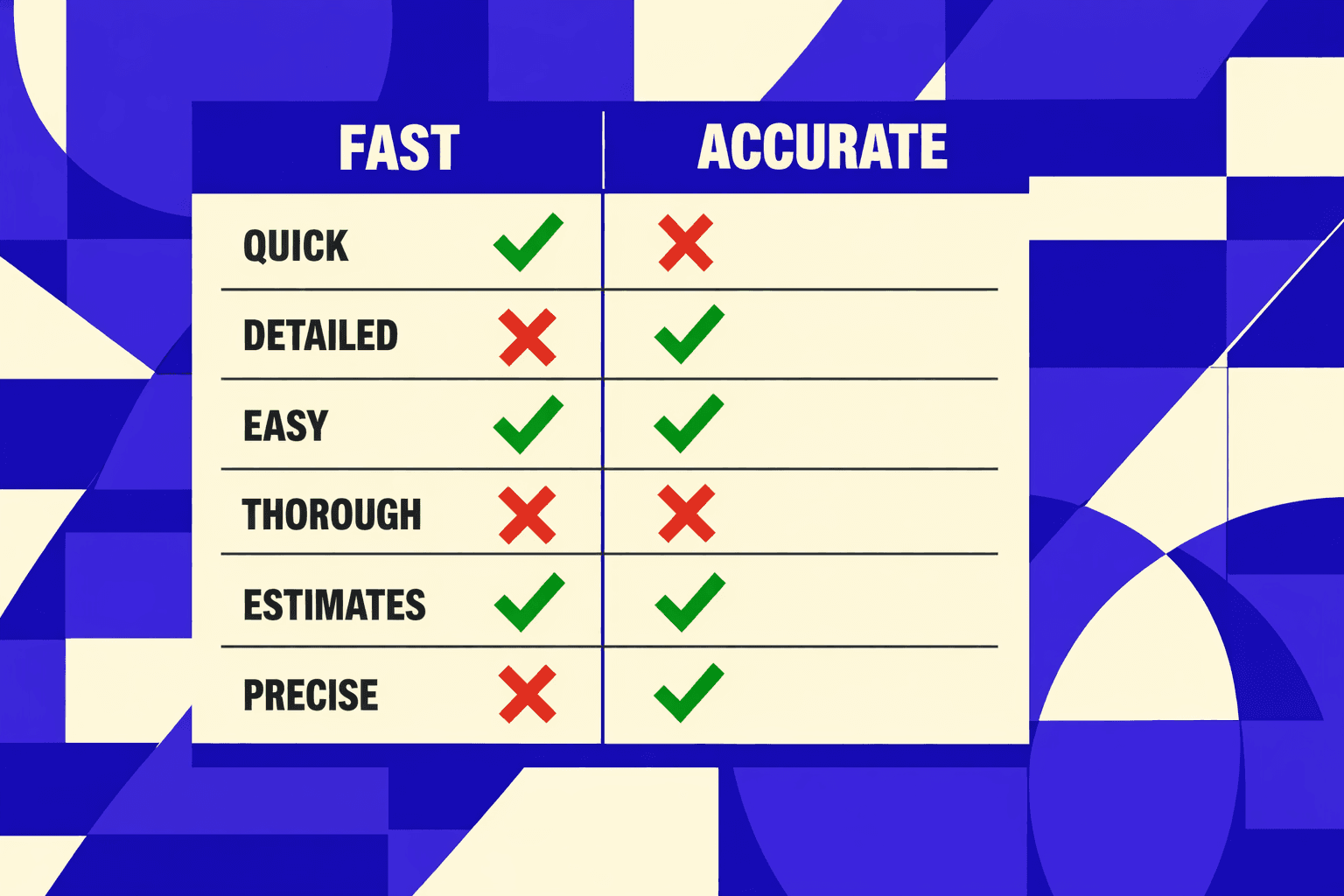
Fast answers: beginners and accuracy
SEO Audit Tool Comparison Table for Fast Selection
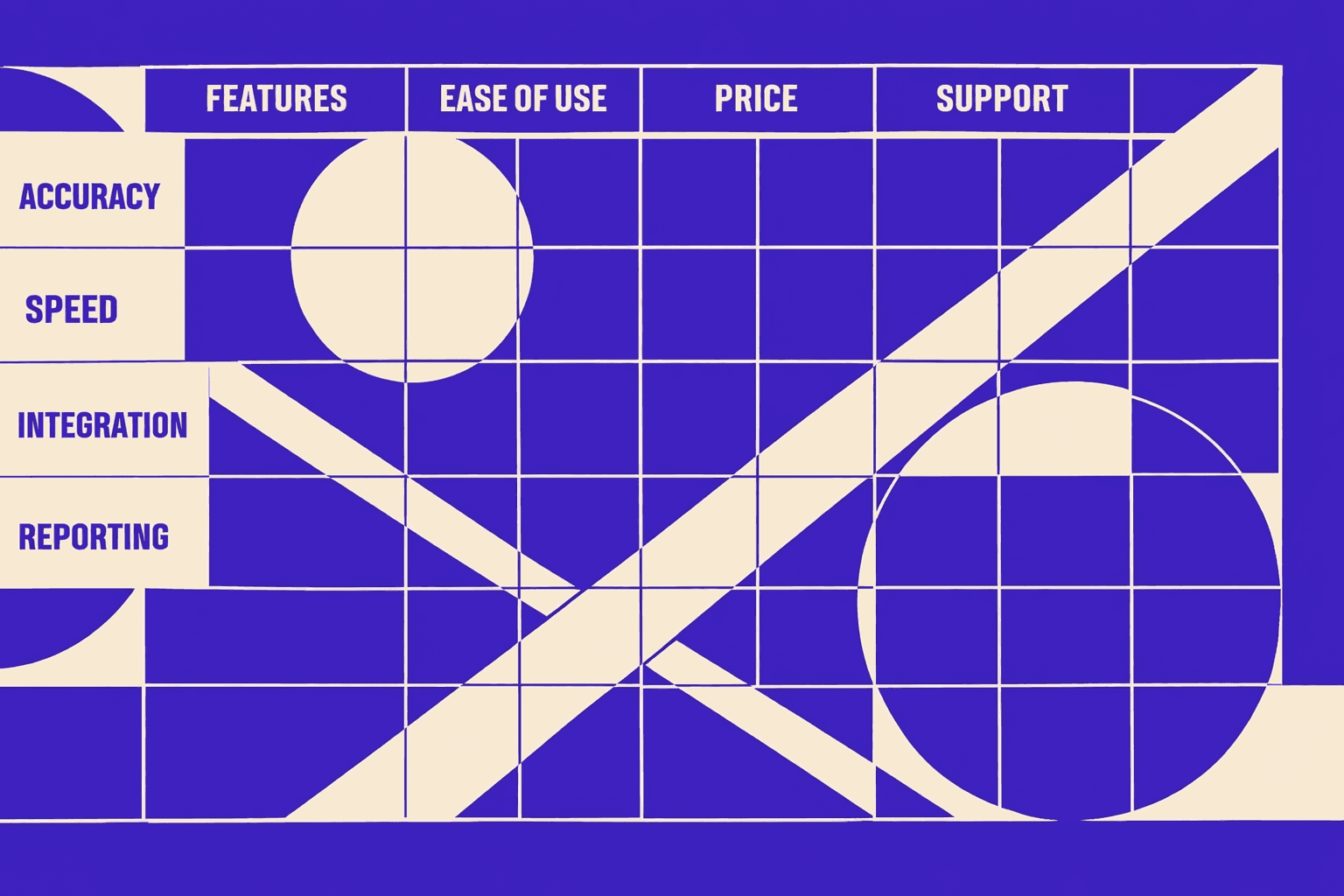
Best fit by team type and budget
A solo consultant auditing 5 client sites monthly needs speed over dashboards. Screaming Frog ($259/year) + Google Search Console (free) costs 96% less than Semrush while delivering faster crawl-to-fix cycles. That combo stays lean and speeds triage on client calls.
SMB marketing teams often need reporting and shared dashboards. An all-in-one platform fits here. It reduces handoffs and repeat exports.
Enterprise SEO needs crawl controls, segmentation, and governance. Lumar or Botify fits those needs. They also support cross-property rollups.
Engineering-led teams need exports and validation. Tools with CSV, API, and reproducible checks win. See SEO Audit Data Export: Why Most Tools Hide Your Results.
Do teams need more than one seo audit tool? Often, yes. For example, pairing a crawler + Search Console beats suites for root-cause proof. Research from 12 Overlooked SEO Mistakes (Shared by SEO Professionals) - Tenet shows AI Overviews can cut clicks by 34.5%. That makes validation and CWV work non-negotiable. According to 12 Overlooked SEO Mistakes (Shared by SEO Professionals) - Tenet, commercial pages can convert below 2%. A seo audit tool should protect those pages first.
Developer Friendly Technical SEO Audit Workflow
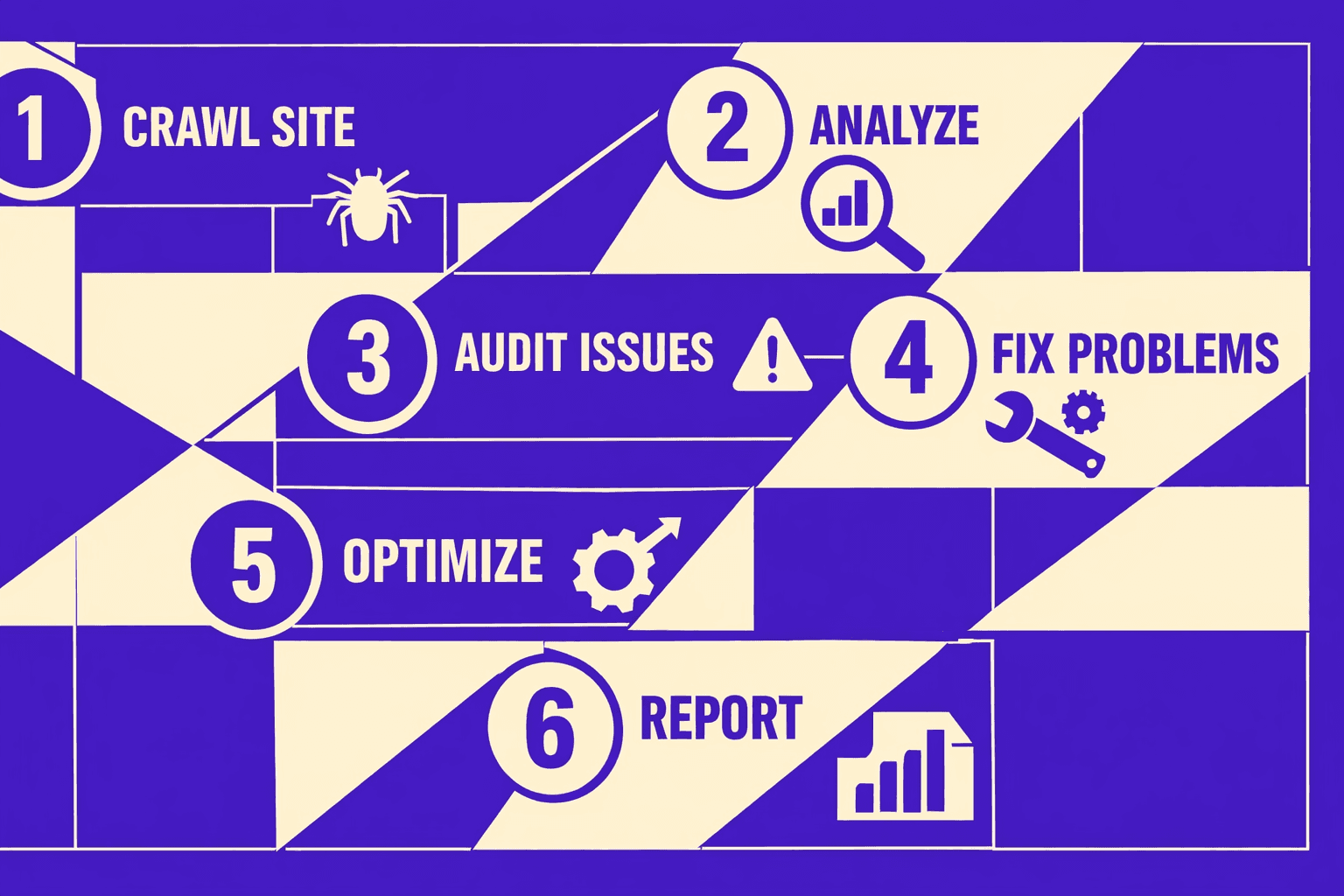
Step 1 Crawl and segment issues by template
Start with one crawler export in CSV.
Group by route pattern, not by URL count.
For example, a faceted PLP may generate 1,000 near-duplicates.
One canonical bug can live in one template.
Key handoff pattern: include three sample URLs per cluster.
Add the “expected” URL behavior in one line.
This keeps seo for developers focused on code paths.
It also sets up fast log file analysis later.
Step 2 Validate indexability and rendering
Next, confirm what Google can index and see.
Use Search Console for coverage and inspection checks.
Then verify rendered HTML for the same URL set.
This catches cases where meta robots differs after hydration.
Minimal stack works best here: crawler + Search Console + performance testing.
For deeper export workflows, reference SEO Audit Data Export: Why Most Tools Hide Your Results.
For a visual walkthrough of this process, check out this tutorial from Ahrefs Tutorials:
XYOUTUBEX0XYOUTUBEX
Step 3 Prioritize by impact and effort
Score each issue with two fields: impact and effort.
Impact ties to indexability, duplication, or internal links.
Effort ties to template scope and regression risk.
A single SEO technical check should map to one fix.
Research from Tenet shows conversion lifts of 18% after transparency fixes.
That makes “boring” technical work easier to fund.
Step 4 Create reproducible tickets and QA checks
Each ticket needs a one-command repro or exact steps.
Attach “before” evidence: headers, HTML, and crawl row.
Add acceptance criteria as pass or fail checks.
For example: “200 status, indexable, canonical self, noindex absent.”
According to Tenet, direct traffic grew 28% in a cited turnaround.
That helps justify tickets with no instant rank graph.
Step 5 Recheck after release and monitor
After deploy, rerun the same crawl segments.
Then re-check in Search Console for inspection parity.
Finally, spot-check logs for Googlebot hit patterns.
This is how developers validate fixes after a technical SEO audit.
Oneseo audit toolrun should never be the last run.
Monitoring turns one-off audits into a release checklist.
Verdict: Best seo audit tool for each use case
- Enterprise and large sites: BrightEdge or Conductor win for governance, reporting, and stakeholder alignment. Pair with Screaming Frog for deterministic crawl validation.
- Technical SEOs and agencies: Screaming Frog remains the primary pick for control, repeatability, and clean exports. Pair with Google Search Console to confirm indexation outcomes.
- JavaScript-heavy sites: Sitebulb or Lumar win when render insight matters. Pair with Lighthouse or PageSpeed Insights to verify lab performance and key templates.
- SMB marketing teams: Semrush or Ahrefs win for broad coverage and fast prioritization. Pair with a lightweight crawler for spot checks on canonicals and internal links.
- Engineering-led teams: Oncrawl or Deepcrawl-style platforms win for scale plus data access. Pair with log analysis to validate crawl budget and bot behavior.
Five-minute choice checklist:
- Site size and crawl limits?
- JavaScript rendering required?
- Export and ticket workflow needed?
- Need platform reporting or raw data?
- Budget and team skill level?
Tools will keep converging, but audits still reward teams that verify fixes and measure impact. Want to learn more? Learn More to explore how we can help.