which pages get cited in ai answers
Our ai visibility tool fixes the worst failure mode in production AI - you cannot see what is running. Prompts, models, and agent actions sprawl across microservices and internal tools fast. Ownership gets fuzzy. Logs scatter. Audits turn into guesswork.
We built MygomSEO’s ai visibility tool to make AI usage observable, governable, and auditable across apps and teams. You get a clear map of where AI runs and what it does.
In this release, we’ll break down what’s new, what changes for developers, and how to roll it out safely. The outline comes from real implementations, plus what we measured after deployment in live environments.
TLDR ai visibility tool release highlights
An ai visibility tool shows where AI runs, live. It also shows what it did. Last week, an alert hit. We chased a bad answer. The trail ended at a hidden prompt.
This release gives an AI inventory, end to end. We now find AI endpoints, prompts, providers, and model versions. Prompt tracking makes drift visible across services. That means fewer blind handoffs during incidents.
We also added deeper runtime signals in prod. Tracing, latency, cost monitoring, and failure modes now sit together. You can debug faster, and estimate impact.
Finally, we made governance metadata easy. Standard tags map owners, risk tiers, and audit trails. Teams keep shipping, without process drag. For more context, see Which SEO Factors Actually Matter for AI Search Rankings?.
What’s New in Our ai visibility tool
1. Discovery and inventory
We had a simple question that kept stalling work. Where are AI calls happening today. Not where we think they are. Where they actually run in production.
This release adds two paths to find them. First, automated service scanning maps known endpoints and clients. Second, SDK-based registration lets teams declare AI usage at the source. That includes internal tools with “just one prompt” features. Those are often the shadow AI paths that surprise you later.
So how do we discover AI across microservices and apps. We scan for AI provider traffic patterns and known SDK imports. Then we confirm with explicit registration in code. That gives you a living inventory, not a spreadsheet.
2. Tracing and runtime telemetry
The worst AI incident is the one you can’t replay. You see a user report. You see a provider error. But you can’t connect the dots across services.
We now emit trace IDs and attach safe runtime telemetry. You get latency breakdowns, retries, provider errors, and token usage. You also get request and response metadata, with redaction applied before storage. That keeps debugging useful, without turning logs into a liability.
So how do we monitor prompts and responses without storing sensitive data. We capture structured fields, not raw payloads. We redact secrets and user identifiers at ingest. We keep only what you need for distributed tracing and incident review. The goal is repeatable diagnosis, not prompt hoarding.
3. Governance and audit metadata
Audits fail when context lives in people’s heads. One team knows the owner. Another knows the data class. Nobody knows which model change shipped last week.
We introduced a consistent metadata schema. You can tag owner, environment, data sensitivity, risk tier, and model purpose. The tags travel with traces and deployments. That creates an audit trail you can trust.
For example, when a model is used for support replies, you can label it. When it touches regulated inputs, you can label that too. And when someone asks “who owns this,” you don’t guess. You look it up.
4. Integrations and developer workflow
We hit a painful moment during a rollback drill. The app reverted cleanly. The model version did not. That mismatch created a second incident.
So we shipped hooks for CI/CD and incident tooling. Every model and version change ties to a deploy. Each change also has a rollback path. You can review what changed, when, and why. You can also align it with your on-call runbooks.
If you want the SEO side of visibility too, pair this with our guidance on Which SEO Factors Actually Matter for AI Search Rankings?. It helps you connect technical signals to AI search outcomes.
Breaking changes and behavioral differences
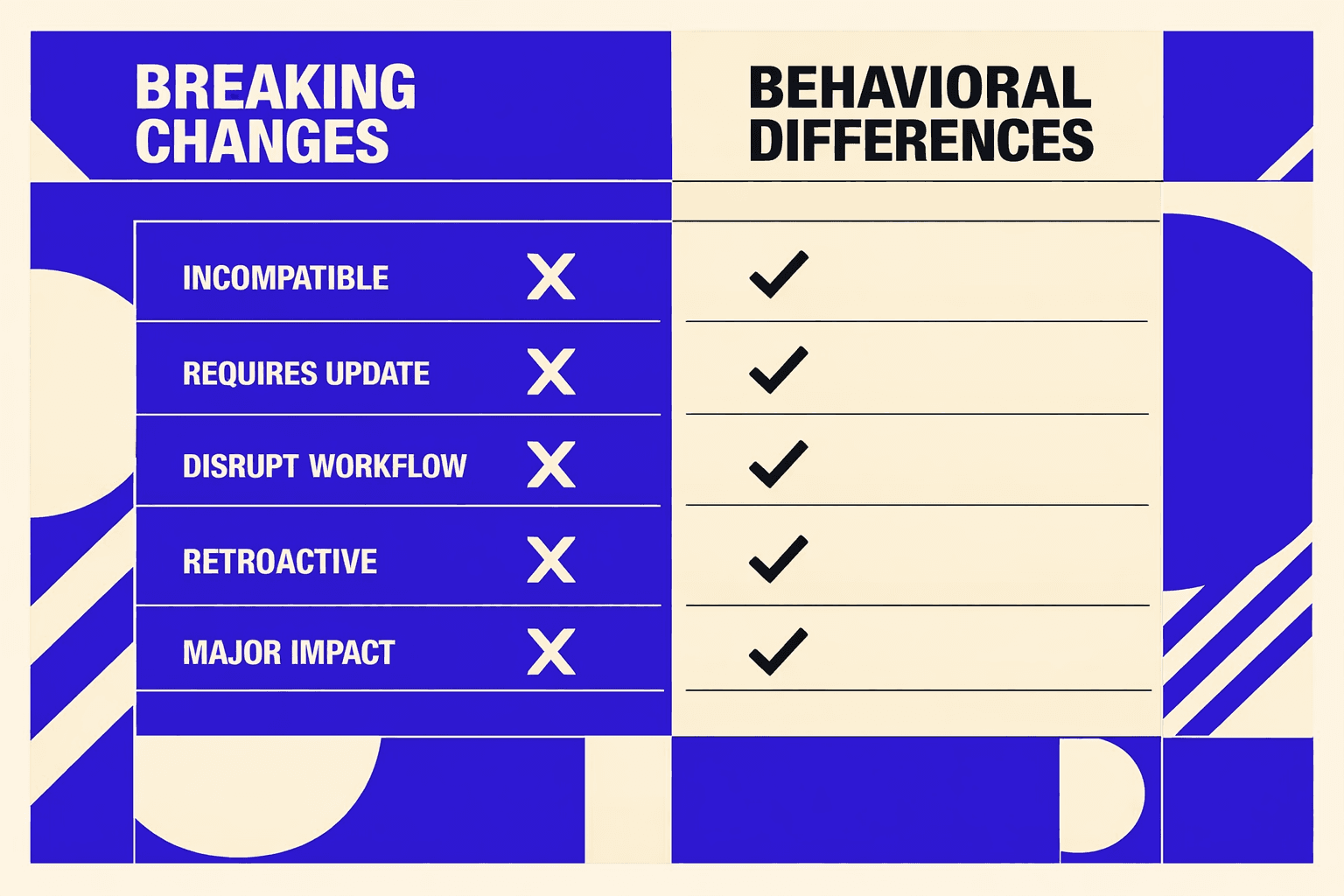
1. Schema changes for event metadata
We moved to a versioned event contract. This lets us evolve fields safely. It also avoids silent drift.
If your parser assumes fixed keys, it may break. We saw this fast in staging. A downstream job dropped events after a new field appeared.
Treat the event schema as a contract, not a guess. Validate by contract version first. Then map fields by name, not position.
If you maintain custom transforms, update them now. Add a fallback path for unknown keys. That keeps ingestion stable during upgrades.
2. Default redaction and sampling updates
We changed default data redaction behavior. Prompt and response text now redact by default. We only store structured attributes unless you enable content capture.
This can disrupt debugging at first. One engineer opened a trace and found blanks. The issue was real, but the raw text was gone.
Plan for this shift in your workflow. Log safe, structured fields you can search. Use tags like model, route, and error type.
We also added adaptive sampling for high-volume endpoints. Dashboards may show fewer raw events. Aggregates should look steadier over time.
If you need deep dives, use targeted overrides. Keep them scoped to routes and time windows. For more on what matters in AI search, see Which SEO Factors Actually Matter for AI Search Rankings?.
3. API and SDK version requirements
Minimum SDK versions are required for new trace fields. The API also expects new governance fields. Older SDKs still send events, but with limited visibility.
If you mix versions across services, expect uneven data. One service will show full context. Another will look thin and hard to triage.
Upgrade the SDKs first on critical paths. Then roll through edge services. Keep a small canary window per deploy.
Will an ai visibility tool slow down requests in production? It should not, if you keep defaults. Redaction reduces payload size, and sampling limits overhead. The bigger risk is misconfiguring verbose capture everywhere, so keep it opt-in and scoped.
If you want rollout lessons, read How AI SEO Tools Drove Growth for a Mid-Size Business.
Migration wrap-up: what changed after deployment
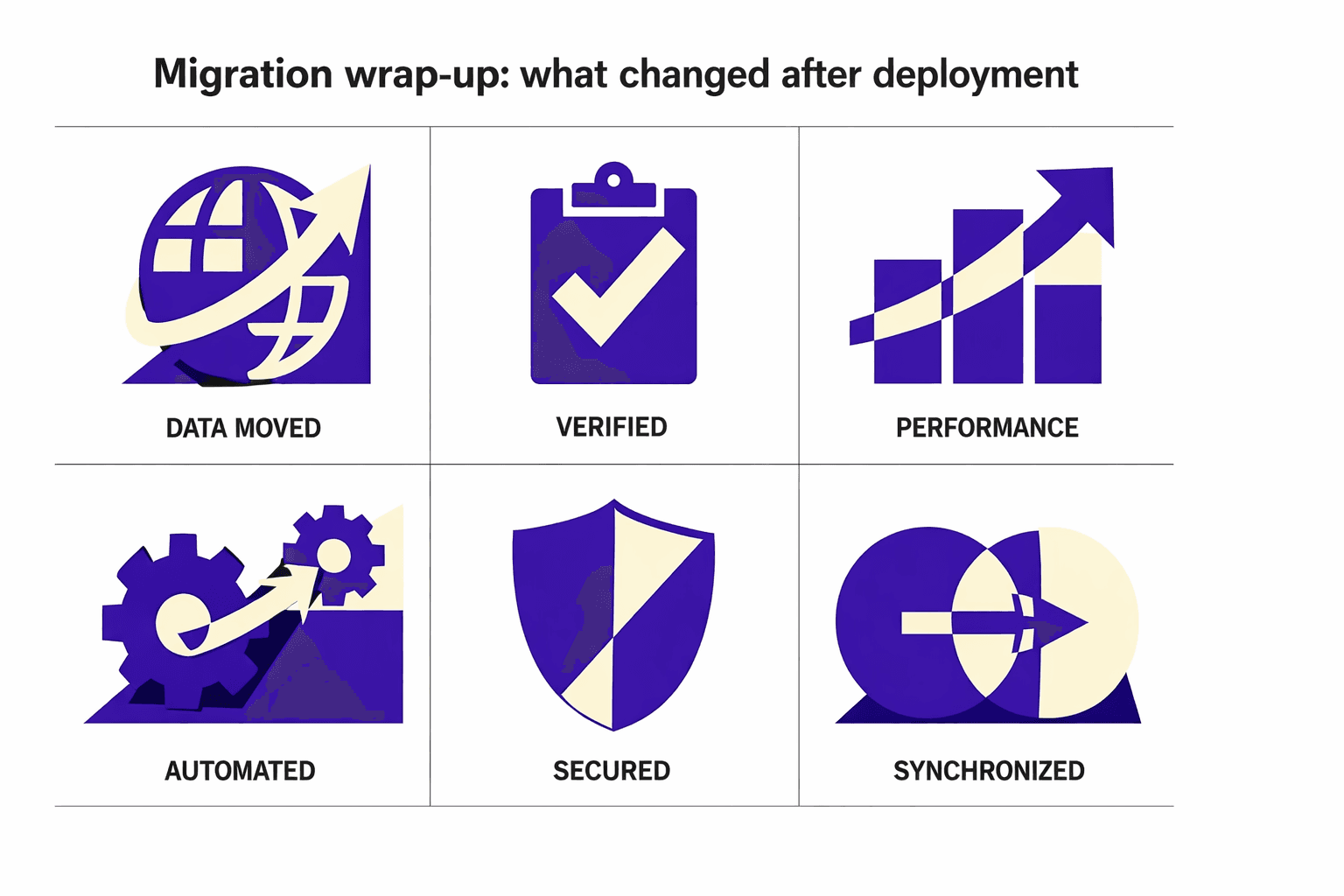
The migration itself stayed predictable because we treated it like production plumbing, not a dashboard install. You start by locking down who can call what, then you wire up trace propagation so correlation IDs survive the full trip from edge to provider and back. Next, you add governance tags that can’t be skipped, and you enforce them in CI so audits don’t depend on memory. From there, you tune redaction, sampling, and retention by environment, keeping production strict and staging verbose. Finally, you prove it with synthetic tests, validate alerting, and roll out behind feature flags so you can back out without drama.
Day-to-day, clients felt fewer “mystery failures” and faster answers. When latency spiked or a provider returned errors, we could point to the exact service, model version, and release that introduced the change. Product teams got clean cost attribution per feature instead of one blended AI bill, which made budgeting and roadmap calls simpler. And on-call engineers stopped guessing which team owned an AI path, because the ownership map was part of the data, not a wiki page.
If you’re trying to ship AI features without losing control of reliability, risk, and spend, our ai visibility tool gives you a rollout path that holds up under production pressure. Ready to see similar results? Learn More and let’s discuss your goals.