Canonical Tag Audits: How to Find and Fix Duplicate Content Issues (2026 Guide)
Canonical tag audits are the fastest way to stop duplicate URLs from competing in search results. Canonical tag audits also catch tiny misconfigurations that push search engines toward the wrong version of a page.
One wrong rel="canonical" can split signals across variants like parameters, trailing slashes, and HTTP vs HTTPS. According to What is a Canonical Tag? - BrightEdge, 230713% highlights how outsized small canonical signals can be. If your canonicals drift during releases, you can lose rankings without changing content.
In this guide, you’ll build a two-layer workflow: validate tags in Chrome DevTools, then scale checks with MygomSEO across templates and routes. You’ll learn repeatable, release-friendly checks, plus real fixes for HTML, Next.js, and WordPress using patterns aligned with rel=canonical tag: the ultimate guide to canonical URLs - Yoast.
What Youll Build Learn and Prerequisites
What Youll Build
You’ll build a canonical policy you can apply per template.
It answers one question for every page type: which version should be indexed.
Think of it like a “source of truth” label for URLs.
A canonical tag is a <link rel="canonical"> hint that tells search engines which URL represents the preferred version of a page (BrightEdge, Moz).
What Youll Learn
You’ll learn how to run canonical tag audits before every deploy.
You’ll learn to spot duplicates caused by routing and tracking.
For example, /product, /product/, and /product?utm_source=x can all load.
Your job is to pick one page that should win (Yoast, Sitebulb).
Prerequisites
Install Chrome for DevTools checks.
Get access to your codebase or CMS admin.
Create a MygomSEO workspace for crawling and validation.
Keep a saved checklist you can reuse every release (Canonical Tag).
Project Setup URLs to Test
Create a small URL test matrix for one template.
http://example.com/pagevshttps://example.com/pagehttps://www.example.com/pagevshttps://example.com/pagehttps://example.com/pagevshttps://example.com/page/https://example.com/page?utm_source=testhttps://example.com/category?page=2
This matrix forces you to prove which version is consistent.
Canonical Tag Decision Rule Which Version Wins
Pick one canonical per page type, then enforce it everywhere.
In most stacks, the canonical should be the HTTPS URL on your preferred host.
It should be clean, stable, and free of tracking parameters (Yoast, Rocket Clicks).
According to Yoast, 40% of canonical issues are caused by simple implementation mistakes, so your rule must be explicit.
Use this reusable checklist before deploy: one canonical, 200 OK, and indexable.
If a page should not be indexed, handle it with noindex instead of “creative” canonicals (Moz).
Manual Canonical Tag Audits in Chrome DevTools
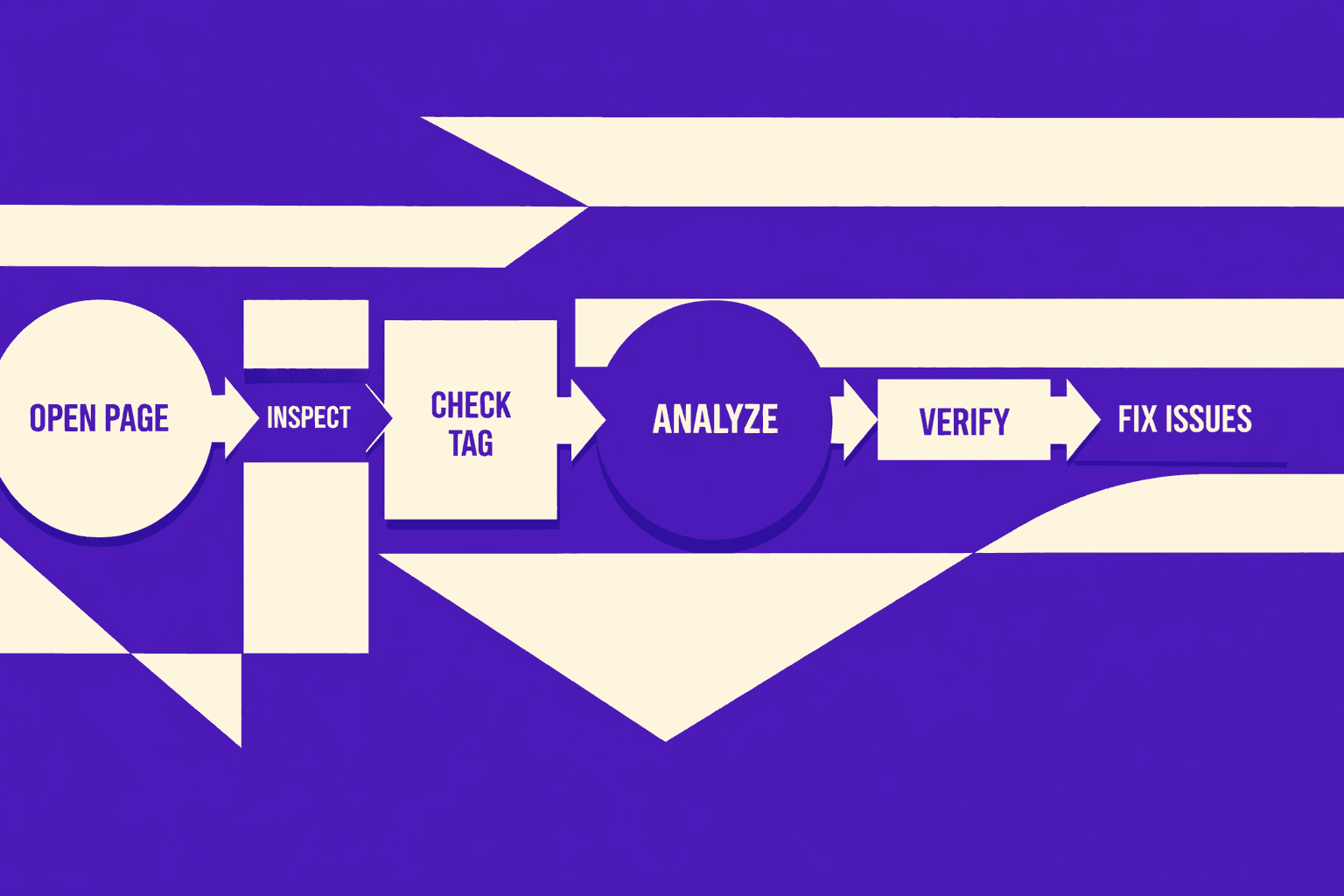
A canonical is like a “this is the master” label. It tells search engines which version of a page should rank. If you need a refresher, see the MygomSEO Canonical Tag glossary entry.
1. Check Rendered Canonical in Elements
By the end of this part, you’ll be able to confirm the canonical that the browser sees.
Open DevTools, then go toElements. PressCtrl+F(Mac:Cmd+F) and search for rel="canonical".
You’re not validating your template. You’re validating the final DOM. Scripts, tag managers, and SSR hydration can all change canonical tags after initial HTML.
If you’re asking, “How do I check canonical tags on a page?” this is the fastest answer. You check the rendered DOM first, then confirm the network response. Yoast explains why the canonical URL matters for duplicate URLs and consolidation. rel=canonical tag: the ultimate guide to canonical URLs - Yoast
2. Verify Final URL After Redirects
By the end of this part, you’ll know if your canonical matches the final destination URL.
Open DevToolsNetwork, reload, and click theDocumentrequest. CheckHeadersfor the finalRequest URLandStatus Code. Then expandResponse Headersfor location when redirects happen.
Your canonical should point to the preferred final URL. For example, if /product 301s to /product/, don’t canonicalize to the pre-redirect version of a URL. BrightEdge frames canonicals as a signal that helps search engines pick the right page. What is a Canonical Tag? - BrightEdge
3. Confirm Head vs Body Placement and Duplicates
By the end of this part, you’ll catch canonicals that get ignored.
InElements, expand <head> and confirm the canonical is inside it. Then run a quick duplicate check. Search for rel="canonical" again and count results.
Common failure cases:
- Two canonical tags, often from plugins plus templates
- Canonicals injected late by scripts
- Canonicals placed in
<body>, which many crawlers may disregard
Moz calls out canonical implementation pitfalls and best practices. Canonical Tag: Definition, Examples & Best Practices - Moz
4. Inspect Network for Canonical Influencers
By the end of this part, you’ll record what search engines see on the wire.
InNetwork, check each redirect hop and note headers that change variants. Watch status codes, cache-control, and vary. A cached redirect can create confusing “sticky” behavior across page variants.
If you see 404s on variant URLs, fix that first. Redirect chains and broken endpoints complicate which version of a page should win. MygomSEO covers cleanup patterns in 404 Error Management Transforms SEO When Done with Purpose.
5. Fast Checks for Parameter and Pagination Pages
By the end of this part, you’ll sanity-check URLs that create duplicates.
Test a parameter URL, like ?sort=price, and a paginated URL, like ?page=2. Then repeat steps 1 and 2 for each.
For example, your category page may set a canonical to page 1. That can be correct, but only if you intend search engines to ignore deeper pages. The key is consistency across every variant.
Moz also notes how small canonical mistakes can scale into huge duplication problems. According to Canonical Tag: Definition, Examples & Best Practices - Moz, mishandling canonicals can amplify duplication risk by “290x.”
Do you need a self-referencing canonical tag? In most cases, yes. It locks the preferred URL when tracking params, pagination, and alternate paths show up. It also reduces ambiguity about which version of a page should be indexed.
Scale Canonical Tag Audits with MygomSEO
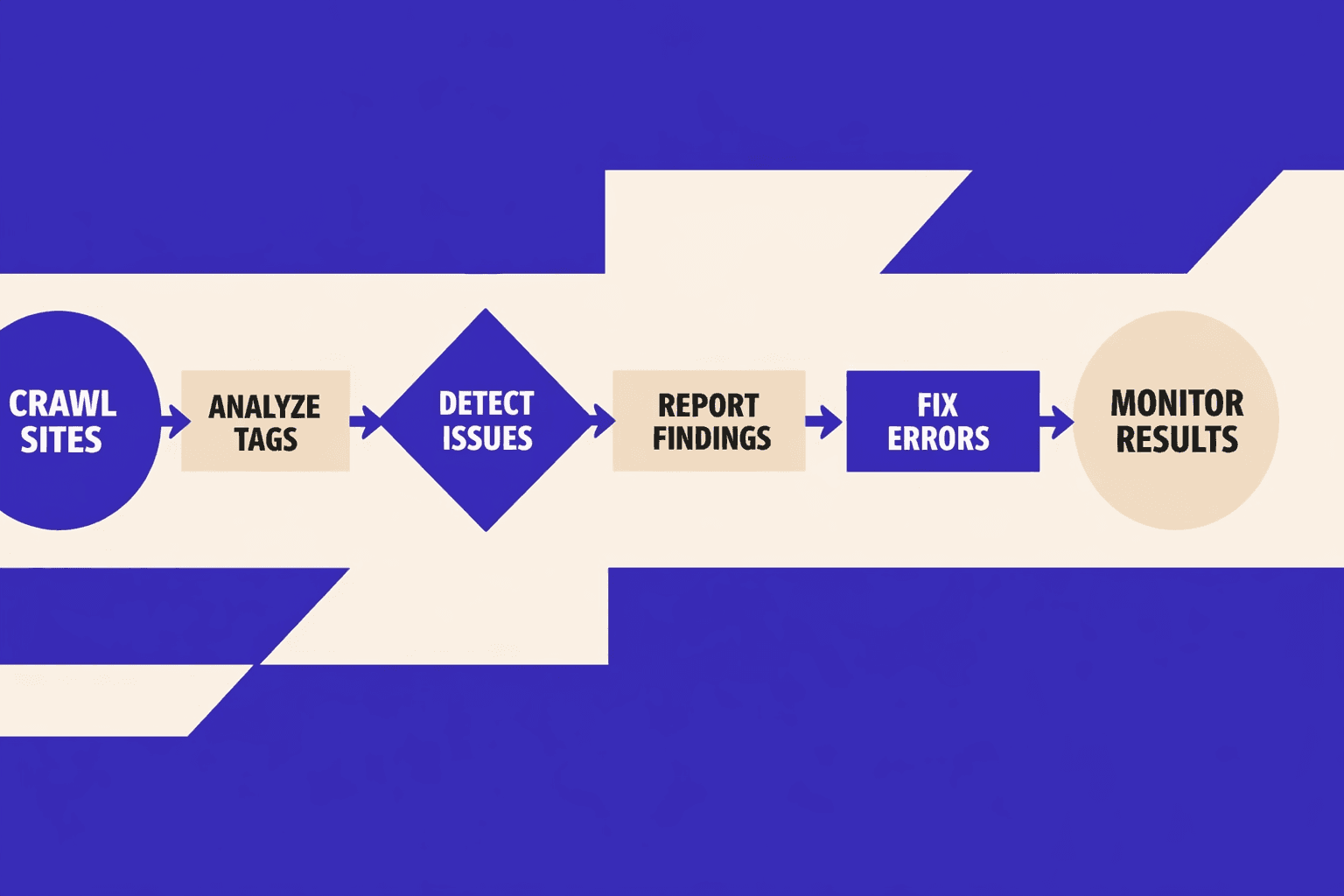
1. Run a Sitewide Canonical Crawl
By the end of this step, you’ll have a full canonical map.
Start a MygomSEO crawl with your full sitemap plus key parameterized URLs. For example, include /category?page=2 and /search?q=shoes. One page at a time hides patterns. A crawl shows them in minutes.
MygomSEO will extract the rendered canonical, not guesses. That matters for canonical tag seo. It also matches how you want search engines to interpret template output.
2. Find Missing Canonicals and Conflicts
By the end of this step, you’ll answer: “How do I find missing canonical tags at scale?”
Filter results where canonical = null or canonical is empty. Then add a second filter for “multiple canonicals.” Those conflicts often come from plugins, A/B scripts, or duplicated head partials.
Bucket the findings into four queues:
- Missing canonicals
- Self-referencing rules broken
- Cross-domain targets
- Inconsistent preferred URLs across variants
That grouping keeps fixes predictable for release work.
3. Detect Cross Domain Canonicals Safely
By the end of this step, you’ll know when cross-domain canonicals are valid.
Cross-domain canonicals can be correct for syndication. They can also erase your own pages. Use a MygomSEO rule: allowlist approved domains only. For anything else, flag it as “unsafe target.”
Yoast covers when canonicals should consolidate duplicates for search engines to pick the preferred URL rel=canonical tag: the ultimate guide to canonical URLs - Yoast.
4. Export Issues for Engineering Fixes
By the end of this step, you’ll turn audit output into tickets.
Export CSV with columns your team can act on:
- URL
- Current canonical
- Expected canonical
- Template signal (product, category, blog, search)
Add one example per template in the ticket. BrightEdge explains why canonicals influence which page is treated as primary What is a Canonical Tag? - BrightEdge.
5. Build a Recurring Audit Schedule
By the end of this step, you’ll convert a one-time crawl into a release gate.
Run the same MygomSEO crawl after merges and before deploy. Treat new canonical errors like failing tests. If your crawl also surfaces broken URLs, pair it with 404 Error Management Transforms SEO When Done with Purpose.
According to Canonical Tag: Definition, Examples & Best Practices - Moz, canonicals have been part of SEO practice for “20 years.” That’s why it’s worth automating now.
Fix Common Canonical Mistakes With Code
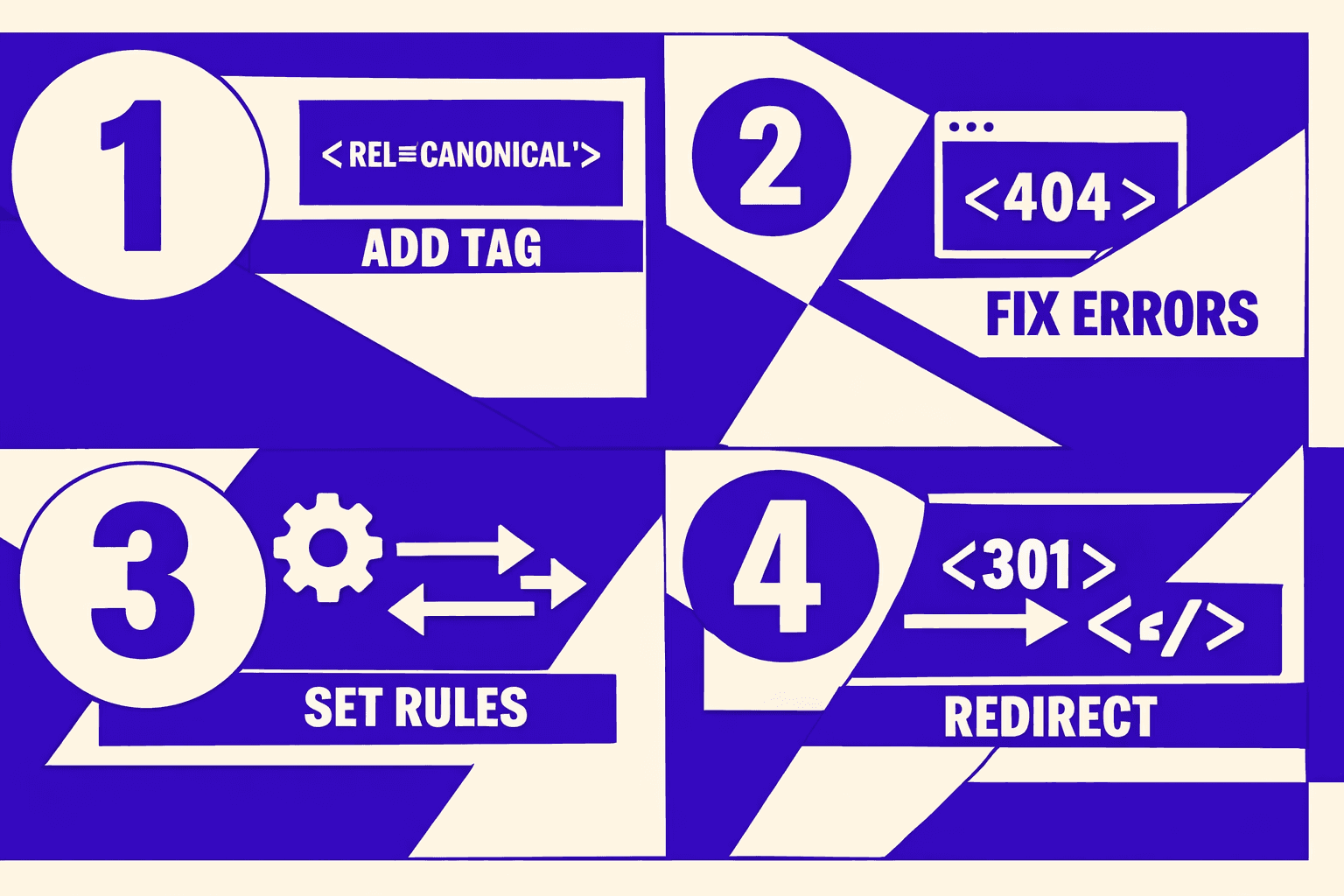
1. Fix Missing Canonicals
By the end of this section, you’ll add a canonical where none exists. Your page should output exactly one canonical in <head>.
First, decide your “clean URL” format. Normalize protocol, hostname, and trailing slash. Strip tracking parameters like utm_*.Static HTML```html
<head>
<link rel="canonical" href="https://example.com/widgets/" />
</head>
**Next.js (App Router)**```ts
// app/widgets/page.tsx
import type { Metadata } from "next";

export const metadata: Metadata = {
  alternates: { canonical: "https://example.com/widgets/" },
};

export default function Page() { return null; }
```**WordPress (plugin-safe)**```php
add_action('wp_head', function () {
  if (is_singular()) {
    $url = home_url(trailingslashit(get_permalink()));
    echo '<link rel="canonical" href="' . esc_url($url) . "\" />\n";
  }
}, 1);
Verify: DevTools Elements - search for rel="canonical". Then rerun MygomSEO and confirm “missing canonical” is gone. For background, see BrightEdge’s definition of canonical tags. What is a Canonical Tag? - BrightEdge
2. Fix Wrong Self Referencing Canonicals
By the end of this section, you’ll stop self-canonicals from pointing at the wrong variant. For example, /page?utm_source=x must not canonicalize to itself.
Fix by generating the canonical from your normalized URL builder. Remove query params that do not change content.Next.js (Pages Router)```tsx
// pages/_document.tsx
import { Html, Head, Main, NextScript } from "next/document";
const CANONICAL_HOST = "https://example.com";
export default function Document() {
return (
<Html>
<Head>
{/Put per-page canonical in each page instead when possible/}
</Head>
<body><Main /><NextScript /></body>
</Html>
);
}
```tsx
// pages/widgets.tsx
import Head from "next/head";

export default function Widgets() {
  const canonical = "https://example.com/widgets/";
  return (
    <>
      <Head>
        <link rel="canonical" href={canonical} />
      </Head>
    </>
  );
}
Verify: open the tracking URL, confirm the canonical points to the clean URL. Re-check in MygomSEO for inconsistent targets. Yoast covers why the canonical should indicate one preferred URL. rel=canonical tag: the ultimate guide to canonical URLs - Yoast
3. Fix Cross Domain Canonicals
By the end of this section, you’ll know when cross-domain canonicals are valid and when they are a bug.
Can canonical tags point to another domain? Yes. You can canonicalize to another domain when the content is truly duplicated and you control both sites, or you have a syndication agreement. Otherwise, you risk telling search engines the other domain owns your page. Sitebulb explains cross-domain canonicals as a supported pattern. Guide to Canonical Tags & How to Audit Them - SitebulbFix pattern- If cross-domain was accidental, point back to your own clean URL.
- If syndication is intended, keep the canonical on the duplicate page only.
<link rel="canonical" href="https://example.com/original-article/" />Verify: DevTools - confirm the target domain is correct. MygomSEO should show one consistent canonical per cluster.
4. Fix Canonicals on Filter and Sort Pages
By the end of this section, you’ll prevent faceted URLs from competing. For example, /shoes?color=red&sort=price should usually canonicalize to /shoes/.
How do I fix duplicate content with canonical tags? You pick which version should be indexed, then you canonicalize all near-duplicates to that version. Rocket Clicks outlines canonicals as a practical duplicate content fix. Utilizing Canonical Tags to Avoid Duplicate Content IssuesRule- Filters and sorts that do not create unique landing pages: canonical to the base category.
- Filters you actively target (like “red shoes”): give them their own clean, indexable URL.
<link rel="canonical" href="https://example.com/shoes/" />Verify: in DevTools, confirm filter pages canonicalize to the base. Re-scan in MygomSEO to confirm “parameter canonicals” are consistent.
5. Fix Conflicts With hreflang and Pagination
By the end of this section, you’ll avoid mixed signals between canonical, hreflang, and pagination.
For hreflang pages, canonical should normally be self-referencing per locale. Otherwise, you collapse all languages into one. Moz’s guide notes canonicals help consolidate duplicates, but you must keep intent clear. Canonical Tag: Definition, Examples & Best Practices - Moz
For pagination, avoid canonicalizing every page to page 1. Each page should usually self-canonicalize, unless you have a “view all” page.Example (page 2 should not canonicalize to page 1)```html
<link rel="canonical" href="https://example.com/blog/page/2/" />
Verify: DevTools on page 2 and page 3. MygomSEO should stop flagging paginated canonicals as duplicates.

### 6. When to Use Noindex Instead of Canonical

By the end of this section, you’ll choose noindex when canonical cannot express your intent.

Use `noindex` when the page should not be indexed at all. For example, internal search results, thin tag archives, or temporary campaign variants. A canonical is a hint about “which version,” not a command to hide a page. Yoast highlights this difference in canonical behavior. [rel=canonical tag: the ultimate guide to canonical URLs - Yoast](https://yoast.com/rel-canonical/)**Example**```html
<meta name="robots" content="noindex,follow" />
<link rel="canonical" href="https://example.com/shoes/" />
Verify: DevTools Elements shows both tags. Then re-check in MygomSEO and confirm the page is marked as not intended to be indexed. If you accidentally noindex a key page, fix it fast and audit your status codes too in 404 Error Management Transforms SEO When Done with Purpose.
Conclusion: Testing and Deployment for Canonical Tags
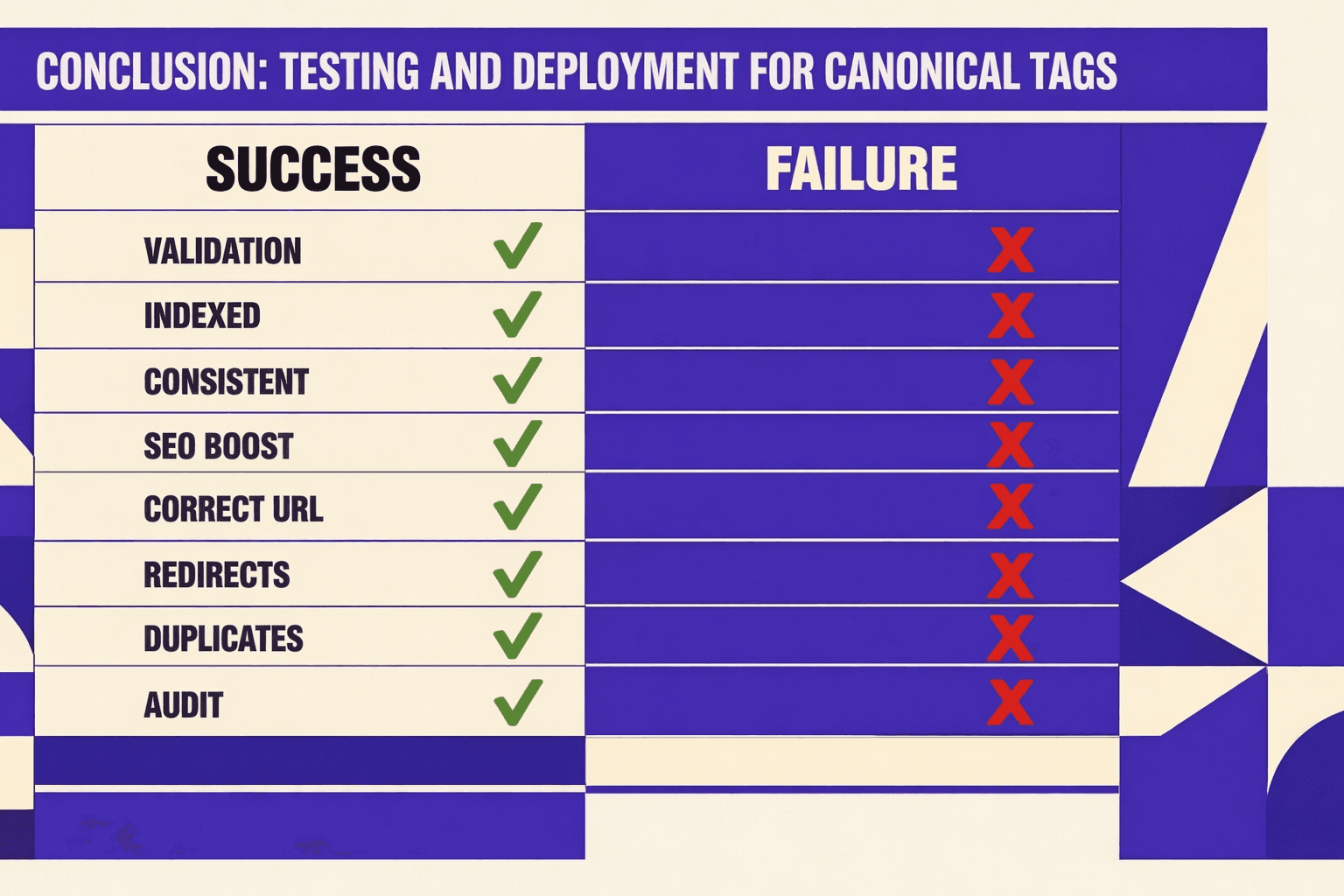
Before every release, build a small, repeatable test plan around your canonical policy. Pick representative routes for each template, then add the ugly cases you know will break first: filtered pages with query params, paginated listings, and alternate URL forms caused by redirects. Your goal is simple: make sure every indexable page points to one intended version of a page, and that this target matches the final resolved URL after redirects.
Next, make your checks automatic where it matters. A thin layer of unit or integration tests can assert the canonical output for key routes, plus a few rules that strip or normalize query parameters. That gives you fast feedback during PR review, and it turns canonical tag SEO into something you can enforce consistently. When tests fail, you fix the rule once, not the same bug on twenty URLs.
Deployment is where good canonicals often get silently rewritten. Confirm your environment URLs are correct, and that reverse proxies, load balancers, and CDN layers pass the right headers. Then verify nothing in your edge rules forces a different hostname, protocol, or trailing slash than your canonical targets. Consistency across environments is what keeps search engines from seeing mixed signals between what your app renders and what the platform serves.
After you ship, do one quick reality check. Spot-check a few critical pages in Chrome DevTools to confirm the rendered <link rel="canonical"> is still correct in production. Then rerun MygomSEO to validate at scale and catch any rewrite patterns you missed. That closes the loop and keeps duplicate content from creeping back in.
Keep this workflow in your release checklist, and your canonicals will stay stable as your site evolves.
Want to learn more? Learn More to explore how we can help.