How to Fix SEO Audit Report Errors in 30 Minutes (Developer Guide)
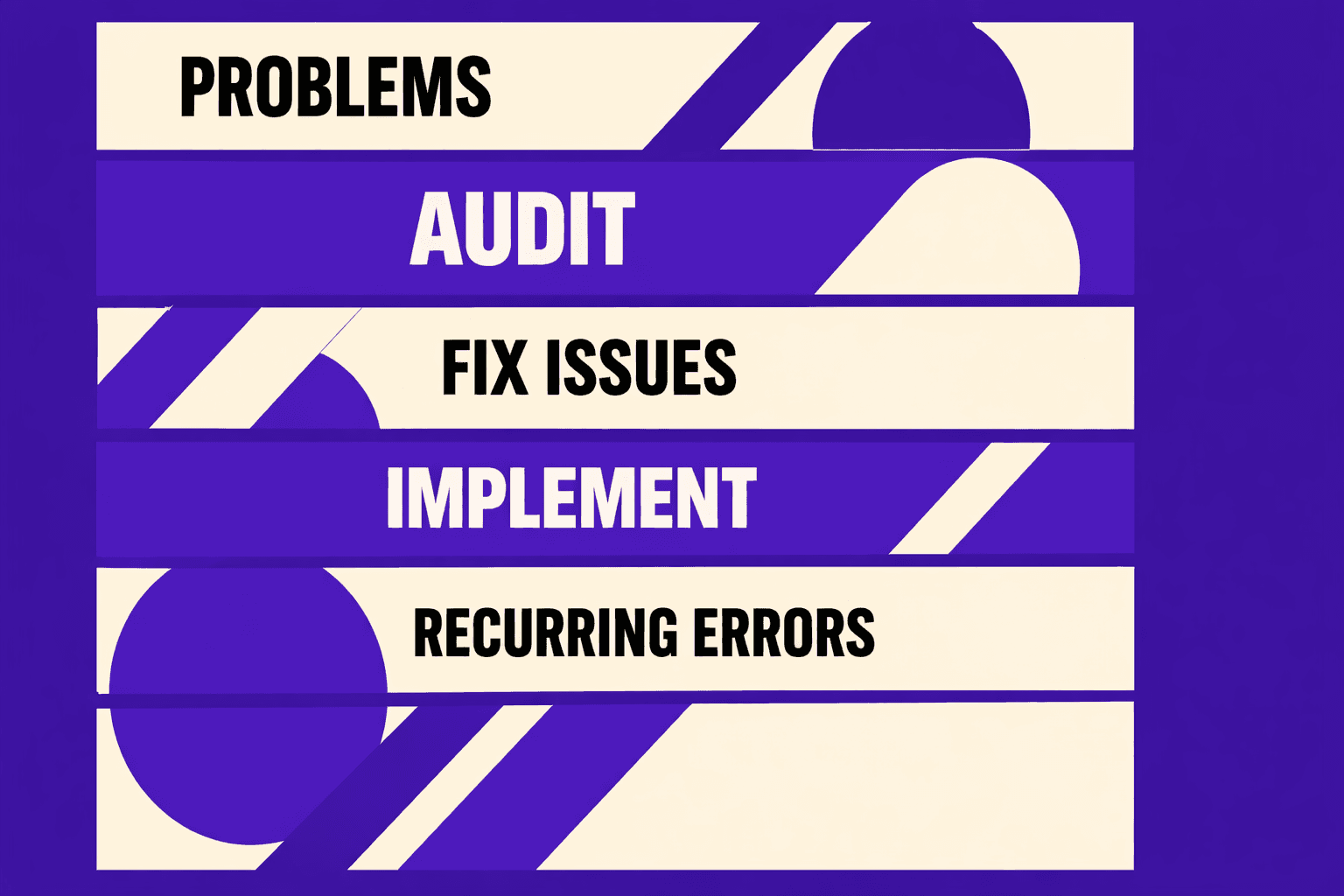
Fix seo audit report work gets ugly fast when MygomSEO flags hundreds of issues, yet rankings stay flat. You fix five “errors,” run a re-crawl, and the list barely moves.
Most audit "errors" are symptoms, not causes. According to SEO Audit Checklist: Errors and Quick Wins - Incremys, 3% of issues often drive the biggest gains. Research shows a 2-second delay in page load time increases bounce rates by 103% - more than doubling abandonment. Data from SEO Audit Checklist: Errors and Quick Wins - Incremys also shows 34% CTR can sit with position 1, so speed matters.
We built MygomSEO to sort noise from fixes that help search engines crawl and rank faster. In this guide, you will identify and fix broken links, missing meta signals, and slow speed in under 30 minutes each. You will leave with a tight workflow that turns audits into measurable movement.
Root Cause Analysis: Why SEO Audit Errors Keep Returning
1. Symptom vs root cause mapping in MygomSEO
An SEO audit report shows so many issues because one upstream change fans out across thousands of URLs.
Teams “fix” the surface, then the generator breaks again.
That is why the same error clusters return.
We saw this on a Monday deploy.
One route rename shipped without redirects.
MygomSEO grouped the fallout into one family: 4xx spikes plus 3xx chains.
The symptom was “broken links.” The root cause was missing redirect rules.
When you treat the report like a checklist, you miss this mapping.
Search engines then waste crawl time on bad URLs.
Link equity gets diluted through chains.
Important pages get discovered late, or never.
2. Misconceptions that waste time
The fastest way to fail is to “fix” by hiding.
Bulk noindexing category pages feels clean, but it blocks discovery.
It can also conflict with internal linking signals.
Another common seo mistake is redirecting everything to the homepage.
It reduces 404 counts, but it also destroys intent.
Search engines still see a soft mismatch.
The third time-waster is adding meta tags in bulk.
It looks like progress, but it ignores canonicals.
It also ignores indexability signals like robots rules.
Then you still cannot fix seo audit report outcomes.
MygomSEO pushes you to identify and validate the chain.
We check crawlability first, then indexability, then relevance, then performance.
That order reflects what helps search engines process your site.
3. What actually helps search engines and users
The root causes we keep finding are boring and repeatable.
URL changes ship without redirect rules.
Templating bugs strip titles and descriptions across templates.
Performance regresses from scripts, fonts, and unoptimized images.
Our strategy is simple.
Use MygomSEO to prioritize by ranking impact.
Fix the one code path that affects many pages.
That is why we built issue families into MygomSEO.
- 4xx clusters that share a missing rule
- 3xx chains caused by layered redirects
- Missing meta from a broken template partial
- CWV regressions tied to specific assets
Slow pages also hurt users fast.
Research shows a 2-second delay in page load time increases bounce rates by 103% - more than doubling abandonment.
That is why we link CWV work to real assets, not guesses.
How often should you run SEO audits?
Run them after every release that touches routing, templates, or front-end bundles.
Also run weekly scans to catch drift early.
For deeper performance work, use our Core Web Vitals guide: Mastering Core Web Vitals for SaaS Websites to Boost User Experience.
Fix SEO Audit Report Broken Links and Redirect Chains
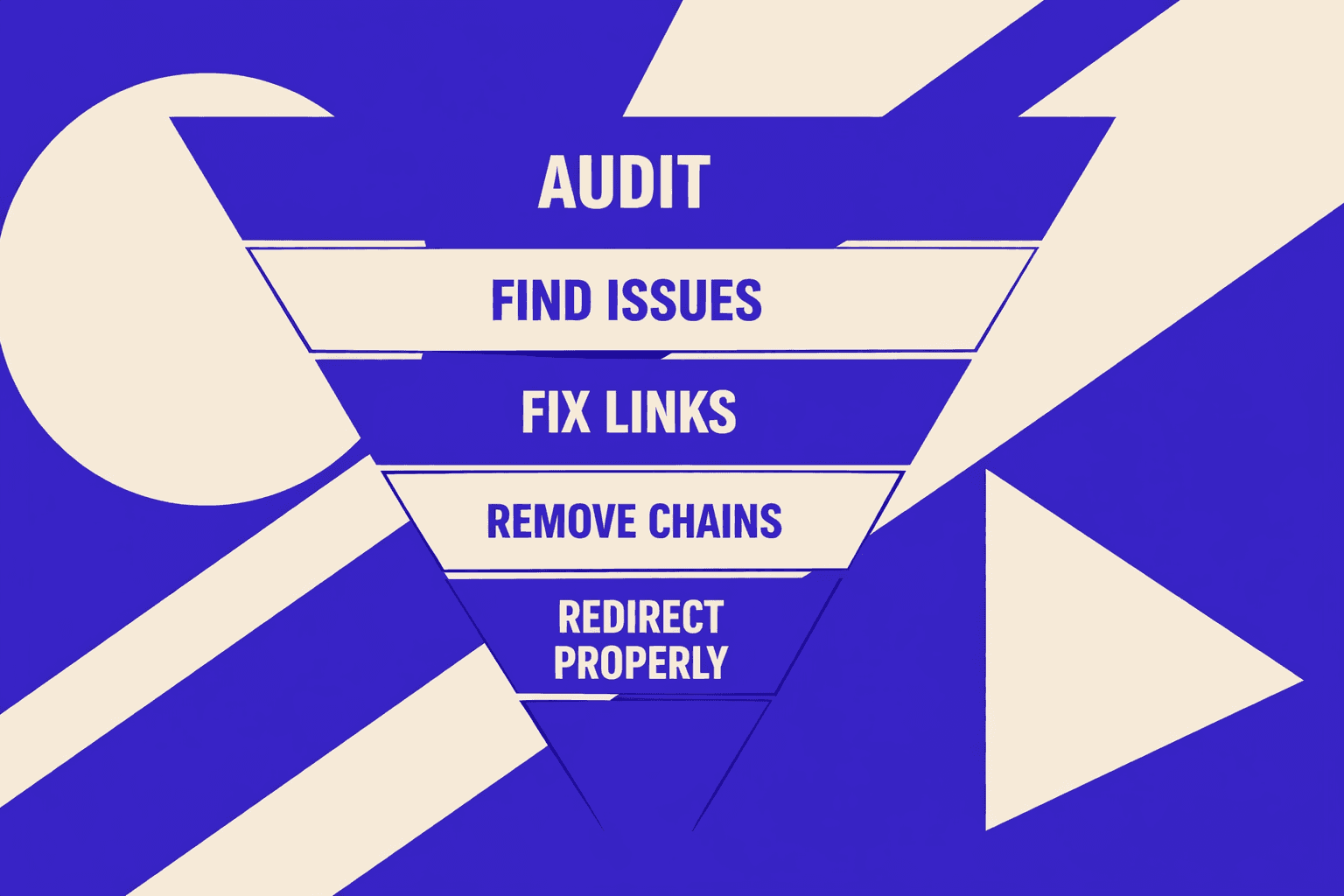
For example, we migrated a store at midnight.
Next morning, the header “Sale” link hit /sale/ and 404’d.
It sat in every template, on every page.
Diagnose 4xx 5xx and 3xx patterns in MygomSEO
Open MygomSEO and filter by HTTP status groups.
Start with 4xx, then 3xx chains, then 5xx spikes.
Group by “Linked From” to find template rot fast.
Look for repeating causes:
URL migrations, slug edits, deleted products, and protocol mismatches.
Trailing slashes and http/https flips also create duplicates.
This is where you identify and fix the real source.
Fast fixes for internal links
To fix seo issues in under 30 minutes, fix sources first.
Redirects help, but they should be second.
Broken internal links waste crawl budget and PageRank flow.
Use this internal link checklist:
- Update nav and footer URLs first.
- Replace old links in templates and components.
- Remove links to blocked or noindexed URLs.
- Regenerate and resubmit your XML sitemap.
- Re-crawl key templates in MygomSEO.
Do broken links hurt SEO? Yes.
They create dead ends for crawlers and users.
They also dilute internal linking signals.
That’s why a clean crawl matters in seo audits.
For a visual walkthrough, check out this tutorial from WsCube Tech:
XYOUTUBEX0XYOUTUBEX
Redirect rules for Apache and Nginx
After internal links are clean, redirect high-value leftovers.
Do not “spray” redirects across every missing URL.
Map old to the closest matching new page.
Apache single URL:
Redirect 301 /old-page /new-pageApache directory pattern (mod_rewrite):
RewriteEngine On
RewriteRule ^old-dir/(.*)$ /new-dir/$1 [R=301,L]
Nginx single URL:
rewrite ^/old-page$ /new-page permanent;Nginx collapse non-www to www:
server {
  listen 80;
  server_name example.com;
  return 301 https://www.example.com$request_uri;
}
Should we redirect every 404 to the homepage? No.
It creates soft-404 behavior and poor intent matching.
Redirect only when there is a true replacement.
Validation checks that prove the fix
Chain cleanup is strict.
Every legacy URL must resolve in one hop.
It must land on the canonical URL, not the homepage.
Validation steps:
- Re-run MygomSEO crawl and compare issue counts.
- Confirm 4xx count drops and 5xx spikes stop.
- Confirm redirect chain depth equals 1.
- Spot-check key pages return 200 with correct canonical.
Research from SEO Audit Checklist: Errors and Quick Wins - Incremys shows a 2-second delay in page load time increases bounce rates by 103% - more than doubling abandonment. This makes clean crawl paths more valuable, especially as SEO Audit Checklist: Errors and Quick Wins - Incremys raises the bar for verifiable URL targets.
When you fix seo audit report link errors this way, results compound.
If you want deeper tooling context, read AI SEO Audit Tools Drive Technical SEO Results for Modern Teams.
Fix Missing Meta Titles Descriptions and Index Signals
1. Why missing meta happens in modern stacks
If you are trying tofix seo audit reporterrors, meta is usually the fastest win.
MygomSEO often flags missing titles, duplicate titles, empty descriptions, bad canonicals, and noindex conflicts.
We hit this on a Next.js build after a deploy.
Pages looked fine in the browser, but the initial HTML shipped blank head tags.
This happens for three reasons.
First, JS hydration replaces head tags too late for crawlers.
Second, CMS fallbacks fail when a field is empty.
Third, rules drift between robots meta, headers, and sitemaps.
2. Title and description templates that scale
Missing meta kills control of the snippet.
Traditional search picks random text, and CTR drops.
You also get title collisions across filters and paginated pages.
Then pages compete with each other.
Use deterministic templates with guards.
- Title template:
{{Primary Keyword}} {{Modifier}} | {{Brand}} - Guardrails: 45-60 chars
- Also trim spaces and strip pipes
- If keyword missing: fall back to page type + brand
For descriptions, keep it structured.
- Description: value + proof + CTA
- Guardrails: 140-160 chars, no quotes, no duplicate titles
Do meta descriptions affect rankings or just clicks?
They mainly affect clicks, not direct rankings.
They still matter because clicks feed your page's outcomes.
According to SEO Audit Checklist: Errors and Quick Wins - Incremys, position-one CTR can drop to2.6%when AI Overviews appear.
3. Canonical robots and sitemap alignment
Here is the sanity rule set MygomSEO enforces.
Indexable pages must be consistent everywhere.
Pick one source of truth for indexability.
Then propagate it to tags, headers, and sitemap.
Checklist:
- Not blocked by robots.txt
- No
noindexin meta or X-Robots-Tag - Self-canonical, or canonical to the preferred URL
- Included in the XML sitemap
Code example (head tags):
<title>Primary Keyword Modifier | Brand</title>
<meta name="description" content="Value statement. Proof point. Clear next step CTA.">
<link rel="canonical" href="https://example.com/preferred-url/" />
<meta name="robots" content="index,follow" />
4. Quick QA for traditional search snippets
How do we fix duplicate title tags at scale?
Do it at the template layer, not per page.
Append a deterministic modifier like category, intent, or location.
Also block parameters from becoming indexable landmines.
Under 30 minutes, run this QA loop:
- Re-crawl in MygomSEO to identify duplicates
- Fix any duplicates found
- Confirm canonicals return 200 and do not hop
- Ensure the sitemap lists only indexable URLs
This improves what helps search engines choose the right URL.
It also keeps traditional search snippets stable.
For deeper workflows, see AI SEO Audit Tools Drive Technical SEO Results for Modern Teams.
Research from SEO Audit Checklist: Errors and Quick Wins - Incremys shows a 2-second delay in page load time increases bounce rates by 103% - more than doubling abandonment.
Fix Slow Speed Issues and Lock In Top 10 Gains
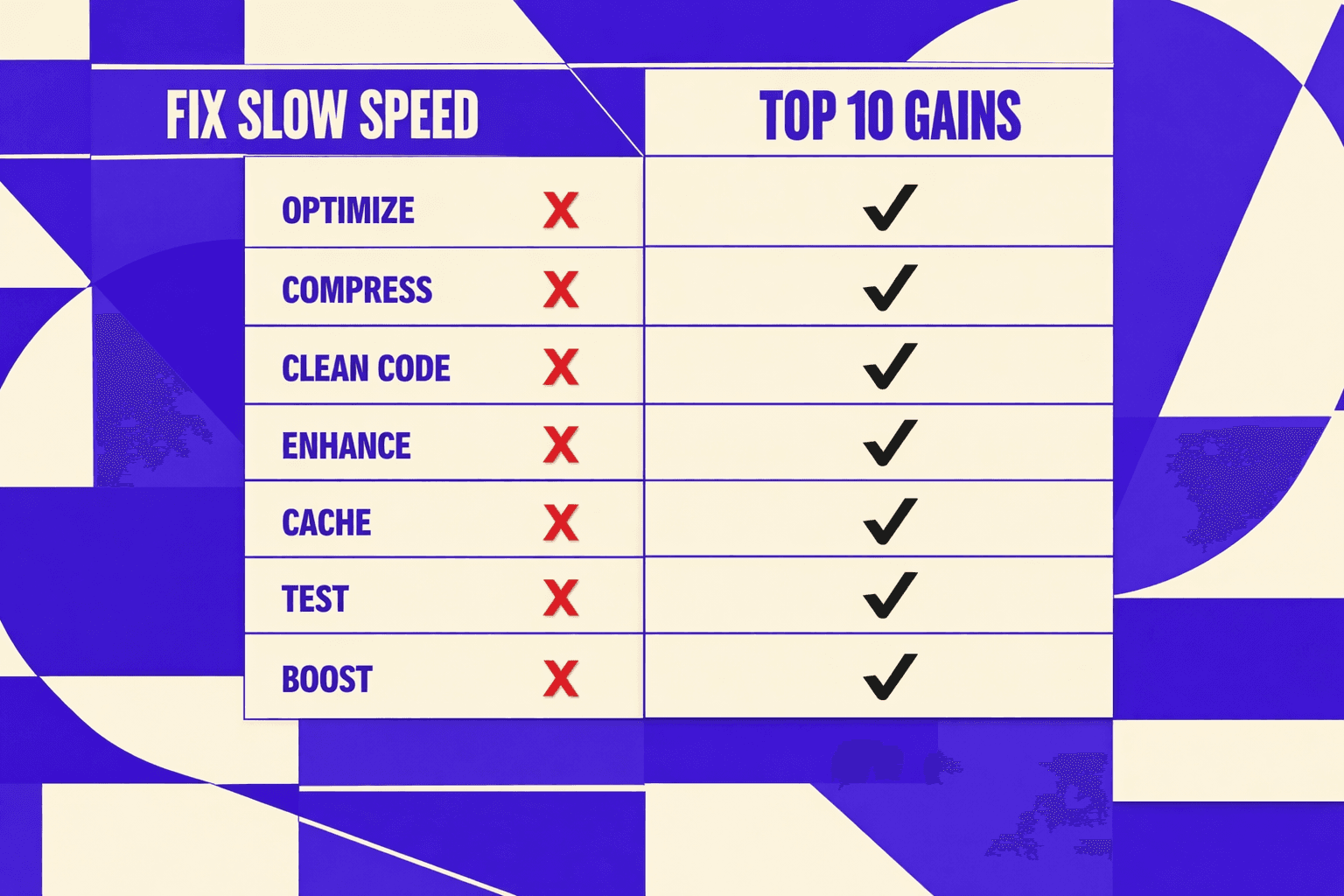
The root cause is rarely “Google being picky.” It is almost always weight and work. Uncompressed hero images, third-party tags, missing caching headers, and too much shared JS/CSS create long tasks. That hurts users first. Then it drags crawl efficiency and slows refresh in traditional search.
If you only do two under-30-minute fixes, do these first:
- Turn on compression and long-lived caching for static files.
This cuts transfer time and repeat visits. It also makes crawls cheaper.
Nginx example:
   gzip on;
   gzip_types text/plain text/css application/javascript application/json image/svg+xml;
   gzip_min_length 1024;

location ~*\.(css|js|woff2|webp|png|jpg|jpeg|svg)$ {
     expires 365d;
     add_header Cache-Control "public, max-age=31536000, immutable";
   }
Apache example:
   <IfModule mod_expires.c>
     ExpiresActive On
     ExpiresByType text/css "access plus 1 year"
     ExpiresByType application/javascript "access plus 1 year"
     ExpiresByType font/woff2 "access plus 1 year"
     ExpiresByType image/webp "access plus 1 year"
</IfModule>- Fix the LCP path with one image change.
Convert the hero image to WebP or AVIF. Then lazy-load the rest.
HTML examples:
   <img
     src="/img/hero.avif"
     width="1200"
     height="675"
     fetchpriority="high"
alt="Primary value prop"> <img src="/img/gallery-3.webp" loading="lazy" alt="Example">These are not “nice to have” tweaks. They remove repeat offenders that MygomSEO flags again and again. They also reduce the chance that one marketing tag update tanks your Core Web Vitals overnight.
Here is how we report this like a client deliverable. Run MygomSEO before the change, then after deploy, then one week later:
| Metric | Before | After | Notes |
|---|---:|---:|---|
| CWV pass rate | | | Track per template type |
| Median LCP (ms) | | | Focus on top landing pages |
| "Slow" templates flagged | | | Grouped by issue family |
| Avg position on target pages | ~38 | → Top 10 trend | Watch the same URL set |
Once the root cause is fixed, you should see fewer slow URLs in MygomSEO. Crawl completion gets faster. That helps search engines discover updates sooner. The payoff is compounding, not one-time.
To prevent backsliding, treat speed as a release constraint. Run MygomSEO weekly. Add performance budgets in CI. Ship “SEO-safe” checks for redirects, meta templates, and asset weight before prod.
Ready to push page-4 URLs toward the top 10 with a fix-first workflow? Learn More and let’s map the fastest wins.