Google AI Mode SEO: How to Rank When AI Answers the Question
Need an ai mode seo checking tool now? You do, because Google AI Mode changes what users see first. Google AI Mode is Google’s conversational search layer that builds direct answers from multiple sources, often before anyone clicks a blue link. According to AI SEO Guide: Dominate Rankings with AI | GreenBananaSEO, interest in AI SEO topics has surged by 2000%. That shift matters. If you only track traditional rankings, you miss whether your brand appears in AI Overviews and AI Mode responses. In this guide, you’ll learn how to read the shift, check your AI overview visibility, and build a simple tracking workflow you can use today. You’ll also see how Mygomseo automates AI visibility tracking, so you measure what matters without manual searches.
Prerequisites for Google AI Mode SEO Tracking
What you need before you start
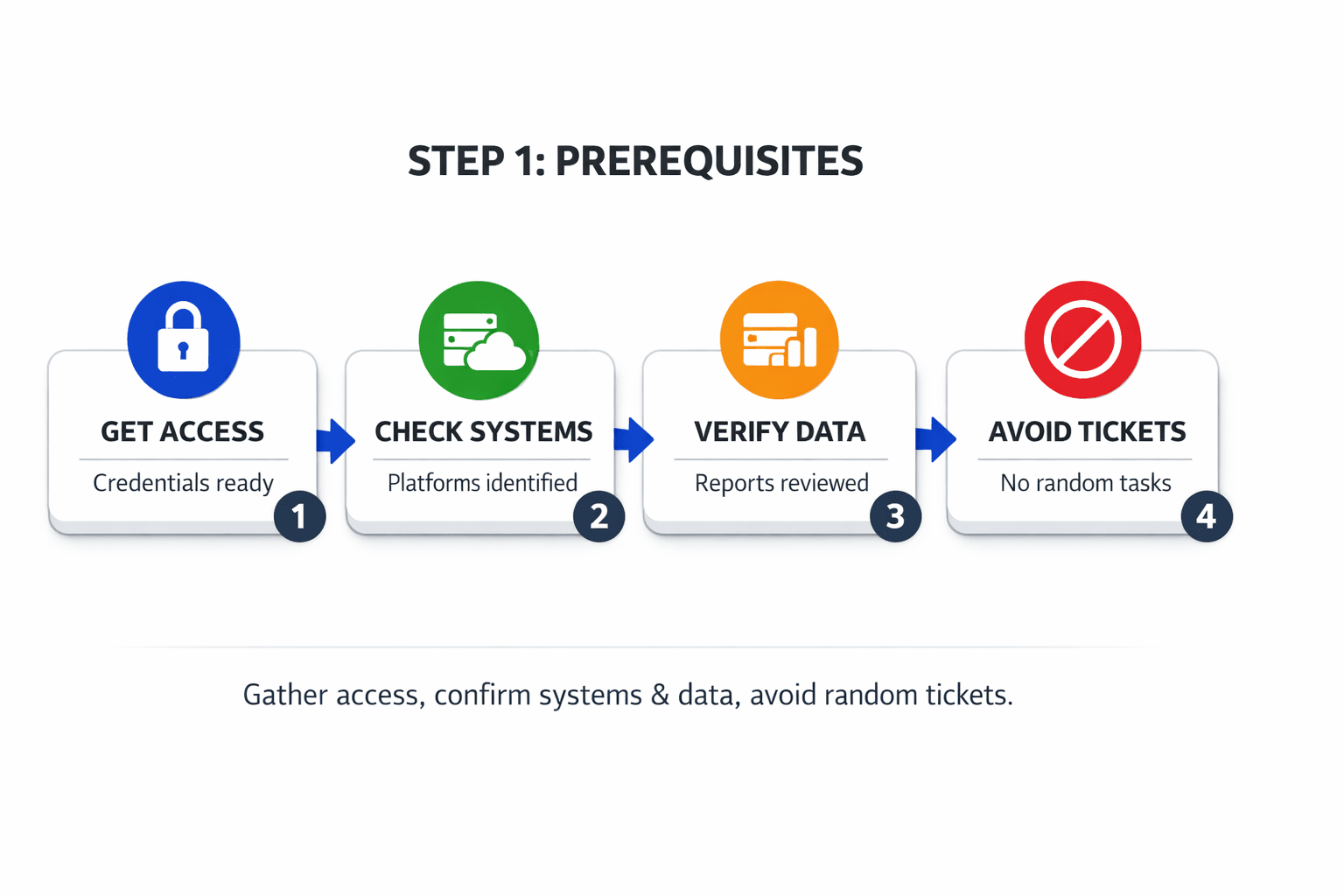
Collect five basics before you run checks.
- Get Google Search Console access for your site.
- Export your top queries from the last 28 days.
- Pull your key landing pages and product pages.
- Open a browser for manual AI search checks.
- Create a tracking workspace in Mygomseo.
You should now have the tools needed to monitor AI search presence. Verify that Search Console opens, Mygomseo is ready, and your exports download correctly.
What data you should collect first
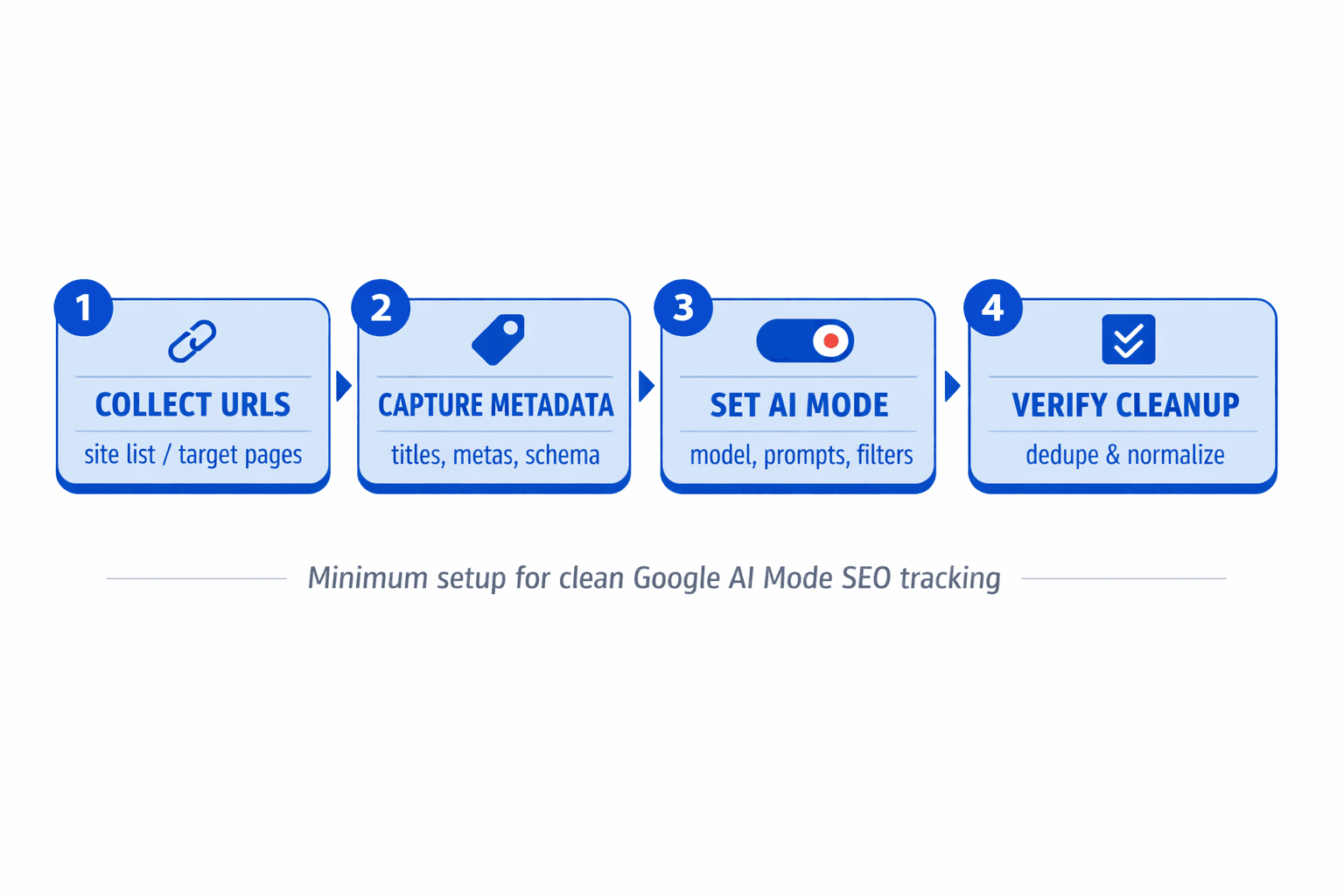
Start with a short, high-intent list. Pick 10 to 20 queries. Split them into branded and non-branded terms. Then map each query to one target URL. For example, pair “best crm for startups” with your comparison page, not your homepage.
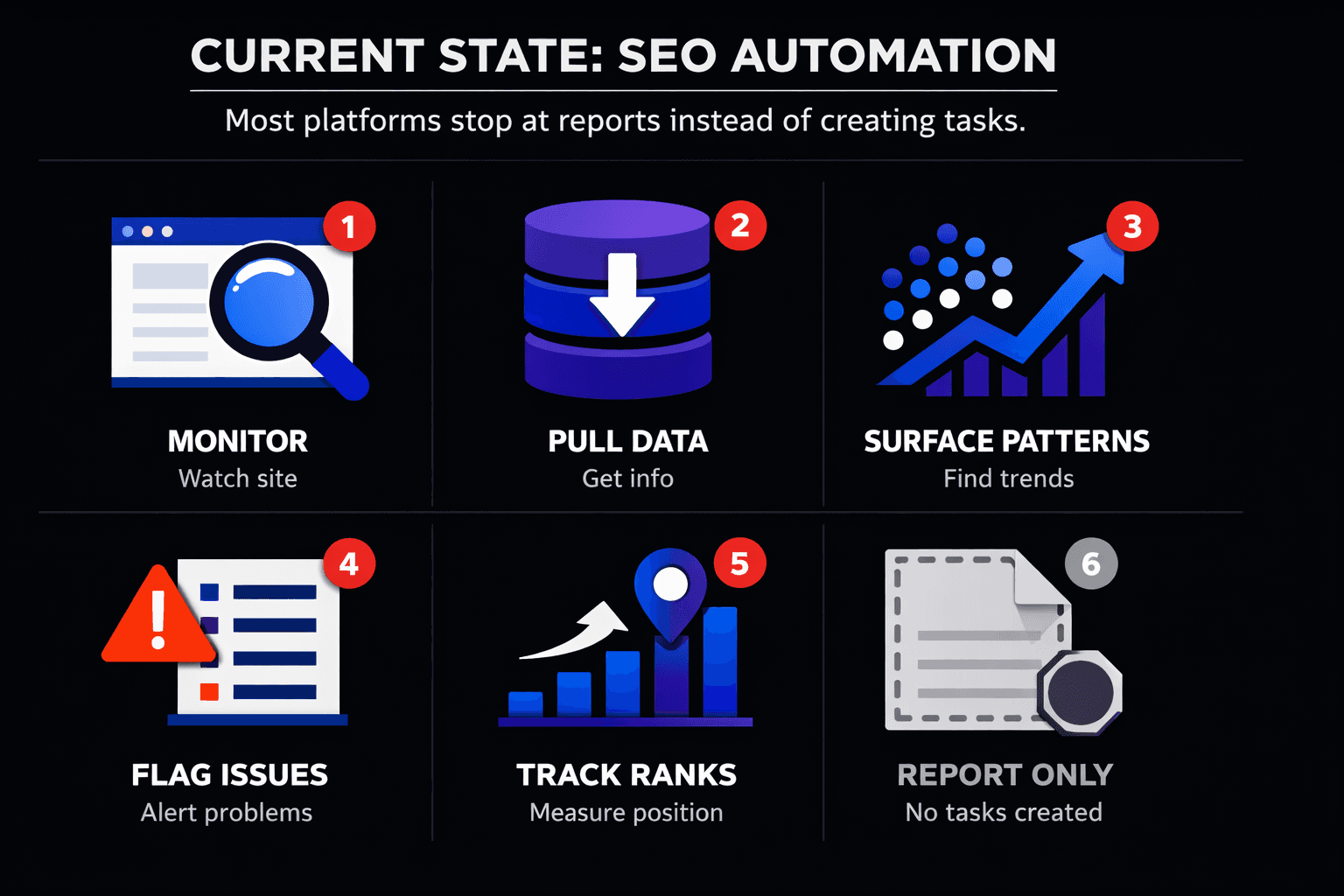
Next, export clicks, impressions, CTR, and average position from Search Console. Google Search Console can show baseline query and page performance, but it does not report AI Overview visibility as a separate metric. That means you need manual checks or an ai mode seo checking tool to confirm whether you rank in Google AI Mode.
You should now see baseline performance data tied to pages and queries. For more context, read AI Search Impact on SEO Strategies for Modern Marketers.
Your setup checkpoint
Review your sheet before moving on.
- Confirm you have 10 to 20 priority queries.
- Confirm each query maps to one URL.
- Confirm branded and non-branded terms are separated.
- Confirm your content for each query matches search intent.
At this point, your list should be clean and trackable. Verify that every URL in your sheet is a page you want Mygomseo to monitor.
Step 1 Understand Google AI Mode SEO and ranking signals
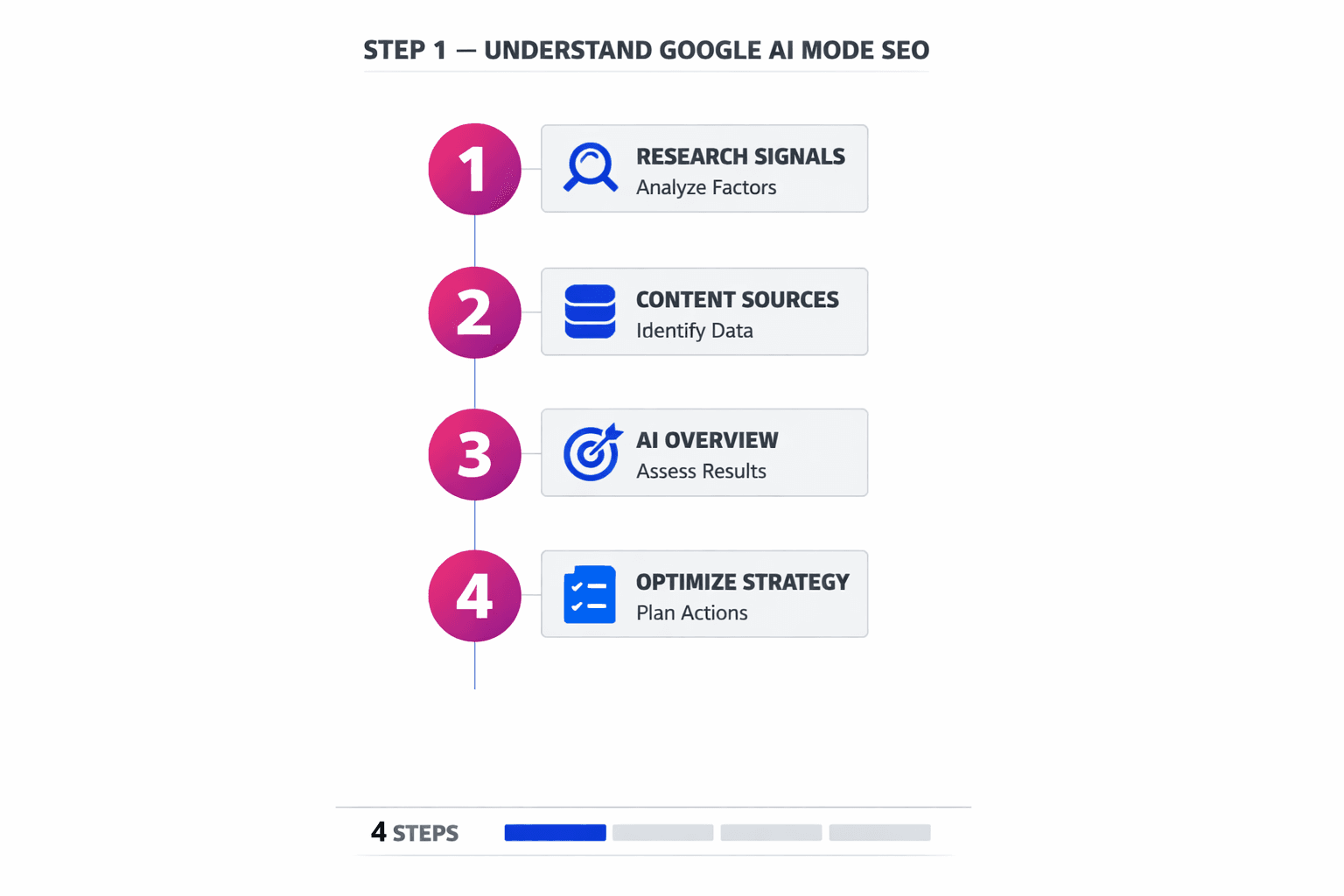
What Google AI Mode is
Google AI Mode acts more like an answer engine than a list engine. It reads multiple sources, compares them, and builds one response. For example, if someone searches “best CRM for seed-stage SaaS,” Google may blend product pages, reviews, and guides into one answer.
That changes the target. You do not just need a page that ranks. You need content that helps Google assemble a clear answer. Pages with strong entity signals, clean structure, and direct explanations have a better shot at being pulled in. For more context, read AI Search Impact on SEO Strategies for Modern Marketers.
How ranking signals change in AI search
Classic SEO still matters. Relevance, links, crawlability, and page quality still count. But AI search adds another layer. Google now looks harder at topical depth, source trust, freshness, and content that resolves intent fast.
Think of classic search like shelving books in order. Think of AI search like a researcher building a briefing. The researcher wants the clearest source, not only the highest shelf position. That is why pages that answer the full question often beat pages built around one exact keyword.
Research from AI SEO Guide: Dominate Rankings with AI \| GreenBananaSEO shows a 200% shift in how brands think about AI-led search visibility. The exact number matters less than the lesson. You need content for specific questions, comparisons, and follow-up intent if you want to rank in Google AI Mode.
Here’s a helpful video that explains this in more detail:
Why EEAT matters more now
EEAT matters because AI systems need safe sources to cite and summarize. If your page hides the author, lacks proof, or makes broad claims, trust drops. If your page shows real expertise, examples, references, and product evidence, trust rises.
For example, a pricing guide with a named author, product screenshots, and updated dates signals more trust than a thin page with generic advice. That is why answer-style formatting also helps. Use clear headings, short definitions, comparison tables, and plain answers near the top. If you want deeper guidance, see which pages get cited in ai answers.
Your Step 1 checkpoint
At this point, you should understand that AI visibility overlaps with organic SEO, but it is not identical. You should know how Google AI Mode changes SEO, why EEAT affects AI Overviews, and what helps you rank in Google AI Mode. Verify that you can review a page and spot three gaps: weak trust signals, missing subtopics, or poor answer formatting. If you can do that, you are ready for the next step.
Step 2 Use an ai mode seo checking tool to verify AI Overviews
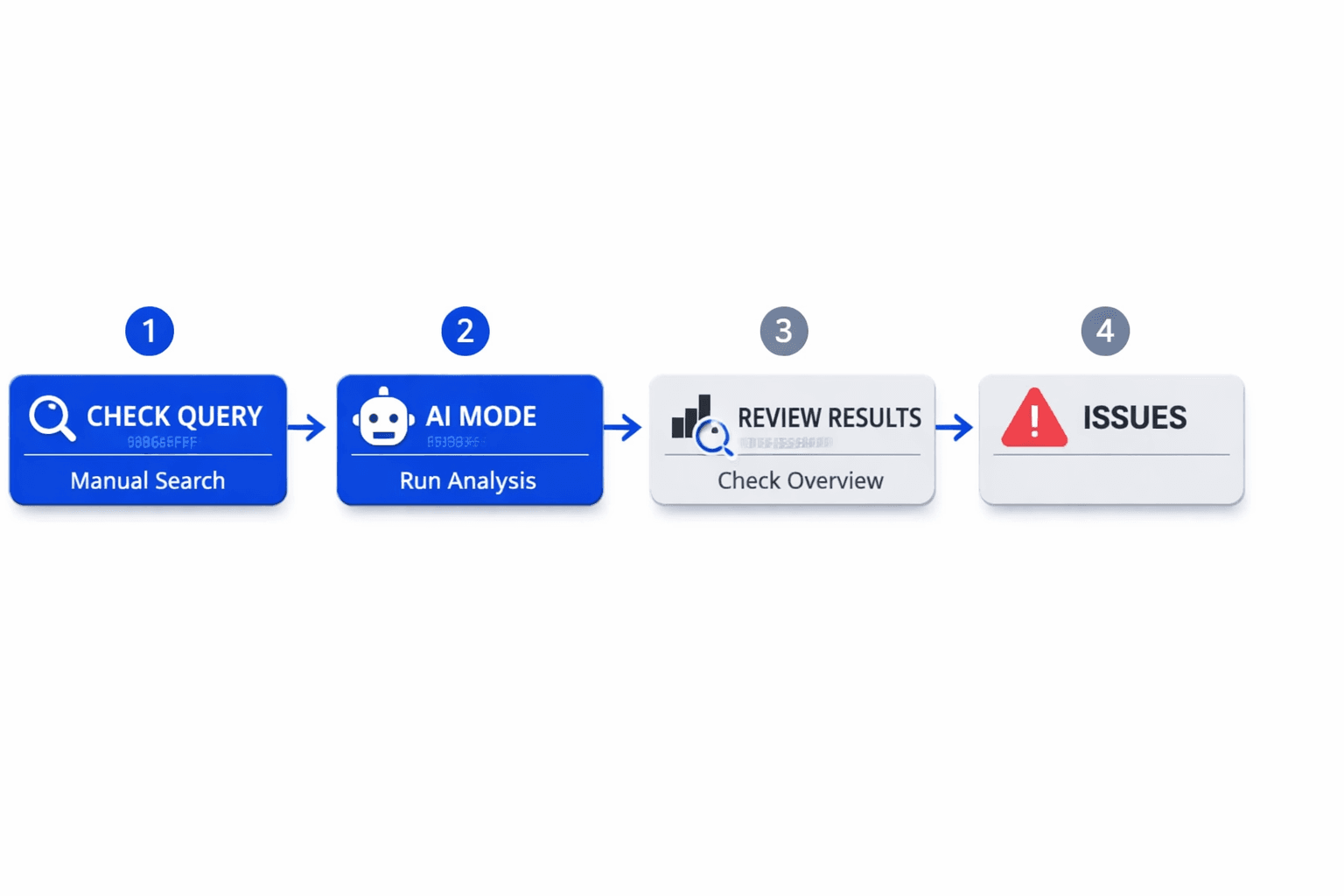
Run a manual spot check first
Start with five to ten priority queries. Split them into branded and non-branded terms. For example, search your brand name first. Then search a problem-led query like “best ai seo workflow for SaaS.”
- Open an incognito browser window.
- Search one target query at a time.
- Record whether an AI Overview appears.
- Copy the query into your tracking sheet.
- Note the date, device, and location.
- List every cited domain shown in the AI result.
You should now see which queries trigger AI answers at all. That matters because not every keyword behaves the same way. Some terms show classic blue links. Others show an AI block that changes the click path.
Verify that each query has a yes or no status for AI Overview presence before proceeding. If results change between searches, run the query again later and mark it as unstable.
Check if your pages appear in AI Overviews
Next, check whether your domain or page appears inside the AI answer. Look at the cited links, brand mentions, and follow-up cards. Your goal is simple: confirm presence or absence.
- Scan the cited sources in the AI Overview.
- Check whether your domain appears as a cited source.
- Check whether your brand gets named in the summary text.
- Record the exact URL if your page appears.
- Record competitor domains if your site does not appear.
You should now know the answer to this question: How do I know if my site appears in AI Overviews? Your site appears if Google cites your domain, links your page, or names your brand inside the generated answer. If none of those happen, mark the query as no visibility.
Think of this like shelf space in a store. Ranking in classic search gets you into the aisle. AI overview visibility gets you onto the shelf users actually see first. If you want deeper context on citation patterns, read which pages get cited in ai answers.
Use an ai overviews rank checker workflow
After the manual pass, move the query set into a repeatable workflow. This is the best ai overviews rank checker workflow for lean teams. You validate by hand first. Then you automate the same checks at scale.
- Group queries by intent and page target.
- Separate branded terms from non-branded terms.
- Add the mapped URL for each query.
- Add current AI Overview status: yes or no.
- Add cited domains and top competitors.
- Import the list into Mygomseo for ongoing checks.
You should now have a baseline view of AI Overview behavior by query set. At this point, your tracker should show where you appear, where competitors dominate, and where no visibility exists. That baseline helps you improve your next content updates with clear priorities.
Can you track AI Overview visibility manually? Yes, but only for small sets. Manual checks work for spot reviews and launch audits. They break fast once queries scale, locations vary, or results shift daily. According to AI SEO Guide: Dominate Rankings with AI | GreenBananaSEO, 201024% is cited in AI SEO discussions, which is another reason to rely on a structured process instead of memory. For a broader playbook, see AI Search Impact on SEO Strategies for Modern Marketers.
Your Step 2 checkpoint
At this point, you should have a clear yes or no status for every target query.
Verify that your sheet or tracker includes:
- The exact query
- Whether an AI Overview appeared
- Whether your page appeared
- The cited URL, if present
- The competitor domains shown
- A branded or non-branded label
You should now see your starting line clearly. You are no longer guessing. You have a working baseline for ai overview visibility, plus a clean query set ready for automated tracking in Mygomseo.
Conclusion
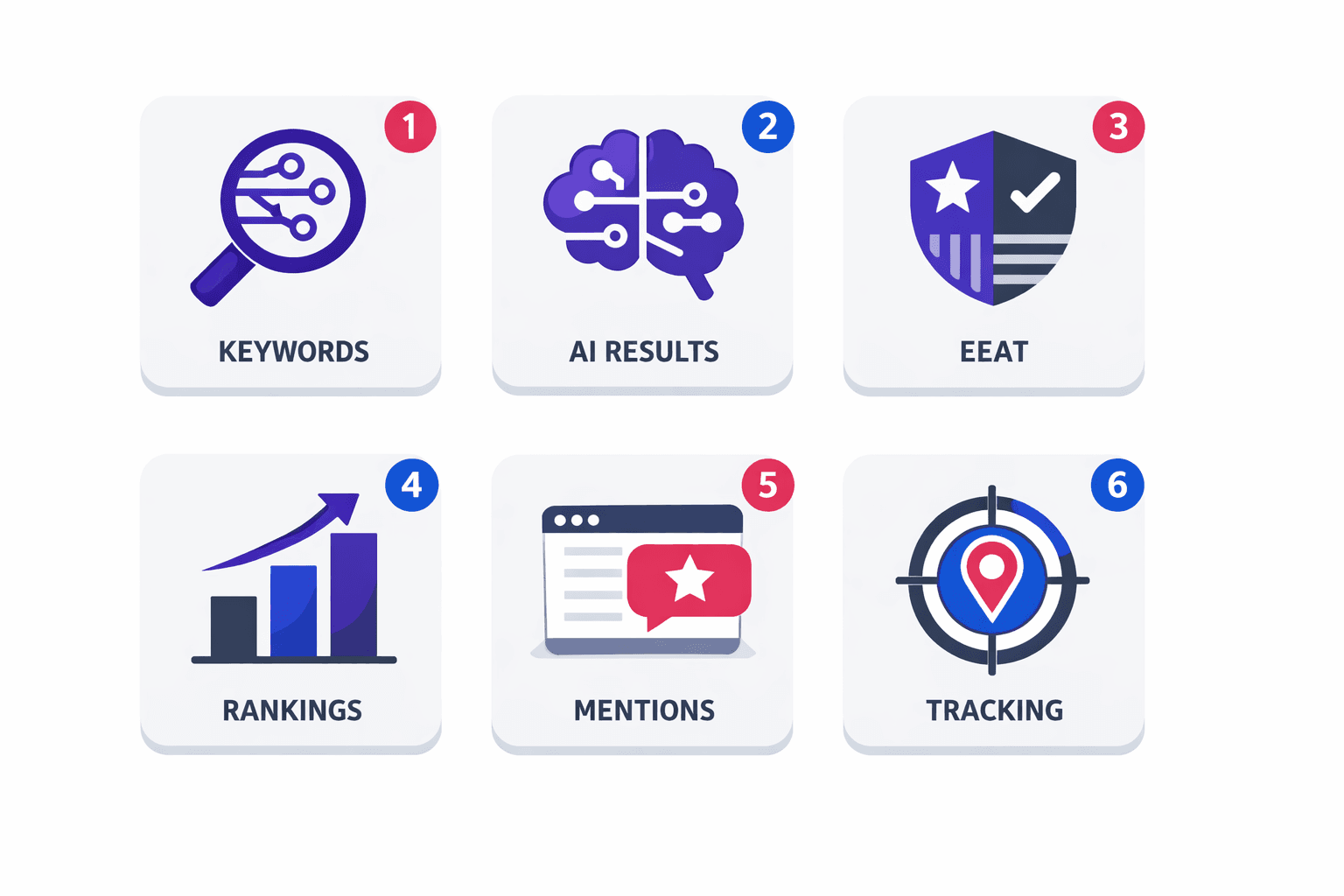
Move from one-off research to recurring monitoring. Add your core queries to Mygomseo. Group them by funnel stage, intent, or page type. Watch which terms trigger AI Overviews, which pages earn mentions, and which competitors keep getting cited. Then act on the pages that sit just outside visibility. Those are often your fastest wins. Update weak intros, tighten entity signals, expand missing subtopics, and improve answer formatting so your content becomes easier for Google to cite.
Use this workflow every week. Start with your highest-value queries. Check trend lines, not isolated rankings. Review visibility shifts by page, not only by keyword. Look for patterns across blog posts, landing pages, and comparison pages. If one content type keeps earning AI citations, build more of it. If one cluster keeps losing ground, fix it before the gap grows. This is how you turn AI search from a black box into an operating system for SEO decisions.
Step 3 matters because it removes the slowest part of the job. Instead of running searches by hand, copying notes into spreadsheets, and losing track of changes, you centralize everything inside Mygomseo. Add your tracked queries. Segment them into useful groups. Monitor visibility trends over time. Review competitor presence beside your own. Prioritize updates to pages that are close to appearing in AI results. That gives you a cleaner queue, clearer priorities, and faster execution across your team.
You should now have an automated reporting setup that shows where your AI Overview visibility is growing, where it is flat, and where your competitors are winning. At this point, your Mygomseo workspace should show a live dashboard, scheduled tracking, and a shortlist of pages to update this week. Verify that each tracked query maps to the right URL before you move on. Verify that your segments reflect real business goals. Verify that your alert cadence matches how often your team can actually ship updates. When those three checks pass, your process is ready.
The next phase is simple: keep publishing useful pages, keep tightening trust signals, and keep measuring what AI surfaces actually reward.
Want to learn more? Learn More to explore how Mygomseo can help you track AI Overview visibility with less manual work.