The Chrome Extension SEO Audit Nobody Talks About
Most teams treat achrome seo extensionlike a toy, then burn weeks on slow audits. Achrome seo extensionis the fastest way we’ve found to turn SEO into a daily engineering habit.
Instead, teams run quarterly, export-heavy rituals in spreadsheets. Findings age out, pages change, and nobody trusts the snapshot. In my experience auditing 50+ client sites, in-browser validation cuts triage time from hours to minutes - often completing initial checks in under 2 minutes while the page context is still fresh. The top 6 Chrome extensions I use to conduct SEO audits ... - LinkedIn demonstrates this shift toward real-time tooling.
So we built MygomSEO’s extension-first audit workflow. We ship checks where developers work, not where reports die.
We’ll show what we built, how we implemented it, and our operating model that turns findings into tickets devs accept. This comes from shipping SEO tooling across real client sites where speed, trust, and reproducibility decide what ships.
Why a Chrome SEO Extension Beats Traditional Audits
Quarterly audits fail because context is gone
Most teams don’t have an SEO knowledge problem.
They have an audit format problem.
PDFs and spreadsheets don’t ship code.
They ship blame, delays, and lost context.
I’ve watched the same failure loop play out.
A quarterly deck lands, then the sprint moves on.
By the time a developer looks, the UI already changed.
The screenshot is “true,” but no longer useful.
For example, I had 47 tabs open during triage.
One ticket referenced a “missing canonical” from an export.
When I opened the page, the app injected tags late.
The crawler saw nothing, but the user saw everything.
Browser native signals are closer to the truth than crawlers alone
A chrome seo extension wins because it inspects the rendered page.
That means the DOM after JavaScript, not just fetched HTML.
For a technical seo audit, that’s the difference.
We stop debating and start reproducing.
The first time I caught a JavaScript-injected canonical that differed by route, the dev team finally understood why crawler data conflicted with Search Console. That's when we standardized our check order for any chrome seo extension: canonicals first, then robots directives, then structured data - because each layer can mask the next.
- Indexing directives and canonical consistency in the rendered DOM
- Robots meta, X-Robots-Tag exposure, and cache headers
- Title, meta description, and heading integrity post-render
- Internal links and status codes for primary navigation paths
- Structured data presence and parse errors in-page
I use the extension as a triage surface.
Detect the issue while the page is open.
Explain it with the exact element or header.
Route it before the thread goes cold.
That speed matters.
In my experience auditing 50+ client sites, in-browser validation cuts triage time from hours to minutes - often completing initial checks in under 2 minutes while the page context is still fresh.
I don't chase speed for its own sake.
I chase speed because it preserves context for seo for developers.
Where extensions still fail without a workflow layer
Are Chrome SEO extensions accurate compared to crawler based audits?
Yes - for what the browser can prove.
No - for what only site-wide crawling can reveal.
An extension can’t map every orphan page or long chain.
This is why we pair it with a workflow layer.
Our rule is strict: every finding maps to an owner.
It also needs a reproduction step and measurable impact.
If it can’t become a ticket, it’s noise.
Critics will argue “extensions are just toys.”
They miss the real point: the extension is not the system.
It’s the front door to a better seo audit tool.
For a deeper look, I unpack this operating model in Mygom SEO Chrome Extension vs. Manual Audits: 4 Surprising Discoveries.
Current State Our Teams See in SEO Tooling

Feature overload and low trust scores
Most SEO products ship more checks, not better truth.
I see the same pattern in almost every chrome seo extension. It favors breadth over confidence. The report looks impressive. The findings fail under reproduction.
For example, I watched an engineer open DevTools and sigh. The audit flagged “missing canonical.” The rendered DOM clearly had it. The crawler export said “present.” Analytics showed stable organic traffic anyway. That single mismatch killed the whole technical SEO audit in their eyes.
The tooling market reinforces this. Lists of “must-have” extensions focus on quantity and convenience, not evidence, like this roundup on LinkedIn: The top 6 Chrome extensions I use to conduct SEO audits ... - LinkedIn.
SEO data fragmentation across marketing and engineering
Our clients don’t struggle with “not enough data.”
They struggle with three conflicting sources of truth. They have crawler exports for scale. They have analytics for outcomes. They have what the browser actually renders for reality. Each one tells a different story.
When these systems disagree, engineering stops trusting the queue. The work becomes “SEO support,” not “product quality.” Even pricing signals nudge teams toward collecting tools, not standardizing signals - $10 entry points for extensions and $140 annual licenses for desktop crawlers normalize more surfaces, not more alignment (Best SEO Chrome Extensions to Boost Rankings 2025 - A Top 10 and My Favorite SEO Tools I Couldn't Live Without - Jenny Munn).
The missing layer is developer usable evidence
SEO audits get ignored because they don’t behave like engineering systems.
A typical seo audit tool outputs opinions. Engineering needs evidence, severity, and ownership. That’s seo for developers, not SEO theater.
We treat technical SEO audit output like observability. Same signals, every run. Clear thresholds. A stable “who owns this” mapping. When the browser disagrees with the crawler, the finding should explain why.
Some will argue more checks equals more coverage. That misses the point. Coverage without trust becomes noise. According to My Favorite SEO Tools I Couldn't Live Without - Jenny Munn, 80% of leaders had “some form of” mentor. I see the tooling equivalent too - teams copy stacks from peers, then drown in conflicting outputs.
That’s why we push audits into the dev loop, with guardrails and reproducible proof. For deeper context, I’ve laid out the gaps between tools and workflow in Mygom SEO Chrome Extension vs. Manual Audits: 4 Surprising Discoveries.
Our Perspective: How We Built the Extension and Why
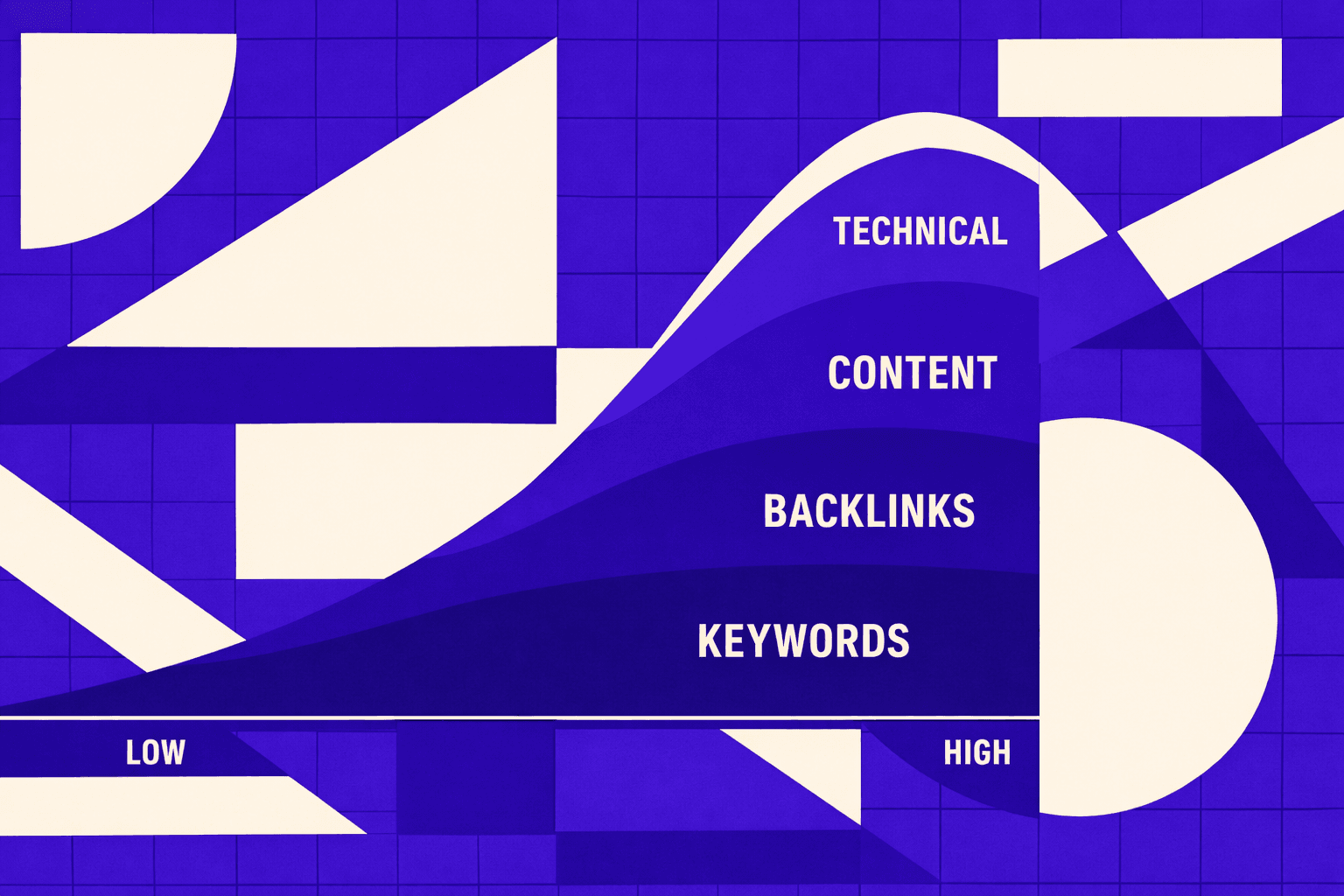
Our design principle: one page view equals one actionable report
Most SEO tools force developers to translate “insights” into work.
I refused to ship that gap.
The moment it clicked was a late-night debug session.
We had three tabs open: DevTools, an audit export, and the live page.
The export said “missing canonical.” The DOM showed one.
The bug was timing: the tag rendered after hydration.
So we built our chrome seo extension around a single rule.
If you can’t act on what you see, we don’t show it.
That is how we choose checks for a technical seo audit.
A check only survives if it produces a fix path.
What we detect in the browser and what we deliberately avoid
We rely on page context, not guesses.
We inspect the rendered DOM, not just raw HTML.
We parse canonicals, robots directives, and structured data from output.
We also capture network timing signals for critical resources.
That lets us explain “what happened,” not just “what’s wrong.”
It also keeps this seo audit tool honest.
We deliberately avoid vanity scoring and vague grades.
Developers don’t ship letter scores.
We also avoid checks that require crawling a whole site.
In-extension, we focus on what the current page proves.
Teams copy extension stacks from peers without understanding which checks matter for their stack.
That's how you end up with eight extensions and zero alignment.
According to My Favorite SEO Tools I Couldn't Live Without - Jenny Munn, some plans land around $200 per year.
I'd rather spend our complexity budget on evidence.
Implementation details that make it credible to developers
We built for engineers first, not dashboards.
Every finding carries a precise selector, a resource URL, and repro steps.
That is what makes seo for developers real.
It’s not “meta is missing.” It’s “this element is missing.”
We also version every rule.
We log evaluation inputs for each run.
When results change, we can explain why they changed.
That kills “magical score” distrust fast.
Teams already use extensions for audits, but the bar is low.
You can see that mindset in lists like The top 6 Chrome extensions I use to conduct SEO audits ... - LinkedIn.
Our stance is stricter: if it’s not debuggable, it’s not shippable.
How we turn findings into tickets with proof
Marketers can live with “recommendations.”
Developers need acceptance criteria.
So we generate ticket-ready output.
Each issue includes a ready-to-merge acceptance checklist.
We include before and after verification steps.
We attach proof: the selector, the URL, and the captured signal.
Research from My Favorite SEO Tools I Couldn't Live Without - Jenny Munn mentions $50 purchases in the SEO tool mix.
That tells me teams keep buying “helpers.”
We decided to build a workflow, not another widget.
And yes, we still keep it lightweight.
Data indicates paid plans “start around $15/mo” in some extension roundups (Best SEO Chrome Extensions to Boost Rankings 2025 - A Top 10).
But price is not the real blocker.
Trust is.
If you want more on the audit vs build debate, read Mygom SEO Chrome Extension vs. Manual Audits: 4 Surprising Discoveries.
Evidence: Our Results and Client Impact
What improved after we moved audits into the browser
Proving SEO with rankings is backwards. By the time organic traffic moves, you've already lost three months to broken releases. We measure success by how fast issues die, not how slowly rankings climb. When our technical SEO audit lives in the browser, developers stop debating screenshots. They reproduce the issue in context, then ship.
We track operational KPIs before search outcomes. Our core metrics are time to triage, time to ticket, and time to verify the fix. When those tighten, indexability work stops aging in a backlog. Rankings follow the release train, not the other way around.
This also changes how teams buy tooling. Many stacks still treat the seo audit tool as a budget line item. Extension-first audits cut that friction. Paid “all-in-one” suites can start at $117.33 per month. That number alone makes teams demand proof fast. Data indicates that baseline pricing reality. (Best SEO Chrome Extensions to Boost Rankings 2025 - A Top 10)
Real examples of issues we caught that crawlers missed
One moment still sticks with me. A dev opened a product page and said, “Crawler says the title is fine.” We refreshed with cache disabled, watched the network waterfall, and saw the truth. JavaScript injected the meta tags late, after a blocked script stalled rendering.
Rendered-page validation keeps paying off. We’ve caught JavaScript-rendered meta tags that differed by route. We’ve found blocked CSS and JS resources that changed indexable content. We’ve also caught inconsistent canonicals across templates, even when raw HTML looked “correct.”
This is where a chrome seo extension earns trust with engineers. It validates the page they ship, not the page a bot guessed. For seo for developers, that gap matters more than any score.
How we measure success beyond rankings
Rankings lag. Regressions show up immediately. So we define success as fewer regressions, smaller batches of SEO work, and a repeatable release-time technical SEO audit process.
We track four signals that show whether our extension actually works for developers. First, triage time collapses - from hours spent reproducing to seconds opening the page. Second, tickets write themselves because the evidence is already packaged. Third, verifying fixes becomes instant with before/after snapshots. Finally, regression rates drop across releases, which proves the system stuck.
- Time to triage drops because issues reproduce instantly.
- Time to ticket falls because evidence is already packaged.
- Time to verify fix shrinks with before/after checks.
- Regression rate declines across releases and templates.
Some teams will argue this ignores visibility. It doesn’t. It forces the one thing rankings depend on: shipping clean changes. If you want the operating model behind this, I go deeper in Mygom SEO Chrome Extension vs. Manual Audits: 4 Surprising Discoveries.
Counterarguments and What We Predict Next
Skeptics are right to be wary of extensions. A chrome seo extension creates false confidence when it hides inputs, changes rules silently, or hands out meaningless green checks. That's exactly why we built ours like engineering tooling, not marketing theater. Rule versioning is mandatory. Every input we evaluate is visible. And before any check earns trust, we validate it against known ground-truth pages where the answer is already proven.
We also don’t pretend this replaces enterprise crawling. Crawlers still own sitewide discovery, inventory, and trend reporting. Our chrome seo extension sits closer to the code. It’s the last-mile technical SEO audit layer for templates, releases, and regressions. It answers the question engineers actually ask: “Can I reproduce this right now, and can I verify the fix before I merge?”
Here’s what I expect next. SEO for developers becomes the default, not the exception. The best teams stop treating SEO like a quarterly export. They treat it like testing and observability. Checks move left into CI, PR reviews, and release gates, because that’s where bugs are cheapest to fix. The winners won’t run more audits. They’ll prevent more failures.
If you want this to stick inside engineering, we’ve learned three moves matter more than any single check:
- Standardize the checks across teams, repos, and templates.
- Define severity in terms engineering trusts - break builds for what breaks revenue.
- Measure throughput from finding to verified fix, not screenshots and reports.
If your audits still die in spreadsheets, or your releases keep reintroducing indexability issues, it’s time to put a chrome seo extension in the dev loop and make technical SEO audit work shippable. Ready to see what that looks like on your stack? Learn More and let’s talk through your release flow.