How to Audit Your Site for AI - Ready Structured Data (Without Going Insane)
Your seo audit tool should ship fixes, not PDFs. If it does not change what you build next, it is dead weight. Most audits fail because they generate reports, not decisions, so nothing gets prioritized or released. Search visibility can drop within weeks if technical issues go unfixed, and according to Google's Search Central documentation, addressing technical problems quickly is essential for maintaining rankings.
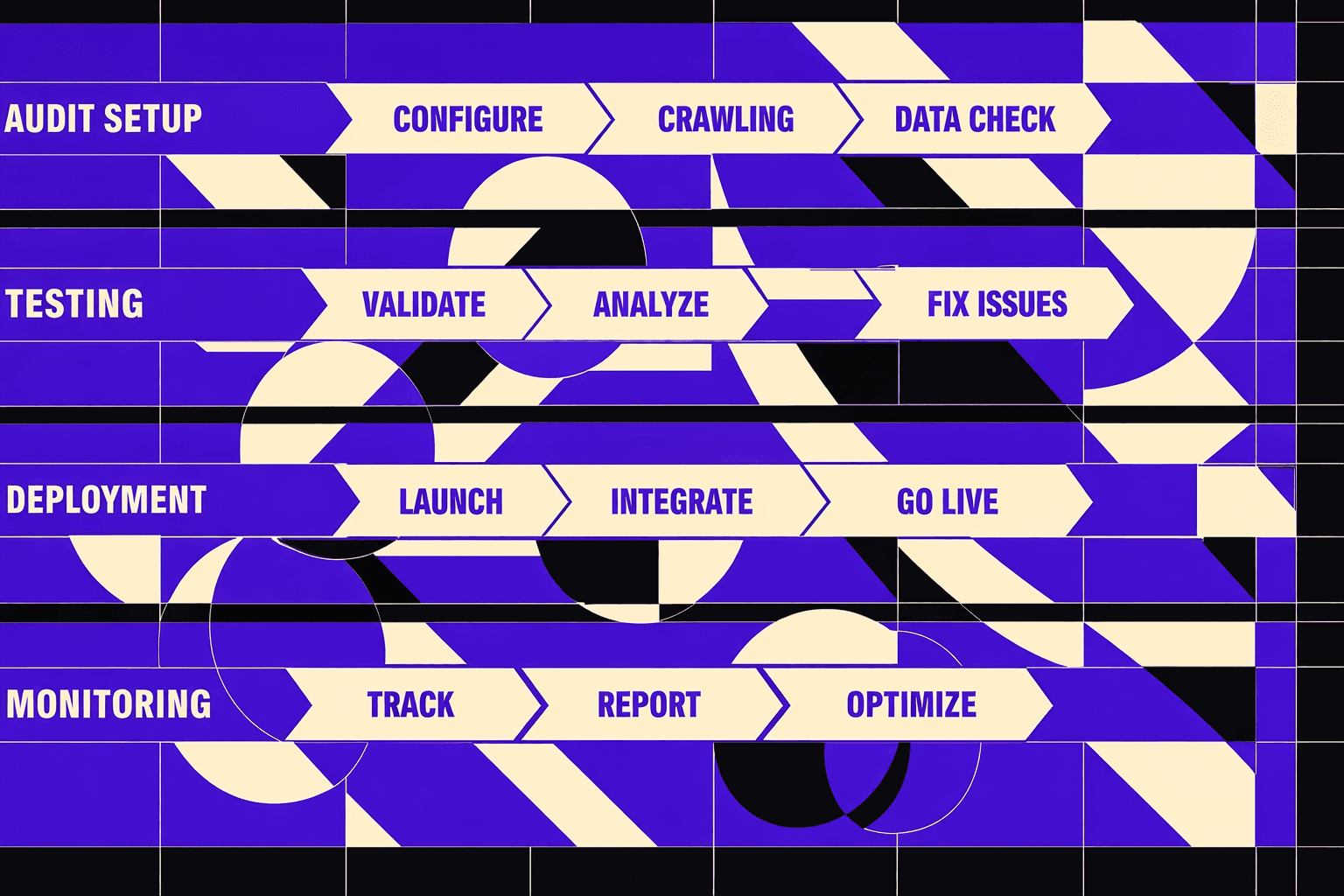
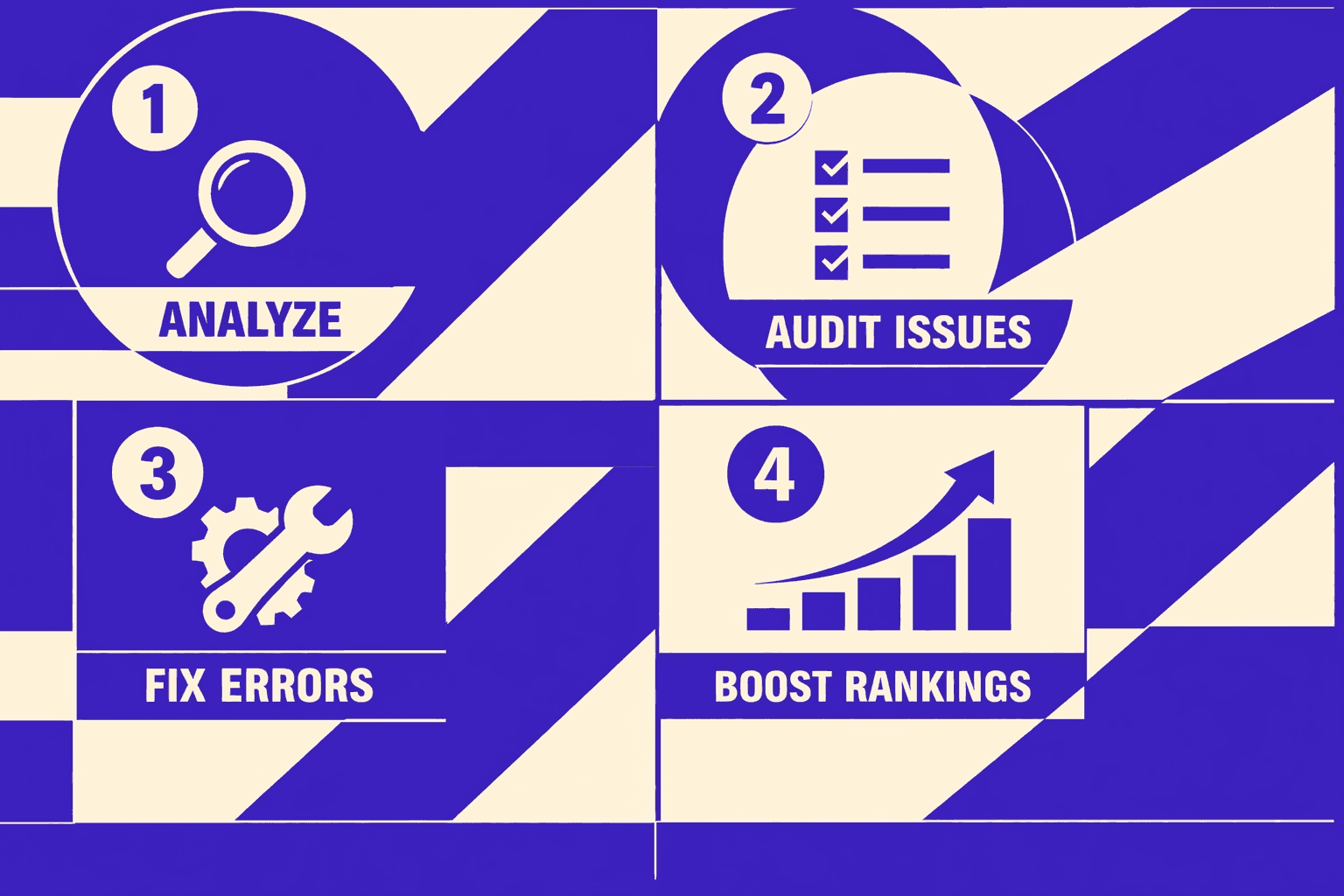
In this tutorial, you’ll build a complete audit workflow you can run on demand. You’ll start with baseline checks, run a technical seo audit, turn findings into prioritized fixes, and retest for measurable wins. You’ll also mirror how pro teams translate audit output into developer tickets and release notes, so improvements actually ship.
What Youll Build and Why It Works
What youll build in 60 minutes
By the end, you’ll have a reusable audit template you can run anytime.
It includes inputs, checks, severity scoring, and a shareable output backlog.
Think of it like a test harness for SEO, not a one-off report.
Your template works for seo for developers because it speaks in tickets.
How an audit becomes a shipping plan
Use an seo audit tool to turn search risk into prioritized fixes.
Your version goes further: every finding becomes a developer task.
For example, you'll convert "Canonical conflicts" into a ticket: "Add self-referencing canonical on template X."
The acceptance criteria might read: "URL inspector shows selected canonical equals user-declared."
This is why you'll stick to two areas competitors push hardest: tool-based site checks and technical SEO triage.
Before you run anything, you'll define success metrics.
You'll track indexability, crawl efficiency, Core Web Vitals proxies, and organic landing page health.
AI-powered search engines often surface different sources than traditional search, according to research on evolving search behavior, so clean structure matters more than ever.
You need clear fixes, not just warnings.
Choosing one content gap to focus on
Most audits sprawl and die in review.
You’ll pick one content gap that moves a single outcome.
For example, one broken organic landing page cluster or one missing entity page type.
Your site audit checklist will still cover basics, but your technical seo audit ships faster.
If you want a deeper tool-first workflow, read AI SEO Audit Tools Drive Technical SEO Results for Modern Teams.
Prerequisites Tools Access and Setup
Skills and knowledge you need
By the end of this part, you’ll know what skills matter most.
You should read basic HTML without guessing.
You should also view page source and use DevTools.
For example, you’ll inspect JSON-LD in Elements and Console.
Tools and accounts
By the end of this part, you’ll have your audit stack ready.
You need Google Search Console (Search Console) for indexing signals.
Add Google Analytics if you already use it.
You also need a crawler like Screaming Frog and one seo checker free tool.
You might wonder whether you need paid tools. Can you do an SEO audit for free? Yes, for a first pass.
Search Console plus a crawler catches most technical seo audit issues.
A paid seo audit tool mostly saves time and adds workflows.
Some audits cost $2,000, so free tools are a real option (Boost Website Visibility with Expert Audit and SEO Review - LinkedIn).
Project folder and documentation setup
By the end of this part, you’ll avoid messy, lost findings.
Create a shared doc or repo folder for the audit.
Store crawl exports, screenshots, an issue list, and fixes.
Link each fix to a PR or ticket for traceability.
Define your target environment before you crawl.
Write down your production domain and staging domain, if you have one.
Also document canonical host rules: www vs non-www, HTTP vs HTTPS.
If you want a deeper workflow, read AI SEO Audit Tools Drive Technical SEO Results for Modern Teams.
Part 1: Run a Fast SEO Audit Tool Baseline
Step 1: Capture the baseline metrics
By the end of this step, you’ll have a snapshot you can compare later.
Start in Google Search Console. Export Performance data for your chosen date range. Pull your top organic landing pages, top queries, impressions, clicks, and average position.
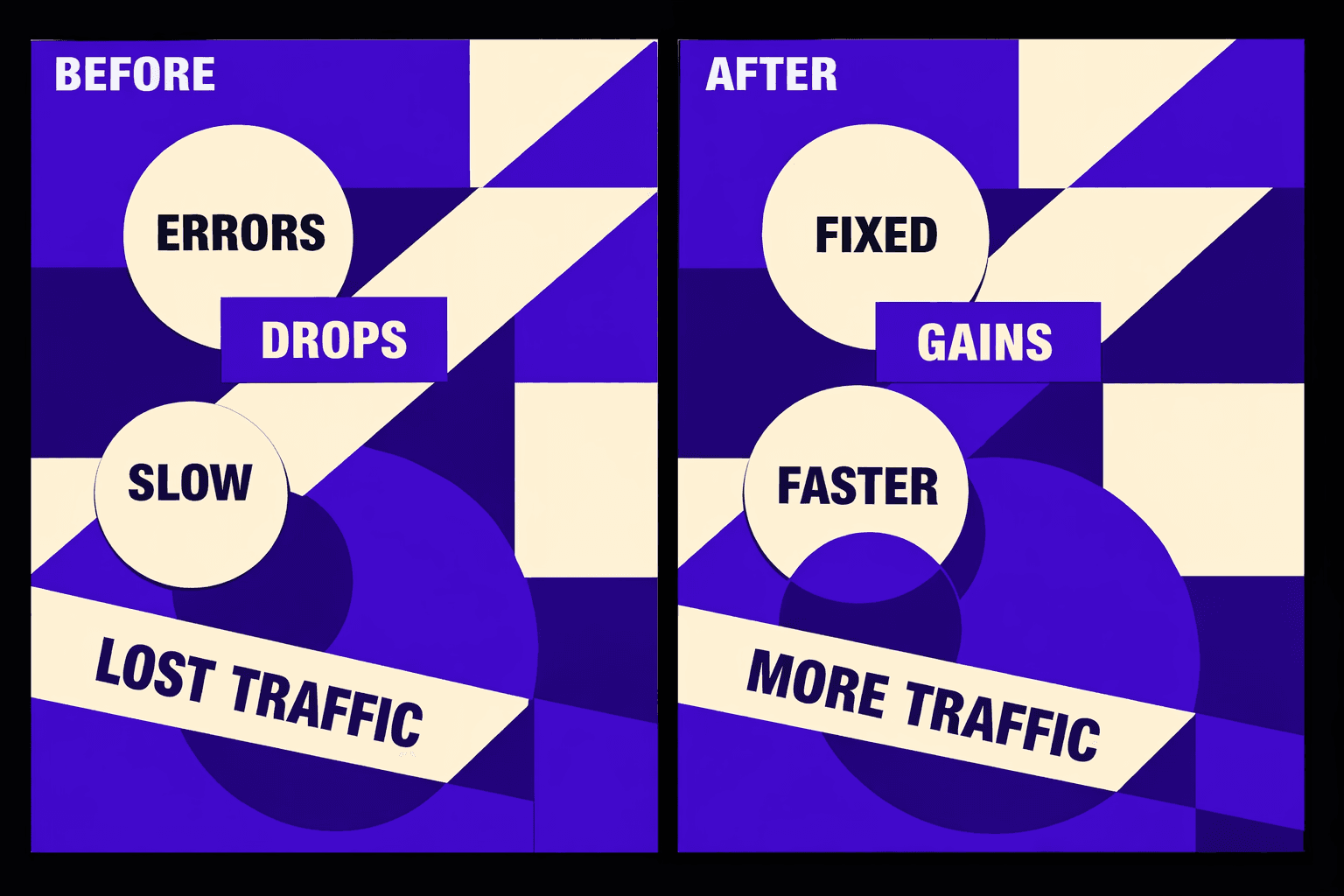
Think of this like a “before” photo. For example, if you fix canonicals next week, you need proof. Without this baseline, wins feel like opinions.
Step 2: Quick indexation and coverage checks
By the end of this step, you’ll know if Google can index key pages.
Open Search Console’s indexing reports. Check for spikes in “Excluded” or “Not indexed.” Then verify the basics on a few money pages.
- robots directives: confirm you aren't blocking critical paths.
- canonical tags: confirm the canonical points to the right URL.
- XML sitemap presence: confirm it exists and is referenced.
- indexed reality: run a
site:query to sanity-check visibility.
If AI search is part of your plan, this matters more. AI systems can't cite pages they never see or never trust. Proper indexing and crawlability ensure your content is discoverable by both traditional search engines and emerging AI-powered search tools like Google's Search Generative Experience.
Step 3: On page signals you can validate in minutes
By the end of this step, you’ll have quick-win issues ready to ticket.
Run your seo audit tool crawl on the canonical host. Treat the output like an engineer treats logs. You’re hunting for clear failure modes.
Prioritize these checks from your seo audit checklist:
- broken pages and non-200 status codes
- redirect chains and loops
- missing titles and duplicate meta
- obvious template bugs
- thin pages with little main content or duplicated blocks
If you need a second opinion fast, use an seo checker free tool on a few URLs. This is also a good moment to review SEO Audit Tool Feature Creep: Which Checks Actually Matter?, so you don’t drown in noise.
For a visual walkthrough of tool options, check out this tutorial from Simplilearn:
XYOUTUBEX0XYOUTUBEX
Step 4: Export your findings into a single sheet
By the end of this step, you’ll have one backlog the whole team understands.
Create one audit sheet. Each row becomes a dev-ready decision.
Use these columns:
- URL
- Issue
- Evidence (export, screenshot, header dump)
- Impact (traffic risk or gain)
- Effort (S, M, L)
- Owner (SEO/dev)
- Acceptance criteria (what "done" means)
According to Boost Website Visibility with Expert Audit and SEO Review - LinkedIn, many teams use a quick briefing to align on audit priorities before writing tickets. Your sheet prevents missed execution by making every fix shippable.
Part 2: Technical SEO Audit for Developers
1. Crawl and rendering checks that matter most
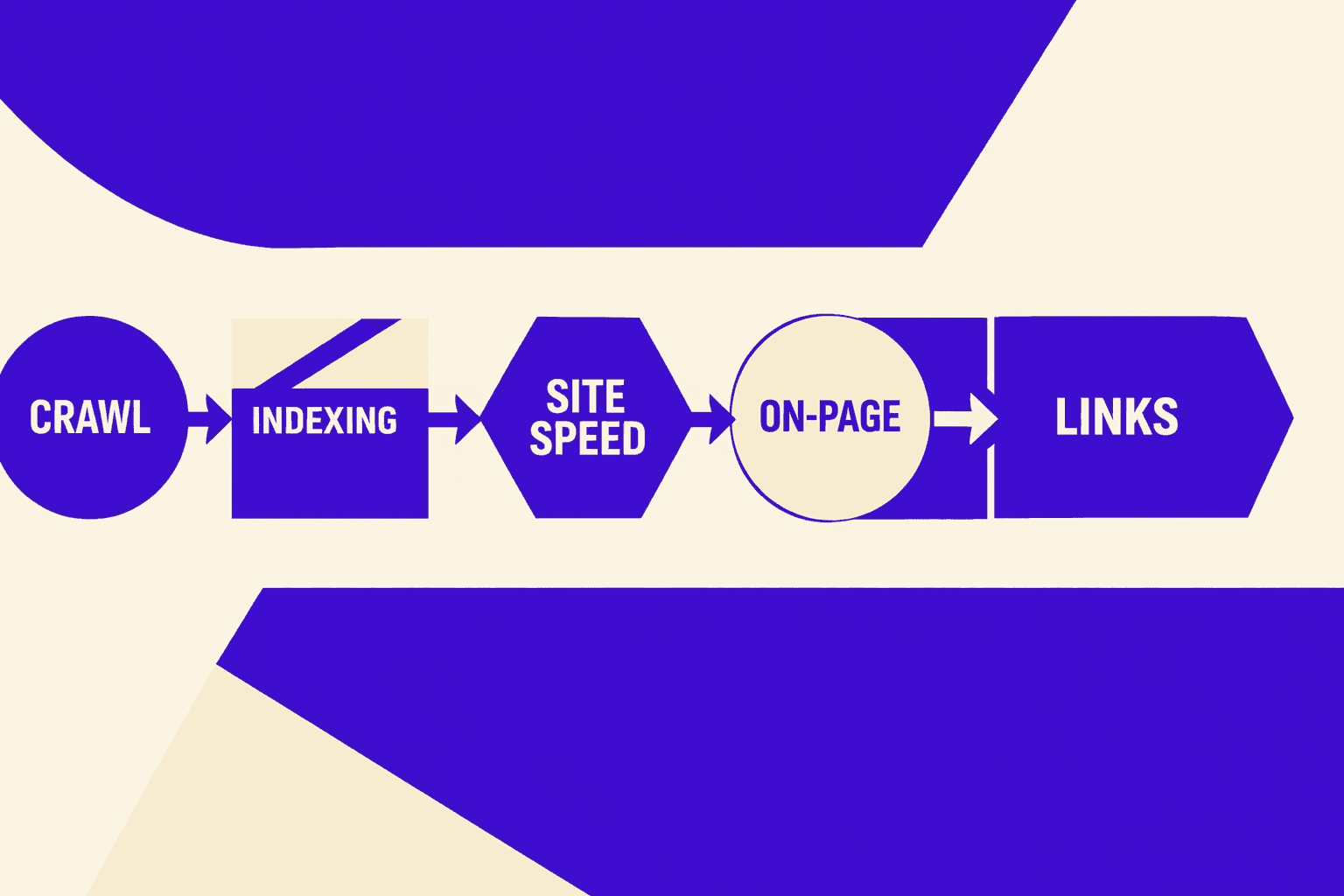
In this part, you’ll learn how to find crawl waste fast. Start with a full crawl, then segment URLs by template and depth. Depth matters because deep pages get crawled less. If a product needs five clicks, it often loses.
Now hunt the edge cases that break sites quietly.
- Crawl depth: export URLs with depth, then sort by depth descending.
- Orphan pages: compare your crawl list to XML sitemaps and analytics landings.
- Parameterized URLs: group by query strings, then flag infinite combinations.
- Duplicate paths: check trailing slashes, case, and duplicate route variants.
- Pagination and faceted navigation: look for crawl loops and near-duplicates.
For example, a filter like ?color=blue&size=m can create thousands of URLs. You might “see” one page, but Google sees a matrix. If you need a deeper tool stack, pair your crawler with a seo audit tool workflow from AI SEO Audit Tools Drive Technical SEO Results for Modern Teams.
2. Site architecture and internal linking signals
In this part, you’ll learn how to read internal linking as a ranking signal. Think of internal links like circuit traces on a board. You want clean routes to important components.
Do three checks that map cleanly to dev work.
- Identify your top “hub” pages and confirm they link to key templates.
- Confirm category pages link to paginated results in a controlled way.
- Fix broken “next/prev” patterns that strand deeper inventory.
For example, if page 1 links to page 2, but page 2 does not link back, your crawl path becomes brittle. Also confirm internal links always use the canonical host. Mixed www and non-www links create duplicate paths.
3. Performance and Core Web Vitals triage
In this part, you’ll learn how to debug Core Web Vitals by template. Do not chase single-URL scores. Find the template that hurts the most users.
Use this triage loop.
- Pick three high-traffic templates (home, category, product or article).
- Run Lighthouse or PageSpeed, then export the reports.
- Set thresholds per metric, then mark pass or fail.
- Attach evidence: the export, filmstrip, and top opportunities list.
For example, if your product template fails LCP due to a hero image, you can fix one component and improve thousands of pages. This is seo for developers because you ship one change with broad impact.
4. Structured data and international basics
In this part, you’ll learn how to validate schema at the template layer. Start with coverage, then confirm it is error-free.
Validate schema on the pages that matter.
- Organization on the home page or about page.
- Article on editorial templates.
- Product on product detail pages.
- FAQ only where the content truly is Q and A.
Then check international basics if you serve multiple locales. Confirm hreflang pairs are reciprocal and point to indexable URLs. Also confirm canonicals do not fight hreflang. A canonical to the wrong locale can erase your targeting.
5. Turn issues into dev tickets with acceptance criteria
In this part, you’ll learn how to write tickets that get shipped. Your audit is useless if it cannot be reproduced.
Use a ticket format that forces clarity.
- Repro steps: exact URL, device profile, and what you clicked.
- Expected behavior: what bots and users should see.
- Actual behavior: what happens now, with screenshots or exports.
- Test plan: how you’ll confirm the fix in code and in crawl output.
Many teams use a quick briefing to align on audit priorities before writing tickets. You can mimic that by linking each ticket to one failing template, one clear owner, and one retest step in your seo audit tool run. For more automation ideas, see AI Technical SEO Strategies for Instant Detection and Audit Automation.
Conclusion: Ship Fixes You Can Prove
Before you deploy, treat staging like a contract test for SEO. Confirm status codes and redirect paths resolve cleanly. Verify your canonical tags match the host you enforce. Check robots tags and headers on templates that can accidentally noindex. Click internal links to confirm they land on indexable, canonical URLs. Then validate structured data on the exact page types you changed, not a random sample. If you can’t reproduce the fix locally or in staging, you can’t defend it in production.
When you retest, keep your baseline inputs identical. Use the same crawl settings, the same start URLs, and the same include or exclude rules. That’s how your before-after delta stays meaningful. Export the results both times and store them together. Your future self will thank you when someone asks, “What changed?” and you can point to a diff, not a hunch.
In production, keep implementation boring and durable. Put redirects at the edge or server level, not in client-side code. Enforce one canonical host consistently so you don’t split signals across variants. Update your sitemap so crawlers get the new truth fast. For risky template changes, write a rollback plan before you merge. You want a clean revert path if you trigger indexing or rendering side effects.
Finally, schedule maintenance like you schedule deployments. Review Search Console weekly for coverage shifts, crawling anomalies, and rich result issues. Run a monthly crawl with your seo audit tool to catch silent drift. Do a quarterly technical seo audit focused on templates and shared components, because that’s where regressions hide.
Want a second set of eyes on your rollout plan? Learn More to explore how we can help.