Why Your SEO Audit Tool Isn't Enough: The Case for Autonomous Agents
SEO audit is the fastest way to find why rankings, traffic, and leads start falling. Small teams often spot slipping clicks, indexing errors, and slow pages before they know the real cause. SEO skills help marketers across every discipline, according to 5 Reasons SEO is an Essential Skill for Creative Professionals. That matters when every weak page can drain demand. We built a repeatable system at Mygomseo that tracks symptoms back to root causes. It combines audits, workflows, and seo automation to turn findings into fixes. SEO often takes 8 months to mature but delivers compounding returns, according to Why SEO is Essential for Every Digital Marketer in 2025. In this guide, we show how to scan issues, fix them fast, and restore steady growth.
SEO Audit Symptoms That Hurt Search Performance
What teams notice first
The first signs usually feel small. Traffic dips by 8% week over week. Three key category pages vanish from position 4 to position 47. Clicks from branded terms stay steady, but non-brand traffic falls 23%. Meta titles stay stale after launches. Templates drag on mobile. Old pages sit live but get no internal links.
Week three hit hard. I had 47 browser tabs open, three conflicting crawl reports, and a product manager asking why our best category pages had vanished from Google. The pages looked perfect on staging. But search engines saw duplicate canonicals pointing at old URLs. That's when I learned the difference between symptoms and root causes.
This is where a seo audit matters. It shows what the surface symptoms hide: crawl issues, broken internal paths, duplicate metadata, thin templates, redirect chains, and orphan pages. It also answers a basic question fast: what does an SEO audit include? It includes technical checks, on-page review, indexation analysis, internal linking, page speed, and content signals.
Why the impact spreads beyond rankings
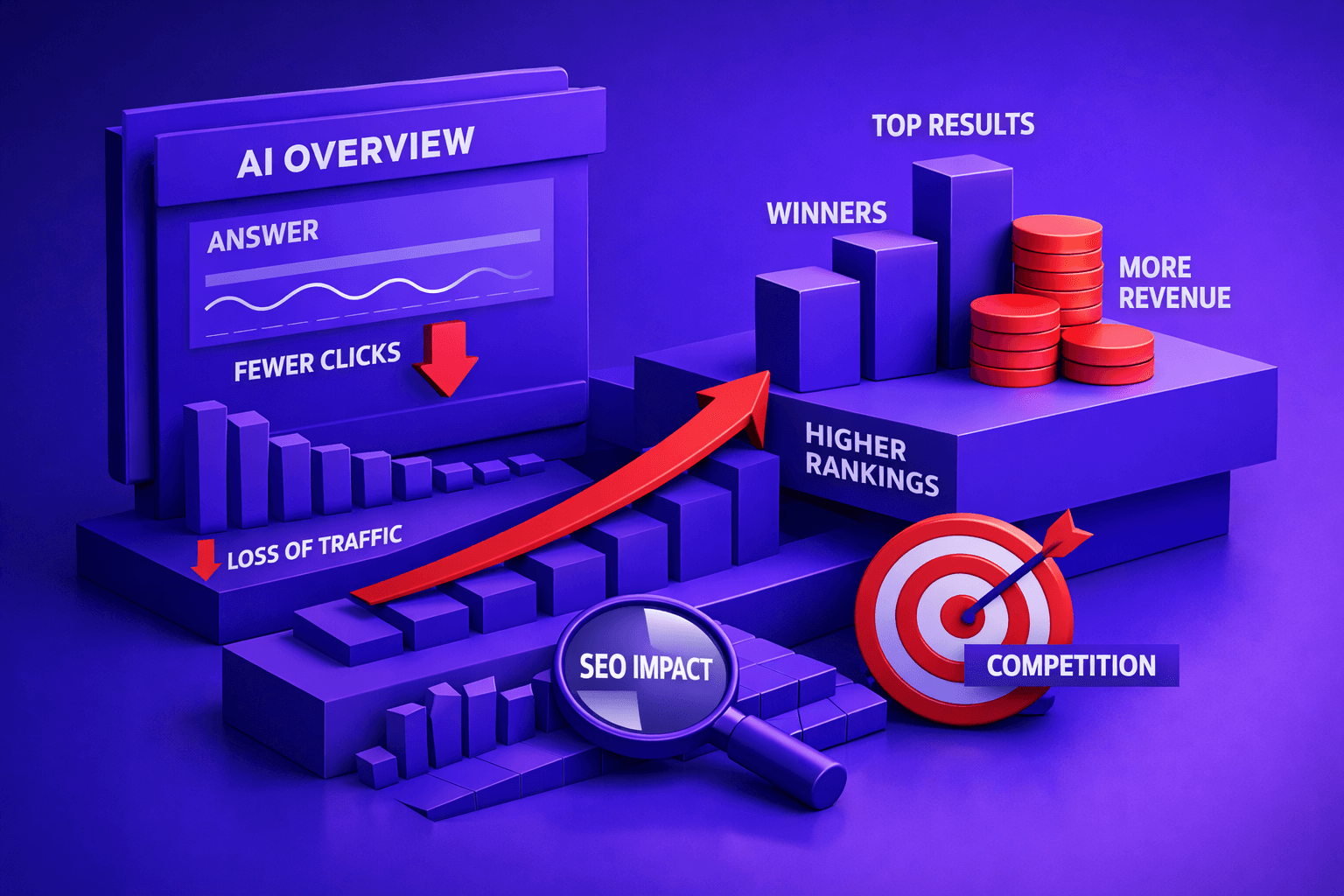
The damage rarely stays inside organic traffic reports. Fewer qualified visits mean fewer demo requests, fewer free-trial starts, and weaker ecommerce revenue from non-branded pages. When visibility drops, your pipeline softens before your team sees the full cause.
That pressure spreads across digital marketing. Paid search has to pick up lost demand. Content teams publish more, yet weak visibility cuts content ROI. Search Engine Land argues content alone no longer wins without strong distribution and discoverability (Content alone isn't enough: Why SEO now requires distribution).
Why is an SEO audit important? Because it finds the blockers before they distort every channel. According to Why SEO is Essential for Every Digital Marketer in 2025, SEO results often take 8 months to mature, so delays compound fast. If you want a deeper workflow, read SEO Audit Data Export: Why Most Tools Hide Your Results.
The quick fixes we see fail
We often see teams rewrite titles only. They swap headings, refresh a few descriptions, and hope rankings bounce back. That treats the symptom, not the cause.
Another common move is publishing more blog posts. That feels productive, but it can deepen the mess when weak architecture stays untouched. Sara Does SEO notes that organic search can drive traffic far beyond social in some cases. That raises the cost of ignoring structural issues (5 Reasons SEO is an Essential Skill for Creative Professionals).
The third failed fix is chasing one-off bugs without an audit trail. A template issue gets patched. One redirect gets fixed. Then the same failure returns next sprint. That is why a repeatable review process is essential for growth. For a practical next step, see SEO Audit Tool Feature Creep: Which Checks Actually Matter?.
Root Cause Analysis Behind Recurring SEO Issues
Symptoms versus causes
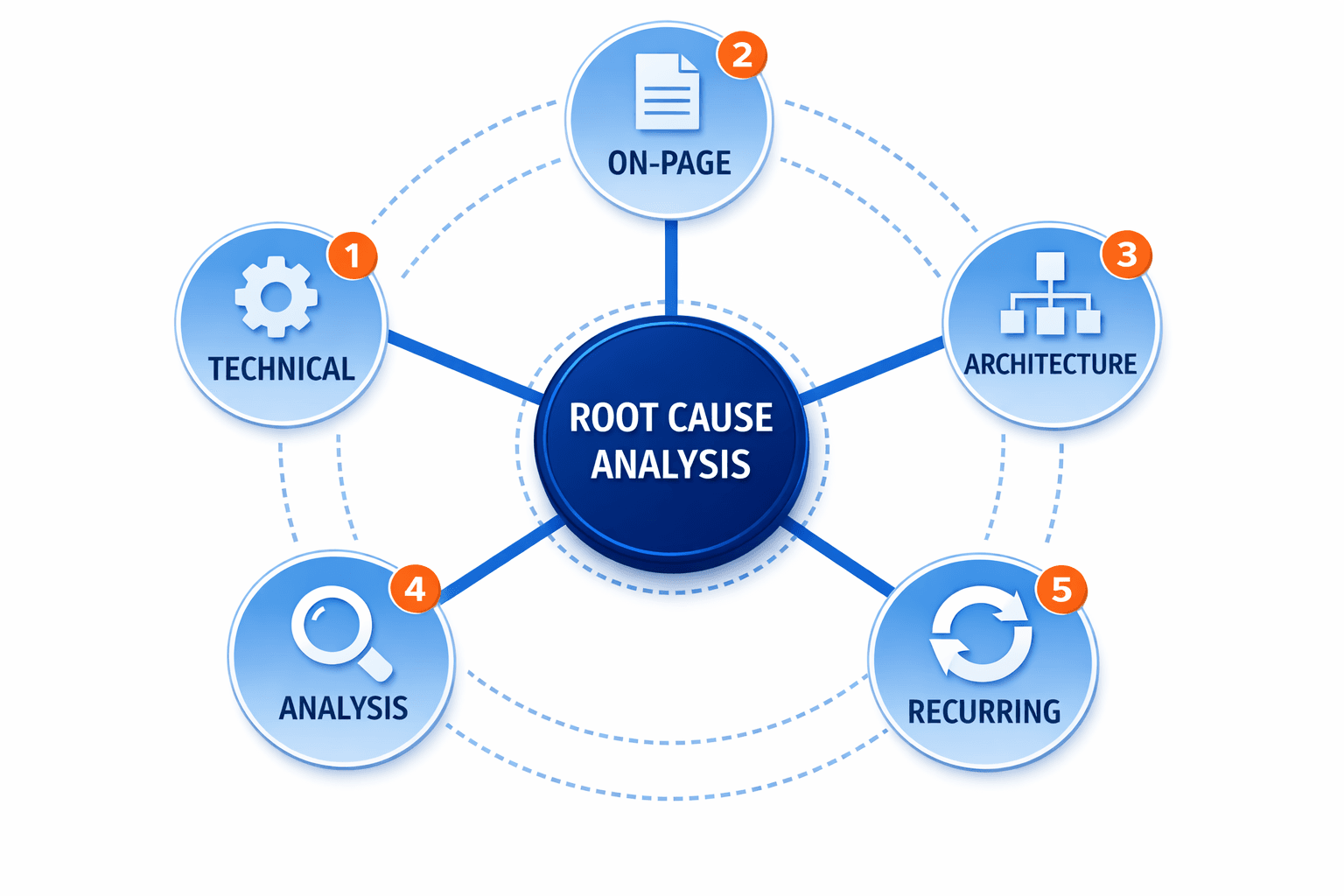
Teams often treat the first visible dip as the problem. Low clicks look like a title-tag failure. Thin traffic looks like a content issue. In practice, the real cause may be poor indexing, intent mismatch, or weak internal links that bury key pages.
We learned this the hard way in week three. While we were still rewriting titles and refreshing meta descriptions, the real blocker was broken canonical logic across 200+ template variants. Every product page was pointing search engines at staging URLs.
That distinction matters because symptoms move around. Causes stay deeper in the system. A page can lose clicks because Google never trusted the version you wanted indexed, not because the headline lacked punch. What Is SEO and Why is it Important? - Digital Marketing Institute
Content, crawl, and template failures
Most recurring losses come from a small set of structural failures. Crawl waste drains attention into faceted URLs, old tag pages, and duplicate parameter paths. Duplicate templates create near-identical pages that compete with each other. Weak internal links leave priority pages stranded.
Content and metadata mismatches add another layer. A page may target one topic in the copy, then signal another in the title, H1, and description. That confusion hurts relevance. Broken canonical tags make it worse by pointing search engines at the wrong version.
Old checklists miss this because search behavior changed. AI search rewards clearer entities, stronger structure, topical depth, and fresher pages. If your review ignores schema, stale pages, and thin support content, you miss what modern results now favor. Content alone isn't enough: Why SEO now requires distribution
Why manual checks miss patterns
Manual reviews often fail because they isolate pages. Root causes usually spread across clusters, folders, and templates. A homepage spot check will not reveal that hundreds of location pages share the same metadata block. A few URL checks will not expose crawl traps.
That is why our method uses layered review instead of isolated checks. We trace traffic loss across technical SEO, internal linking, template logic, and page intent. Then we connect those findings back to one cause chain, not five unrelated fixes.
This is also where many teams outgrow spreadsheets and scattered ai tools. According to SEO is an Ongoing Process: Insights from Digital Marketers, SEO work is continuous, which makes one-off checks weak by design. If you want a clearer workflow, see SEO Audit Tool Feature Creep: Which Checks Actually Matter? and SEO Audit Data Export: Why Most Tools Hide Your Results.
Our SEO Audit System and Automation Workflow
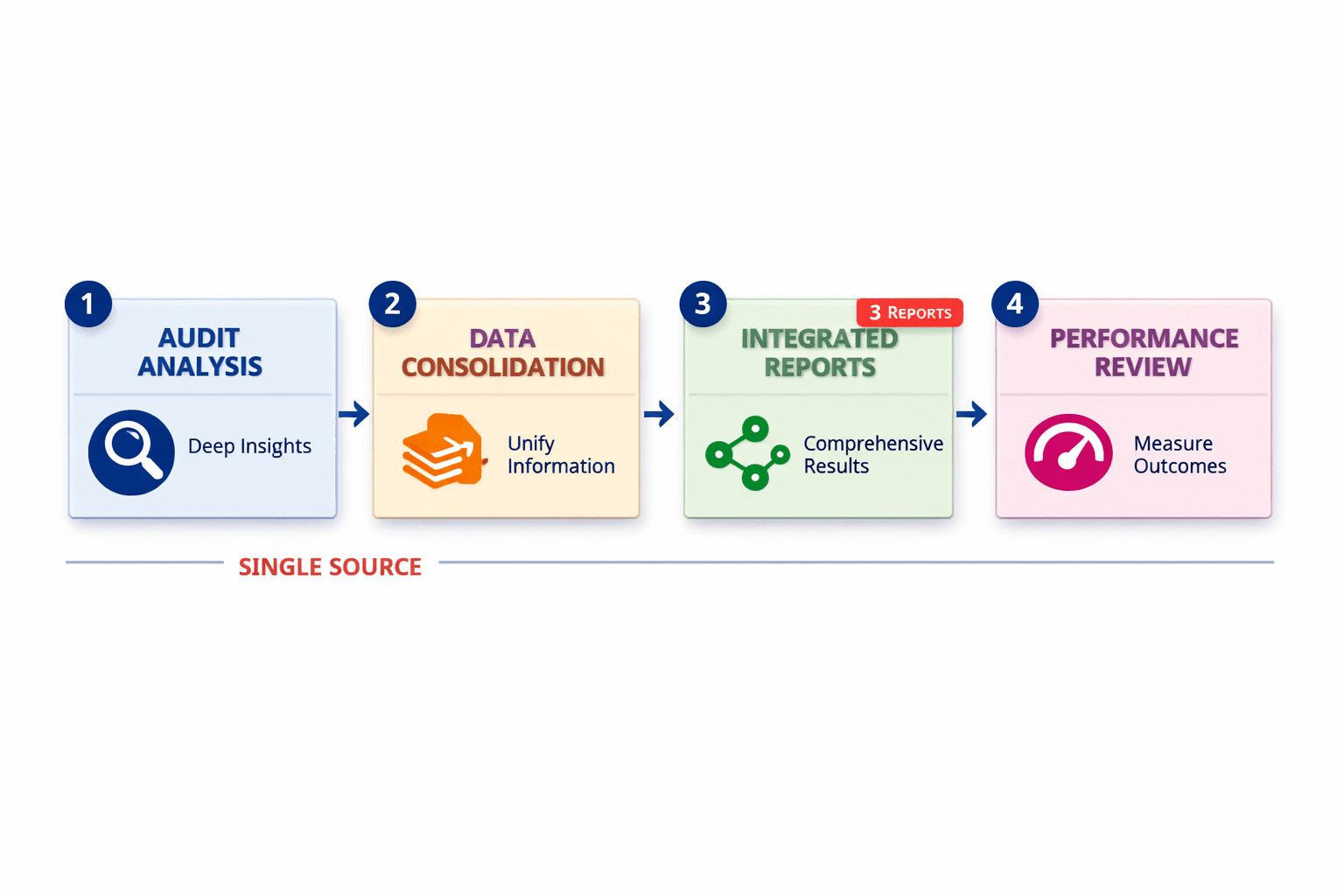
How we built the audit workflow
We started with one rule. Every check needed a clear owner. That mattered because repetitive review work kept slowing the team down. An autonomous seo agent now handles the first pass across templates, page groups, and basic rule checks. Then a human reviewer adds context, spots exceptions, and sets priority.
That split solved a real problem. AI tools are fast at repetitive checking. They are not great at business judgment. A product page with weak internal links may matter more than ten low-value tag pages. Human review is essential for that call.
We also learned that raw crawl data creates noise. So we grouped pages by template, funnel stage, and revenue role. That let us compare like with like. Blog articles, category pages, and feature pages each needed different review logic. If you want a deeper export process, read SEO Audit Data Export: Why Most Tools Hide Your Results.
Search behavior also changed the workflow. Content alone is no longer enough. Distribution and discoverability now matter more across search engines and AI search surfaces. That is why review of linking, sitemap coverage, and crawl signals is essential for modern digital marketing. Search Engine Land makes that case clearly in Content alone isn't enough: Why SEO now requires distribution.
Step by step implementation
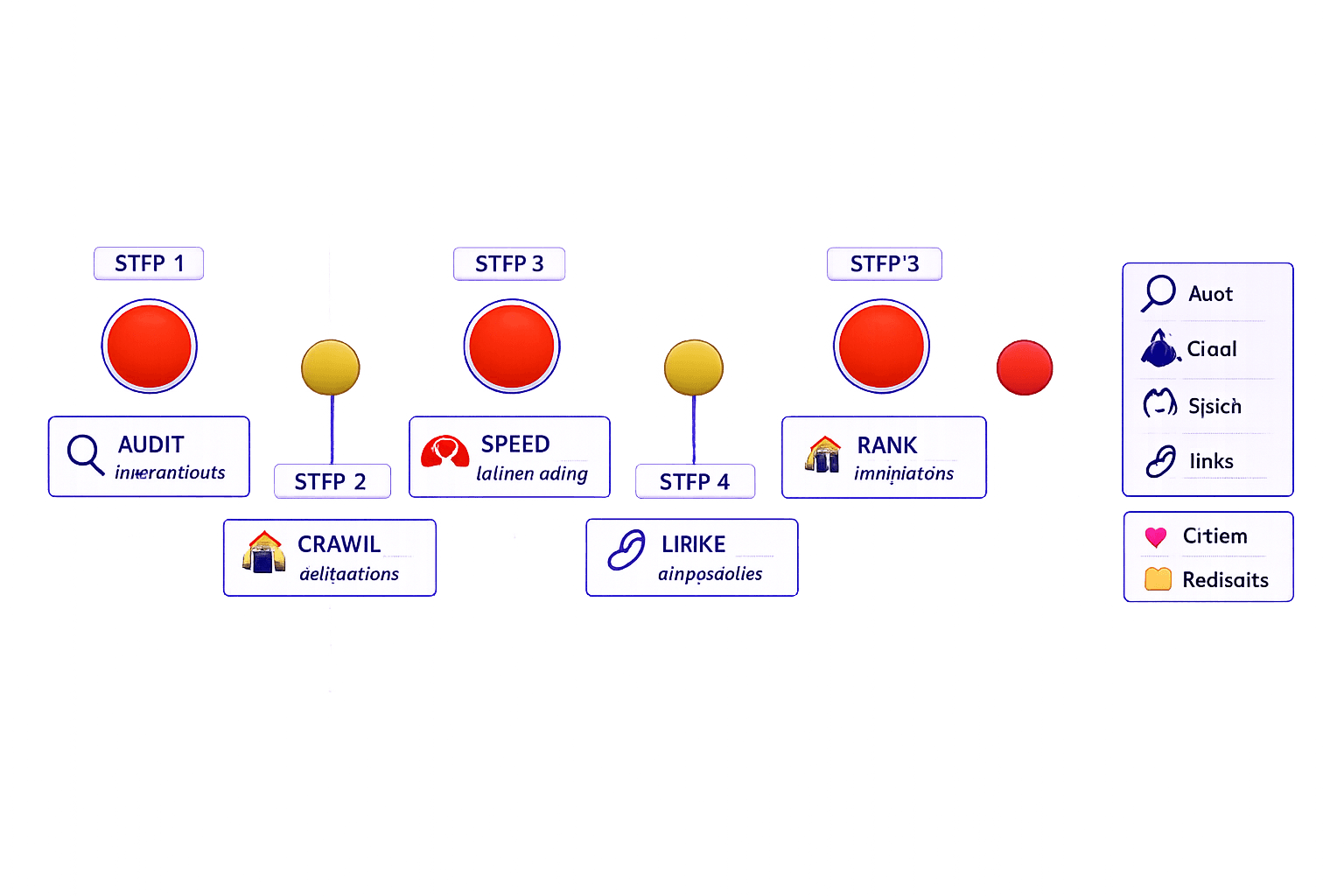
Here is the workflow we use on live sites.
- Crawl the site with one primary crawler.
- Export key page groups by template and intent.
- Validate robots directives and canonical tags.
- Check XML sitemap inclusion for indexable pages.
- Map each page to a clear content intent.
- Review internal links to priority pages.
- Score issues by impact, effort, and reach.
- Assign owners and due dates.
- Fix issues in batches, not one by one.
- Rerun checks after deployment.
This process answers a common question. Can SEO automation replace a manual SEO audit? No. Automation removes the repetitive checking, which saves time and reduces missed steps. But manual review still decides what matters now, what can wait, and what affects revenue.
It also answers the next question. How often should you run an SEO audit? Run light checks weekly. Run a broader review monthly. Rerun the full workflow after migrations, template changes, or major content launches. SEO is an Ongoing Process: Insights from Digital Marketers reinforces that search work is continuous, not a one-time project.
Code and config examples
Keep the technical layer simple. Marketers do not need a giant engineering spec. They need rules they can verify.
Here is a basic robots.txt pattern:
User-agent:*Disallow: /cart/
Disallow: /checkout/
Allow: /

Sitemap: https://example.com/sitemap.xml
Use canonical tags on primary pages:
<link rel="canonical" href="https://example.com/category/running-shoes/" />Check sitemap logic with three quick questions:
- Is every indexable page in the XML sitemap?
- Are blocked or noindex URLs excluded?
- Do canonical URLs match sitemap URLs?
We keep these checks inside one shared sheet and one dashboard. The autonomous seo agent flags changes. The reviewer approves priorities. Then owners ship fixes. That rhythm matters more than tool count. If your stack keeps growing, read SEO Audit Tool Feature Creep: Which Checks Actually Matter?.
The bigger lesson was simple. Small teams do not need more dashboards. They need a system that turns crawl data into action. SEO consistently drives more qualified traffic than social channels for most B2B companies, according to Digital Marketing Institute. That upside is why a disciplined workflow is essential for steady growth.
Results From Our SEO Audit and Prevention Plan
The bigger win was control. Instead of reacting to random drops, we built a system that catches issues earlier. That system matters in modern digital marketing because sites change fast. New templates launch. Content teams update hubs. Developers push technical changes. Search engines and AI search surfaces keep shifting. If your checks stop after one cleanup, the same problems return. A strong seo audit should not sit in a folder. It should stay active inside your workflow.
Keep the prevention plan simple and strict.
- Schedule monthly scans to catch crawl, index, and metadata issues early.
- Monitor every template release for canonicals, internal links, and indexability.
- Review technical changes before publishing, not after traffic drops.
- Rerun the seo audit after migrations or major content updates.
- Use seo automation and ai tools to flag patterns fast.
- Let an autonomous seo agent handle routine checks, then review priorities with a human lens.
This is the practical takeaway. Run the audit. Fix root causes first. Do not waste weeks on cosmetic updates while structural issues stay live. Then keep the system running. That is how you protect search performance, support content and SEO teams, and build steadier growth across search engines.
If your traffic feels harder to trust, start there. Scan the site, verify the source of the loss, and act on the issues that affect revenue first. Then keep monitoring. The teams that win with seo automation do not treat an audit as a one-time project. They treat it like ongoing infrastructure for search engine growth, stronger conversion paths, and cleaner execution.
Ready to see the same kind of lift in your own workflow? Learn More and reach out to discuss your goals.