How to Tell If Your Site Is Ready for Google's AI Overviews
Google ai overview is changing what “visibility” even means in SEO. If you still track only blue-link rankings, you are missing the new citation layer.
Google now summarizes answers and picks which sources get referenced inside AI panels. That can shift clicks away from positions you used to defend. According to Is Your Website Ready for Google's AI Overviews? How to ..., some sites saw traffic drops around 35% after AI Overviews appeared.
In this tutorial, you’ll build a complete workflow to stay competitive: measure impact, run a technical seo audit, fix priority issues, and optimize pages for AI citation. You’ll work like a production SEO team: baseline first, then audit, iterate, test, and deploy. By the end, you’ll know which technical signals and structured data make your pages easier to trust and cite.
What Youll Build With Google AI Overview
Project goals and success metrics
Google AI Overview in Search is an AI-generated answer panel that can cite sources and send clicks. Think of it like a new “featured snippet,” but with multiple stitched sources and fewer obvious ranking signals.
This affects SEO because your search visibility can shift from “ranked” to “referenced.” So your job becomes eligibility plus outcomes, not rankings alone.
You’ll track three outcomes:
- AI citation rate (qualitative): Are your pages cited, and for which query types?
- Organic clicks and impressions (GSC): Did visibility and demand move?
- Page-level engagement (analytics): Did cited traffic actually stick and convert?
Your baseline dataset and tracking sheet
Start with one site or one directory. Keep it narrow so you can re-test fast.
Build a simple sheet with:
- Target URLs, query themes, and intent
- GSC clicks, impressions, and average position
- Analytics engagement metrics per URL
- A manual “AI Overview cited?” column with notes
Research from Is Your Website Ready for Google's AI Overviews? How to ... shows only about 7% of local searches triggered AI Overviews in one study. That’s why you must validate on your exact query set.
Your optimization backlog and release plan
Your backlog is not a to-do list. It’s a hypothesis list for ai search optimization.
For example: “Add FAQ schema to Page X because it should improve extraction.” Or: “Fix canonicals because it should reduce citation confusion.” Use a seo audit tool to find issues, then write the “why” beside each fix.
For a visual walkthrough of this process, check out this tutorial from Jeffery Phillips:
Your definition of done for AI readiness
You’re done when you can re-run the same technical seo audit, re-check citations, and compare deltas. You also need a live monitoring loop and a release cadence you can repeat within 1 - 2 weeks. For deeper context, read SEO after AI Overviews: How to win when Google answers first.
How Google AI Overview Works For SEO
1. Where AI Overviews appear and what gets cited
In this part, you’ll learn where AI Overviews show up and why citations are scarce.
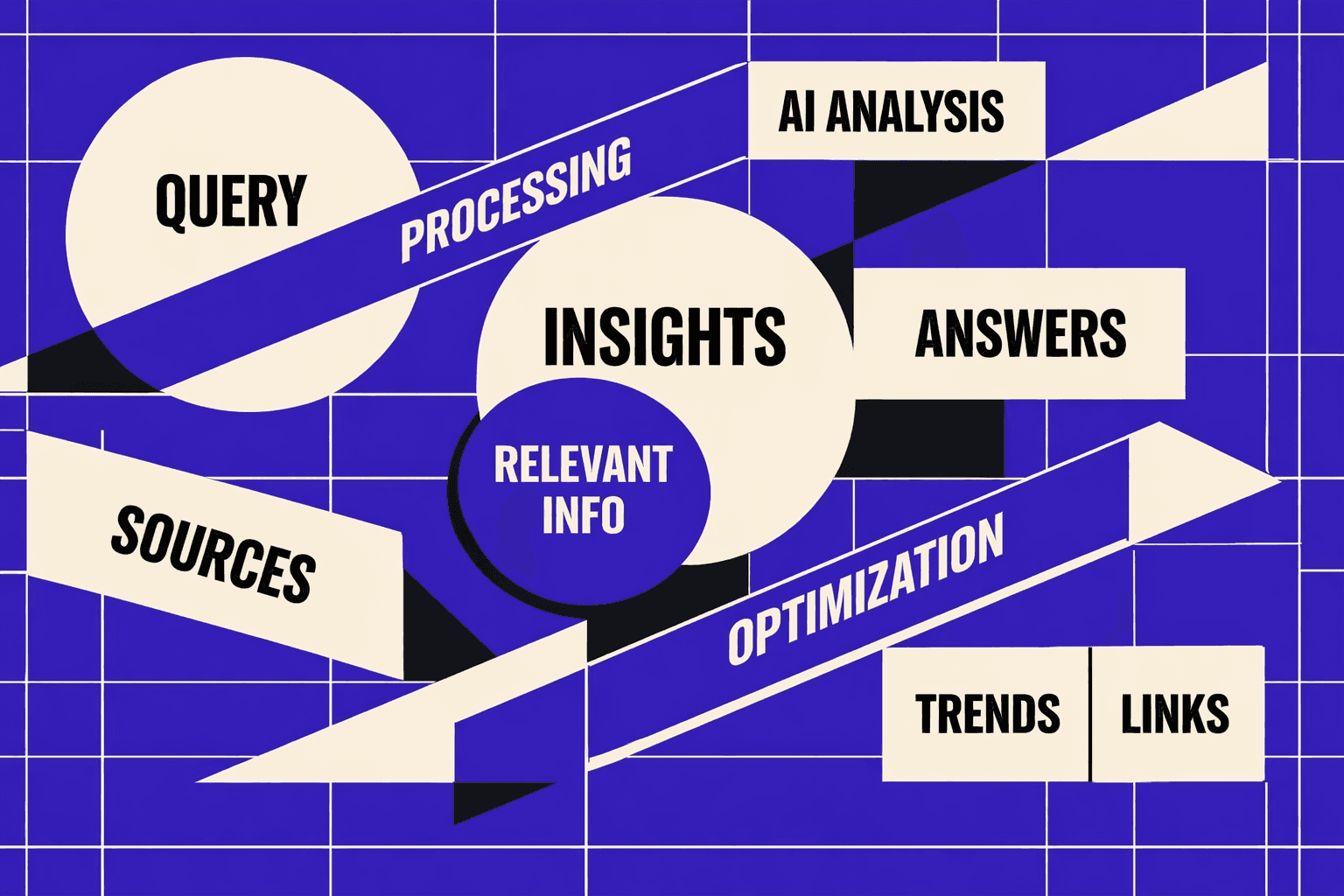
A google ai overview is a presentation layer on the SERP. It can merge several pages into one answer. It then cites only a few sources. Think of it like a highlight reel. Your page must earn a “clip” spot.
AI Overviews often trigger on question-style searches. Those same queries also surface other SERP features. For example, “how to fix a redirect chain” can show an overview, links, and follow-up questions. According to Is Your Website Ready for Google's AI Overviews? How to ..., 81% of searches might appear in People Also Ask.
2. What signals matter most for being a source
In this part, you’ll learn what makes your content “citable.”
Start with extractability. Write tight definitions near the top. Use clean H2s and H3s that match tasks. Add step lists that read like instructions. For example, a “Check robots.txt” list is easier to summarize than a long story.
Then build trust signals. Make the author obvious. Add references when you claim facts. Update timestamps when the topic changes. This supports E-E-A-T and reduces misquotes.
3. What changes in keyword intent and SERP behavior
In this part, you’ll learn how intent shifts once answers appear inline.
Some queries become “no-click” because the overview satisfies them. Others become “brand discovery” queries. For example, you get cited for “canonical tag best practice.” The user later searches your brand for a deeper guide.
So you optimize for assisted journeys, not just last-click. Track citations, then measure downstream conversions. Use an seo audit tool to tie pages to outcomes. For deeper context, read SEO after AI Overviews: How to win when Google answers first.
4. What not to do risks and misconceptions
In this part, you’ll avoid the traps that waste time.
Don’t keyword-stuff “AI overview” blocks. It hurts clarity and can break summaries. Don’t fake expertise with thin author bios. Don’t copy competitor FAQs and call it ai search optimization.
Does Google AI Overview replace featured snippets? Not reliably. It can appear instead of them, or alongside them, as different SERP features. Your safest play is simple: write for extraction, prove trust, and keep pages technically clean with a technical seo audit.
Prerequisites For Your Google AI Overview Project
Required skills and expected knowledge
By the end of this section, you’ll know what you must already handle.
You should understand basic on-page SEO and intent matching.
You also need to read Google Search Console reports without guessing.
Finally, you must edit templates or CMS fields safely.
For example, you should spot a title rewrite issue fast.
You should also know when a page needs a new section.
Tools and accounts you need
By the end of this section, you’ll have the access stack ready.
To optimize for AI search, you need four things:
- Google Search Console access for the verified property.
- Google Analytics (or an equivalent) for engagement checks.
- A crawl-based seo audit tool for a technical seo audit.
- CMS admin access or your code repository permissions.
This setup lets you trace changes end to end.
According to Is Your Website Ready for Google's AI Overviews? How to ..., 1x.
Recommended versions and setup checklist
By the end of this section, you’ll avoid setup drift.
Use the same crawl settings every run.
Lock your crawl user-agent and rendering mode.
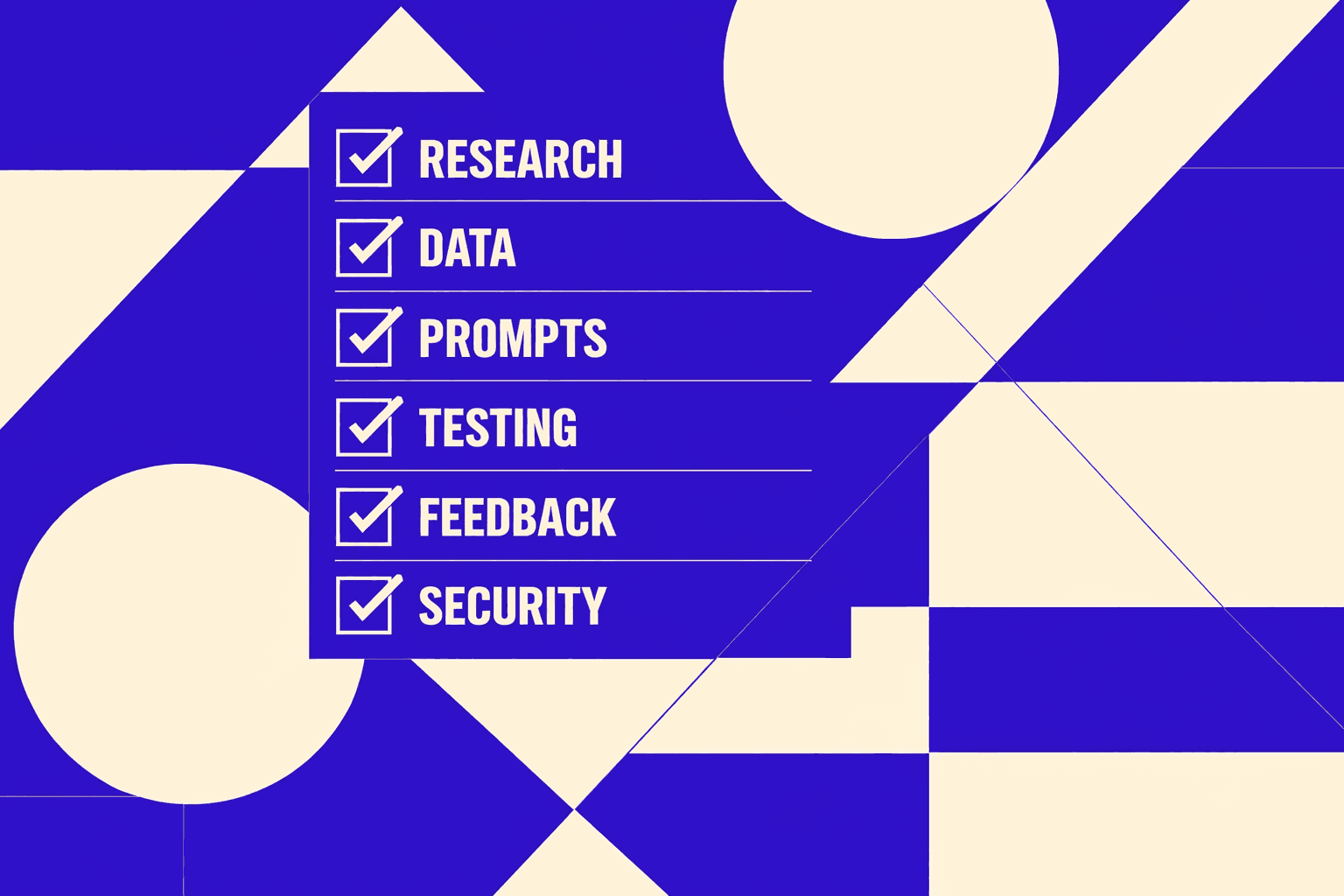
Create one tracking doc with: pages in scope, target queries or topics, current performance, and changes shipped.
If you need more context, read SEO after AI Overviews: How to win when Google answers first.
Project scope rules to finish on time
By the end of this section, you’ll keep your test clean.
Pick a narrow slice: 10 - 20 pages or one content cluster.
Think of it like a lab bench, not a whole factory.
That focus makes google ai overview changes measurable, not noisy.
Part 1 Baseline And Technical SEO Audit Setup
Step 1 Pick pages and queries to monitor
By the end of this step, you’ll have a tight list of URLs and queries. Keep it small so changes are measurable. Pick 10 to 20 pages in one cluster.
Start from real demand, not guesses. Export queries and pages from Search Console. Then tag each query as “likely AI answer” or “not.” For example, “how to,” “best,” “vs,” and definition queries often map to summary-style results.
Also tag trust-heavy pages. For example, a Denver-based realtor bio that mentions “15 years” can act as a credibility cue for users and reviewers (Is Your Website Ready for Google's AI Overviews? How to ...).
Step 2 Build your baseline in GSC and analytics
By the end of this step, you’ll have a snapshot you can compare later. In GSC, export the last 28 days for your selected pages. Capture clicks, impressions, and average position per query and page.
In analytics, baseline page engagement. Track entrances, scroll depth if you have it, and conversions. You’re not chasing vanity metrics. You’re measuring whether the page satisfies intent after the click.
If you want more context on measurement tradeoffs, read Google Search Console vs. MygomSEO: What’s Missing from Each Technical Audit?.
Step 3 Crawl the site with a seo audit tool
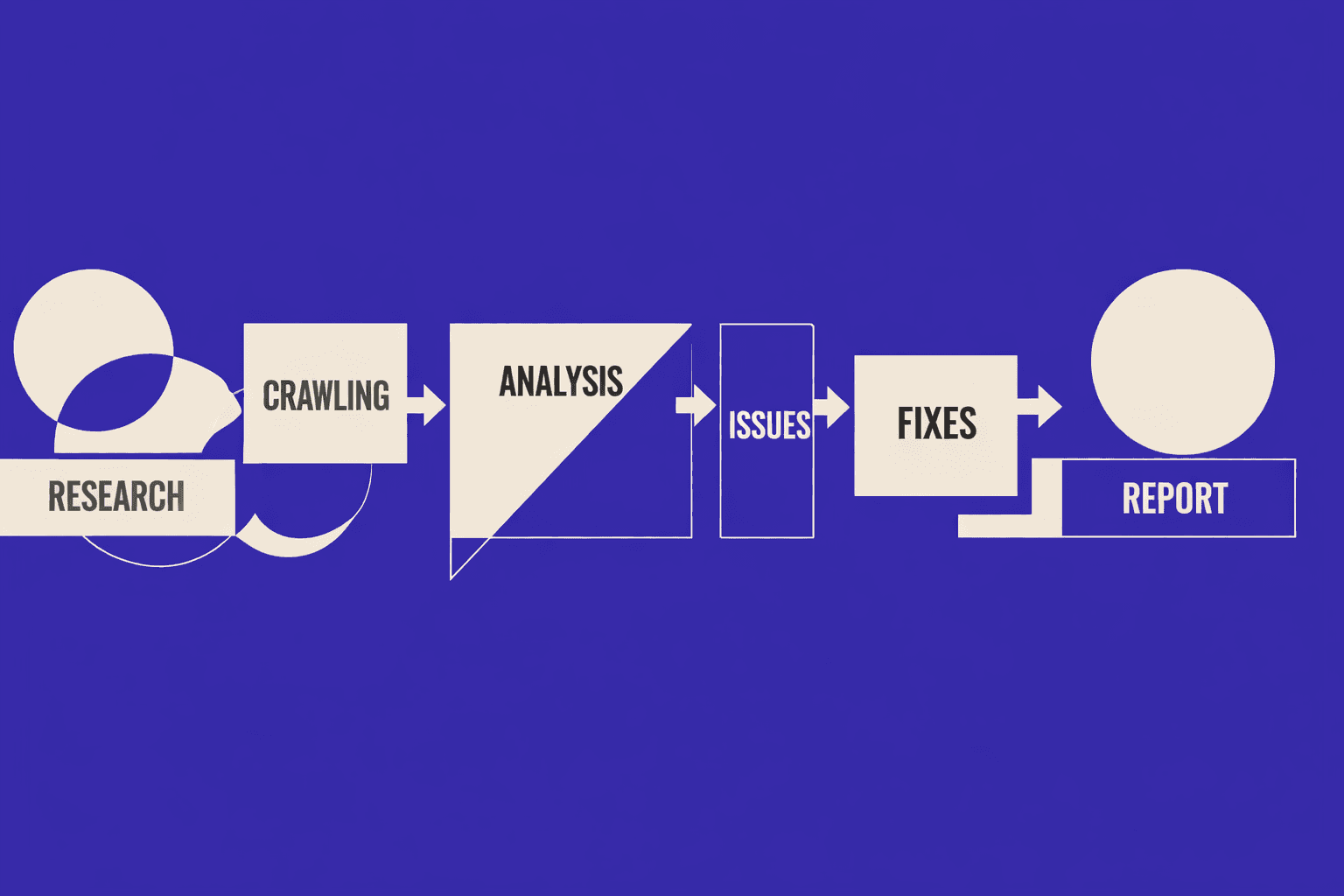
By the end of this step, you’ll have a crawl dataset you can sort and filter. Use a crawl-based seo audit tool and limit scope to your directory. This keeps crawl budget predictable and results clean.
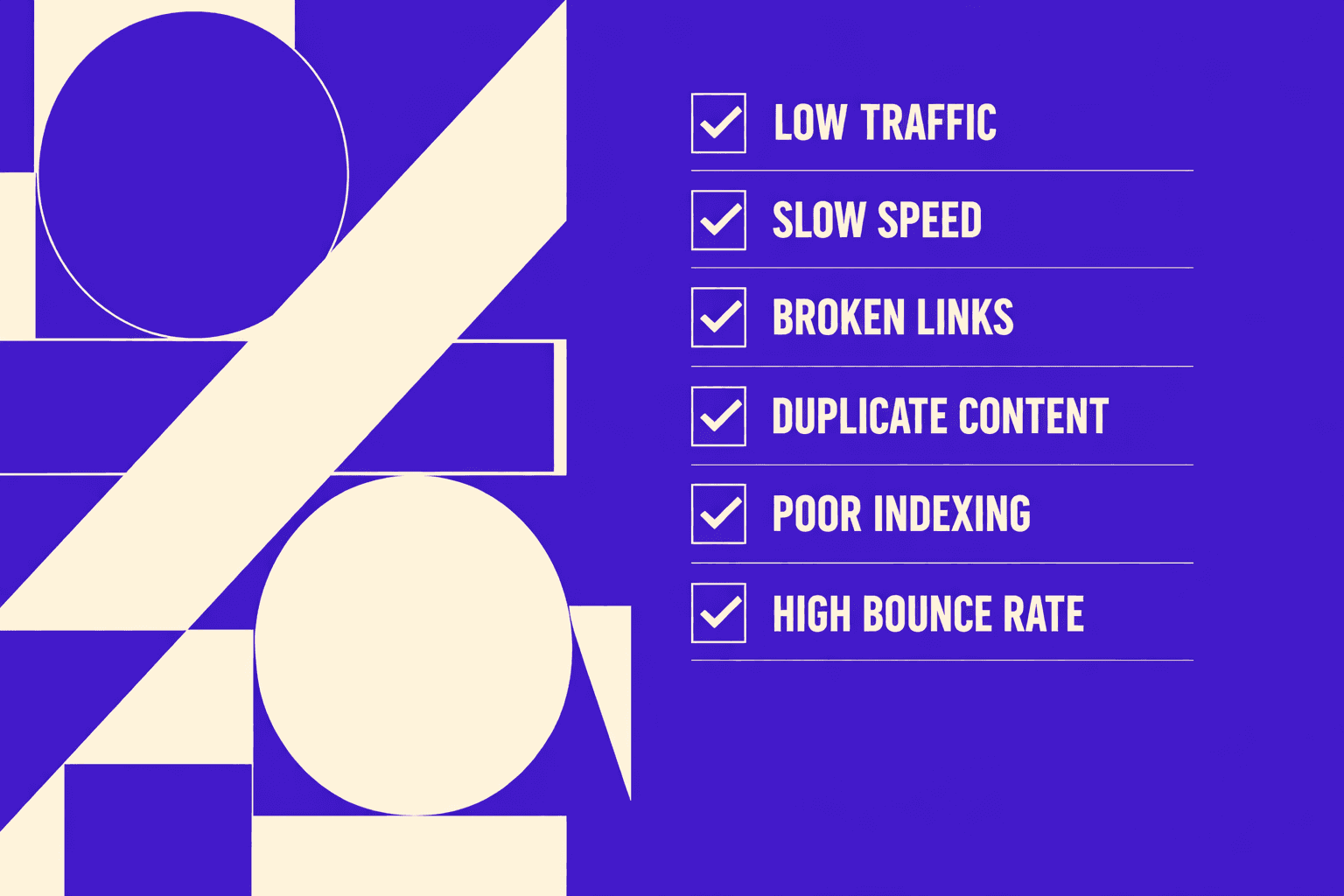
In 2026, your technical SEO audit should include:
- Indexability: robots rules, noindex, redirects, soft 404s
- Canonicalization: canonicals match the preferred URL, no chains
- Internal links: orphan pages, weak hub pages, broken links
- Structured data presence: valid schema types, no spammy markup
- Performance: Core Web Vitals signals, heavy scripts, bloated templates
Think of the crawl like a unit test suite. It tells you what can’t rank at all. It also shows what can’t be extracted cleanly.
Step 4 Convert findings into an actionable backlog
By the end of this step, you’ll have tickets with clear priority and a reason. Don’t dump the crawl into a spreadsheet graveyard. Turn it into a backlog with four fields: issue, affected URLs, priority, hypothesis.
Prioritize like this:
- Blockers: indexing errors, canonical conflicts, redirect traps
- Enhancers: schema coverage, heading clarity, content structure
Write one hypothesis per item. Example: “Fixing canonical mismatches should consolidate signals and increase eligibility for citation.” Another: “Adding FAQ schema and cleaner H2s should improve extractability for google ai overview and reduce pogo-sticking.”
Conclusion: Ship AI-Ready Changes With Confidence
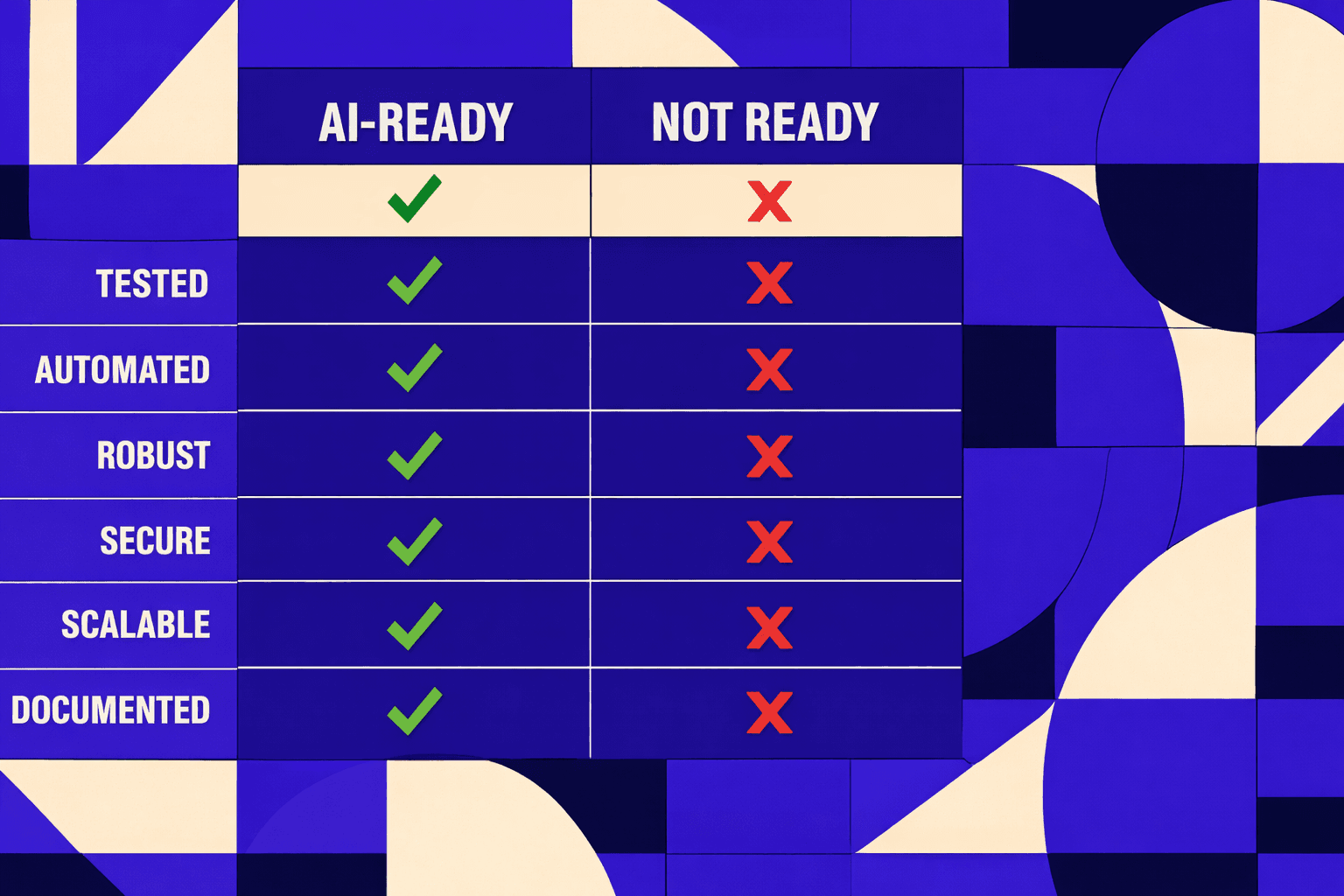
- Your content changes should make summarization easy without dumbing anything down. Tighten the first paragraph so it answers the query fast. Add definitional blocks that state the term, scope, and constraints in plain language. Use FAQ-style subheads when the query space is naturally question-driven. Build step-based sections when the intent is procedural. This format reduces ambiguity, which helps AI models quote you accurately and helps users decide faster whether to trust you.
- Trust is not a vibe - it’s repeatable hygiene. Add author context where it matters, especially on pages that advise or instruct. Update dates only when you actually reviewed the content, and make those updates meaningful. Cite primary sources when you reference standards, APIs, or official guidance. Then do the unglamorous work: delete, merge, or rewrite thin pages that compete with stronger ones. AI summarizers tend to prefer stable, consistent sites over noisy inventories of near-duplicates.
- Treat structured data like a contract. Use schema only when the page truly matches the type, and the visible content supports every property you mark up. If you can’t defend the markup by pointing to on-page text, don’t ship it. At the same time, strengthen internal linking inside a topic cluster. Link from definitions to deeper guides, from guides to supporting references, and from supporting pages back to the hub. This reinforces relevance, clarifies hierarchy, and helps both crawlers and models understand what you are authoritative about.
- Your deployment plan is where most teams win or lose. Validate template changes on staging first, not production. Run regression checks for indexing directives, canonicals, robots rules, and templated internal links. After you deploy, re-crawl the affected directory to confirm what Googlebot will actually see. Then monitor Google Search Console for the next 2 - 4 weeks. You’re watching for shifts in impressions, query mix, and page selection, plus any unexpected coverage or canonical signals that indicate the release introduced ambiguity.
If you keep your workflow disciplined, the google ai overview shift becomes a solvable engineering problem, not a moving target.
Want to learn more? Learn More to explore how we can help.